Key Takeaways
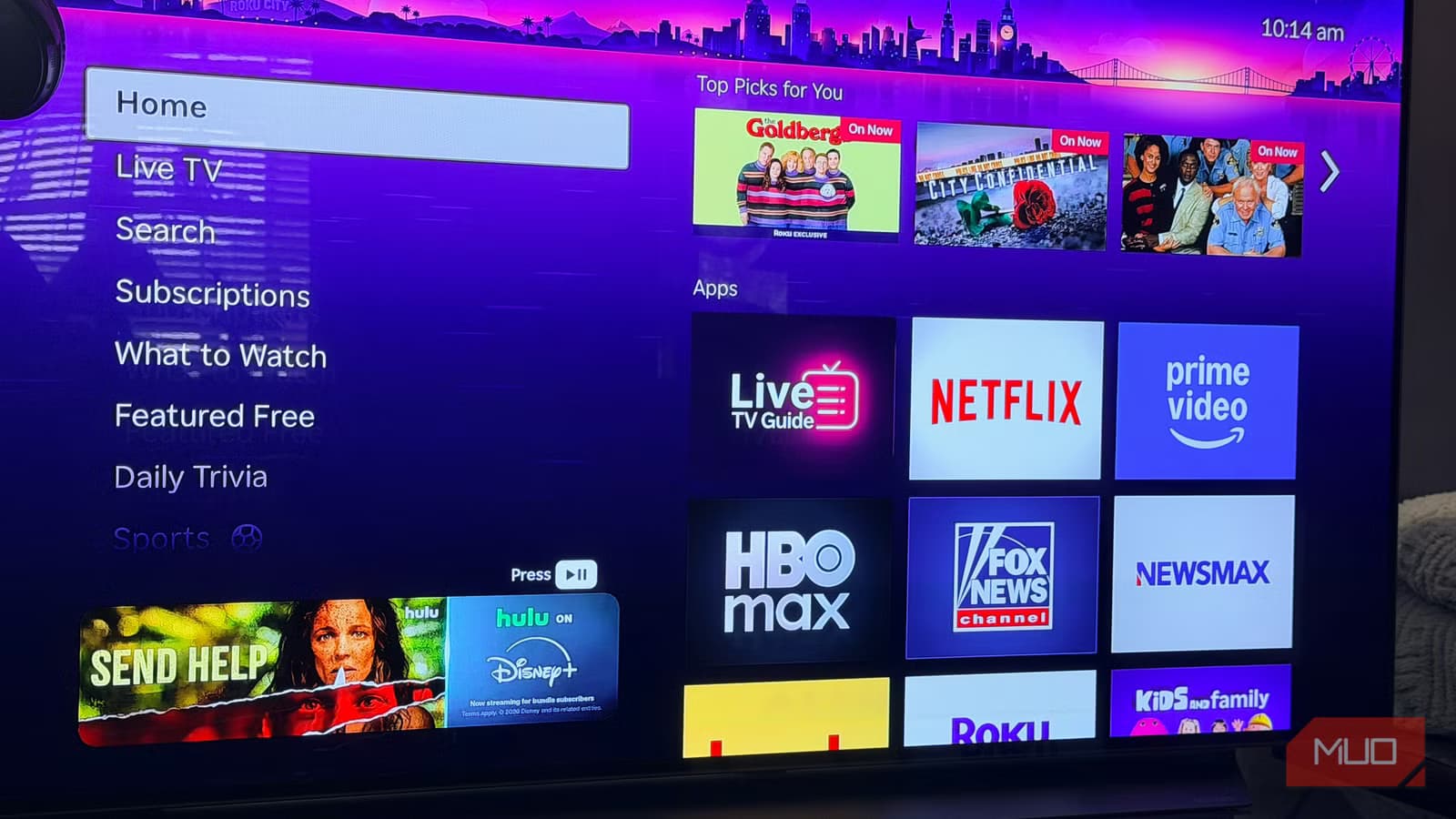
- Roku TVs ship with Action Smoothing enabled by default, creating the 'soap opera effect' that makes films look like amateur video
- Disabling the setting takes under a minute: Settings > TV Picture Settings > Advanced Picture Settings > Action Smoothing > Off
- The slight motion blur you see after turning it off is intentional, it's exactly how 24fps cinema is supposed to look
Your Roku TV ships with a setting that makes every movie look like a daytime soap opera. It's called Action Smoothing, and about 80% of modern TVs have some version of it enabled out of the box. Turning it off takes 30 seconds, and the difference is immediate.
The setting artificially inserts frames between the 24 frames per second that filmmakers actually shoot. The result is motion that looks hyper-fluid and unnervingly video-like. Directors hate it. Cinephiles call it the "soap opera effect." And most Roku owners have no idea it's even on.
What is motion smoothing doing to your picture?
Films have been shot at 24 frames per second for nearly a century. That frame rate isn't a technical limitation. It's a deliberate creative choice that defines how cinema looks and feels. The subtle blur during fast camera movements is called motion blur, and it's part of what makes movies feel like movies.
Your TV refreshes its display 60 or more times per second. Motion smoothing bridges the gap by generating artificial frames between the real ones, filling in movement the camera never captured. On paper, smoother motion sounds better. In practice, it strips away the cinematic quality entirely.
Roku calls this feature Action Smoothing. Other manufacturers use different names: TruMotion on LG, MotionFlow on Sony, Smooth Motion Effect on various streaming devices. The label changes, but the underlying behavior is identical.
Why does Roku ship with this turned on?
Two reasons. First, motion smoothing genuinely helps with sports and live television. Fast-moving action benefits from the extra frames in ways that narrative filmmaking does not. Second, a TV showing smooth, fluid motion on the sales floor is easier to sell than one that looks identical to every other panel.
Manufacturers default to having it on because it makes an immediate visual impression. That impression works against you the moment you sit down to watch a film, but by then you've already bought the TV.
Roku is not unique in this. Nearly every major TV brand ships with motion processing active. What makes it worth addressing specifically on Roku is how many people use these devices as their primary way of watching movies without ever touching the picture settings.
How to turn off Action Smoothing on Roku TV
The setting is buried just enough that you wouldn't find it by accident. Once you know where to look, the fix takes under a minute.
- Press Home on your Roku remote
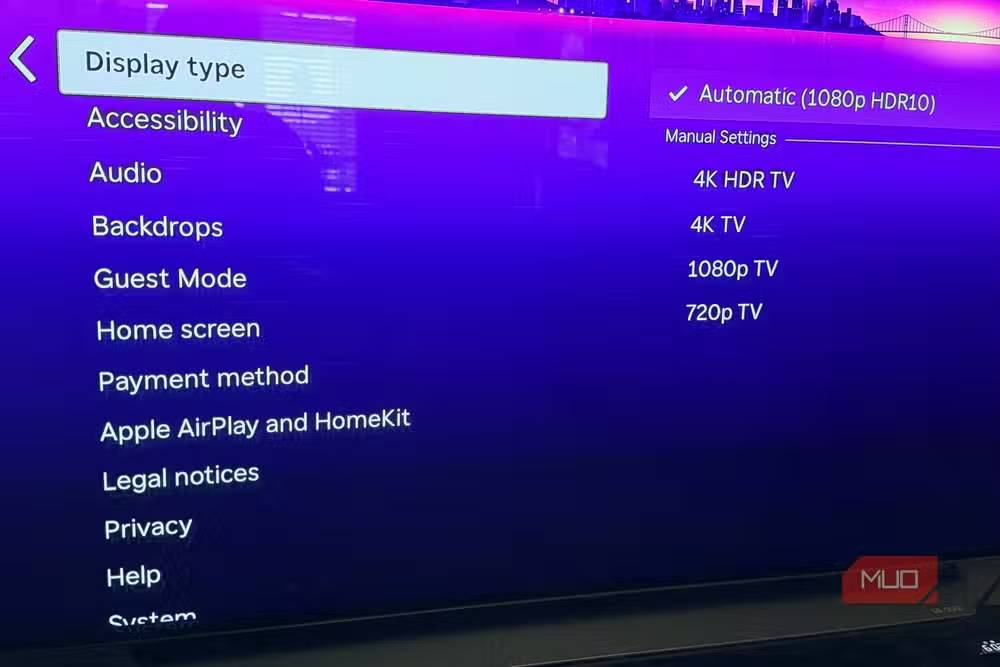
- Go to Settings, then TV Picture Settings or Display Type
- Open Advanced Picture Settings
- Find Action Smoothing and toggle it off
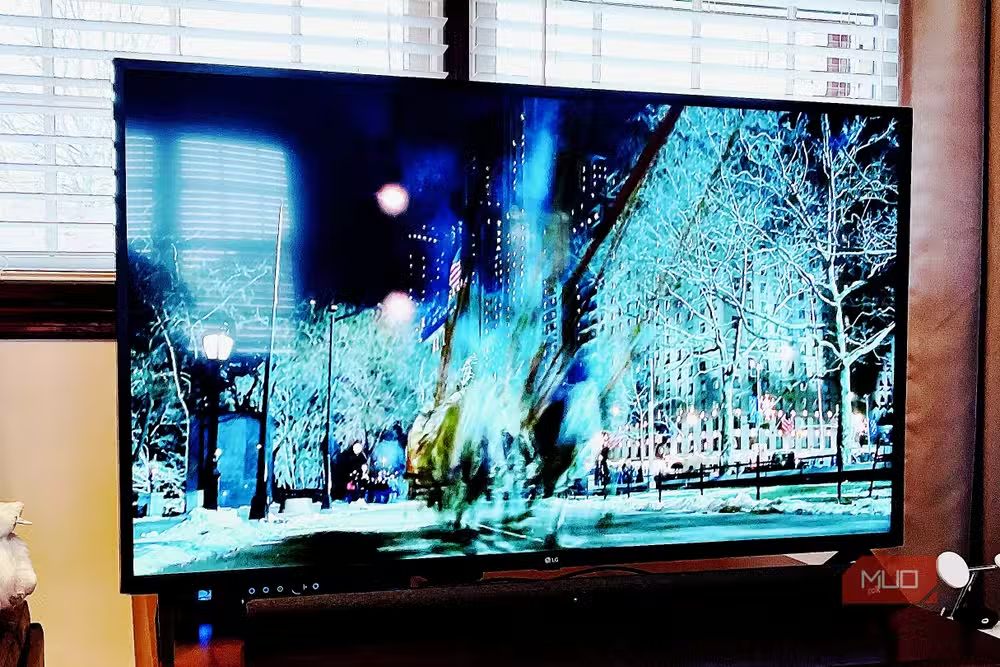
On some Roku models, you'll also see options labeled Motion Enhancement or Picture Clarity. If you find them, turn those off too. Leaving any of them enabled still alters the image.
The change takes effect immediately. No save or confirm step required. If you're already playing something when you make the adjustment, you can watch the difference happen in real time. Most people notice it within seconds.
One important caveat: these settings are only available on Roku TVs, not Roku streaming sticks. If you use a stick, the motion processing is handled by your TV itself, and you'll need to dig into your TV manufacturer's settings menu instead.
What to expect after you turn it off
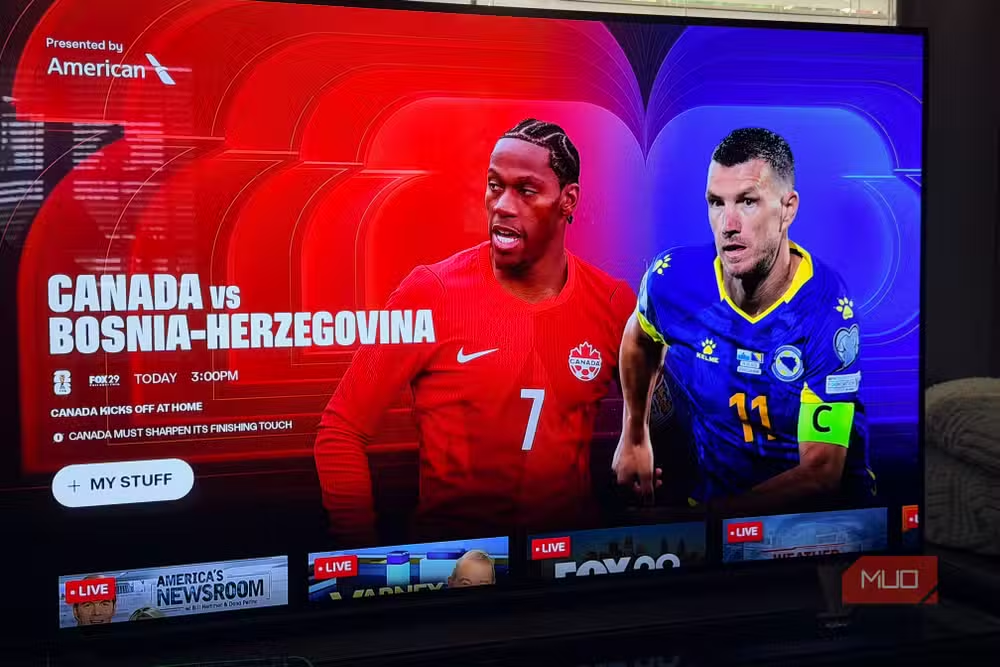
The first thing most people notice is that motion in fast scenes looks slightly less sharp than before. That's not a problem with your TV. It's exactly what a 24fps film is supposed to look like.
The subtle blur during quick camera pans is motion blur. It exists because each frame captures a slice of time during which objects moved. Your brain is accustomed to seeing this in theaters. Motion smoothing removes it, which is why processed footage feels wrong even when viewers can't articulate why.
Reddit communities like r/hometheater treat disabling motion smoothing as step one of any new TV setup. Users describe it as "the first thing I change" to stop movies from looking like "cheap home video." Hacker News discussions often characterize the default-on behavior as a dark pattern, where manufacturers prioritize artificial-looking brightness over accurate cinematic presentation.
When you might actually want it on
Sports. Live news. Video games, sometimes. Content that's already shot at higher frame rates or benefits from reduced blur can look genuinely better with motion smoothing enabled. If you watch a lot of football or basketball, you might prefer to keep it on and only disable it for movies.
Some Roku TVs let you create separate picture profiles for different inputs or content types. If yours supports this, you could set up a "Sports" mode with smoothing enabled and a "Cinema" mode with it off.
Frequently Asked Questions
Does turning off motion smoothing affect all apps on my Roku TV?
Yes. The setting applies to all content displayed on the TV, regardless of which streaming app you're using. Netflix, Hulu, Disney+, and everything else will reflect the change.
Will my picture look worse after disabling Action Smoothing?
It will look different, not worse. The slight motion blur during fast scenes is how films are designed to look. Most viewers find it more natural once they adjust.
Can I turn off motion smoothing on a Roku streaming stick?
No. Roku sticks don't have their own motion processing. The feature is handled by your TV's hardware, so you'll need to find the equivalent setting in your TV manufacturer's menu.
Why do directors dislike motion smoothing?
Because it changes their work. The 24fps frame rate is a creative choice that defines cinema's visual language. Motion smoothing overrides that choice by inserting frames the director never shot.
Does motion smoothing add input lag for gaming?
Often, yes. The processing required to generate artificial frames can add latency. Most gamers disable it for this reason, though the impact varies by TV model.
Logicity's Take
The fact that 80% of TVs ship with this setting enabled says something uncomfortable about consumer electronics: manufacturers optimize for showroom impressions, not living room experiences. It's the display equivalent of inflated bass on cheap headphones. The fix is easy, but the default shouldn't require a fix in the first place.
Another quick fix for a consumer tech annoyance you didn't sign up for
Need Help Implementing This?
Got questions about optimizing your home theater setup or other display settings? Drop us a line at hello@logicity.in and we'll point you in the right direction.
Source: MakeUseOf
Manaal Khan
Tech & Innovation Writer
Produced with AI assistance and reviewed by the Logicity editorial team. Learn more in our Editorial Policy.






