Key Takeaways
- Major smart home providers raised subscription prices by 25-33% in 2025, with more increases expected
- Local storage solutions like Home Assistant and Frigate can replicate cloud features without monthly fees
- Privacy improves when video footage stays on your home network instead of third-party servers
Smart home subscription costs are climbing fast. Nest Aware (now Google Home Premium) raised prices by up to 33% last year. Arlo Secure added more than $60 to annual plans. Ring and Blink increased fees by as much as 25%. The direction is clear, and it is not in your favor.
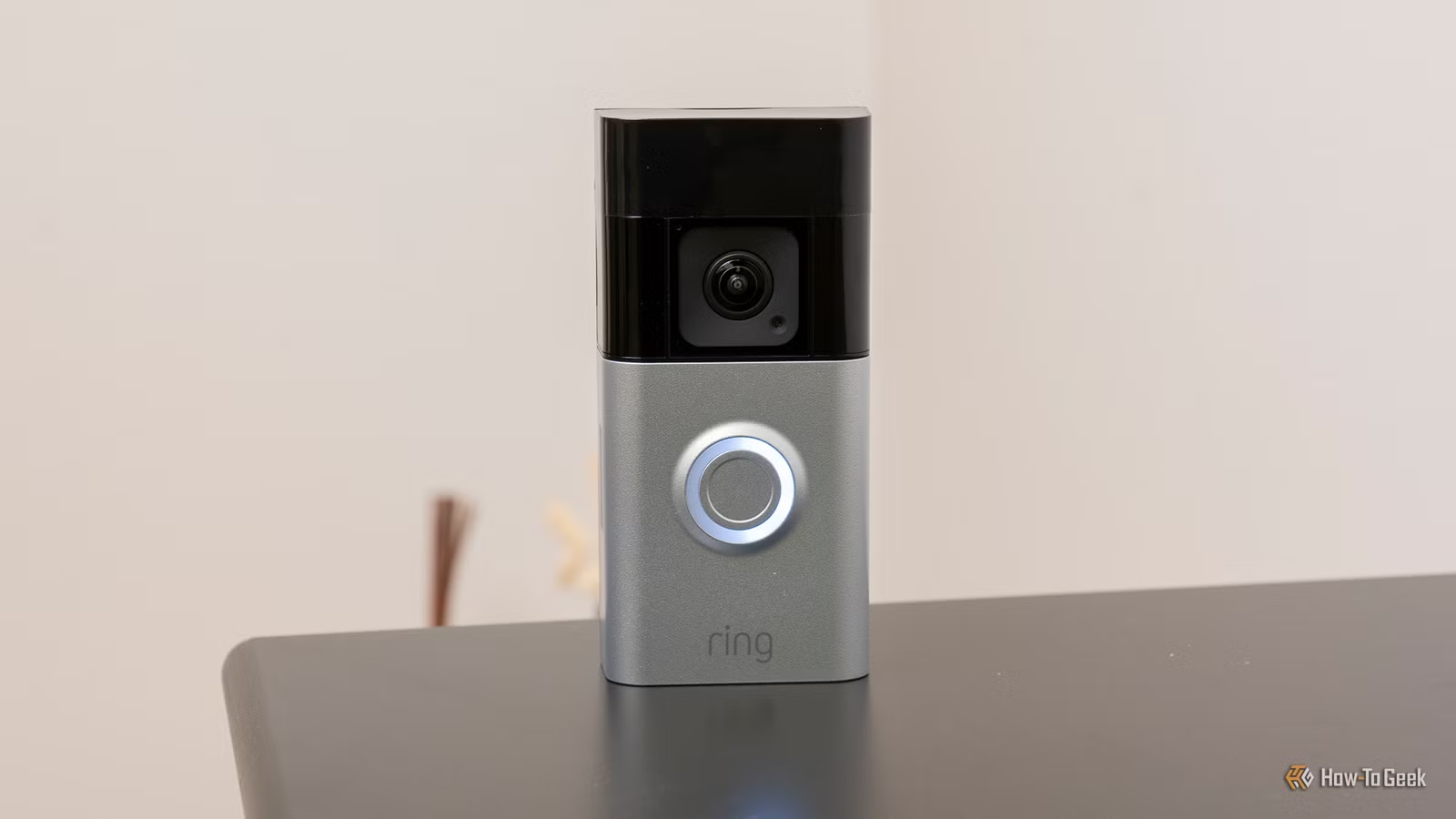
The business model is straightforward: sell hardware cheaply, then recover margins through monthly subscriptions that gate the most useful features. Your Ring doorbell is a paperweight for reviewing yesterday's footage unless you pay. Package detection, extended video history, AI alerts—all require ongoing fees. And those fees are rising because the infrastructure behind them is getting more expensive.
Why are smart home subscription costs increasing?
Cloud video storage is not cheap. Neither are AI-powered detection features. The surge in demand for AI infrastructure has created shortages in components like RAM, pushing costs higher for cloud providers. When their costs rise, yours do too.
Arlo has publicly targeted an Average Revenue Per User of $13.50 by 2027 through what it calls "pricing optimizations." That is corporate speak for charging you more. Some companies are also moving features that were previously included behind new paywalls, effectively raising prices without announcing a rate increase.
Local storage breaks the subscription cycle
Switching from Ring to Arlo or Nest does not solve the problem. All major brands are on the same trajectory. The real escape is local storage—keeping your video footage on hardware you own, processed by software you control.
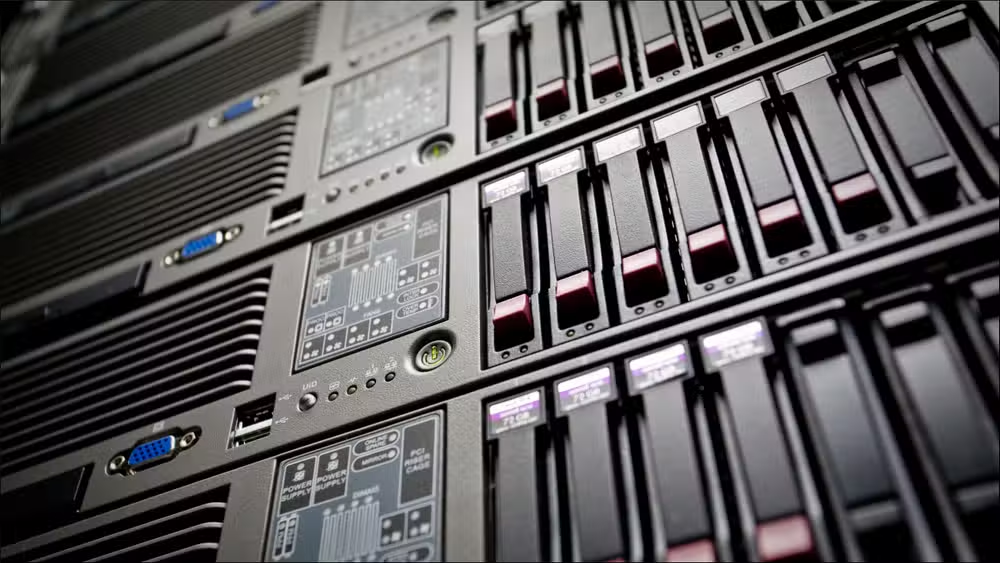
The upfront cost is higher. But you may already have the hardware. An old PC, a NAS, or a Raspberry Pi can serve as the foundation. Once set up, there are no monthly fees. Your footage stays on your network. No third party stores it, processes it, or has access to it.
Privacy is the underrated benefit. Google and Amazon have less than stellar records on data handling. If you store video locally, you remove that concern entirely. No footage leaves your home.
Home Assistant: the foundation for a local smart home
Alexa and Google Home depend on cloud services for most features. Data leaves your network constantly. If you want a truly local system, Home Assistant is the leading option.
Home Assistant is open-source software designed to run on a local device. You can connect and control many smart home gadgets without touching the cloud. The Home Assistant Green, available for $219, is a pre-built hub that works out of the box. For the technical, a Raspberry Pi or spare computer works fine.
Adam Davidson, writing for How-To Geek, put it well: "The ideal smart home should work with minimal interaction from the user, with automations running as if by magic rather than requiring you to push buttons on a control panel." Local systems can deliver that, without the recurring fees.
Frigate NVR replaces cloud video subscriptions
For camera footage specifically, Frigate is the open-source answer. It is a Network Video Recorder that runs locally and replicates much of what cloud subscriptions offer: continuous recording, event detection, and searchable video history.
Frigate integrates with Home Assistant and supports AI-based object detection. It can distinguish between a person, a car, and a cat, then alert you accordingly. This is the same functionality Ring and Nest charge monthly for.
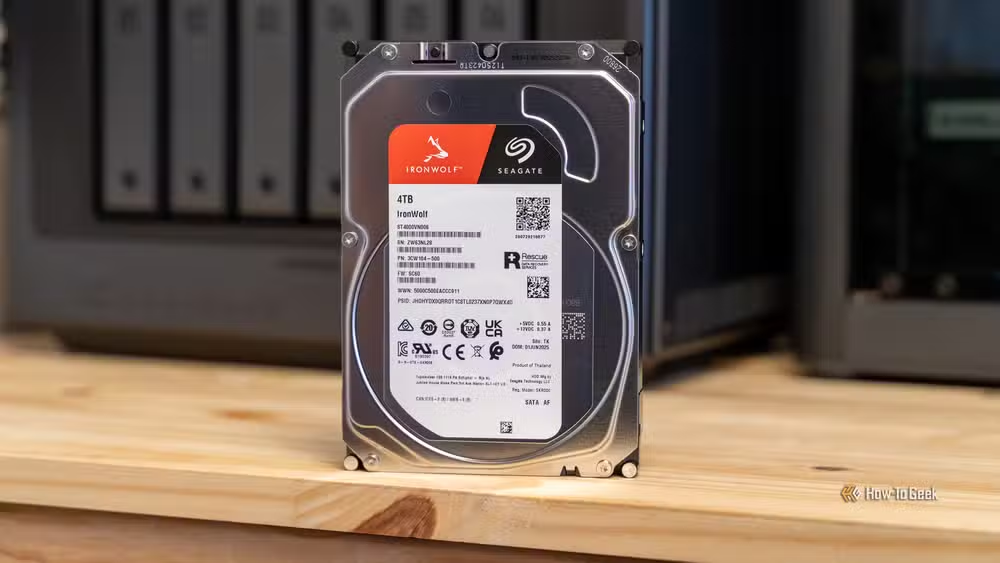
The hardware requirements are modest. A device with a small GPU or a Coral TPU accelerator handles detection efficiently. Storage depends on how many cameras you run and how long you want to keep footage, but a 4TB drive covers most home setups for weeks of history.
Cameras that work without subscriptions
Not every camera plays nicely with local systems. Ring and Nest devices are locked to their ecosystems. Reolink, Amcrest, and Eufy offer models that support local storage via SD cards or RTSP streams that Frigate can ingest.
A Reolink doorbell, for example, can save seven days of video locally without any subscription. Pair it with Frigate and Home Assistant, and you get mobile notifications, historical search, and AI detection. The total cost is the hardware itself.
The tradeoffs of going local
This is not a one-click solution. Home Assistant and Frigate require setup time and some technical comfort. Updates, backups, and troubleshooting fall on you. If your server fails, your recordings stop until you fix it.
Remote access is trickier too. Cloud services let you view footage from anywhere because it is stored on their servers. Local setups require VPNs or secure tunneling to access footage outside your home network. Doable, but not automatic.
For some users, the convenience of cloud subscriptions is worth the cost. For others, especially those with technical skills and privacy concerns, local storage pays for itself within a year or two of saved subscription fees.
Logicity's Take
The smart home industry bet that consumers would tolerate endless subscription creep. They are partially right—most people will pay rather than tinker. But the tools for opting out have matured significantly. Home Assistant and Frigate are no longer hobbyist curiosities; they are production-ready alternatives. If you are paying $200 or more per year across Ring, Nest, and Arlo subscriptions, the math on a one-time hardware investment now favors going local.
Frequently Asked Questions
Can I use my existing Ring or Nest cameras with local storage?
No. Ring and Nest cameras are locked to their respective cloud ecosystems and do not support local storage or third-party software like Frigate. You would need to replace them with compatible cameras from brands like Reolink, Amcrest, or Eufy.
How much does it cost to set up Home Assistant?
The Home Assistant Green hub costs $219 and works out of the box. Alternatively, you can run Home Assistant on a Raspberry Pi (around $80-100) or repurpose an old PC at no additional hardware cost.
Is local smart home storage secure?
Yes, potentially more so than cloud storage. Your footage never leaves your home network, eliminating third-party data handling. However, you are responsible for securing your local network and keeping software updated.
Can I still get AI-powered alerts without a subscription?
Yes. Frigate NVR supports AI-based object detection locally using a Coral TPU accelerator or a GPU. It can identify people, vehicles, and animals, then trigger alerts through Home Assistant.
How difficult is it to set up Frigate and Home Assistant?
It requires technical comfort with Linux, Docker, or similar tools. Plan for several hours of initial setup and occasional maintenance. The community documentation is extensive, but this is not a plug-and-play solution.
Another regulatory shift pushing back against manufacturer lock-in and planned obsolescence
Need Help Implementing This?
Setting up Home Assistant and Frigate for your smart home requires planning around your specific cameras, network, and storage needs. If you are considering a transition from cloud subscriptions to local infrastructure, reach out to Logicity's consulting team for guidance on hardware selection and deployment.
Source: How-To Geek
Huma Shazia
Senior AI & Tech Writer
Produced with AI assistance and reviewed by the Logicity editorial team. Learn more in our Editorial Policy.






