Key Takeaways
- Every smart TV brand uses Automatic Content Recognition (ACR) to log your viewing habits
- ACR data gets sold to advertisers who build profiles based on your watch history
- You can disable ACR in your TV's privacy settings, though the steps vary by manufacturer
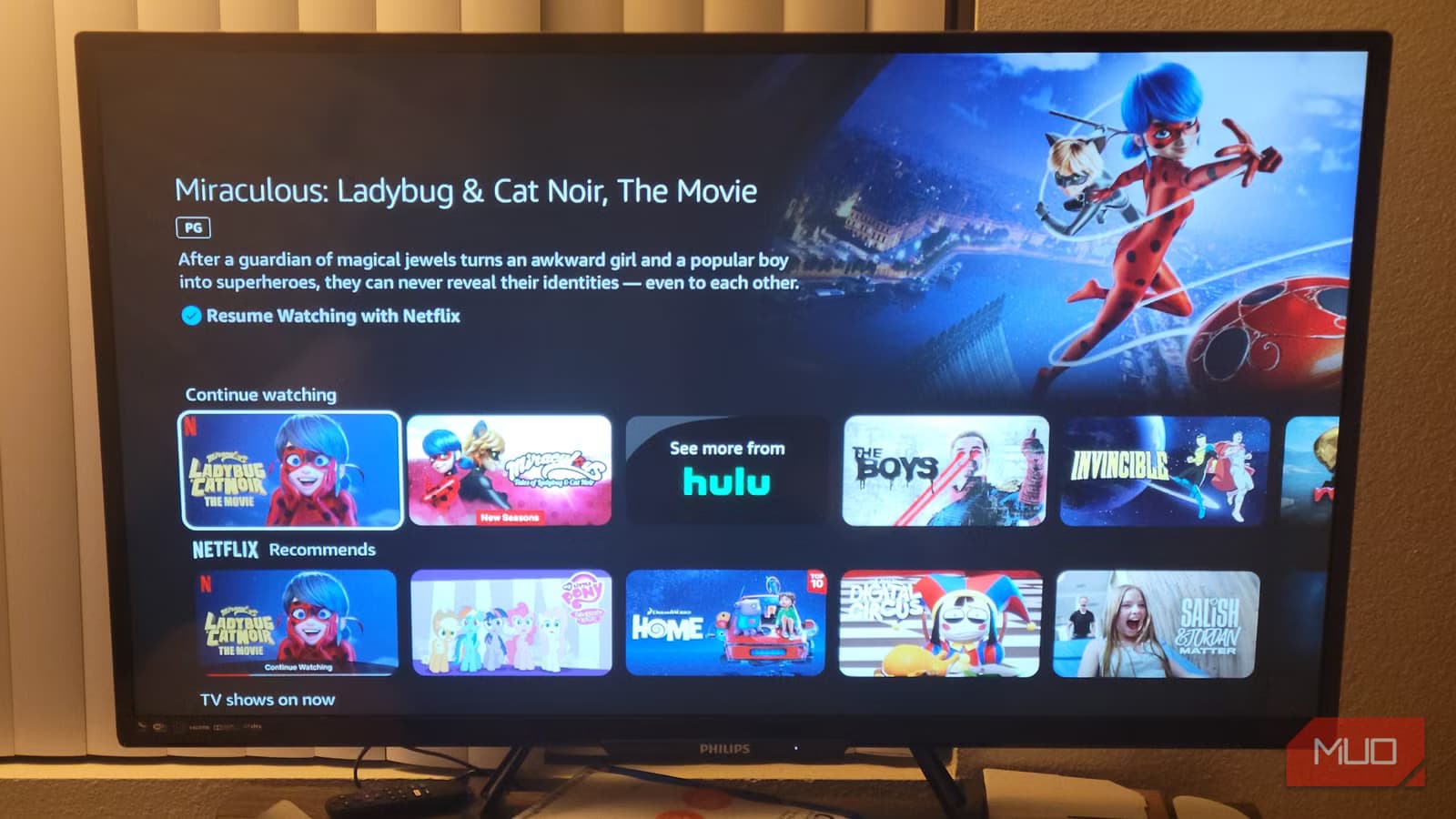
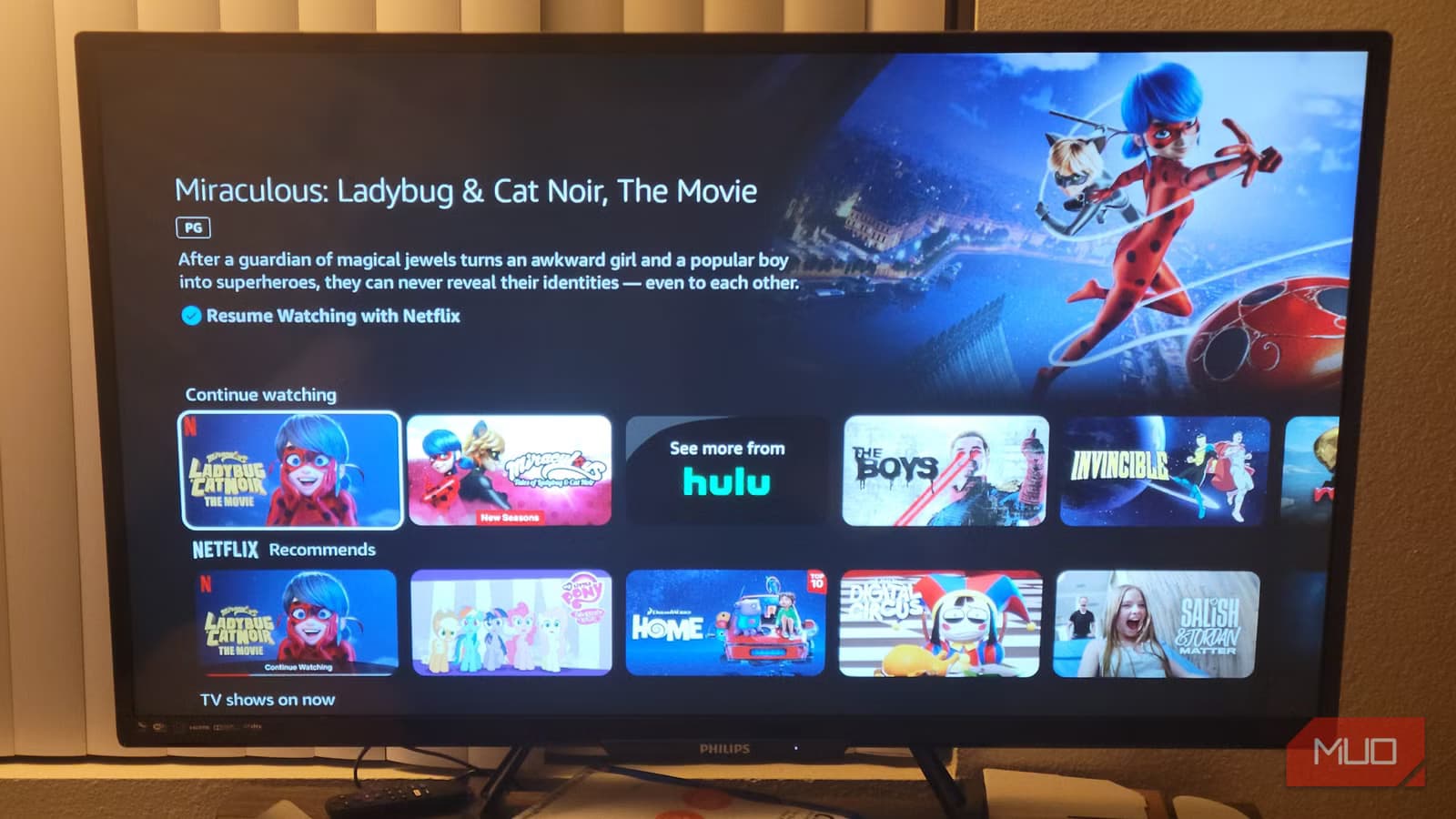
You probably assume that what you watch on your TV stays between you and your couch. It doesn't. Your smart TV has been quietly logging every show, movie, and commercial you watch, timestamping when you watched it, and selling that information to data brokers and advertisers.
The technology behind this is called Automatic Content Recognition, or ACR. Every major smart TV manufacturer uses it. Samsung, LG, Roku, Amazon Fire TV, Sony, Vizio. All of them. And unless you've gone into your settings and explicitly turned it off, it's running right now.
What ACR Actually Does
ACR works by taking periodic screenshots or audio samples of whatever is on your screen. It then compares these samples against a database of known content. Within seconds, the system identifies what you're watching, whether it's a Netflix show, a YouTube video, a cable broadcast, or even content from a connected gaming console.
This data feeds into recommendation algorithms. That's why your TV's home screen knows to suggest crime dramas after you binge three seasons of a detective show. The apps and platforms use your watch history to predict what will keep you subscribed.
But recommendations are just the beginning. TV manufacturers package this viewing data and sell it. Advertisers want to know what demographics watch which shows, at what times, and for how long. That information helps them target ads more precisely, both on your TV and across other devices linked to your household.
Why This Matters for Your Privacy
Your viewing habits reveal more about you than you might think. The shows you watch signal your interests, political leanings, health concerns, and financial situation. Watch a lot of investment content? You might see more financial product ads. Medical documentaries? Pharmaceutical companies take note.
This data doesn't stay siloed. It gets combined with information from other sources, including your browsing history, location data, and purchase records. The result is a detailed profile that follows you across platforms and devices.
Logicity's Take
How to Disable ACR on Your TV
The good news: you can turn this off. The bad news: every manufacturer buries the setting in a different place and calls it something different. Here's where to look on the major platforms.
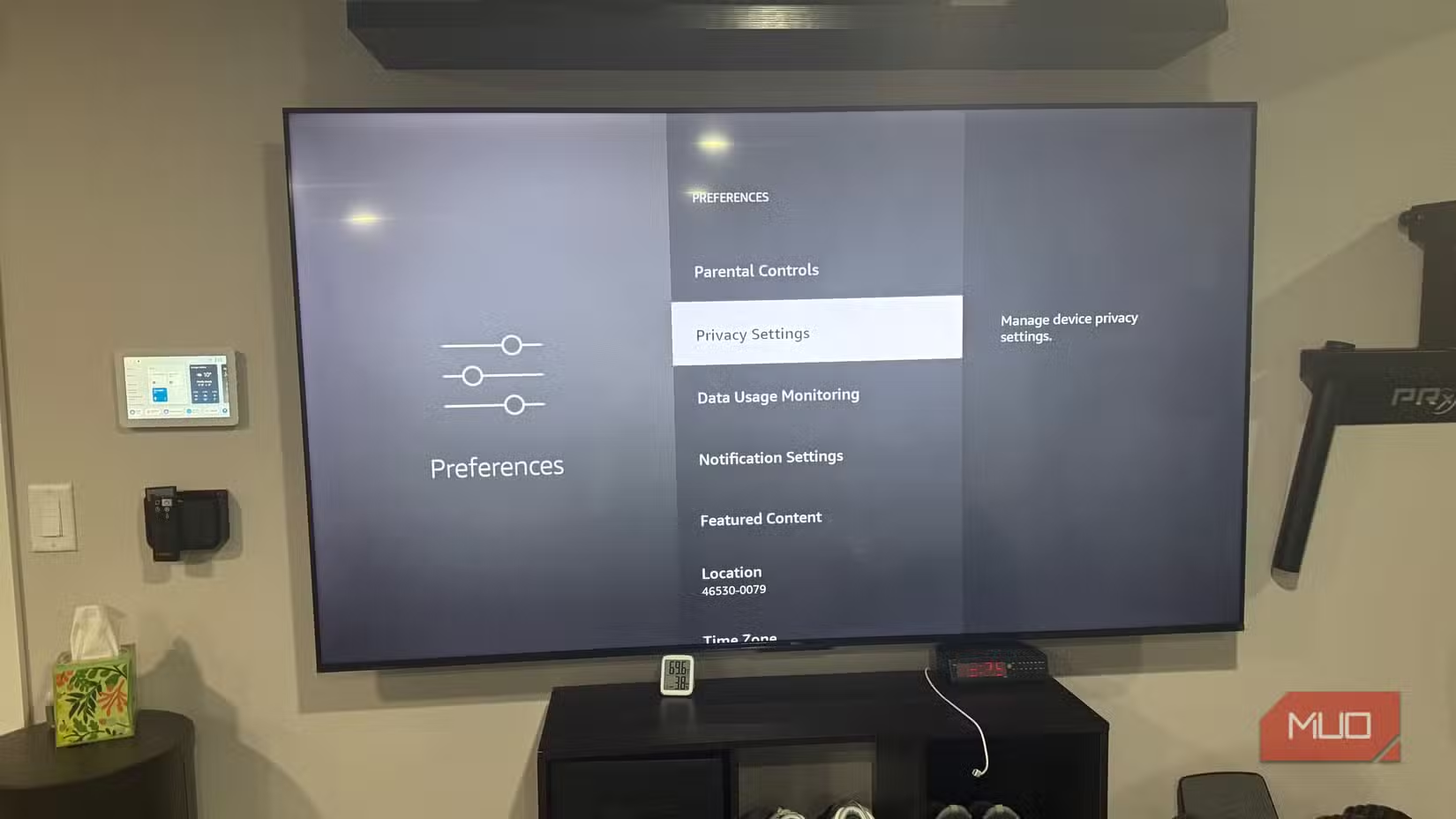
Amazon Fire TV
Go to Settings, then Preferences, then Privacy Settings. You'll find options to disable "Device Usage Data" and "Collect App Usage Data." Turn both off. You should also check "Interest-based Ads" and disable that as well.
Roku
Navigate to Settings, then Privacy, then Smart TV Experience. Disable "Use Info from TV Inputs." This stops Roku from analyzing content from connected devices like cable boxes or gaming consoles.
Samsung
Open Settings, go to Support, then Terms & Policies. Look for "Viewing Information Services" and turn it off. Samsung has changed this menu location across different model years, so you may need to poke around.
LG
Head to Settings, then All Settings, then General, then System. Find "Additional Settings" and look for "Live Plus." Disable it. Also check "Advertisement" settings and turn off personalized advertising.
Vizio
Go to System, then Reset & Admin. Find "Viewing Data" and turn it off. Vizio settled a $2.2 million lawsuit in 2017 over ACR practices, so they've made this setting somewhat easier to find.
The Nuclear Option
If you want to eliminate TV tracking entirely, you can disconnect your smart TV from the internet and use a separate streaming device that you control more tightly. This approach loses you firmware updates and some smart features, but it guarantees your TV can't phone home with viewing data.
A middle-ground approach: block your TV's data collection at the network level. Some routers let you set up rules that prevent specific devices from reaching known tracking domains. This requires more technical setup but preserves your TV's internet connection for streaming.
More privacy controls are coming to Android devices
What Disabling ACR Won't Do
Turning off your TV's tracking doesn't stop the streaming apps themselves from collecting data. Netflix, Hulu, Amazon Prime, and every other service still logs what you watch within their platforms. That data stays with them regardless of your TV settings.
What ACR disabling does stop is your TV manufacturer from knowing what you watch across all inputs and all apps, and from selling that aggregated data to third parties.
Frequently Asked Questions
Does my smart TV track what I watch even when I'm not using apps?
Yes. ACR technology monitors everything on your screen, including cable TV, Blu-ray players, and gaming consoles connected via HDMI.
Will disabling ACR break my TV's features?
No. Your TV will work normally. You'll lose personalized recommendations on the home screen, but all apps and inputs continue functioning.
Can I still use streaming apps if I disconnect my TV from WiFi?
Not directly on the TV. You would need a separate streaming device like a Roku stick or Apple TV connected to the TV via HDMI.
Do all smart TV brands use ACR?
All major manufacturers including Samsung, LG, Vizio, Sony, Roku, and Amazon Fire TV use some form of automatic content recognition.
Is smart TV data collection legal?
Yes, though regulations vary by region. Most TVs include ACR consent in their terms of service during initial setup. Vizio paid $2.2 million in 2017 for collecting data without adequate disclosure.
Need Help Implementing This?
Source: MakeUseOf
Huma Shazia
Senior AI & Tech Writer
Produced with AI assistance and reviewed by the Logicity editorial team. Learn more in our Editorial Policy.






