Key Takeaways
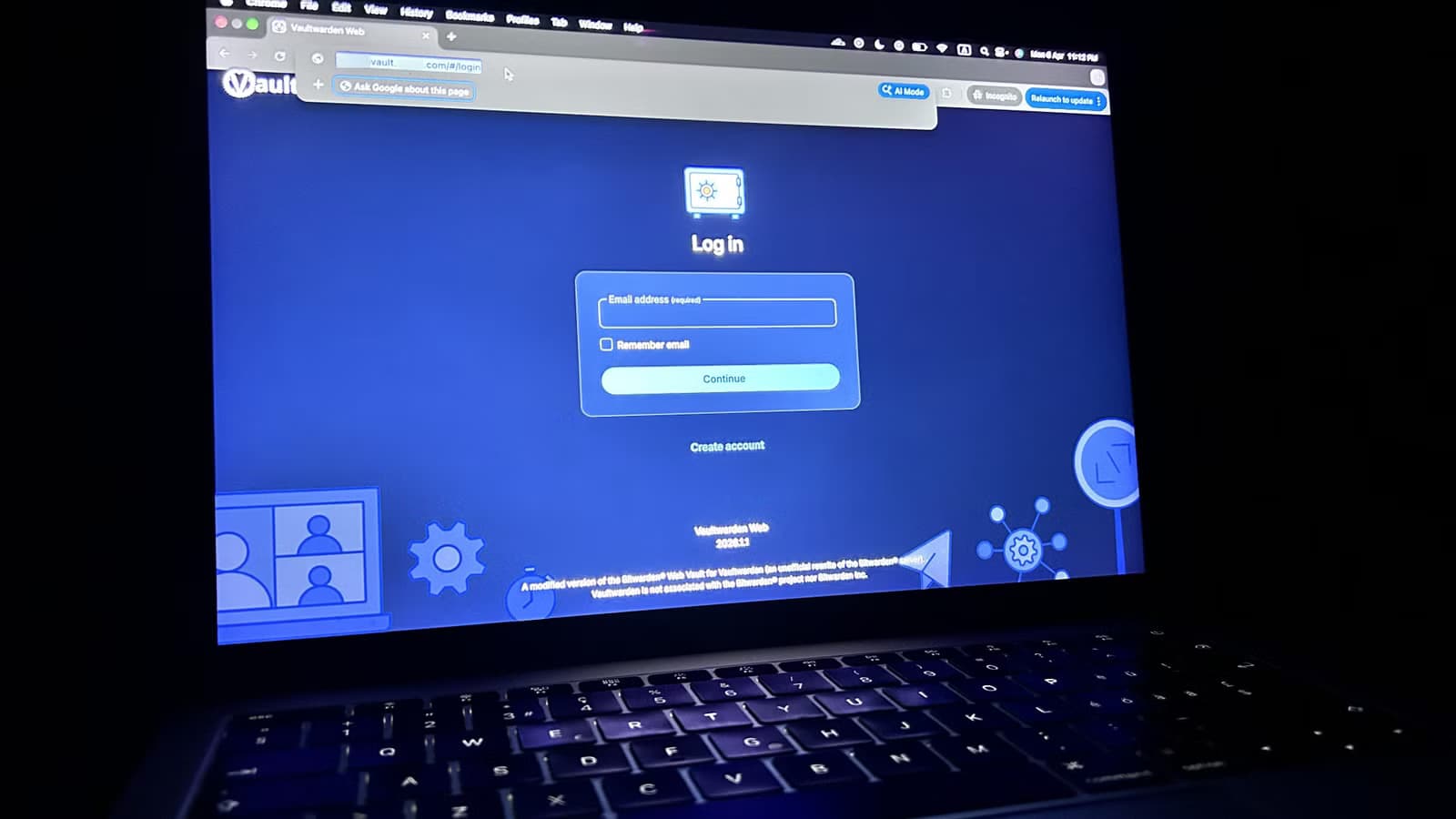
- Vaultwarden is a free, open-source alternative to Bitwarden's paid backend that works with all official Bitwarden apps
- Self-hosting unlocks premium features including built-in TOTP 2FA, vault health reports, and hardware security key support
- You keep full control over your password data and metadata, with no third-party servers involved
What Is Vaultwarden?
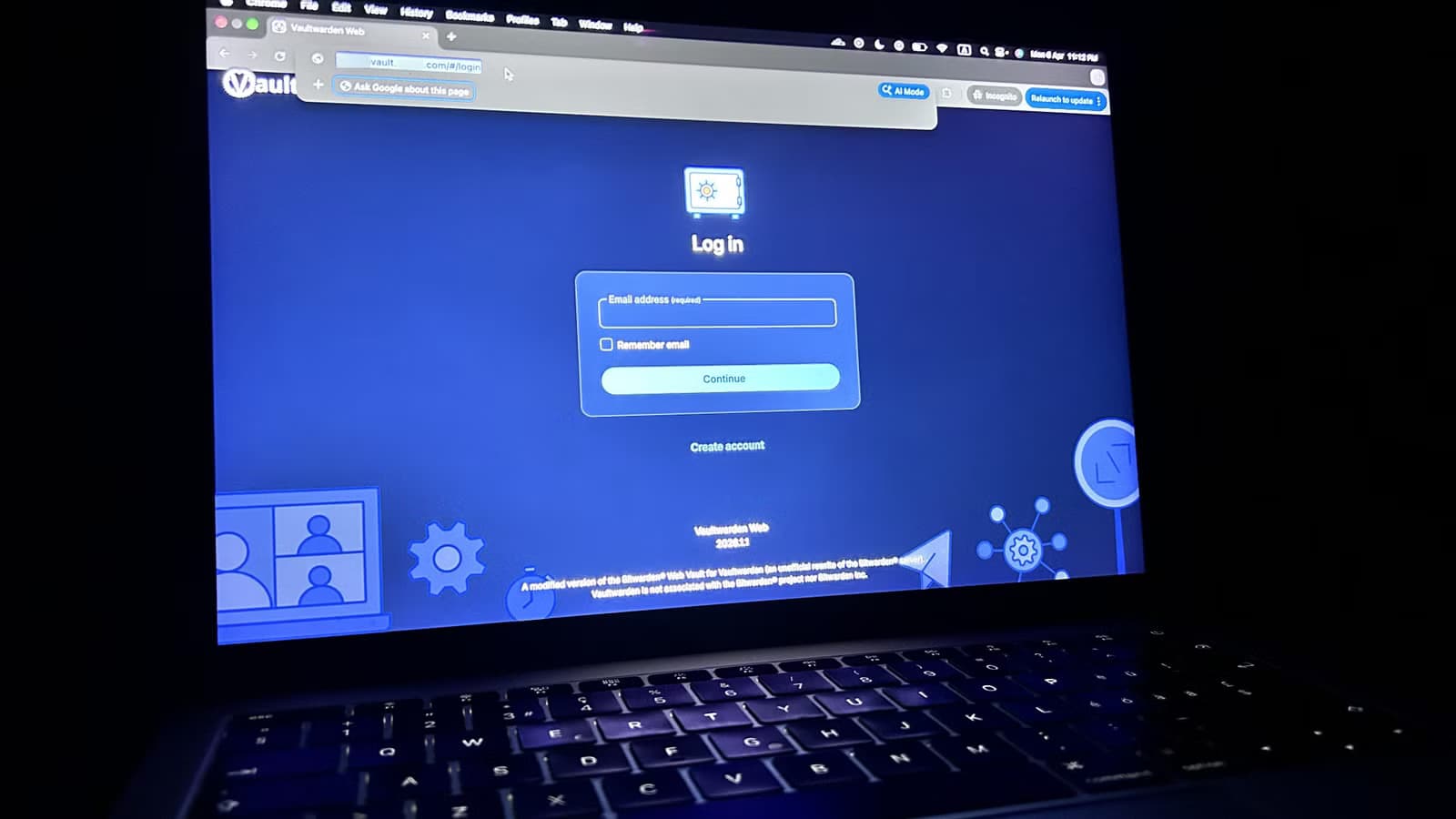
Vaultwarden is a community-built, open-source server implementation that's compatible with Bitwarden. The key advantage: it works with all official Bitwarden apps and browser extensions. You don't need to replace anything you've already installed. Just point your existing Bitwarden clients to your self-hosted Vaultwarden instance and sign in.
This matters because Bitwarden's official server requires a $10 per year premium subscription for several useful features. Vaultwarden gives you those same features at no cost, provided you're willing to run your own server.
Premium Features You Get for Free
The most practical feature locked behind Bitwarden Premium is the built-in TOTP authenticator. Normally, when you log into a site with two-factor authentication, you open a separate app like Google Authenticator or Microsoft Authenticator, copy the six-digit code, and paste it. It's annoying.
With Bitwarden's premium tier, you can store those time-based one-time password codes directly alongside your login credentials. When you autofill your username and password, Bitwarden also copies the current TOTP code to your clipboard. One action handles everything.
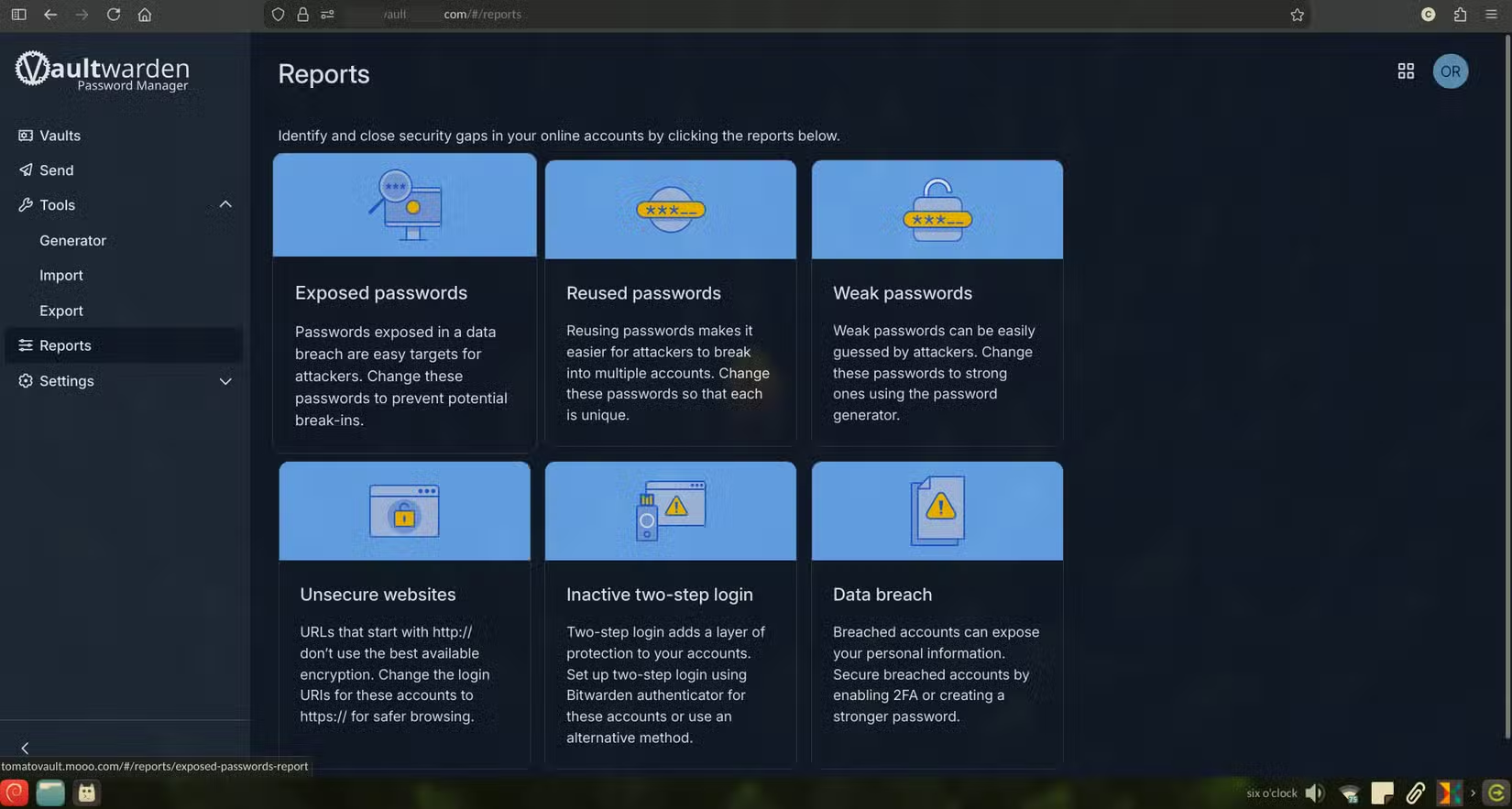
Other premium features that Vaultwarden unlocks include:
- Vault health reports showing weak, reused, or compromised passwords
- File attachments for Bitwarden Send and vault items
- An admin panel for adding and managing multiple users
- Support for hardware 2FA security keys like YubiKey
Data Sovereignty: The Real Reason to Self-Host
Beyond the free premium features, self-hosting gives you complete control over your data. When you use Bitwarden's official servers, your encrypted vault lives on their infrastructure. You're trusting them with storage, uptime, and metadata like when and where you log in.
With Vaultwarden, everything stays local. Your passwords, secure notes, and 2FA seeds never leave hardware you control. For people who care about privacy, this peace of mind is worth more than the $10 annual savings.
Logicity's Take
Who Should Consider This?
This project fits a specific audience. If you already have a homelab running Docker containers, Vaultwarden slots in easily. If you enjoy tinkering with self-hosted apps, you'll find this straightforward. And if keeping sensitive data local is a priority for you, this checks that box.
But if you've never set up a server, don't want to manage backups, or just want something that works without maintenance, stick with Bitwarden's hosted service. The $10 per year is cheap insurance against self-inflicted data loss.
✅ Pros
- • All Bitwarden premium features at no cost
- • Works with existing Bitwarden apps and extensions
- • Full control over data and metadata
- • No reliance on third-party servers for uptime
❌ Cons
- • Requires a server or homelab to run
- • You're responsible for backups and security updates
- • Initial setup has a learning curve
- • No official support if something breaks
Getting Started
Vaultwarden runs as a Docker container, which simplifies deployment if you're familiar with that ecosystem. You'll need to configure HTTPS for secure connections to your clients. Most people use a reverse proxy like Nginx or Caddy alongside Let's Encrypt certificates.
Once the server is running, you configure your Bitwarden apps to use your custom server URL instead of the official one. The apps don't know the difference. They just see a compatible API.
Backup your Vaultwarden data directory regularly. If your server dies and you don't have backups, your passwords are gone. Automated backup scripts that push to an offsite location are worth the extra setup time.
Another privacy-focused technical how-to for readers interested in securing their digital infrastructure
Frequently Asked Questions
Frequently Asked Questions
Is Vaultwarden as secure as official Bitwarden?
Vaultwarden implements the same API and uses the same encryption standards. Your vault data is encrypted client-side before it ever reaches the server. The main security difference is that you're responsible for server security, updates, and backups.
Can I use Vaultwarden with Bitwarden's mobile apps?
Yes. Vaultwarden works with all official Bitwarden clients, including the iOS app, Android app, browser extensions, and desktop applications. You just configure them to use your server URL.
What happens if my self-hosted server goes down?
Bitwarden clients cache your vault locally, so you'll still have access to saved passwords on devices that have synced recently. You just won't be able to sync changes until your server is back online.
Do I need a static IP or domain name for Vaultwarden?
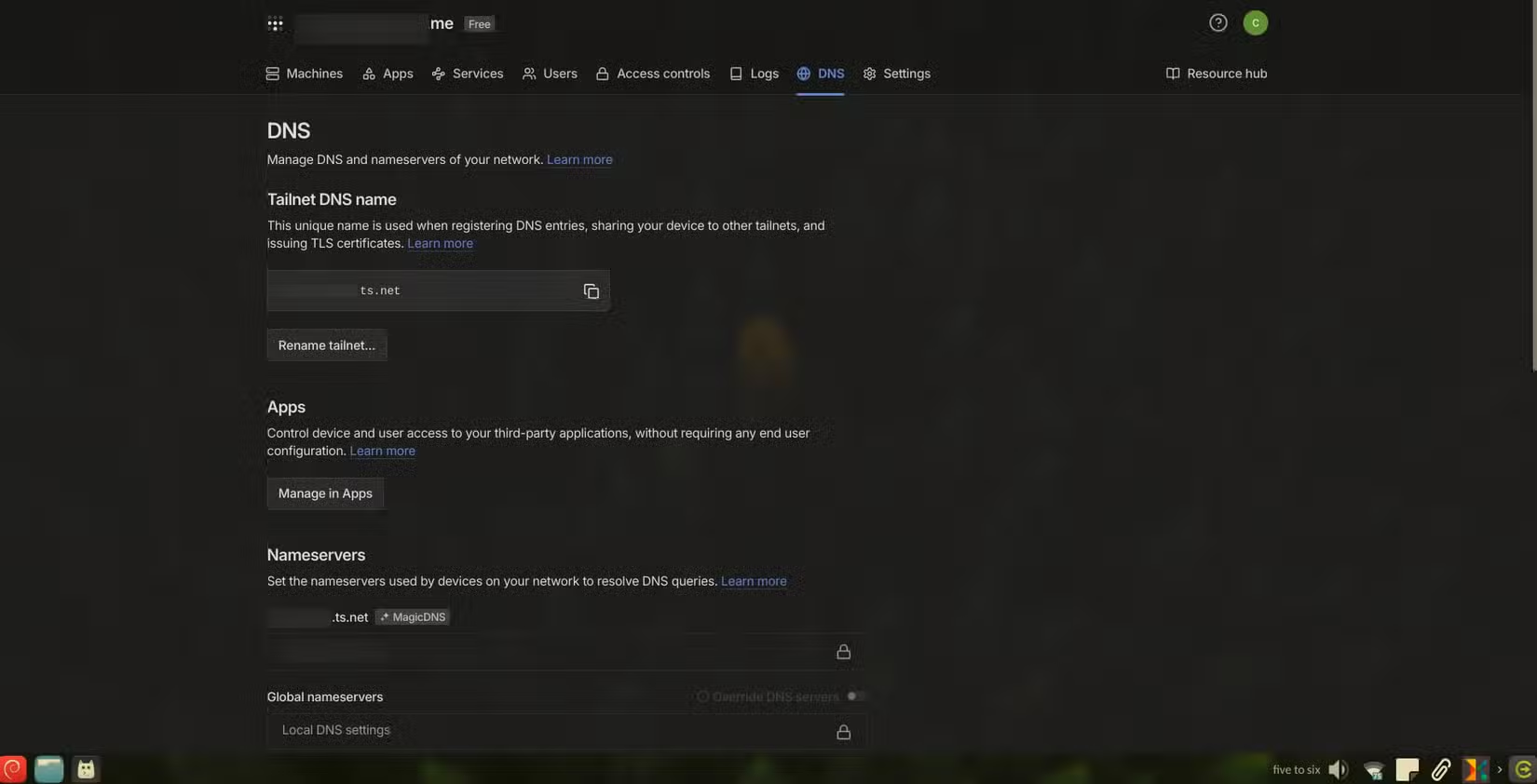
For remote access, you'll need a way to reach your server. A domain name with dynamic DNS works fine. You'll also need HTTPS, which is easier with a domain name and Let's Encrypt certificates.
Can multiple family members use my Vaultwarden instance?
Yes. Vaultwarden includes an admin panel where you can create and manage multiple user accounts. Each person gets their own separate vault with their own master password.
Need Help Implementing This?
Source: How-To Geek
Manaal Khan
Tech & Innovation Writer
Produced with AI assistance and reviewed by the Logicity editorial team. Learn more in our Editorial Policy.