Key Takeaways
- Check Settings > Battery > View details to see which apps consume power with minimal screen time
- Popular apps like Chrome, WhatsApp, and Instagram are common background battery culprits
- Use Samsung's Deep Sleeping feature to restrict aggressive background activity
The Real Problem Isn't Your Battery
When your Samsung Galaxy phone loses charge faster than expected, the instinct is to blame the battery itself. Older phone? Must be degraded cells. But the pattern often continues even on brand new devices like the Galaxy S26. The culprit isn't hardware. It's software running when you're not looking.
Pankil Shah, writing for MakeUseOf, discovered this firsthand. After upgrading from a Galaxy S22 to the S26, his background drain persisted. The fresh battery helped overall endurance, but power still disappeared while the phone sat idle. Turning off the usual suspects like Always-On Display, location services, and Wi-Fi scanning didn't solve it.
The answer was hiding in the battery usage menu. Apps he barely touched were consuming power aggressively in the background. And these weren't obscure utilities. They were Chrome, WhatsApp, Instagram, and other apps installed on nearly every smartphone.
How to Check Battery Usage on Samsung
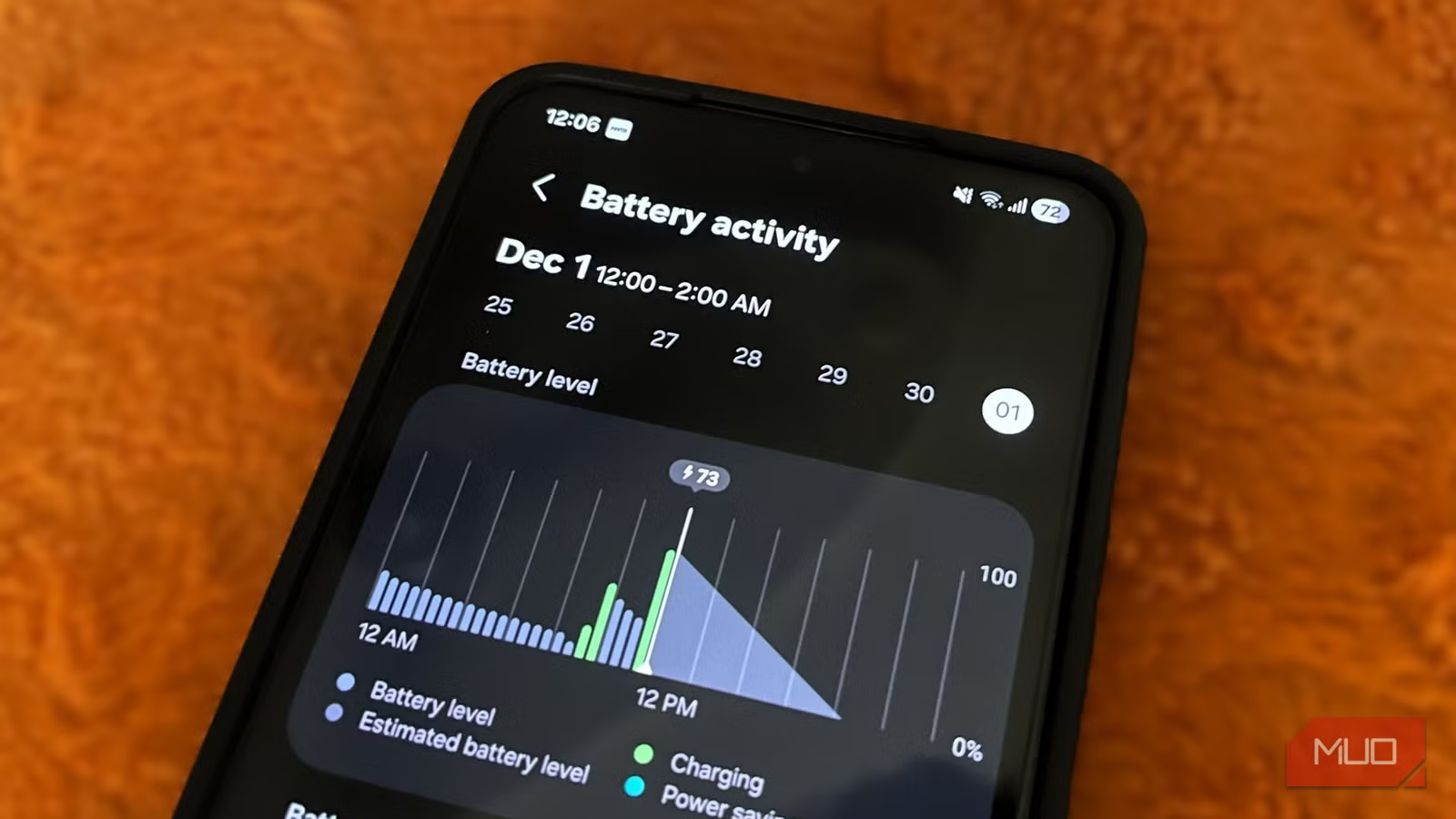
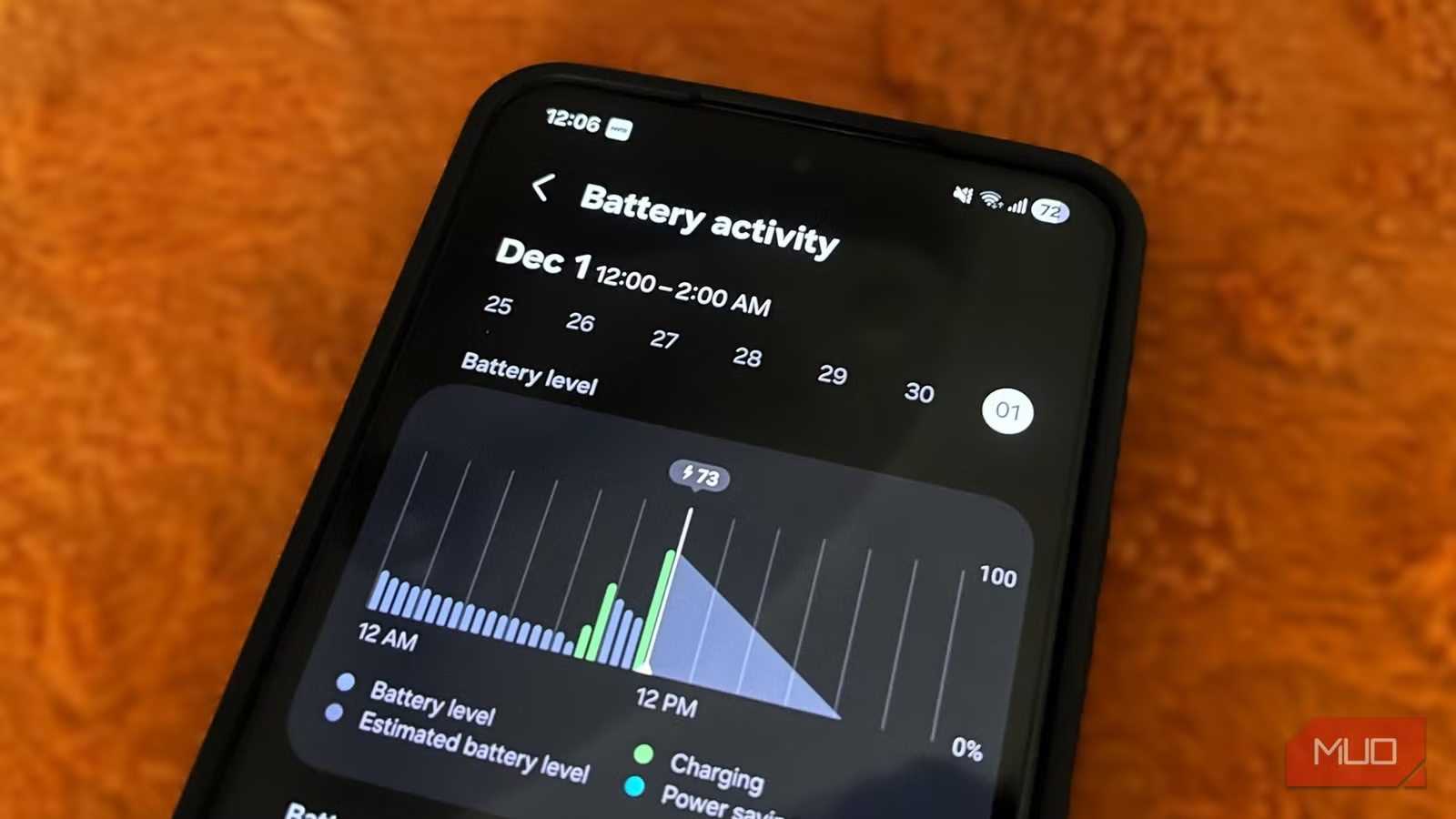
Samsung's battery menu shows exactly which apps drain your phone. Navigate to Settings > Battery > View details. You'll see a list of apps ranked by battery consumption, along with their screen-on time.
That second metric is the key. Screen-on time tells you whether an app's battery usage makes sense. An app you used for two hours burning 15% of your battery? Reasonable. An app you opened for 9 minutes taking 17.8%? That's a problem.
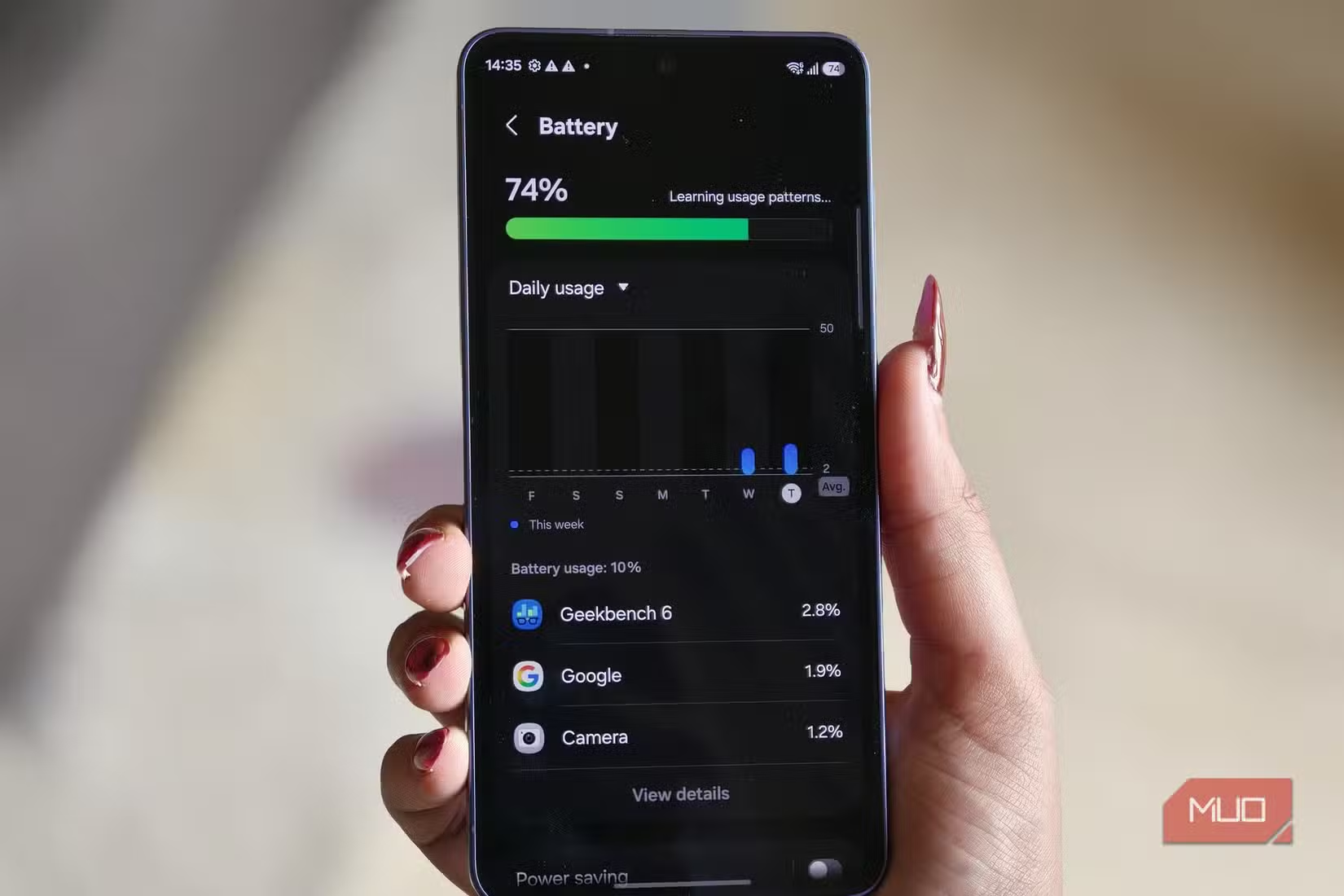
Shah found Chrome had consumed 17.8% of his battery with only 9 minutes of active use. The detailed breakdown revealed Chrome had also been running for 5 minutes in the background. That ratio points to aggressive background activity that most users never notice.
Why Popular Apps Are the Worst Offenders
Modern apps sync constantly. They fetch new content, check notifications, update location data, and run AI features. Each process prevents your phone from entering deep sleep, the low-power state that preserves battery when idle.
Social media apps are particularly aggressive. Instagram, Facebook, and TikTok refresh feeds, preload videos, and track engagement metrics in the background. Messaging apps like WhatsApp maintain persistent connections to deliver messages instantly. Even browsers like Chrome run background processes for tab syncing and prediction services.
The Hidden Culprits Reddit Users Found
Beyond the obvious apps, Reddit communities have identified two consistent battery killers: Google Play Services and poor 5G signal switching. Play Services handles background sync for most Google apps, and it can run wild when something goes wrong. The 5G issue causes your phone to constantly hunt for signal, draining power as it switches between network bands.
Community consensus points to two quick wins. First, disable Enhanced Processing if your phone has it. Second, restrict background activity for social media apps. These changes provide the most immediate improvement in daily battery life.
How to Stop Background Drain with Deep Sleeping
Samsung includes a feature called Deep Sleeping that completely prevents apps from running in the background. It's aggressive. Apps in Deep Sleep won't sync, send notifications, or update until you open them. But for apps you rarely use, that's exactly what you want.
To access it, go to Settings > Battery > Background usage limits > Deep sleeping apps. Add any app you don't need running constantly. For apps you do want notifications from, use the Sleeping apps list instead. It restricts background activity but still allows occasional syncing.
A word of caution: don't add messaging apps to Deep Sleep unless you're comfortable missing notifications. WhatsApp, Telegram, and similar apps need background access to deliver messages. The same applies to email if you need real-time delivery.
Using Device Care for Quick Diagnostics
Samsung's Device Care tool offers a faster way to check battery health and identify problem apps. You can add it as a widget to your home screen for one-tap access. The tool shows memory usage, storage, and battery status in a single dashboard.
The memory section is particularly useful. Apps that consume excessive RAM often correlate with high battery usage. If an app shows outsized memory consumption compared to how much you use it, that's a flag to investigate its background activity settings.
The Bigger Picture on Flagship Battery Life
Samsung's flagship phones ship with 5,000 mAh batteries. That sounds substantial until you learn the 2026 industry average is 5,291 mAh. Samsung's capacity is now below average for the market. The Galaxy S26 Ultra achieves 51.5 hours in standardized testing, but real-world results depend heavily on background app behavior.
Hardware differences matter too. Testing shows a 39% difference in battery longevity between Snapdragon and Exynos chipsets during heavy load on the S26 series. If you're in a region that ships Exynos variants, background optimization becomes even more important.
Logicity's Take
Similar optimization approach for another platform
Frequently Asked Questions
Why is my Samsung phone losing battery overnight?
Apps running in the background prevent deep sleep. Check Settings > Battery > View details to identify which apps consume power with minimal screen-on time. Google Play Services and poor 5G signal switching are common hidden causes.
Does putting apps in Deep Sleep affect notifications?
Yes. Apps in Deep Sleep cannot send notifications or sync until you open them. Use this setting only for apps where you don't need real-time alerts. Messaging and email apps should stay out of Deep Sleep.
Which Samsung apps drain the most battery?
Third-party apps typically cause more drain than Samsung's own software. Chrome, WhatsApp, Instagram, and Facebook are frequent offenders due to constant background syncing and content preloading.
How do I add Device Care to my home screen?
Long-press on your home screen, tap Widgets, search for Device Care, then drag the widget to your preferred location. This gives you one-tap access to battery, memory, and storage diagnostics.
Is my Samsung battery defective if it drains fast?
Probably not. Fast drain on new devices usually indicates software issues, not hardware defects. Check background app usage before assuming battery failure. Genuine degradation typically takes 2-3 years of regular use.
Need Help Implementing This?
Source: MakeUseOf
Manaal Khan
Tech & Innovation Writer
Produced with AI assistance and reviewed by the Logicity editorial team. Learn more in our Editorial Policy.