Key Takeaways
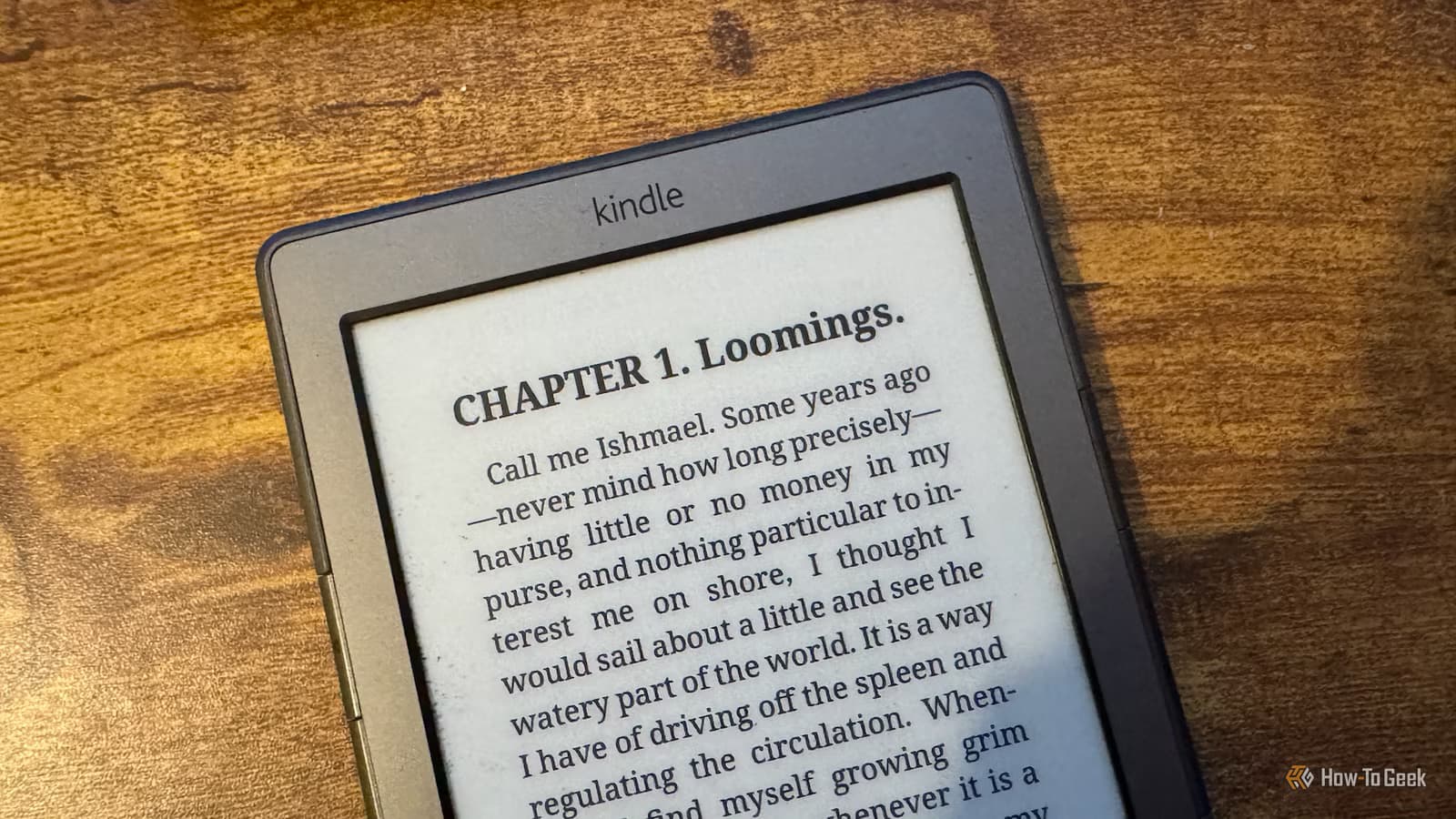
- Jailbreaking older Kindles and installing KOReader replaces Amazon's interface with a feature-rich, privacy-respecting alternative
- KOReader offers superior PDF reflow, custom fonts, and accurate reading statistics compared to stock Kindle software
- Once jailbroken, your Kindle can access free book catalogs via OPDS without ever connecting to Amazon's servers
Amazon's decision to drop support for older Kindles pushed one longtime user to do what he'd been putting off for years: jailbreak his device and ditch the Kindle ecosystem entirely. The result? A better reading experience than Amazon ever offered, with none of the privacy concerns or vendor lock-in.
Adam Davidson, a tech journalist, recently documented his escape from Amazon's walled garden after the company announced his Kindle 4 would lose key features, including the ability to purchase books and use Send to Kindle. Rather than buy new hardware, he decided to see if he could keep his aging device useful by replacing Amazon's software altogether.
Why Amazon forced the decision
For over 15 years, Kindle has operated as a closed system. You buy books from Amazon, read them on Amazon's terms, and your library lives on Amazon's servers. The hardware is solid. The software is restrictive.
When Amazon announced end-of-life support for older models, it wasn't just removing updates. It was stripping functionality. No more book purchases. No more Send to Kindle. The device would become a brick for anything beyond reading what was already downloaded.
This forced a choice: buy a new Kindle and stay in the ecosystem, or break free. Davidson chose freedom.
The jailbreak process: harder than expected
Jailbreaking a Kindle isn't a one-click affair, and the age of the device matters. Because Amazon has released dozens of Kindle models over the years, jailbreak methods vary by hardware and firmware version. Instructions that work for one model fail on another.
Davidson hit multiple dead ends. He had to factory reset his device at one point. His biggest mistake? Leaving Wi-Fi enabled. Amazon immediately detected the jailbreak attempt and locked him out of the custom app launcher, forcing him to start over.
The lesson: keep Wi-Fi off in your Kindle settings throughout the process. You can enable it within specific apps once they're installed, but Amazon's servers will actively fight you if they detect modifications.
Recent exploits like WinterBreak have made the process easier for newer devices, including the Kindle Colorsoft and Scribe. But it remains a cat-and-mouse game: Amazon patches exploits, the community finds new ones.
What KOReader actually delivers
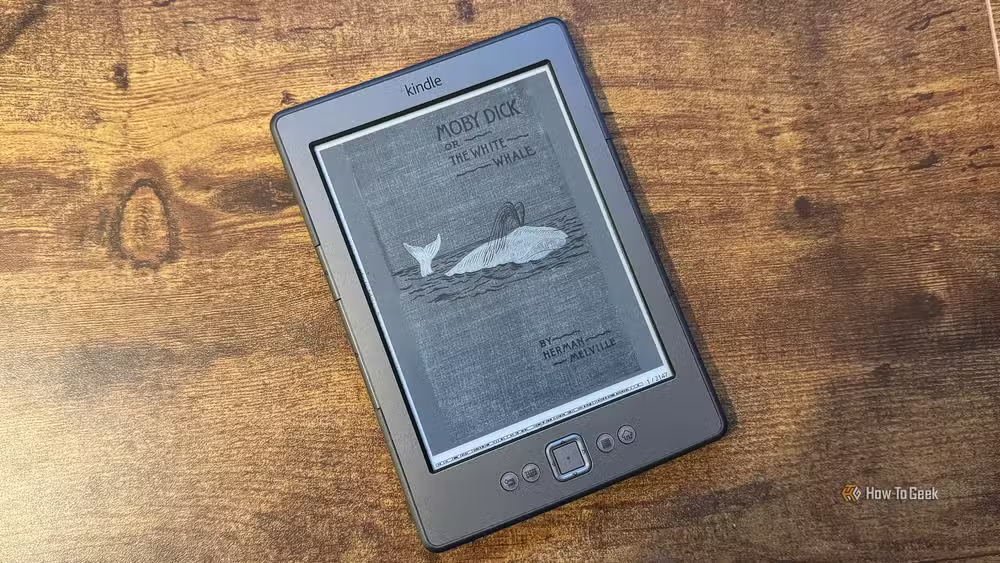
Once jailbroken, Davidson installed KUAL (Kindle Unified Application Launcher), a simple menu system for custom apps, and then KOReader. This open-source reading app replaces Amazon's interface completely.
The improvements are immediate. KOReader offers custom font weights, precise control over word and line spacing, and exact margin settings on all four sides. PDFs, which are notoriously painful on stock Kindle software, can be reflowed into readable book-style formats.
Time-to-finish estimates are more accurate because they're based on your actual reading speed history, not averages. The UI is faster. The experience feels like the device was designed for reading, not for selling you things.
70% — Percentage of jailbroken Kindle users who switch to KOReader primarily for superior PDF reflow and EPUB format support
Where do you get books without Amazon?
This is the practical question. Without access to Amazon's store, you need alternatives. KOReader has one built in: OPDS (Open Publication Distribution System), which connects to public domain libraries and free book catalogs directly.
For personal libraries, Calibre remains the gold standard. The desktop software manages e-book collections and can send files directly to your Kindle over USB or local network. No Amazon servers involved.
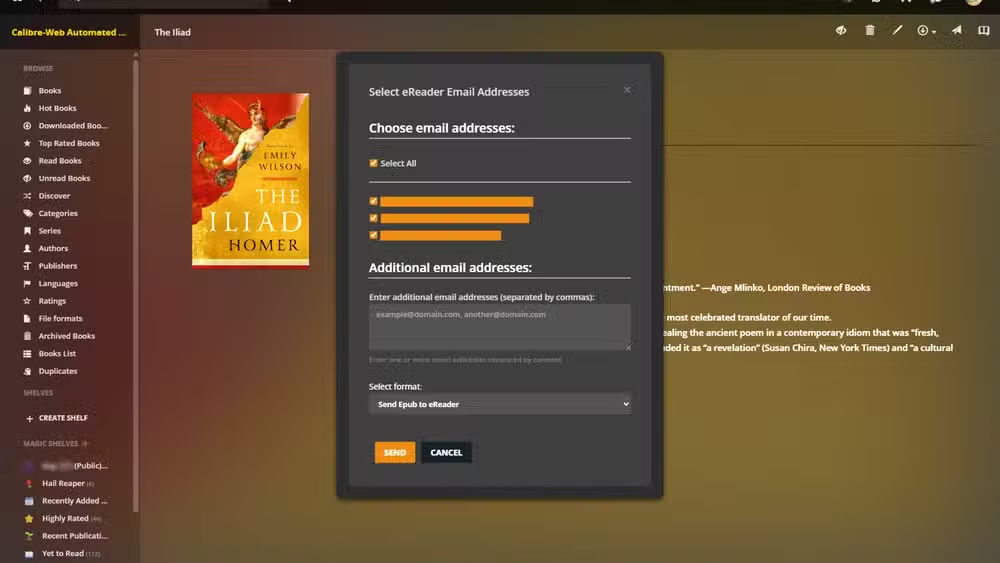
The trade-off: you lose one-click purchasing. You gain ownership of your library and the ability to read any EPUB or PDF without DRM stripping or format conversion.
Should you do this?
If your Kindle is losing support anyway, there's little downside. The device becomes useful again instead of becoming e-waste. If you have a current Kindle and value convenience over control, the calculation is harder.
The Reddit community around Kindle modding is divided. Power users love the granular control. Casual readers warn about the ongoing effort: keeping Wi-Fi off, avoiding firmware updates, working around patches. It's not set-and-forget.
On Hacker News, the discussion frames this as a right-to-repair issue. You bought the hardware. You should be able to run the software you want on it. Amazon disagrees, and their servers actively enforce that disagreement.
Logicity's Take
This isn't just about saving an old Kindle from obsolescence. It's a template for how users can respond when manufacturers pull support. The broader trend matters: as more devices depend on cloud services, end-of-life announcements increasingly mean functionality death, not just security updates ending. Community-developed alternatives like KOReader show that capable hardware doesn't have to become landfill just because a company's business model changes.
Frequently Asked Questions
Does jailbreaking a Kindle void the warranty?
Yes, jailbreaking voids Amazon's warranty. However, if your device is already out of warranty or losing official support, this is moot.
Can Amazon detect a jailbroken Kindle?
Yes. If Wi-Fi is enabled and the device connects to Amazon's servers, they can detect modifications and may lock you out of custom launchers. Keep Wi-Fi disabled until your setup is complete.
Will KOReader work on the newest Kindle models?
Recent jailbreaks like WinterBreak have unlocked newer models including the Colorsoft and Scribe, but you may need to stay below firmware version 5.18.0.1. Check the KindleModding community for current compatibility.
Can I still buy Amazon books after jailbreaking?
Technically yes, if you keep some Amazon functionality, but the point of jailbreaking is to escape that ecosystem. Most users switch to OPDS catalogs, Calibre libraries, and DRM-free sources.
Is KOReader better than the stock Kindle interface?
For power users, yes. It offers superior PDF handling, precise typography control, and more accurate reading statistics. For casual readers who just want to buy and read, the stock interface is simpler.
Another perspective on managing personal digital libraries and the limits of accumulation
Need Help Implementing This?
If you're considering jailbreaking your Kindle or setting up a self-hosted book library with Calibre, Logicity covers the tools and methods that give you control over your digital life. Subscribe for practical guides on escaping vendor lock-in.
Source: How-To Geek
Manaal Khan
Tech & Innovation Writer
Produced with AI assistance and reviewed by the Logicity editorial team. Learn more in our Editorial Policy.






