Key Takeaways
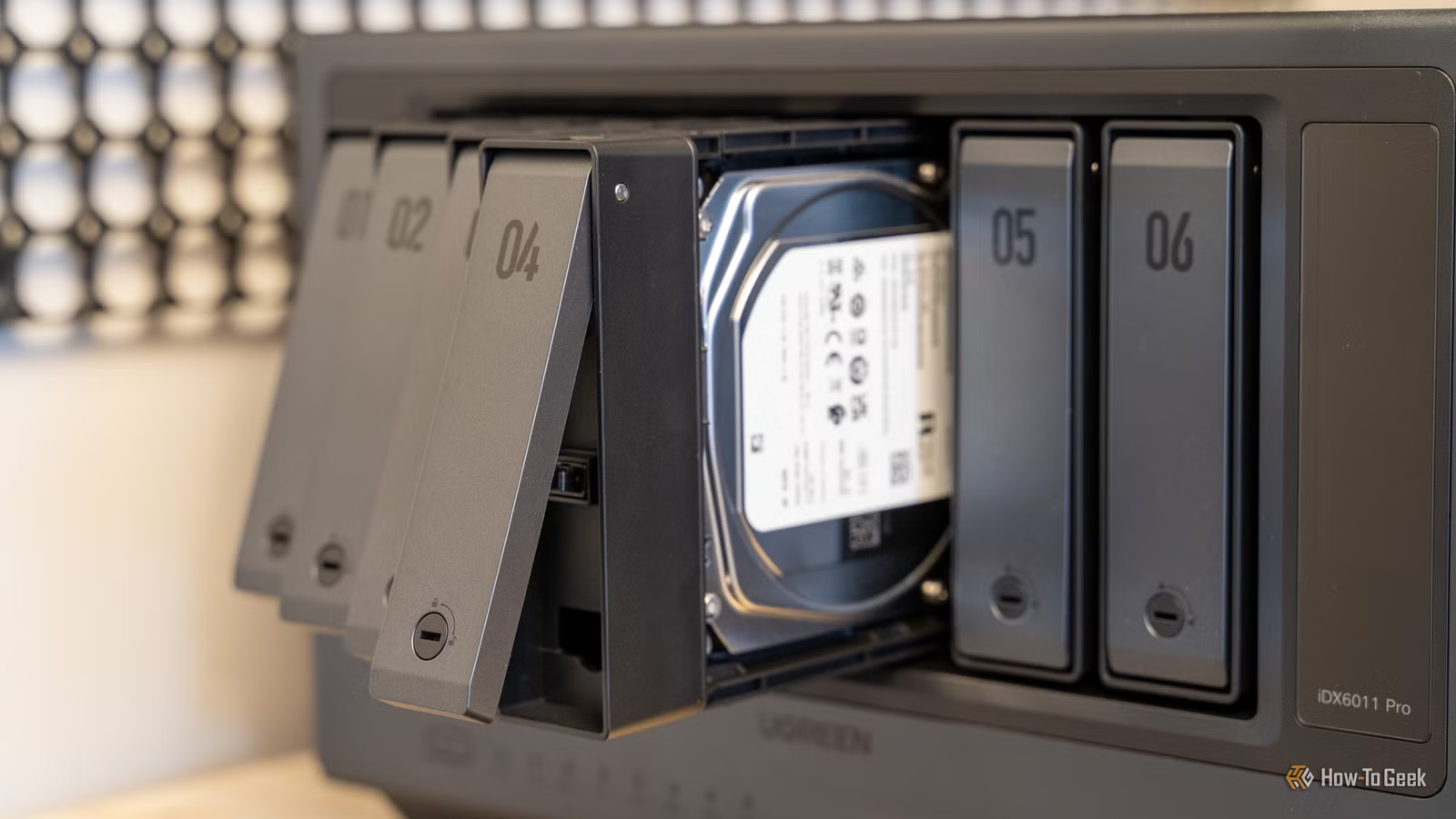
- Buying more storage capacity without organizing data just postpones the problem
- The 3-2-1 backup rule remains essential: three copies, two formats, one offsite
- SSDs excel for speed but hard drives still beat them for long-term archival storage
Sydney Butler spent a decade buying hard drives. He now sits on 20TB spread across multiple computers, external drives, and cloud services. His conclusion after ten years of data hoarding? More storage capacity never fixed his actual problem.
Writing for How-To Geek, the veteran technology writer shares lessons that apply to anyone drowning in files. The core insight is simple but hard to accept: empty storage feels like wasted money, so we fill it. Then we buy more. The cycle continues until you're managing a personal data center.
Why buying more drives just delays the real work
Butler started with a 40MB hard drive in the early 1990s. His Windows machine now has 3.5TB that stays perpetually full. The pattern is familiar to anyone who's upgraded storage: you don't actually deal with the data. You buy another landfill for it.
File sizes have exploded, so some of this is inevitable. A 4K video file consumes space that would have held thousands of Word documents in 2005. But the honest truth is most people, Butler included, avoid the tedious work of deleting, organizing, and moving files to cold storage.
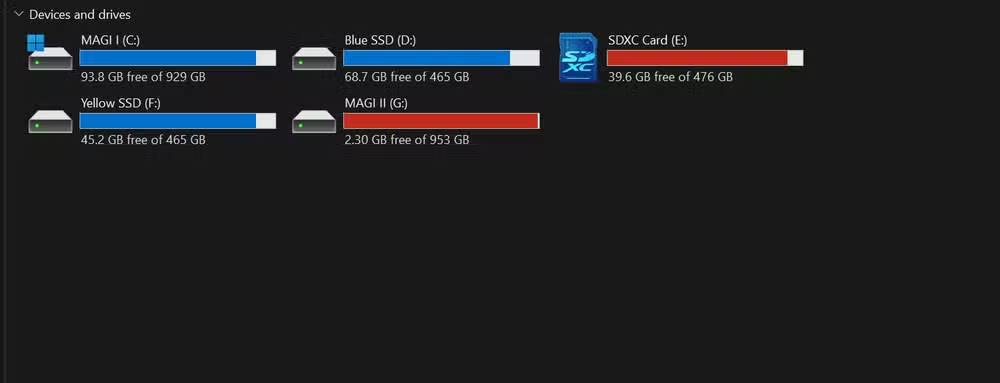
The only exception Butler endorses is redundancy. Making backup copies of irreplaceable files is the one case where more storage actually solves a problem rather than creating a bigger one later.
The 3-2-1 backup rule still holds up
Butler calls the 3-2-1 strategy the gold standard, and nothing in his decade of experience has changed that assessment. The formula: keep three copies of important data, store them on at least two different formats, and keep one copy offsite.
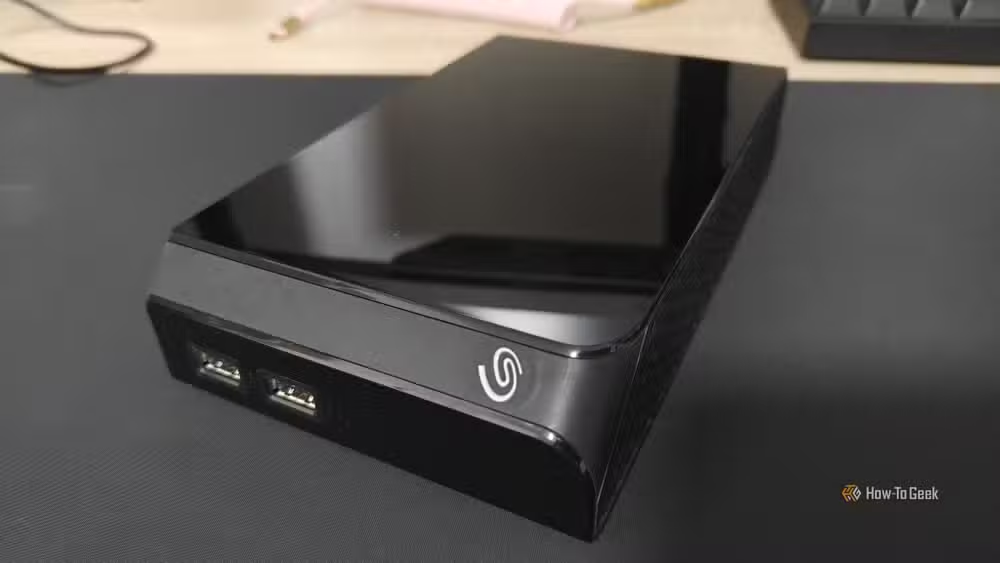
Cloud storage handles the offsite requirement for Butler, but he notes an old hard drive at your mother's house works just as well. Cloud providers follow their own redundancy protocols, which adds another layer of protection. The tradeoff is ongoing cost and privacy concerns.
For sensitive documents, Butler encrypts files individually before uploading. The cloud provider can't read the contents. That's the point.
SSDs and hard drives serve different purposes
A decade ago, the tech consensus seemed to favor SSDs replacing hard drives entirely. Butler's experience tells a different story. His first SSD, a 500GB Samsung drive, has survived 280 complete rewrites over ten years and remains healthy. Only one of his SSDs has ever failed.
That reliability still doesn't make SSDs ideal for long-term storage. SSD bit rot is real: flash memory loses data if left unpowered for extended periods. At room temperature, this takes years, but hard drives remain better for archival purposes.
The practical approach is using each technology where it excels. SSDs handle active data, operating systems, and applications. Hard drives store archives, backups, and media libraries that don't need instant access.
What actually works after 20TB of mistakes
Butler's decade of trial and error points to a few sustainable data storage habits. First, treat storage purchases as a warning sign, not a solution. If you're buying another drive, ask what you're avoiding organizing or deleting.
Second, enforce the 3-2-1 rule for anything you can't replace. Family photos, business documents, creative work. Everything else can probably go.
Third, match the storage medium to the use case. SSDs for speed, hard drives for archives, cloud for offsite redundancy.
None of this is revolutionary. The hard part isn't knowing what to do. It's actually doing it instead of clicking 'add to cart' on another external drive.
A Raspberry Pi can serve as a local backup server, replacing cloud storage subscriptions
Logicity's Take
Butler's piece reads like a confession, but it describes standard behavior for anyone technical enough to build their own storage. The real insight isn't about discipline. It's about time. Organizing 20TB takes dozens of hours most people don't have. The actual solution for professionals might be paying for automated backup services that handle classification and redundancy, treating storage management like accounting: something worth outsourcing.
Frequently Asked Questions
How long can an SSD hold data without power?
At room temperature, consumer SSDs typically retain data for 1-2 years without power. Enterprise SSDs can last longer. For archival storage beyond a few months, hard drives remain more reliable.
What is the 3-2-1 backup rule?
Keep three copies of important data, store them on at least two different types of media (like SSD and hard drive, or local and cloud), and keep one copy offsite in case of fire, theft, or other local disasters.
Should I use cloud storage or local drives for backup?
Both. Cloud storage provides offsite redundancy and protection against local disasters. Local drives give you faster access and don't require ongoing subscription costs. The 3-2-1 rule recommends using both.
How much storage do I actually need?
There's no universal answer, but the question itself might be wrong. Butler's point is that buying more storage without deleting or organizing creates an ever-growing management burden. Start by auditing what you have before buying more.
Are hard drives still worth buying in 2026?
Yes. Hard drives remain cheaper per terabyte than SSDs and better suited for archival storage. They're slower for active use but ideal for backups, media libraries, and cold storage.
Need Help Implementing This?
Building a reliable backup system for your business or home office? Logicity can connect you with storage consultants and IT professionals who specialize in data management strategies that scale. Contact our team for recommendations tailored to your setup.
Source: How-To Geek
Huma Shazia
Senior AI & Tech Writer
Produced with AI assistance and reviewed by the Logicity editorial team. Learn more in our Editorial Policy.






