Key Takeaways
How to Add Interactive UIs in Claude and ChatGPT via MCP Apps
- MCP (Model Context Protocol) is Anthropic's open standard that lets Claude connect to external services like calendars, email, and note-taking apps
- ChatGPT plugins and Claude Connectors now support hundreds of integrations including Superhuman, Google Calendar, Granola, and Readwise
- The real value comes from multi-step commands that span multiple apps, something individual tools can't do alone
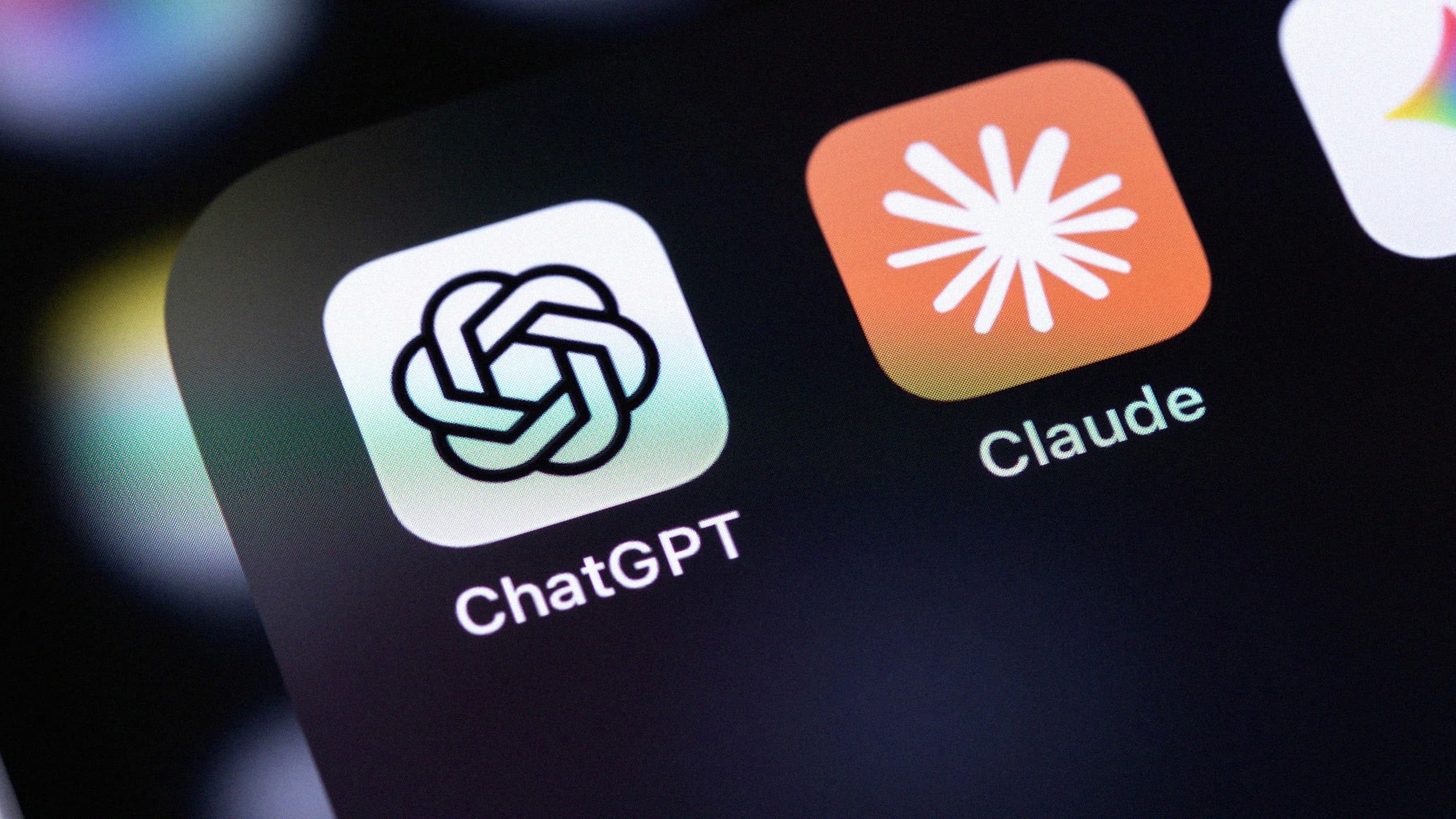
Claude and ChatGPT are no longer just chat windows. Both AI assistants now connect directly to the apps you already use, from calendars and email to meeting notes and bookmarks. The result: you can issue multi-step commands that span your entire workflow without leaving a single conversation.
Disclosure
Some links in this post are affiliate links — Logicity earns a commission if you sign up, at no extra cost to you. We only link products we have used or actively recommend.
Jeremy Caplan, author of the Wonder Tools newsletter, recently detailed how he transformed Claude and ChatGPT into what he calls "digital dashboards." His setup links the AI to Superhuman for email, Google Calendar for scheduling, Granola for meeting notes, and Readwise for highlights from articles and books. The appeal is obvious: context. When your AI assistant knows your calendar, your notes, and your saved links, it can execute commands that would otherwise require hopping between four or five separate apps.
What can you actually do with connected AI assistants?
Caplan offers concrete examples. One command: "Add four prep sessions to open morning slots on my calendar next week for the classes I'm teaching this fall. Include in each event description relevant excerpts from my meeting summary and reference the recent planning notes I dictated." That single prompt touches Google Calendar, Granola meeting notes, and likely a voice transcription service. Try doing that in any one of those apps alone.
Another example: "Gather recent links I've saved to Raindrop that might be relevant to my team's research. Then create a new reminder with those links and a summary of my recent related notes." This chains a bookmarking tool, a note system, and a reminder app through one AI command.
The key insight: individual apps like Google Calendar or Notion are powerful on their own, but they don't talk to each other natively. Claude and ChatGPT become the glue.
MCP explained: the USB port for AI
Anthropic calls its connector system MCP, or Model Context Protocol. Caplan's analogy is useful: "Just as you don't need to think about USB details when you plug in a printer, or HTTP specifications when you use the Web, you can use MCP without understanding its technical details."
MCP is an open standard Anthropic launched in late 2024. It defines how external services, calendars, CRMs, databases, note apps, can expose their data and actions to Claude. OpenAI's plugin ecosystem serves a similar purpose for ChatGPT, though the technical implementation differs.
For product teams evaluating which AI assistant to build on, MCP's openness matters. Anthropic published the protocol publicly, which means any developer can build an MCP server for their tool. ChatGPT's plugin system is more controlled, with OpenAI vetting plugins before they appear in the marketplace.
Which services already support connections?
Both Claude and ChatGPT now support hundreds of integrations. The services Caplan highlights include:
- Superhuman Mail for email triage and composition
- Google Calendar for scheduling and event creation
- Granola for meeting transcripts and summaries
- Readwise for highlights from articles, books, and PDFs
- Raindrop for saved bookmarks and links
Automation tools like Zapier, Make, and n8n also integrate, which opens up thousands more apps indirectly. If your tool doesn't have a native MCP connector, you can often bridge it through one of these platforms.
The setup: Projects and memory
Connections alone aren't enough. Caplan emphasizes that Claude and ChatGPT become useful command centers only when you configure them with context about your work.
In Claude, this means setting up Projects: dedicated workspaces with detailed instructions and reference documents for each area of your work. ChatGPT offers similar functionality through Custom Instructions and the newer GPT builder. Both platforms now maintain memory of past conversations, learning your style, preferences, and objectives over time.
Without this context, a command like "add prep sessions for my fall classes" fails. The AI doesn't know what classes you teach, what format your prep sessions take, or which calendar to target. With properly configured Projects, the same command just works.
Where this gets interesting for builders
If you're building a product, MCP represents a distribution channel. Exposing your app's data and actions through an MCP server means Claude users can interact with your product through natural language, without opening your interface. The same logic applies to ChatGPT plugins.
The question is whether this helps or hurts. On one hand, more surface area for your product. On the other, users might never visit your app directly. For note-taking tools, bookmarking services, and CRMs, the calculus likely favors integration. The AI becomes a power-user interface, not a replacement.
Logicity's Take
MCP matters less as a technical spec and more as a signal: the major AI labs see themselves as orchestration layers, not standalone tools. For product teams, this means planning for a future where your app's value flows through AI assistants as much as through your own UI. Teams building on Claude should explore the MCP documentation now. Those on ChatGPT should consider both the plugin marketplace and indirect integrations via Zapier or Make. The pricing is straightforward: Claude Pro costs $20/month, ChatGPT Plus the same. Both include access to connectors. Zapier's free tier handles basic automations; paid plans start at $19.99/month.
Frequently Asked Questions
What is MCP in Claude?
MCP stands for Model Context Protocol. It's Anthropic's open standard that allows Claude to connect directly to external services like calendars, email apps, and databases, enabling multi-step commands across tools.
How do I connect ChatGPT to my apps?
ChatGPT uses a plugin system. In the settings menu, browse available plugins, enable the ones you need, and grant permissions. Many popular apps including Google Calendar and various productivity tools have official plugins.
Is MCP free to use?
MCP itself is an open protocol. Using it requires a Claude Pro subscription at $20/month. Some third-party MCP servers may have their own costs depending on the service they connect to.
Can Claude access my email and calendar automatically?
Only after you explicitly connect those services and grant permissions. Claude cannot access any external data without your authorization through the Connectors interface.
Which is better for integrations, Claude or ChatGPT?
Both support hundreds of integrations. Claude's MCP is open and developer-friendly. ChatGPT's plugin marketplace is more curated. The best choice depends on which specific apps you need to connect.
Related context on AI model capabilities and security considerations
Need Help Implementing This?
If you're building MCP integrations or setting up AI-powered workflows for your team, reach out to Logicity's consulting partners. We connect founders and CTOs with implementation specialists who've deployed these systems at scale.
Source: Fast Company / Jeremy Caplan
Manaal Khan
Tech & Innovation Writer
Produced with AI assistance and reviewed by the Logicity editorial team. Learn more in our Editorial Policy.