Key Takeaways
- Claude can act as a thinking partner to build custom productivity systems without coding
- AI meal planners work best when connected to inventory systems like Grocy
- The real value is reducing decision fatigue, not just generating recipes
The Problem: Meal Planning Never Ends
Adam Davidson, a tech writer at How-To Geek, describes meal planning as "a task that never ends." You buy food, cook it, eat it, and start over. The mental effort of coming up with ideas, checking what's in the fridge, and making a grocery list drains time and energy. Even online delivery doesn't solve it. Crucial items arrive missing, and you're back to square one.
Davidson had already automated parts of his home with a Home Assistant server. So he asked a simple question: could Claude, Anthropic's AI assistant, make meal planning easier too?
The System: A Database That Thinks
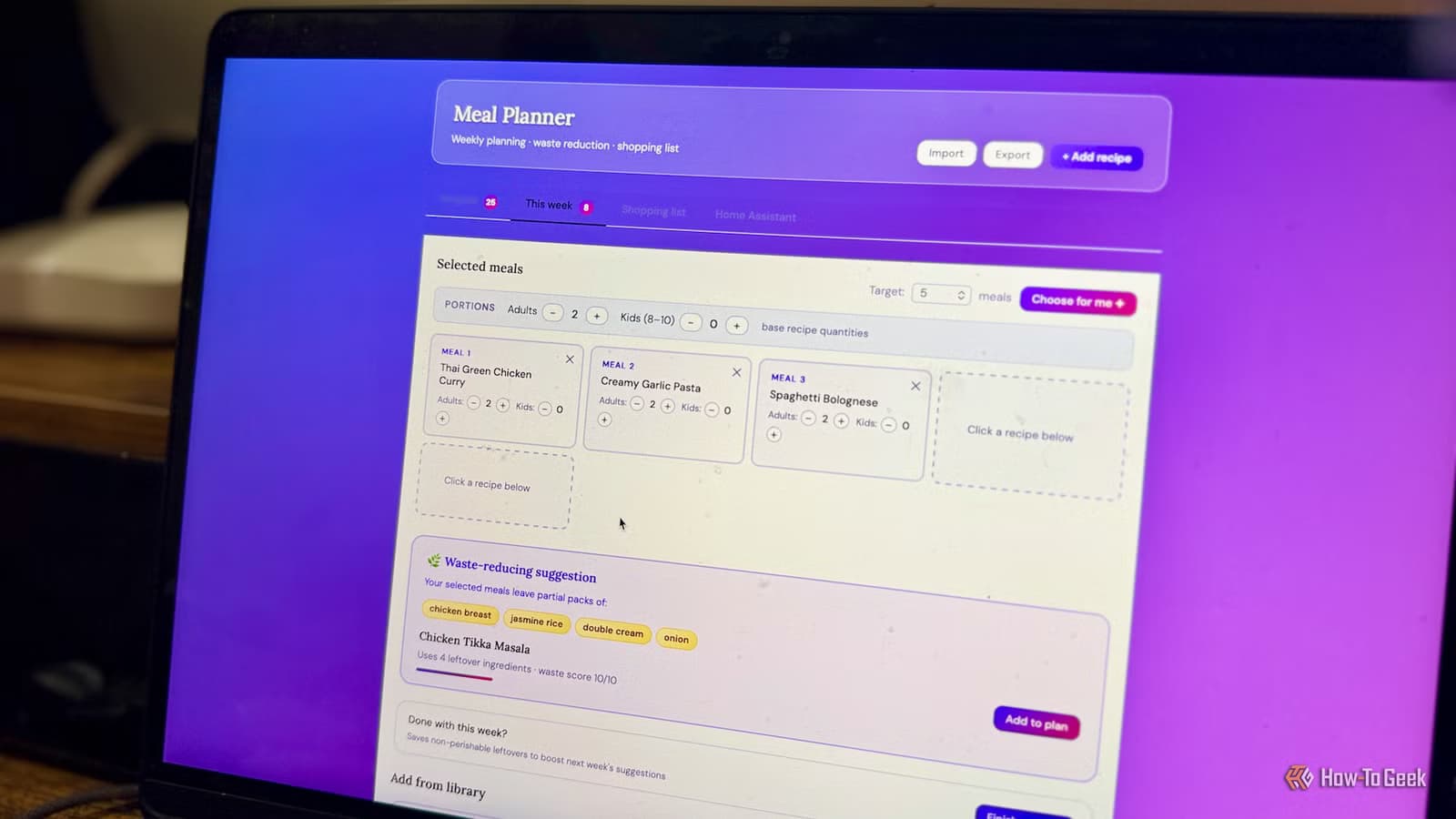
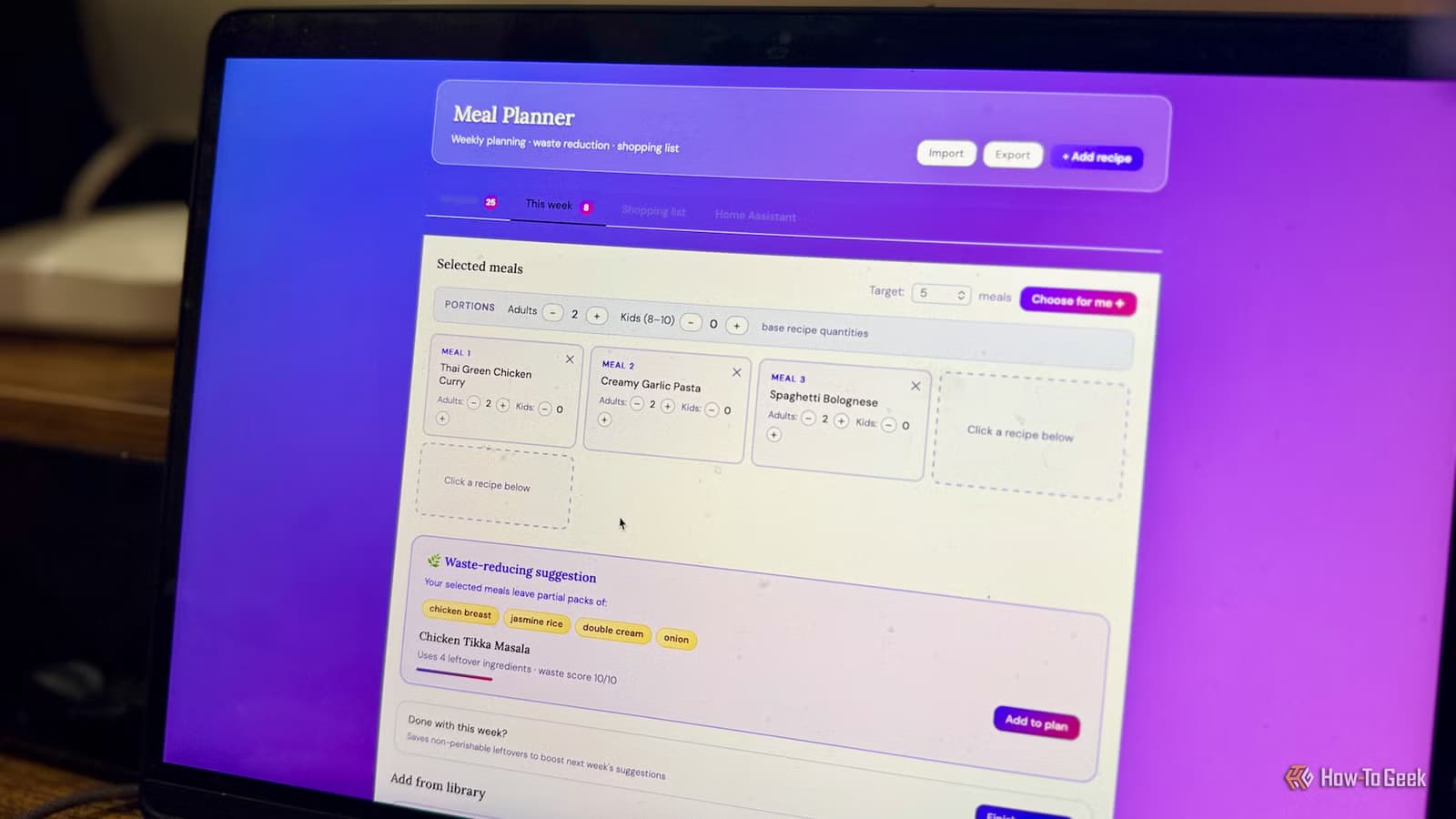
Davidson's approach was straightforward. He wanted a database of meals his household actually likes, complete with ingredient lists. Each week, he'd pick three meals. Claude would then select the remaining two based on one rule: minimize waste.
If the three chosen meals left behind half an onion, some herbs, and a bit of cream, Claude would find recipes that use those exact ingredients. The goal was to finish each week with as little thrown away as possible.
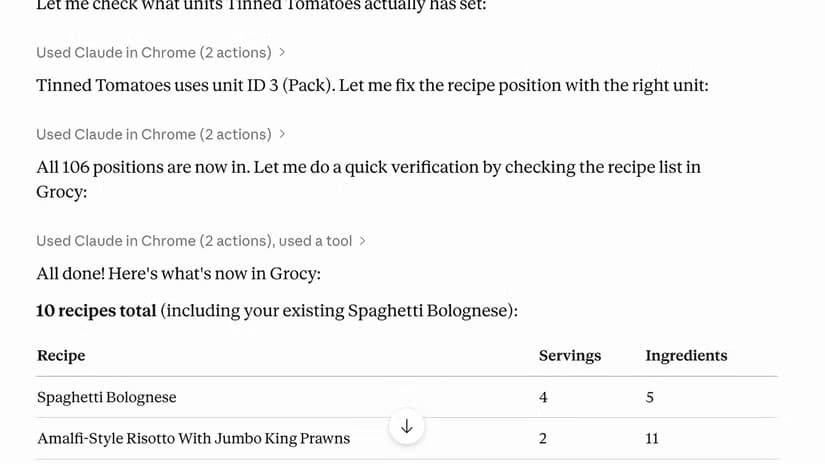
To make this work, Davidson connected Claude to Grocy, a self-hosted grocery management system that runs inside Home Assistant. Grocy tracks what's in your pantry, what's expiring soon, and what you need to buy. By feeding this information to Claude, the AI could make smarter suggestions.
Why This Matters Beyond Dinner
This isn't just about saving a few carrots. Food waste costs money. Households using AI meal planners report average monthly savings of $190, according to industry research. That figure comes from two sources: buying only what you need and skipping impulse purchases.
There's also time. Users of AI meal planning tools save an average of 2.3 hours per week on grocery lists and recipe selection. For busy professionals, that's not trivial.
“The ideal smart home should work with minimal interaction from the user, with automations running as if by magic rather than requiring you to push buttons on a control panel.”
— Adam Davidson, How-To Geek
Davidson's quote captures the philosophy here. The best AI tools don't add another app to manage. They fade into the background and handle the tedious stuff.
The Shift From Static to Context-Aware
Meal planning apps have existed for years. What's different now is the conversational element. Traditional apps give you a database of recipes. You search, you pick, you add to cart. The app doesn't know what's already in your fridge or that you hate cilantro.
Claude works differently. It reasons through problems rather than just retrieving information. Ask it to pick two meals that use leftover ingredients, and it considers quantities, cooking methods, and expiration dates. It's the difference between a search engine and a sous chef who knows your kitchen.
Community discussions on Reddit's r/mealprep and Hacker News emphasize this distinction. The real value isn't generating a recipe. It's cross-referencing inventory, suggesting "use it or lose it" dishes, and adjusting when plans change.

What You Need to Build This
Davidson used a few key components:
- Claude Pro ($20/month) for conversational AI
- Home Assistant as the smart home backbone
- Grocy integration for pantry tracking
- A database of preferred recipes with ingredient lists
You don't need coding expertise. Claude can help you set up the system through conversation. You describe what you want, and it walks you through the steps. Davidson notes he "barely had to lift a finger" beyond explaining his requirements.
Limitations to Consider
This approach requires upfront work. You need to input your recipes and keep your pantry inventory current. If you don't update Grocy when you use the last of the olive oil, Claude's suggestions will be wrong.
There's also the learning curve of Home Assistant itself. It's powerful but not plug-and-play. Users comfortable with self-hosted software will find it manageable. Those who want something turnkey may prefer commercial meal planning apps.

Logicity's Take
More examples of AI tools solving everyday problems
Another look at AI tackling personal health logistics
Frequently Asked Questions
Do I need to know how to code to build an AI meal planner?
No. Claude can guide you through setup conversationally. The main technical requirement is comfort with Home Assistant and Grocy.
How much does this system cost?
Claude Pro costs $20/month. Home Assistant and Grocy are free, self-hosted software. You'll need hardware to run them, like a Raspberry Pi or old computer.
Can Claude actually reduce food waste?
Yes, if you keep your pantry inventory updated. Claude selects recipes based on what you have, prioritizing ingredients that would otherwise expire unused.
What's the difference between this and a meal planning app?
Traditional apps are static databases. Claude reasons through your specific situation, considering what's in your fridge, your preferences, and what needs to be used soon.
Need Help Implementing This?
Source: How-To Geek
Huma Shazia
Senior AI & Tech Writer
Produced with AI assistance and reviewed by the Logicity editorial team. Learn more in our Editorial Policy.