Key Takeaways
- A single custom prompt can turn Claude into a project coordinator that syncs across multiple apps
- Using a local Markdown file as your source of truth avoids vendor lock-in and keeps data portable
- This approach works best for users comfortable with CLI/terminal workflows
The Productivity Tool Sprawl Problem
Dibakar Ghosh, a tech journalist at How-To Geek, has a familiar complaint: too many good apps, each doing one thing well, none doing everything. He uses Super Productivity for quick personal tasks. His team uses Asana for complex workflows. The split sounds logical until you realize how often personal and professional work bleed into each other.
For content creators especially, the boundary is messy. A personal experience sparks a work idea. A work deadline reshapes evening plans. Ghosh wanted a system that could hold all that context in one place and surface the right information when needed.
“The future of project management isn't another dashboard; it's a thinking partner that lives in your terminal.”
— Dibakar Ghosh, Tech Journalist
Why No Single PM App Works
The market has no shortage of project management tools. Ghosh's observation is that most excel at one specific job but fall short elsewhere. Todoist and Super Productivity handle personal task capture well but aren't built for multi-part team projects. Asana handles complex workflows but feels like overkill for daily personal tracking.
This isn't a quality problem. It's a structural one. Each tool optimizes for a use case, and users end up stitching together five apps. The coordination between those apps becomes its own job.
Claude as a Coordination Layer
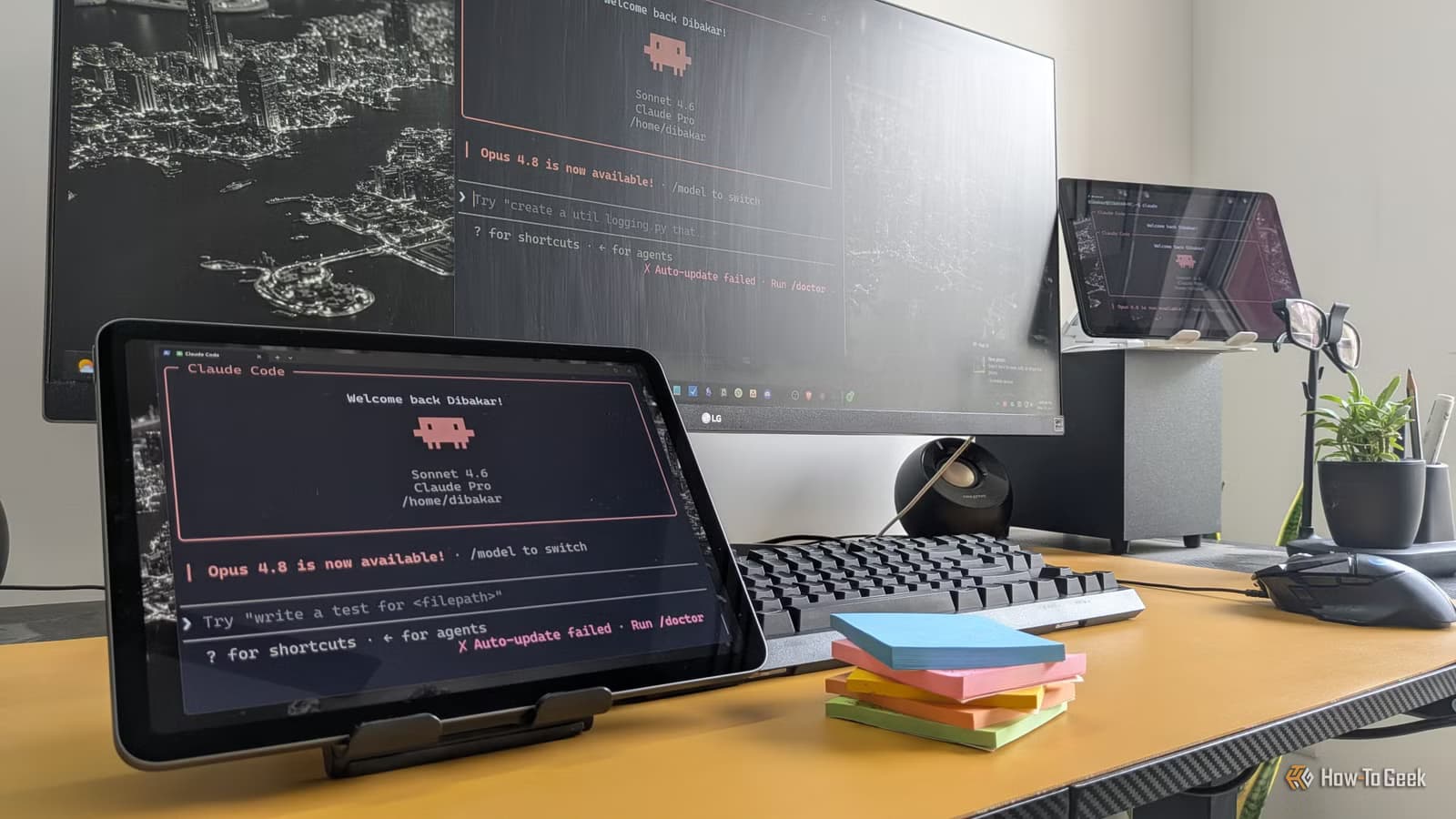
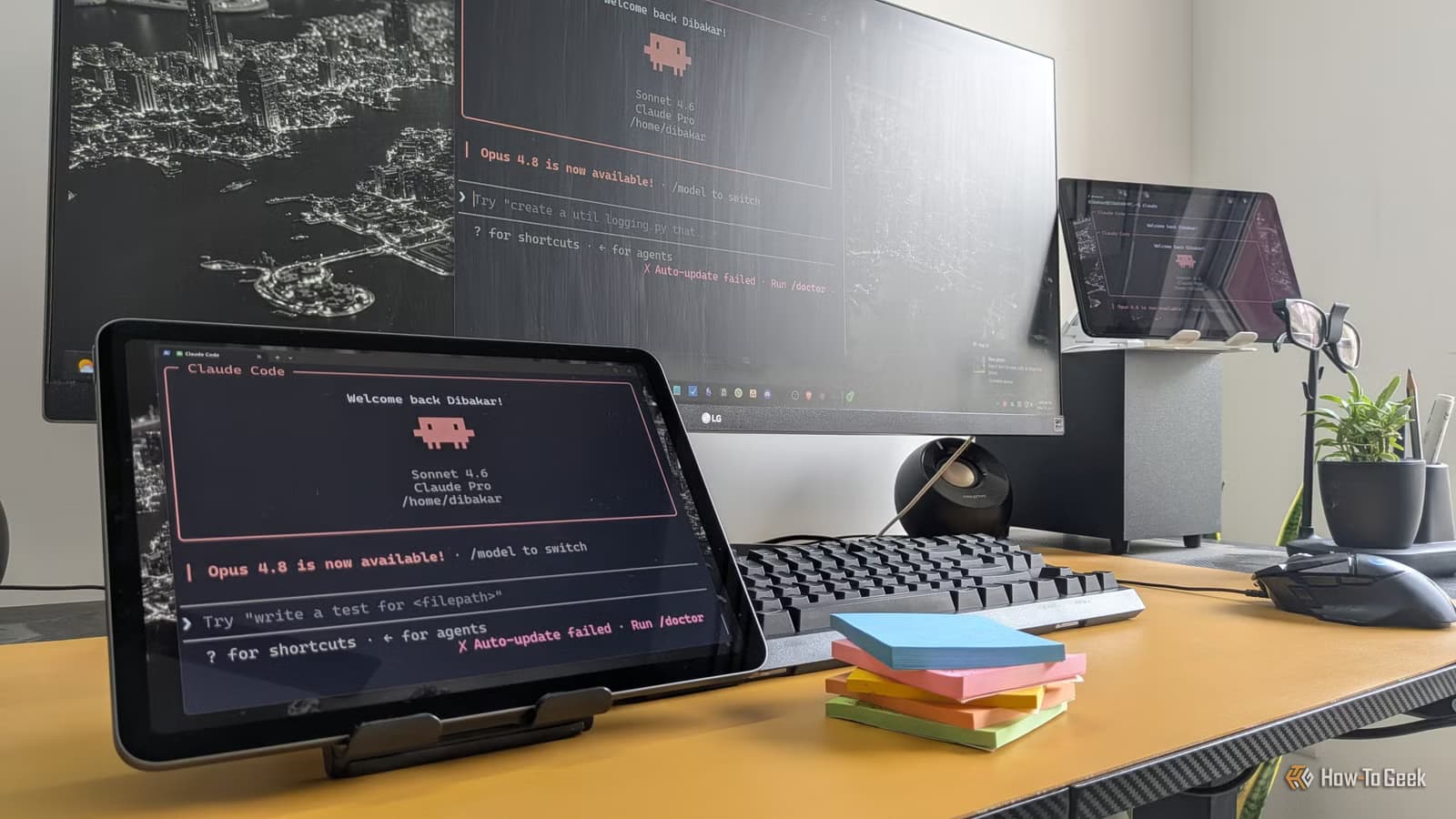
Ghosh's solution doesn't replace existing apps. Instead, he uses Claude to handle the coordination work between them. The core idea: a custom prompt that acts as a setup wizard, treating a simple local file (TASKS.md) as the single source of truth.
The AI then handles sync, prioritization, and status updates across various platforms automatically. This is what some developers are calling "Agentic PM." Instead of logging into three dashboards, you interact with one AI that knows about all your systems.
How the Setup Works
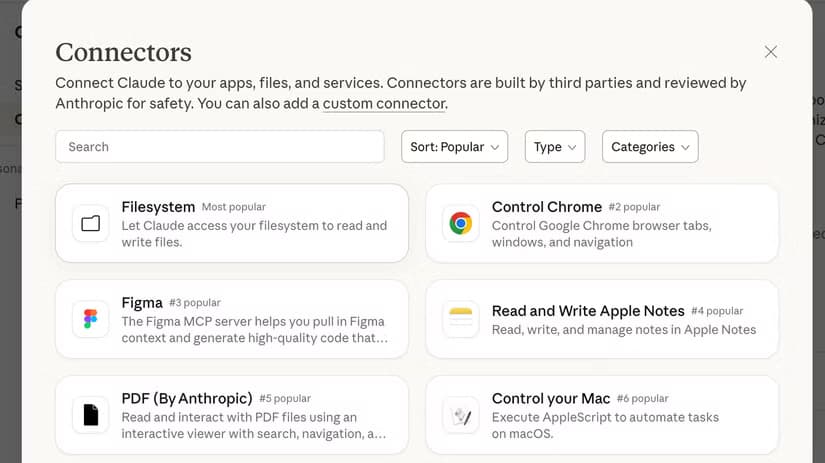
The approach relies on Claude's ability to connect to external services through its connectors feature. Once connected, Claude can read and write to your task systems while maintaining the Markdown file as the canonical record.

The prompt Ghosh shares acts as a configuration layer. It tells Claude how to structure tasks, what priorities mean, and how to handle the handoff between personal and team contexts. Because everything lives in a local Markdown file, you avoid vendor lock-in. Your task data stays portable.
Community Response
The approach has found traction in developer circles. HackerNews discussions show strong preference for this text-first method. Many developers praise the speed of managing tasks via CLI and Markdown rather than navigating web-based Jira or Asana interfaces.
Reddit productivity communities are debating the setup wizard prompt heavily. Some users are attempting to port the logic to OpenAI's O3-mini models. The core concept, using an AI as a coordination layer rather than a replacement, seems to resonate across platforms.
Who This Works For
This setup isn't for everyone. It assumes comfort with terminal workflows and Markdown files. If you prefer visual kanban boards and drag-and-drop interfaces, a local text file won't feel natural.
But for developers, writers, and technical users who already live in the terminal, the approach removes friction. No context switching between browser tabs. No waiting for web apps to load. Just text and an AI that remembers what you're working on.
✅ Pros
- • All task context lives in one portable Markdown file
- • No vendor lock-in since data stays local
- • Faster than navigating multiple web interfaces
- • AI handles cross-app coordination automatically
❌ Cons
- • Requires comfort with CLI and terminal workflows
- • Setup needs Claude Pro or higher tier
- • Team adoption harder than individual use
- • Depends on Claude's connector availability
The Bigger Shift
Ghosh's experiment points to a broader trend. As AI models evolve from chat interfaces into integrated agents, users are bypassing traditional software in favor of AI-coordinated workflows. The PM tool doesn't disappear. It just stops being the primary interface.
Whether this scales beyond individual power users remains to be seen. But for now, the prompt is available, and the approach works.
Logicity's Take
Frequently Asked Questions
Does this replace project management software?
No. It adds a coordination layer on top of existing tools. Your task data can still sync to Asana or other platforms. Claude handles the routing and prioritization.
What Claude subscription do I need?
You need Claude Pro or higher to access the connectors feature that enables integration with external services.
Can I use this approach with other AI models?
Users are experimenting with porting the prompt logic to OpenAI's O3-mini and other models, though connector integrations vary by platform.
Is my task data stored on Anthropic's servers?
The source of truth is your local TASKS.md file. Claude processes the information but your canonical data stays on your machine.
Does this work for teams or just individuals?
The current setup is optimized for individual users. Team adoption would require shared file access and agreed-upon conventions.
If you're comfortable with terminal-based workflows, you might also consider self-hosting your productivity stack.
Another example of AI agents handling coordination work that previously required manual oversight.
Need Help Implementing This?
Source: How-To Geek
Huma Shazia
Senior AI & Tech Writer
Produced with AI assistance and reviewed by the Logicity editorial team. Learn more in our Editorial Policy.