Key Takeaways
- Headless Linux servers idle at 200-400MB RAM versus multi-gigabyte footprints for Windows
- Windows 10 end-of-life is driving 400-500 million PCs toward repurposing as Linux servers
- Over 60% of Microsoft Azure customer cores now run Linux, signaling enterprise validation
If you're setting up your first home server to run Jellyfin, Immich, or Home Assistant, the operating system choice matters more than you might think. The self-hosting community has debated this for years. In 2026, the answer is clearer than ever: Linux wins.
This isn't about ideology or brand loyalty. It's about resource efficiency, hardware flexibility, and reliability. When your server's job is staying up 24/7 on whatever spare hardware you have, Linux delivers where Windows struggles.
The RAM Gap That Defines Everything
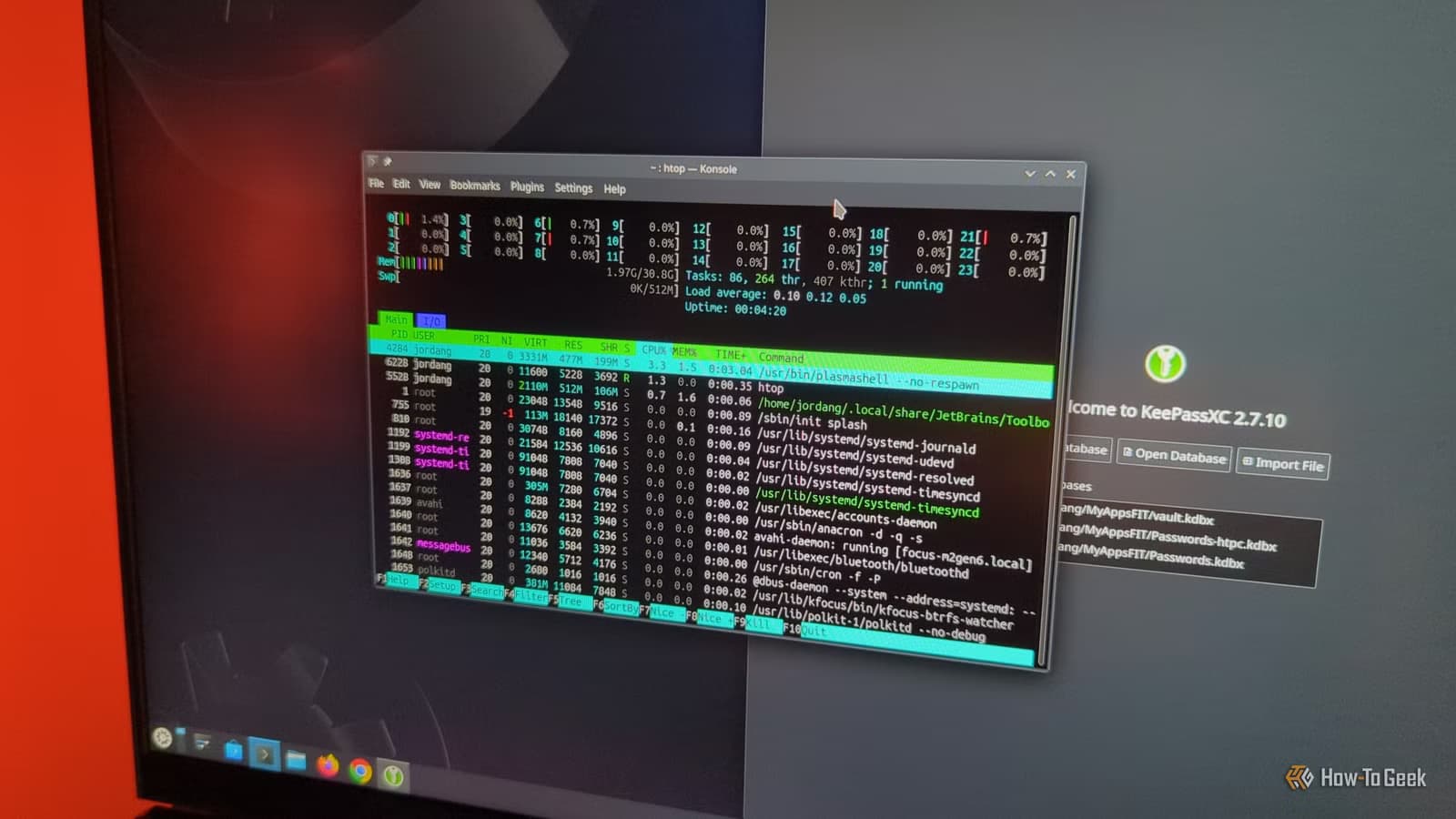
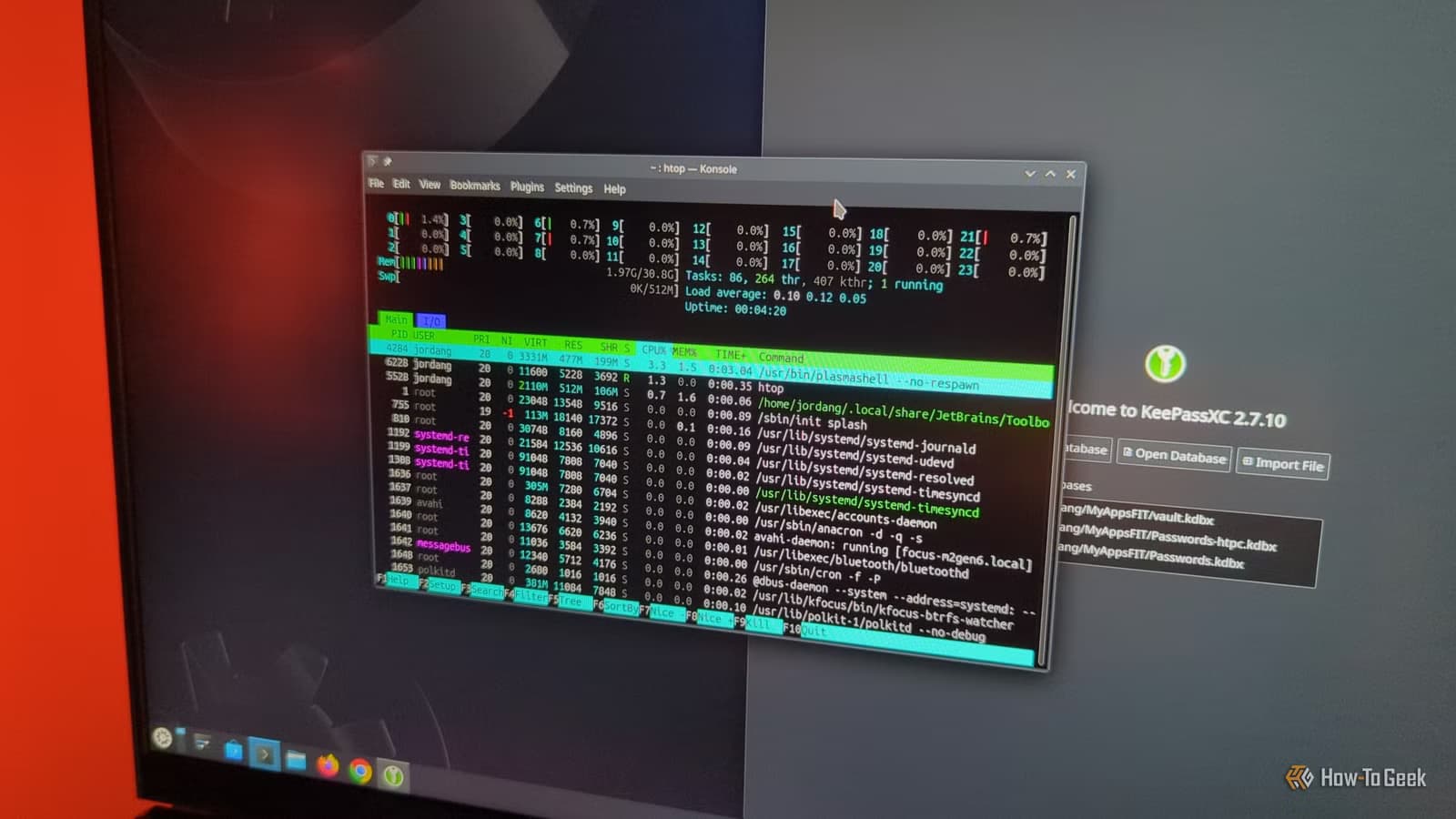
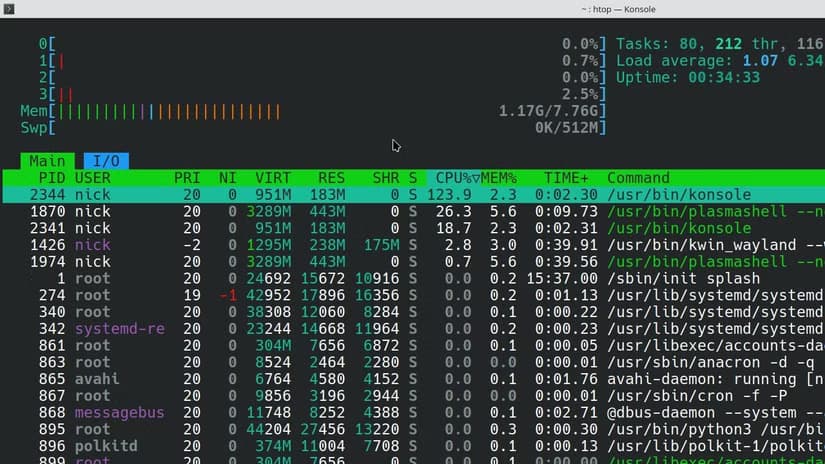
A headless installation of Debian or Ubuntu Server idles at 200-400MB of RAM. Windows wants several gigabytes before you've launched a single app.
That gap determines what hardware you can actually use. A retired laptop with 4GB of RAM becomes a capable server under Linux. Under Windows, it's already maxed out doing nothing. A $150 mini PC or a Raspberry Pi? Linux is the only viable option.
Nick Lewis, editor at How-To Geek, puts it directly: "The choice between Windows and Linux for self-hosting in 2026 is a battle between legacy compatibility and pure, unadulterated efficiency."
The Windows 10 Exodus
Windows 10 end-of-life is accelerating this shift. An estimated 400-500 million PCs will become "obsolete" because they can't run Windows 11. Many of these machines work fine. They just don't meet Microsoft's hardware requirements.
Self-hosters are repurposing this hardware. Install a lightweight Linux distribution, and that 2018 laptop becomes a capable home server. The homelab community has turned Microsoft's planned obsolescence into a hardware windfall.
Steam's Linux market share hit 5.33% in 2026, a record high. Much of that growth comes from users building home labs and wanting to escape Windows telemetry and forced AI integrations. Gaming happens to follow.
What Linux Actually Offers for Servers
Linux wasn't designed for desktop users who occasionally run servers. It was designed for servers, period. Several characteristics make it ideal for self-hosting.
- No forced reboots. Windows Update can restart your server at 3 AM. Linux lets you schedule updates when you're ready.
- No telemetry by default. Your server doesn't phone home to report what you're running.
- Headless operation is native. Running without a display isn't an afterthought.
- Docker and container support is first-class. Most self-hosted apps ship as Docker containers optimized for Linux.
- Lower attack surface. Fewer background services means fewer potential vulnerabilities.
The enterprise world noticed years ago. Over 60% of Microsoft Azure customer cores now run Linux. Microsoft's own cloud customers prefer Linux for production workloads.
When Windows Still Makes Sense
Windows isn't useless for self-hosting. Specific scenarios justify the resource overhead.
If you need to run Windows-only software (certain business applications, specific game servers, or legacy tools), Windows is your only choice. Virtualization helps here. Run Windows as a virtual machine inside a Linux-based Proxmox hypervisor. You get Windows compatibility for apps that need it while keeping the host OS efficient.
Lewis himself runs "two Windows virtual machines" inside his Proxmox setup. The Windows instances handle specific tasks. Proxmox handles everything else.
The Proxmox Standard
Reddit communities like r/homelab and r/selfhosted have largely standardized on a specific stack: Proxmox as the hypervisor, Docker for containerized apps. This setup maximizes hardware utilization while keeping management simple.
“Self-hosting is no longer just for 'geeks'; it's a practical necessity for replacing expensive cloud subscriptions with private, sovereign alternatives.”
— DB Tech, Tech Creator
The community frequently mocks Windows users who struggle with high memory usage and unexpected reboots. The common sentiment: Windows makes it easy to start but impossible to sustain a 24/7 server environment.
Practical Hardware Considerations
If you're starting a self-hosting journey, hardware choices depend on your OS decision.
| Factor | Linux | Windows |
|---|---|---|
| Minimum RAM | 1-2GB usable | 4GB minimum, 8GB recommended |
| Old hardware support | Excellent | Limited by Windows 11 requirements |
| Raspberry Pi support | Full support | Not supported |
| Docker performance | Native, optimized | WSL2 layer, overhead |
| Forced reboots | None | Frequent with updates |
| Power consumption | Lower idle draw | Higher idle draw |
A barebones mini PC with a reused SSD makes an excellent Linux server. Add a free Linux distribution, and total cost stays under $200 for capable hardware.
Storage deals for self-hosted server builds
Getting Started with Linux Self-Hosting
For beginners, Ubuntu Server or Debian offer the gentlest learning curve. Both have extensive documentation and large communities. Most self-hosted app tutorials assume one of these distributions.
- Download Ubuntu Server or Debian ISO
- Create a bootable USB drive using Rufus or Etcher
- Install on your target hardware (old laptop, mini PC, or Raspberry Pi)
- Install Docker and Docker Compose
- Deploy your first app using a docker-compose.yml file
The initial learning curve is steeper than Windows. You'll use the command line more than you might expect. But the stability and efficiency payoff comes within weeks, not months.
The Bottom Line
For self-hosting in 2026, Linux wins on nearly every practical metric. Lower resource consumption, better hardware flexibility, no forced reboots, and native container support make it the clear choice for home servers.
Windows remains relevant for specific legacy applications. Run it as a virtual machine when needed. But don't make it your host OS unless you have gigabytes of RAM to spare and don't mind 3 AM restarts.
✅ Pros
- • Linux idles at 200-400MB RAM versus multiple gigabytes for Windows
- • No forced reboots or telemetry by default
- • Runs on repurposed hardware that can't support Windows 11
- • Native Docker support without WSL2 overhead
- • Free, with extensive community documentation
❌ Cons
- • Steeper initial learning curve
- • Command line knowledge required
- • Some Windows-only applications won't run natively
- • Gaming server options more limited for Windows-exclusive titles
Logicity's Take
Frequently Asked Questions
Can I run a home server on Windows?
Yes, but Windows consumes several gigabytes of RAM at idle compared to 200-400MB for Linux. This limits your hardware options and increases power consumption.
What Linux distribution is best for self-hosting?
Ubuntu Server and Debian are the most popular choices. Both have extensive documentation and community support. Most self-hosted app tutorials assume one of these distributions.
Can I use Windows apps on a Linux server?
Run Windows as a virtual machine inside Proxmox or another hypervisor. This gives you Windows compatibility for specific apps while keeping your host OS efficient.
How much does a Linux home server cost?
Hardware costs start under $200 using a barebones mini PC and reused SSD. The operating system is free. Power consumption runs lower than equivalent Windows setups.
Will my old laptop work as a Linux server?
Most laptops from the past decade run Linux well. Machines that can't meet Windows 11 requirements often make excellent Linux servers with minimal RAM overhead.
Need Help Implementing This?
Source: How-To Geek
Manaal Khan
Tech & Innovation Writer
Produced with AI assistance and reviewed by the Logicity editorial team. Learn more in our Editorial Policy.






