Key Takeaways
- NextDNS acts as a network checkpoint, blocking tracker and telemetry requests before they reach their destination
- Native Tracking Protection blocks OS-level data collection on Windows, Android, iOS, and smart TVs
- The free tier allows 300,000 queries per month, with 130+ global server locations
The Privacy Settings Problem
Every new device comes with a hidden chore list. Turn off diagnostics. Reject personalized recommendations. Disable telemetry. Find the privacy toggle buried three menus deep under a vague name like 'Experience Improvement Program.' Now repeat for your phone, laptop, smart TV, and every IoT gadget in your home.
Your phone tracks which apps you use. Your smart TV monitors viewing habits. Your laptop sends usage data back to the manufacturer. Companies frame this as 'improving the user experience,' but that's rarely the whole story.
The real problem isn't that these settings exist. It's that managing them across every device you own becomes exhausting. Each manufacturer hides controls in different places, uses different terminology, and sometimes changes the menu structure with software updates.
What NextDNS Actually Does
NextDNS is a custom DNS service that acts as a checkpoint between your devices and the internet. When any app or device tries to connect to an online server, that request passes through NextDNS first. If the destination is a known tracker, telemetry endpoint, or ad server, NextDNS blocks the connection before it's ever made.
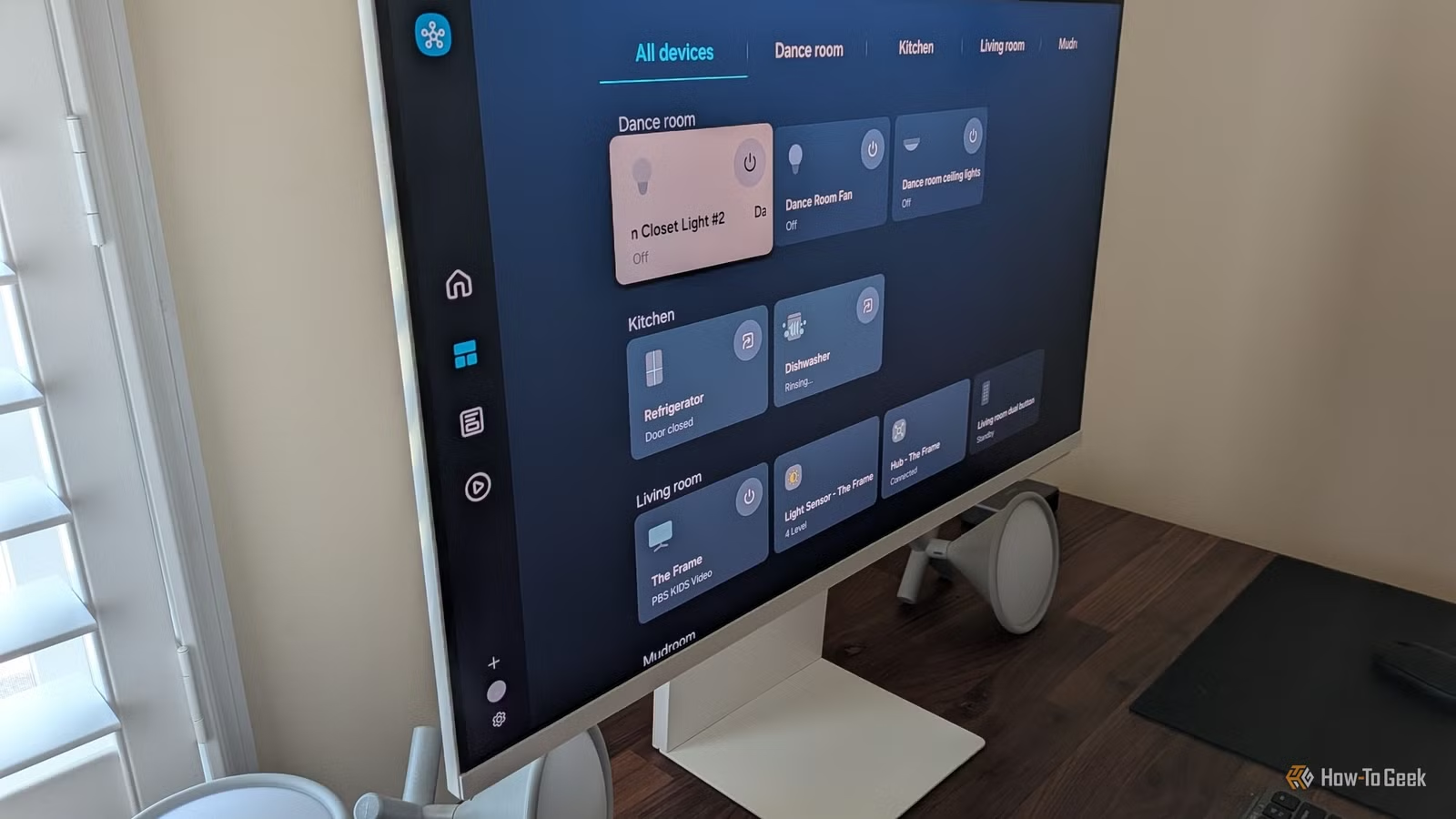
This works at the network level. Unlike browser extensions that only protect your web browsing, NextDNS filters DNS queries from everything on your network. Your smart TV trying to phone home to Samsung? Blocked. Your Windows laptop sending diagnostics to Microsoft? Blocked. Background app trackers on your Android phone? Blocked.
Native Tracking Protection: The Key Feature
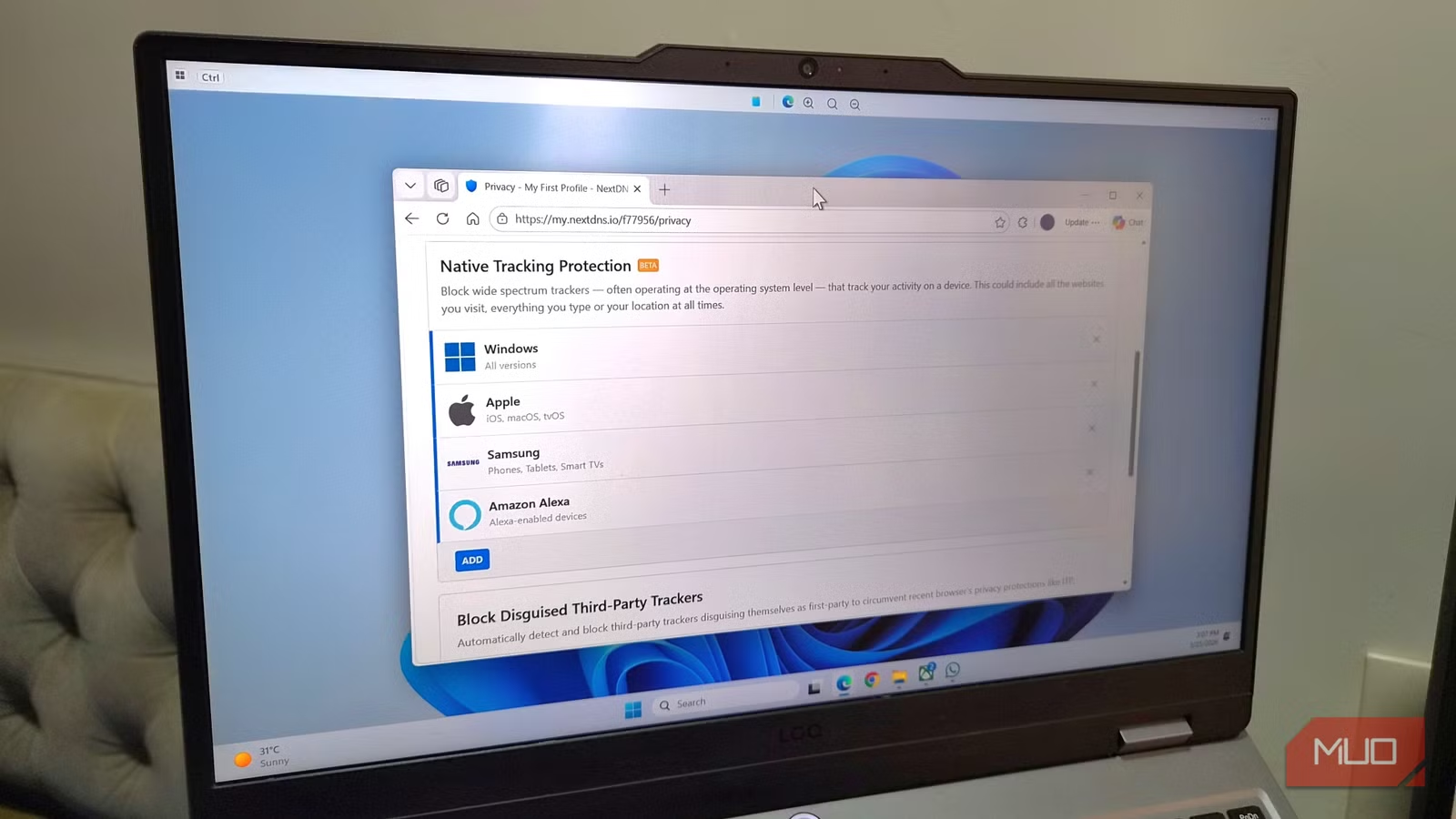
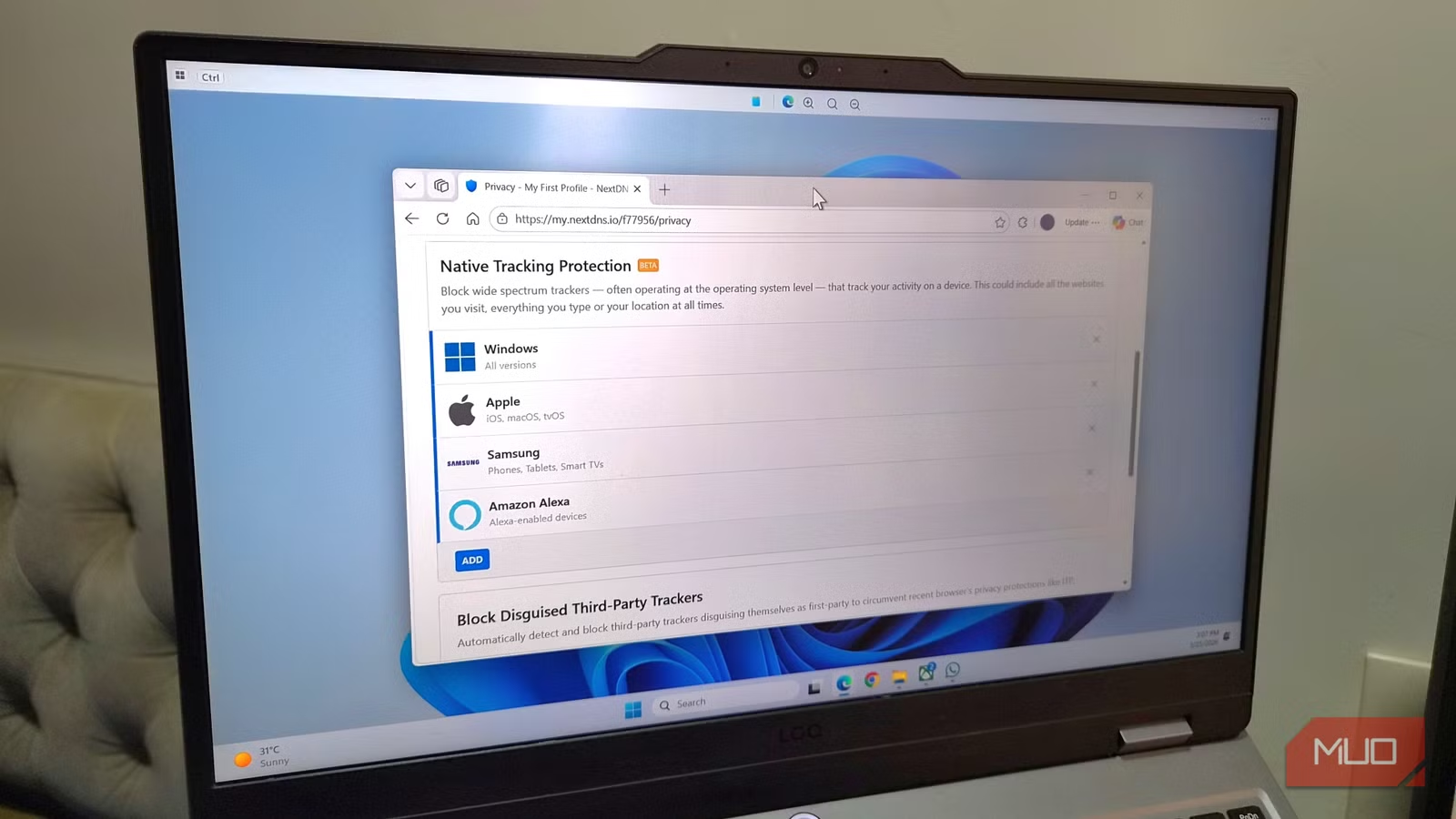
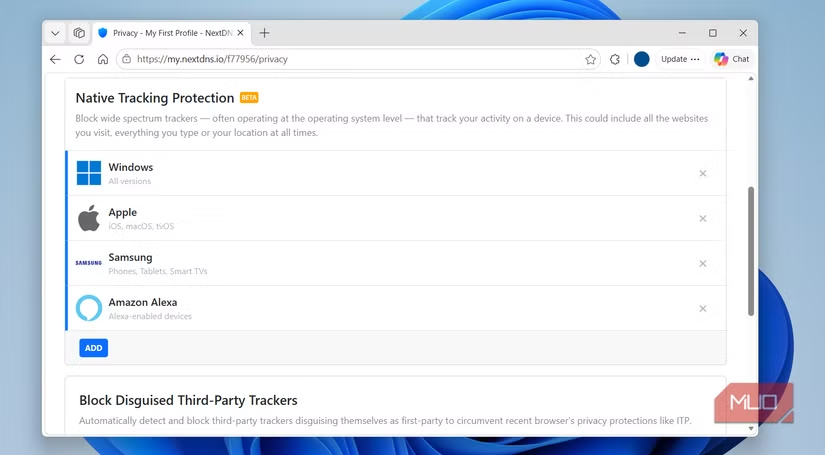
NextDNS includes a feature called Native Tracking Protection. This specifically targets trackers built into operating systems, not just third-party apps. It maintains blocklists for Windows telemetry endpoints, Apple analytics servers, Samsung TV data collection, and similar OS-level tracking.
The difference from traditional ad blockers is significant. Browser-based blockers can't touch what your smart TV does, or what your phone's OS sends in the background. NextDNS can, because it intercepts the DNS lookup before any connection happens.
How to Set Up NextDNS
Setting up NextDNS involves two steps: creating a configuration on their website, then pointing your devices or router to their DNS servers.
- Create a free account at nextdns.io
- Configure your privacy settings and blocklists in the dashboard
- Note your unique configuration ID
- Either configure your router to use NextDNS (covers all devices), or install the NextDNS app on individual devices
Router-level setup is ideal because it protects every device on your network automatically. But the mobile apps work well for protecting devices when you're away from home.
Free Tier Limits and Performance
NextDNS offers a free tier with 300,000 DNS queries per month. That sounds like a lot, but a busy household with multiple devices can burn through it. For reference, a single device might generate hundreds of queries per hour depending on usage.
The paid tier costs $1.99 per month (or $19.90 yearly) and removes the query limit. Given the coverage across all your devices, that's a modest cost for network-wide privacy protection.
NextDNS vs. Pi-hole
Privacy enthusiasts often compare NextDNS to Pi-hole, a self-hosted DNS sinkhole. Both accomplish similar goals, but with different tradeoffs.
Pi-hole runs on hardware you control, usually a Raspberry Pi. You maintain it, update blocklists yourself, and troubleshoot when something breaks. NextDNS is a hosted service. You configure it through a web dashboard, and they handle the infrastructure.
✅ Pros
- • No hardware required or self-hosting maintenance
- • Works on devices outside your home network via mobile apps
- • Automatic blocklist updates and 130+ server locations
- • Native Tracking Protection targets OS-level telemetry specifically
❌ Cons
- • Free tier limited to 300,000 queries monthly
- • Your DNS queries pass through a third-party service
- • Limited customer support compared to enterprise solutions
- • Less customizable than a self-hosted Pi-hole setup
Community discussions on r/PrivacyGuides and HackerNews consistently praise NextDNS as a 'set-and-forget' alternative to running a local Pi-hole. The tradeoff is trusting a third party with your DNS queries, though NextDNS's privacy policy allows you to disable logging entirely.
What Gets Blocked
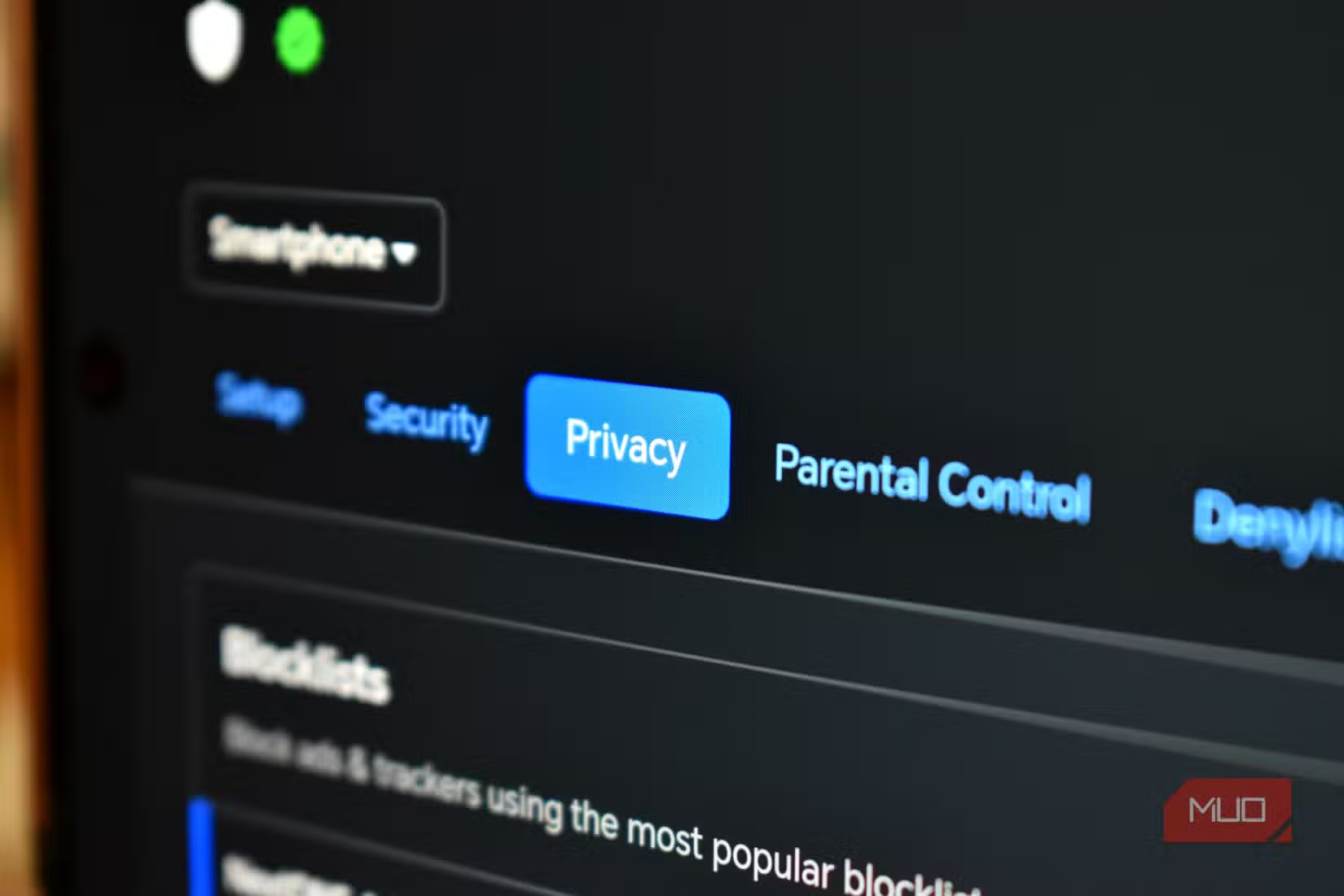
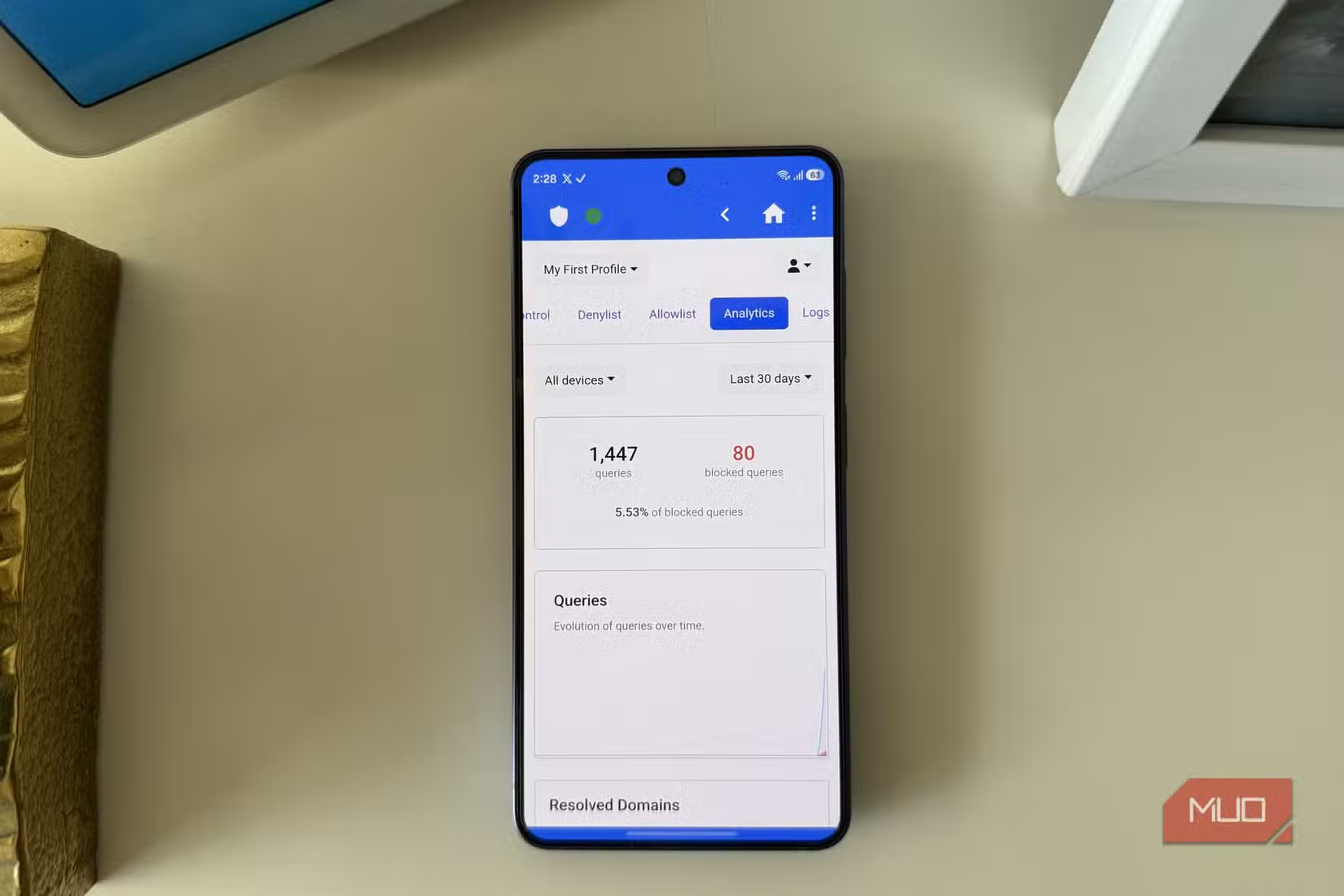
Beyond native tracking protection, NextDNS lets you enable various blocklists for ads, malware, phishing domains, and specific services. The dashboard shows exactly what's being blocked and how often.
- Advertising domains and tracking pixels
- Known malware and phishing domains
- OS telemetry endpoints (Windows, Apple, Samsung, etc.)
- Affiliate tracking and analytics services
- Cryptomining scripts
You can also whitelist specific domains if blocking causes problems. Some services break when their analytics calls fail, so the ability to add exceptions matters.
Related guide on managing what runs on your devices
When NextDNS Makes Sense
NextDNS fits best for people who want network-wide privacy without managing their own infrastructure. If you've avoided Pi-hole because you don't want to maintain a Raspberry Pi, this is the hosted alternative.
It's particularly useful for smart home setups. Many IoT devices don't support browser extensions or custom software. DNS-level blocking is the only practical way to limit their data collection.
The mobile apps also matter. Pi-hole only protects devices on your home network. NextDNS can protect your phone when you're on cellular data or public WiFi.
Logicity's Take
Frequently Asked Questions
Does NextDNS slow down my internet connection?
With 130+ global server locations, NextDNS latency is typically comparable to standard DNS providers. Most users report no noticeable speed difference.
Can NextDNS replace my VPN?
No. NextDNS blocks trackers and ads at the DNS level but doesn't encrypt your traffic or hide your IP address. A VPN does those things. They serve different purposes.
How many queries does a typical household use per month?
It varies widely. A single active device can generate hundreds of queries per hour. A household with multiple phones, computers, and smart devices might exceed the 300,000 free tier limit within a few weeks.
Does NextDNS work with all routers?
Most routers support custom DNS settings. Some ISP-provided routers lock this down. If you can't change DNS at the router level, you can use NextDNS apps on individual devices instead.
Is NextDNS safe to use?
NextDNS allows you to disable all logging, meaning they don't store records of your queries. Their privacy policy is transparent about data handling. However, you are trusting a third party with your DNS traffic.
Need Help Implementing This?
Source: MakeUseOf
Manaal Khan
Tech & Innovation Writer
Produced with AI assistance and reviewed by the Logicity editorial team. Learn more in our Editorial Policy.