Key Takeaways
- Gemini pulls live web results, Gmail content, and Drive files into a single response
- Enable Connected Apps in Gemini settings to access your Google Workspace data
- Gemini Pro's Personal Intelligence feature searches your apps without explicit prompts
Every research project used to start the same way. A new Drive folder. A growing list of saved links. Forwarded emails. Downloaded PDFs you promise to organize later. You never do.
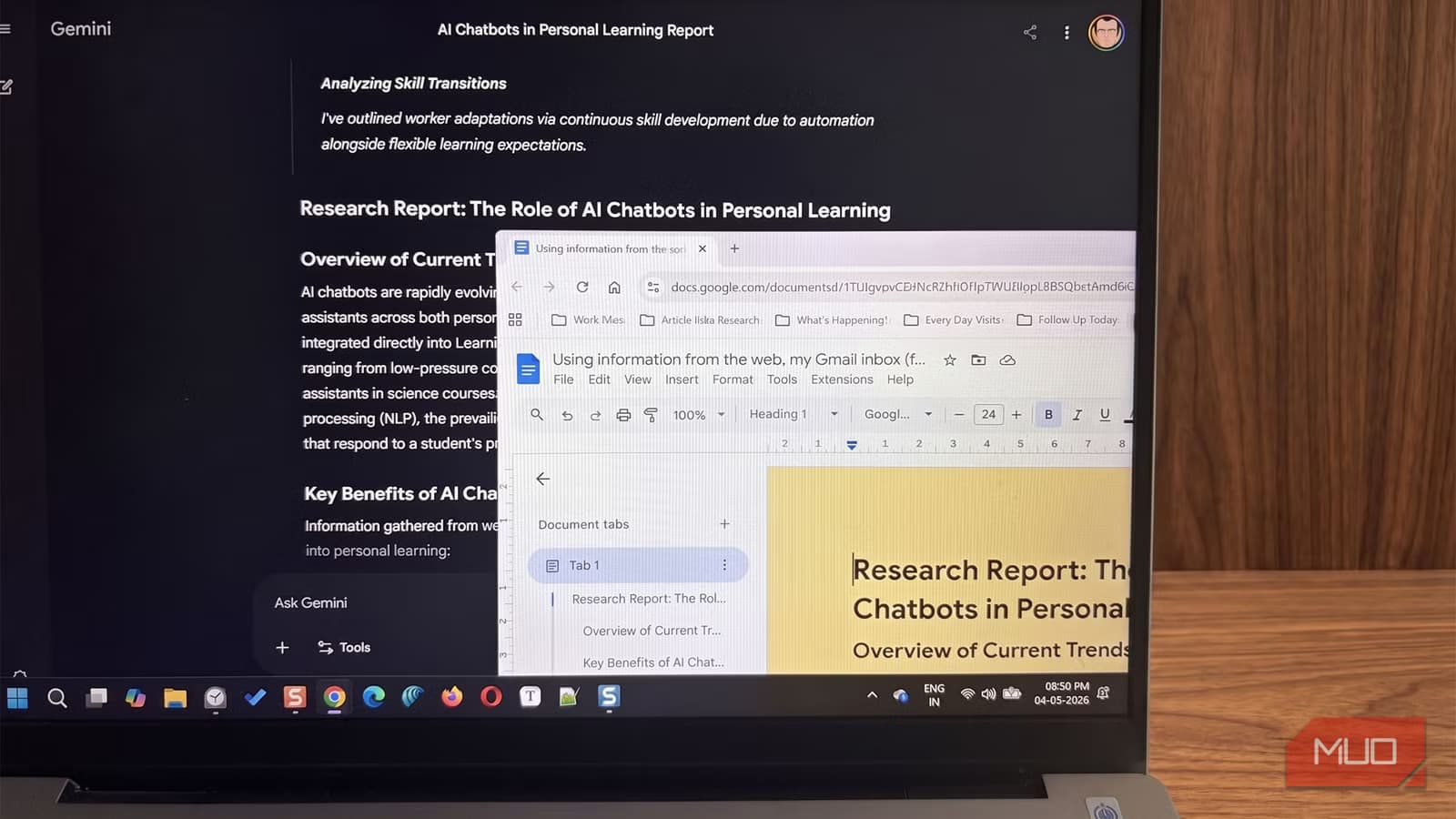
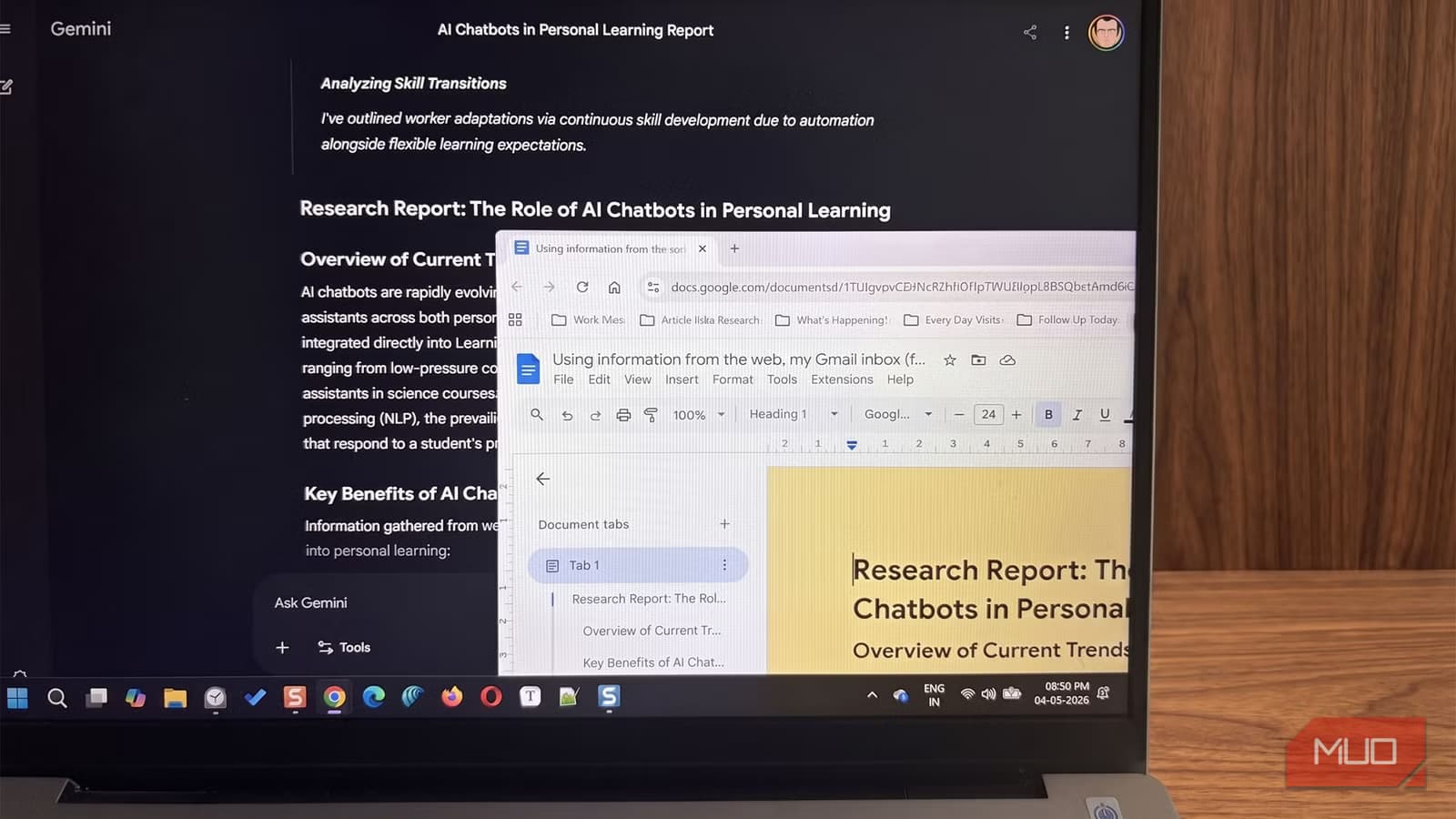
Google's Gemini changes this pattern. When connected to your Google Workspace apps, it can pull from the web, your Gmail inbox, and Drive folders simultaneously. The result: a structured report in minutes, not a folder hierarchy you will abandon.
Gemini Searches the Web Without Add-ons
Gemini at gemini.google.com pulls live information from Google Search by default. When you ask a research question, it does not rely only on training data. It retrieves current sources and cites them, so your report reflects what is actually happening now.
This works in both Free and Pro accounts, though usage limits differ. The real power comes when you connect Gemini to your Google Workspace apps.
How to Enable Connected Apps
To turn Gemini into a research hub, you need to enable Google Workspace extensions. This allows the AI to securely access your Drive and Gmail accounts to retrieve specific documents or conversations.
- Go to the Settings & help menu in the Gemini web app
- Find the Connected Apps option
- Toggle it to the On position
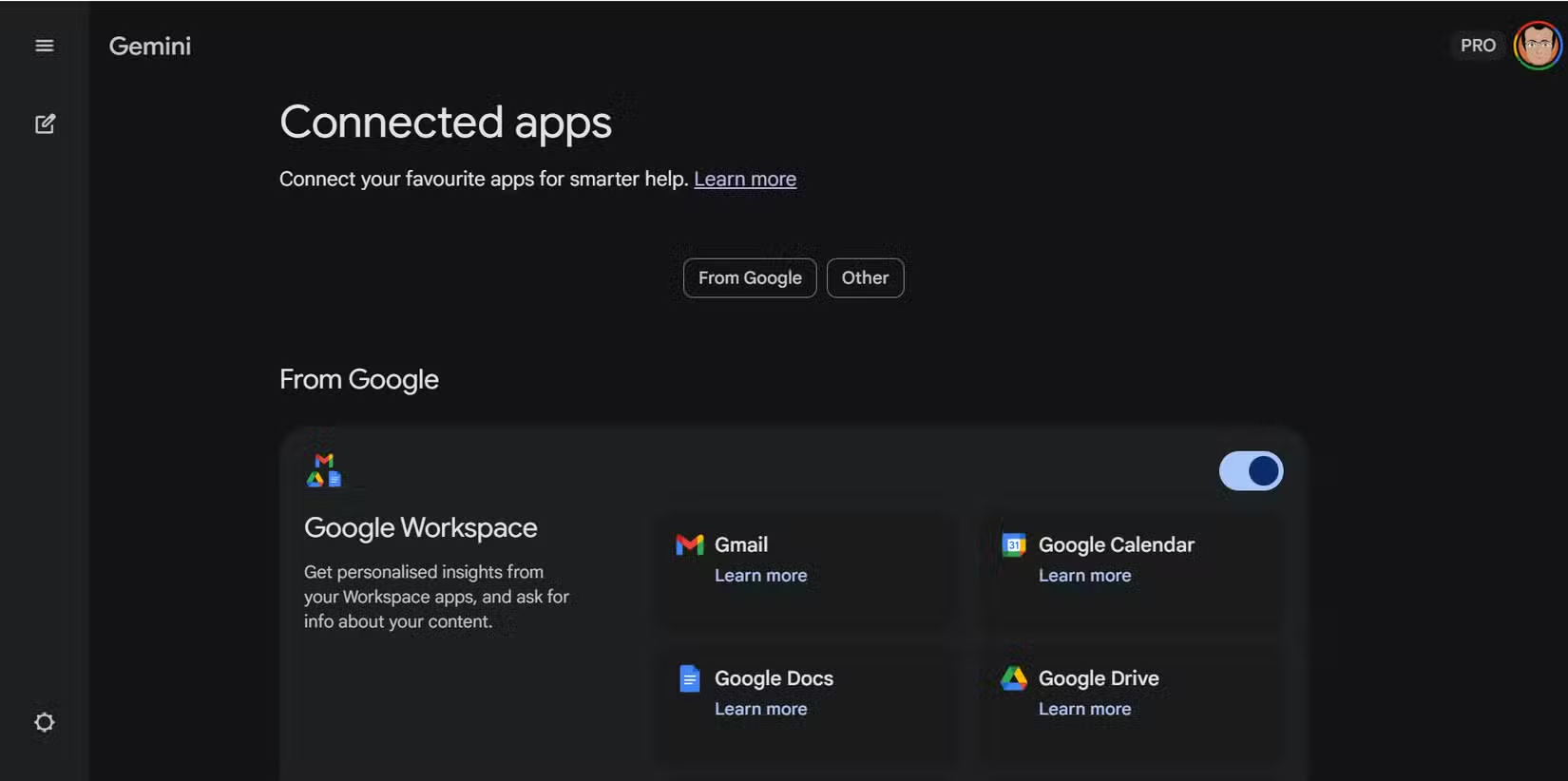
Once enabled, Gemini can search your Drive files and Gmail messages when you ask questions. You will need to specify which sources you want it to check in your prompts.
Gemini Pro's Personal Intelligence Feature
Gemini Pro users get access to Personal Intelligence, a more comprehensive feature. It can pull information from your connected apps without you explicitly stating where to look. Ask about a topic, and it will surface relevant emails, documents, and web results automatically.
The trade-off is giving AI access to your personal files. Since the data already lives within the Google ecosystem, this is easier to accept than sharing with a third-party service. The time saved in manual searching offsets the hesitation.
How Gmail Integration Adds Context
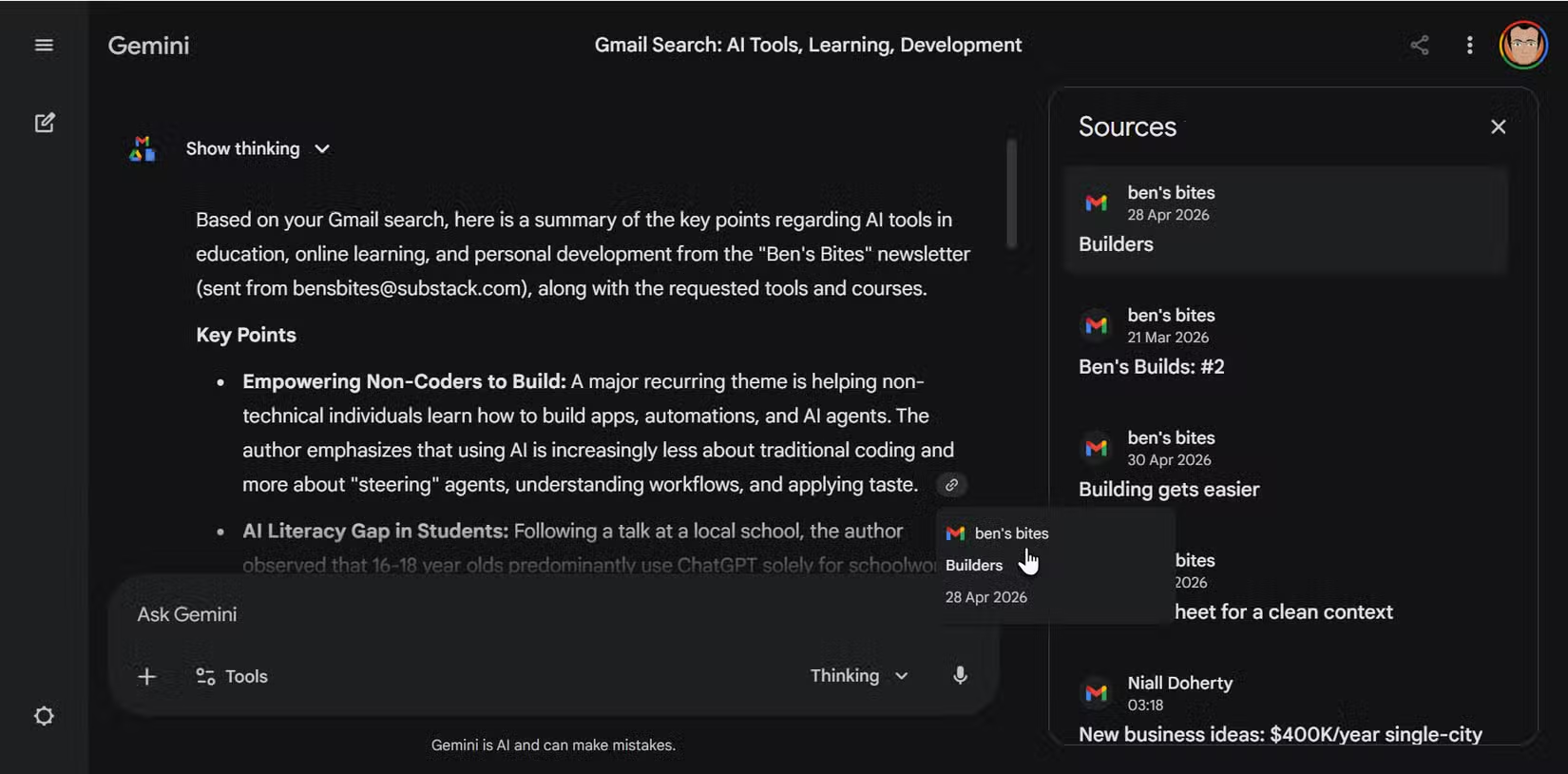
Your inbox holds more research than you think. Newsletters, thread summaries, course recommendations, project updates. When you allow Gemini to access Gmail, it can scan for emails relevant to your topic and pull key points directly into a response.
For a topic like AI in personal learning, Gemini might surface newsletters you forgot you subscribed to, email threads with colleagues, or confirmations from online courses. All of this becomes searchable context instead of buried messages.
Drive Files Become Queryable
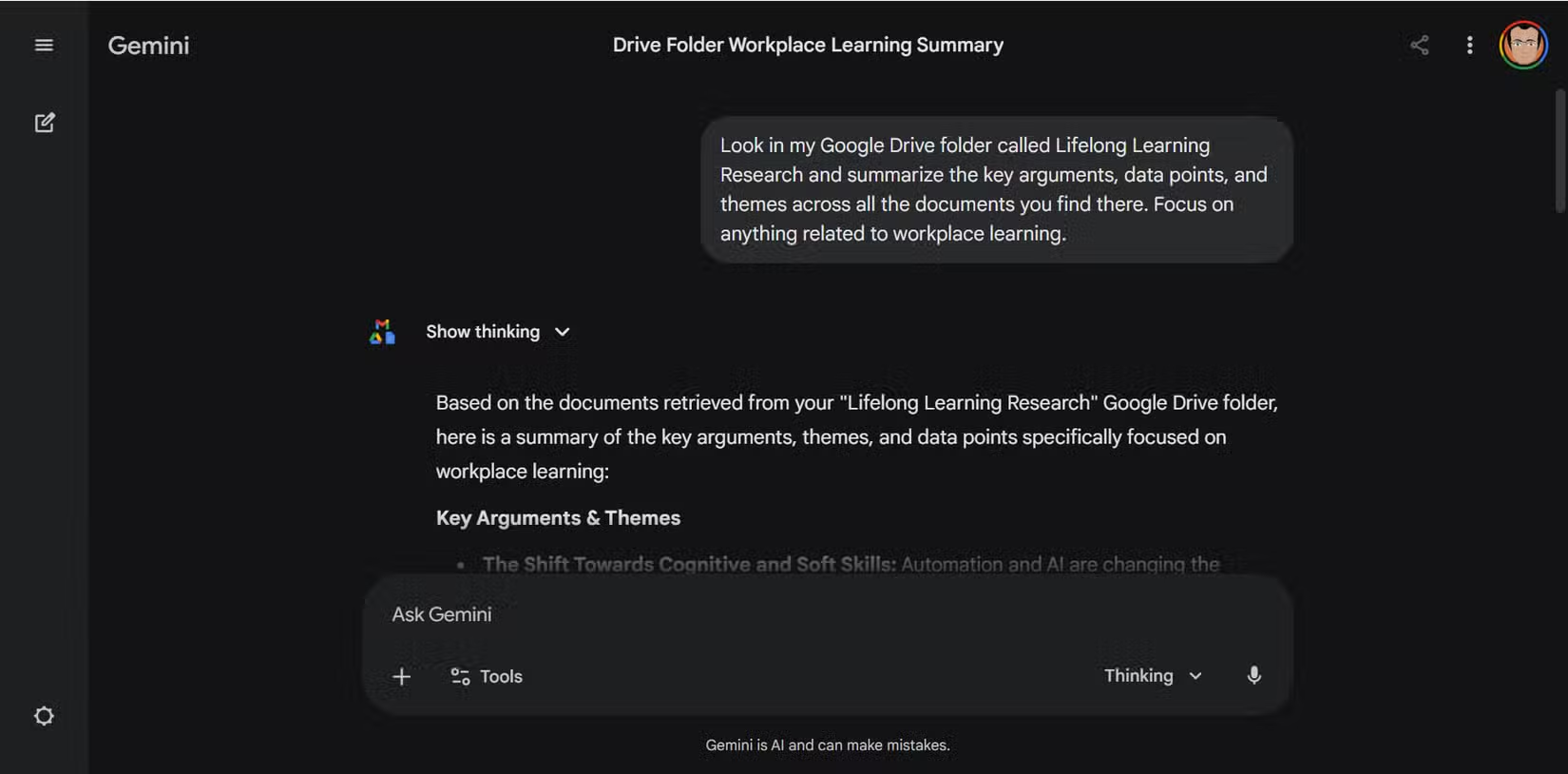
The same principle applies to Drive. Point Gemini at a specific folder, and it can summarize documents, compare PDFs, or extract specific information across multiple files. No more opening each file individually to find that one stat you saved months ago.
This turns your existing document hoarding into something useful. Those hundreds of saved PDFs become a queryable knowledge base rather than a guilt-inducing folder.
Export Options for Your Research
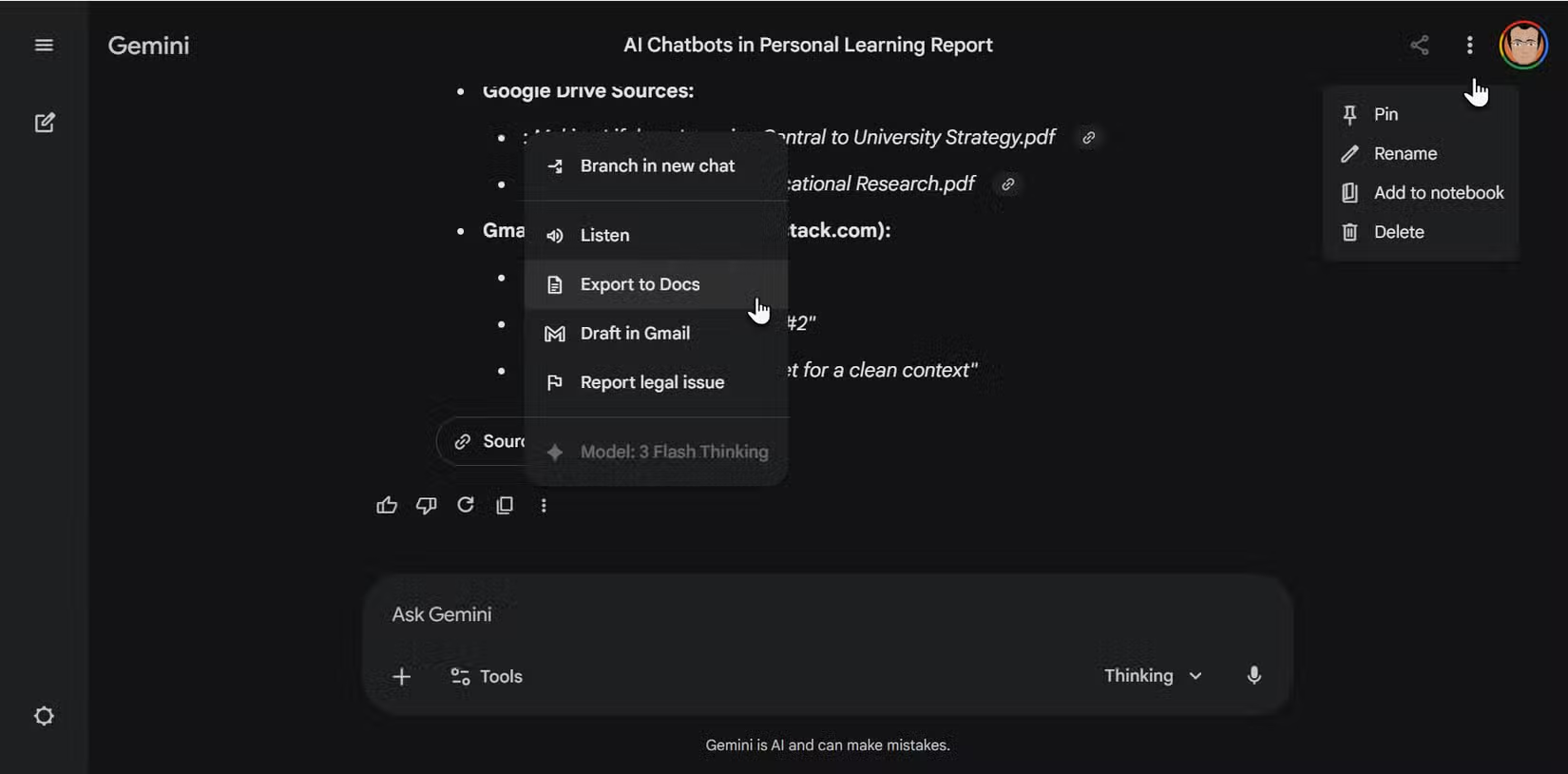
Once Gemini generates a response, you can export it directly to Google Docs, Sheets, or other Workspace apps. This keeps your research within the ecosystem without copy-pasting between tools.
Logicity's Take
When This Approach Falls Short
This is not a replacement for deliberate information architecture. Gemini can surface and summarize, but it cannot replicate the thinking that happens when you manually organize research. For complex projects spanning months, you may still want a structured system.
The AI also cannot access files outside Google's ecosystem. If critical research lives in other apps, you are back to manual searching for that portion.
Related tools for organizing work and research
Frequently Asked Questions
Does Gemini Connected Apps work on the free plan?
Yes, both Free and Pro accounts can enable Connected Apps. Usage limits differ between tiers, with Pro offering higher limits and access to Personal Intelligence.
Can Gemini access files outside Google Drive?
No. Gemini's Workspace integration only covers Google apps like Drive, Gmail, Docs, and Sheets. Files in Dropbox, OneDrive, or local storage are not accessible.
Is it safe to give Gemini access to Gmail and Drive?
Google processes this data within its existing security framework. Your files remain within Google's ecosystem rather than being sent to a third-party service. The trade-off is convenience versus data access.
What is Personal Intelligence in Gemini Pro?
Personal Intelligence is a Gemini Pro feature that automatically searches your connected Workspace apps without explicit prompts. It surfaces relevant emails, documents, and calendar events based on your query context.
Need Help Implementing This?
Source: MakeUseOf
iOS Redesign and New Deep Research Integration
The new article reports on a significant UI redesign for the Gemini app on iOS, including 'Liquid Glass' design elements and an animated background. It also identifies several new specific feature integrations now accessible via an expanded search menu, such as 'deep research,' 'guided learning,' and 'NotebookLM' resource support.
Huma Shazia
Senior AI & Tech Writer
Produced with AI assistance and reviewed by the Logicity editorial team. Learn more in our Editorial Policy.