Key Takeaways
- Antigravity's live backend tests code in real time instead of just suggesting snippets
- Multiple autonomous agents work on different parts of your application simultaneously
- The tool works best when you describe what you want rather than how to build it
When Google launched Antigravity, developers rushed to try it. Many abandoned VS Code. But plenty left soon after because Antigravity doesn't work like traditional coding assistants. The problem isn't the tool. It's how programmers approach it.
According to a detailed comparison from How-To Geek, Antigravity beats Claude at coding tasks. The catch: you need to stop acting like a programmer to unlock its potential.
The Live Backend Changes Everything
Standard AI coding assistants like Claude and Gemini suggest code snippets. You copy them, paste them into your project, and test them yourself. This back-and-forth loop eats time.
Antigravity works differently. It adds a live browser and a managed backend directly into the development environment. Instead of waiting for you to assemble and run code, the tool starts a local server and checks results on its own.
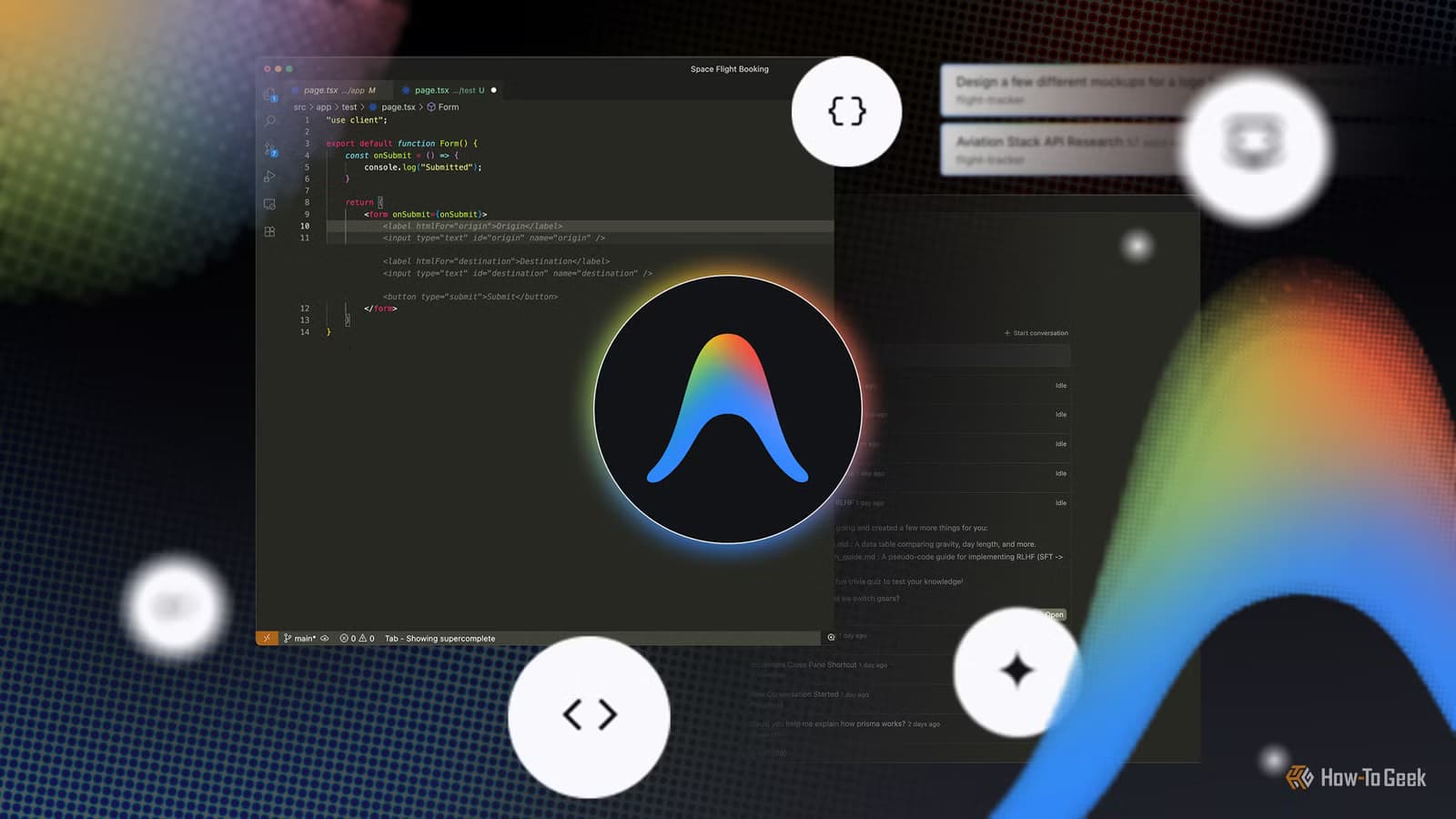
The system opens a Chrome instance to click through the UI, test input forms, check network requests, and capture screenshots of the running application. You get immediate feedback. When Antigravity finds bugs in the visual layout or underlying logic, it tries to fix them without your help.
This means you spend less time switching between your text editor and a separate browser window trying to figure out why a component didn't load. You can also stop the automated testing and handle it yourself if you prefer more control.
Autonomous Agents Working in Parallel
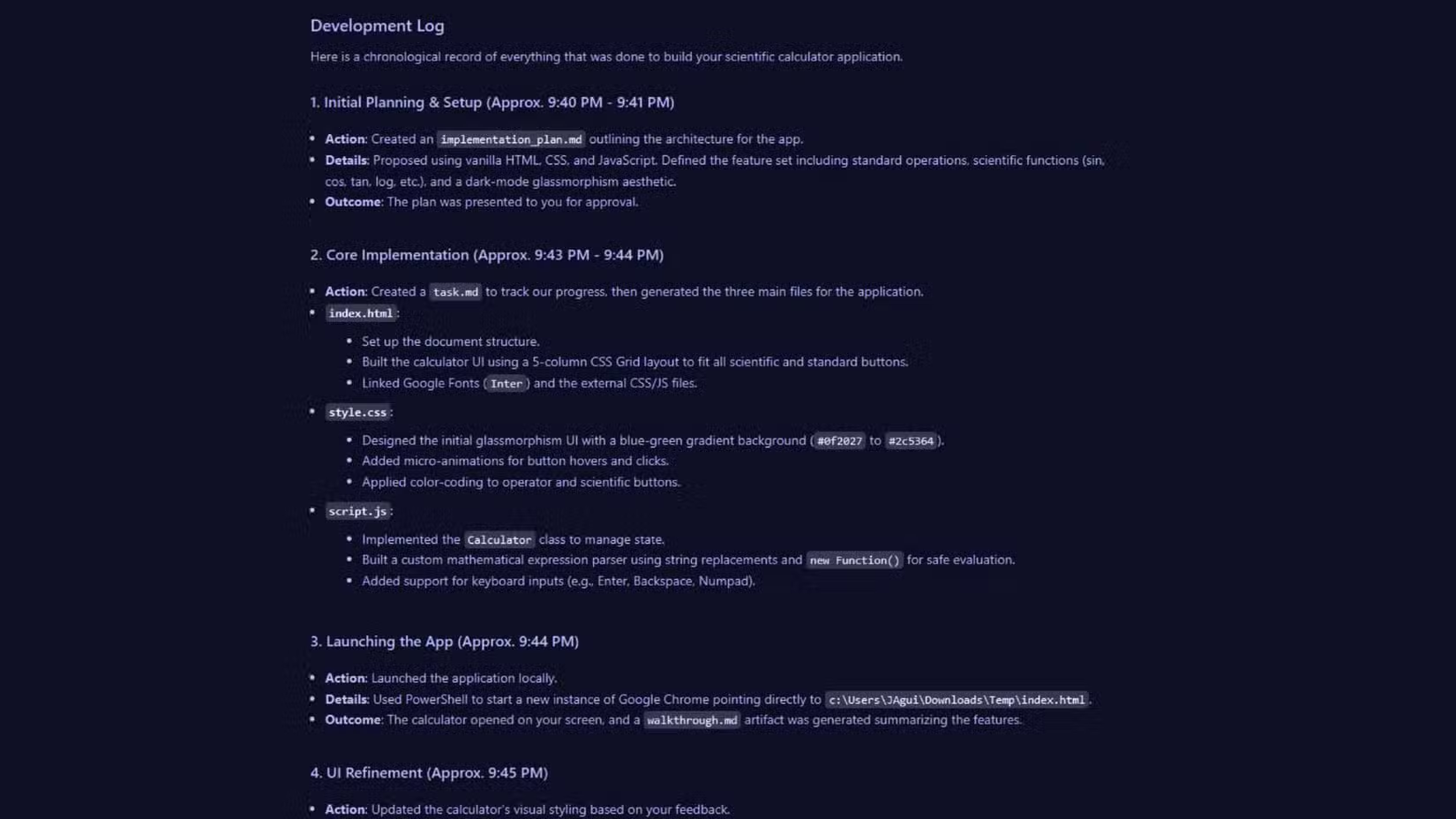
Antigravity uses a dedicated manager view where you can watch separate autonomous agents handle different parts of your application at the same time. The chat interface on the right makes it feel like one agent, but multiple processes run behind the scenes.
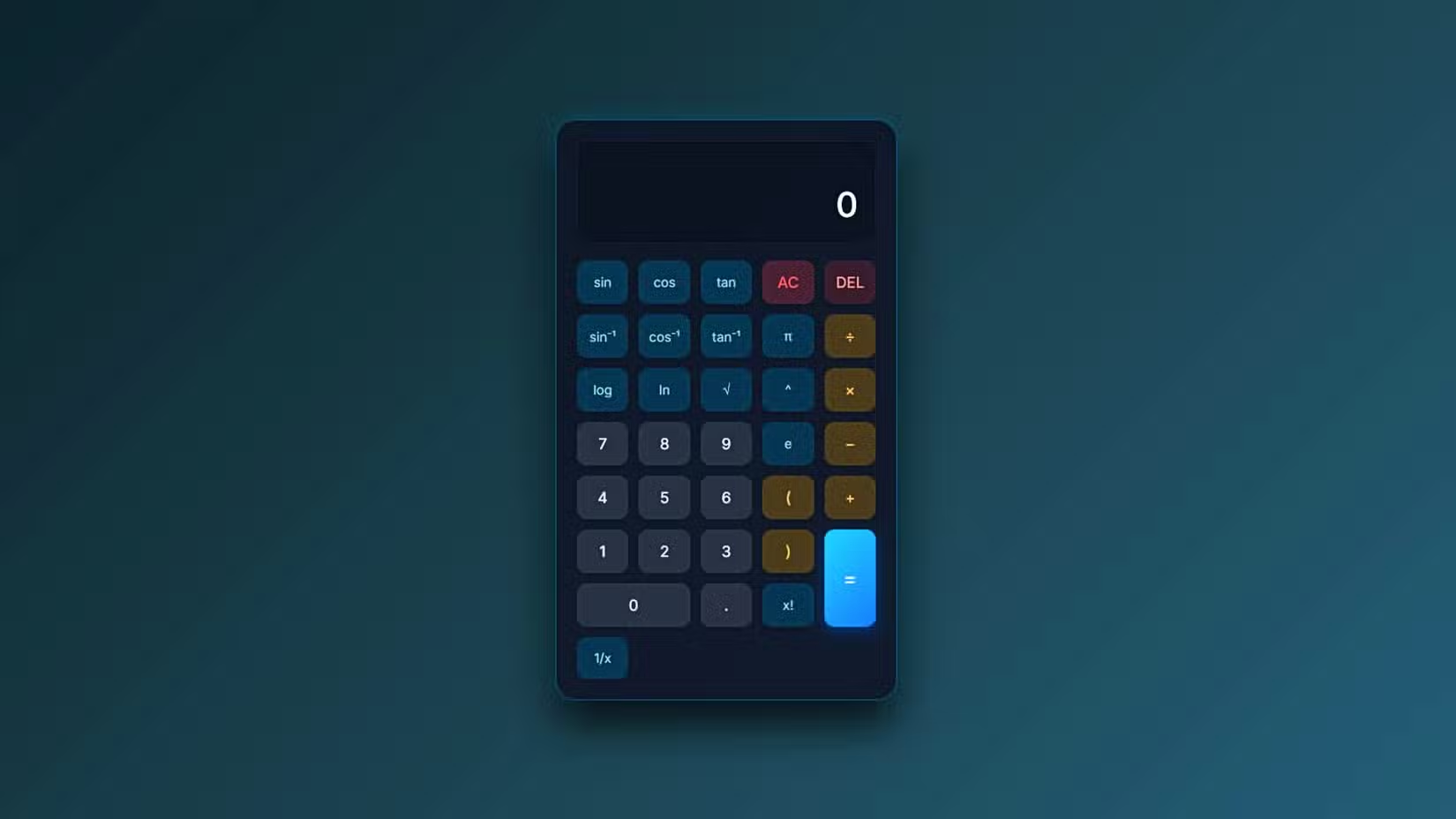
One agent can focus on building front-end components while another writes backend routes. This parallel execution speeds up development for complex projects. The platform manages asynchronous tasks across different files, handling context in ways that rival models struggle to match.
Why Programmers Struggle With Antigravity
The irony is that experienced programmers often have the hardest time with Antigravity. They write prompts the way they'd write code: specific, technical, step-by-step. This approach backfires.
Antigravity performs best when you describe what you want the application to do, not how to build it. Traditional programmer instincts, like specifying implementation details or breaking tasks into small chunks, actually slow the system down.
Claude remains useful for getting ideas together and planning architecture. But for implementation, Antigravity's live testing and autonomous agents deliver faster results. At best, Claude will seem like a good way to organize your thoughts, but not a good way to execute them.
Rate Limits Remain a Challenge
Antigravity's power comes with constraints. Rate limits can interrupt workflow, especially on larger projects. Users who know how to pace their requests and avoid triggering limits get the most value from the tool.
For those who learn to work within these boundaries, the switch from Claude feels permanent. The real-time feedback loop and parallel agent architecture create a fundamentally different development experience.
See how Claude's other capabilities compare
Logicity's Take
Frequently Asked Questions
Is Google Antigravity better than Claude for coding?
For implementation and testing, Antigravity's live backend and autonomous agents outperform Claude's snippet-based approach. Claude remains useful for planning and organizing ideas before you start building.
Why do programmers struggle with Antigravity?
Experienced developers tend to write overly specific, technical prompts. Antigravity works best when you describe what you want the application to do rather than how to build it.
Does Antigravity have rate limits?
Yes. Rate limits can interrupt workflow on larger projects. Learning to pace requests helps users get consistent results from the tool.
How does Antigravity test code automatically?
It starts a local server, opens a Chrome instance, clicks through the UI, tests input forms, checks network requests, and captures screenshots. When it finds bugs, it attempts to fix them automatically.
Need Help Implementing This?
Source: How-To Geek
Huma Shazia
Senior AI & Tech Writer
Produced with AI assistance and reviewed by the Logicity editorial team. Learn more in our Editorial Policy.






