Key Takeaways
- Google Antigravity is a free AI-powered IDE that compiles working Android APKs
- No coding experience required. A journalist built a functional app that's worked for six months
- Professional developers at Spotify haven't written manual code in months, validating AI-assisted development
Vibe coding has gone mainstream. Spotify confirmed in early 2026 that some of its best developers hadn't written a single line of code in months. They're using AI instead. If that approach works for professional engineers at a company with 600 million users, it can work for you.
Brady Snyder, a technology journalist at MakeUseOf, tested this premise. He has a journalism degree, not a computer science background. He built a working Android app using Google's free Antigravity tool. Six months later, that app still runs on his phone without a single bug.
What Is Google Antigravity?
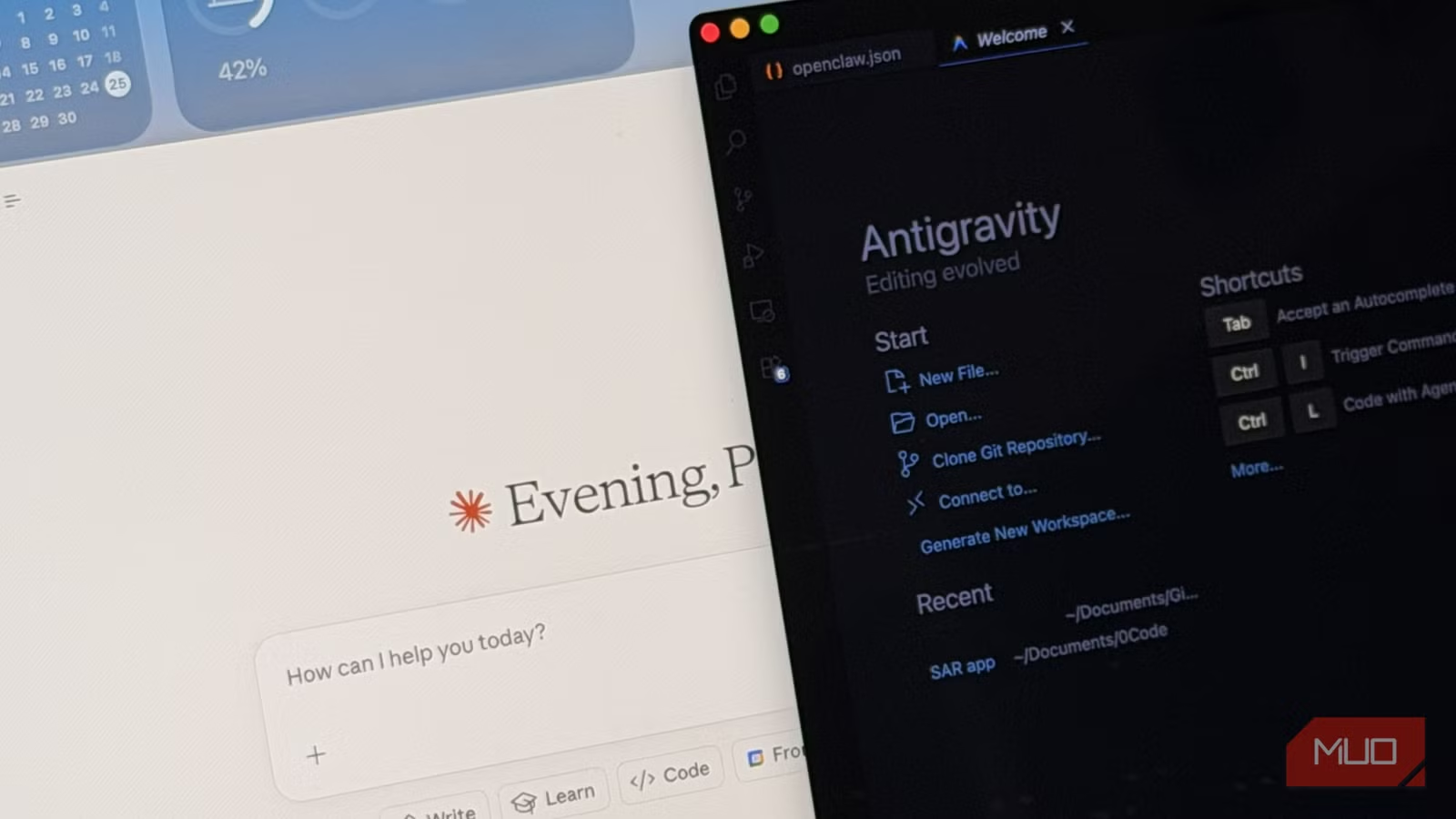
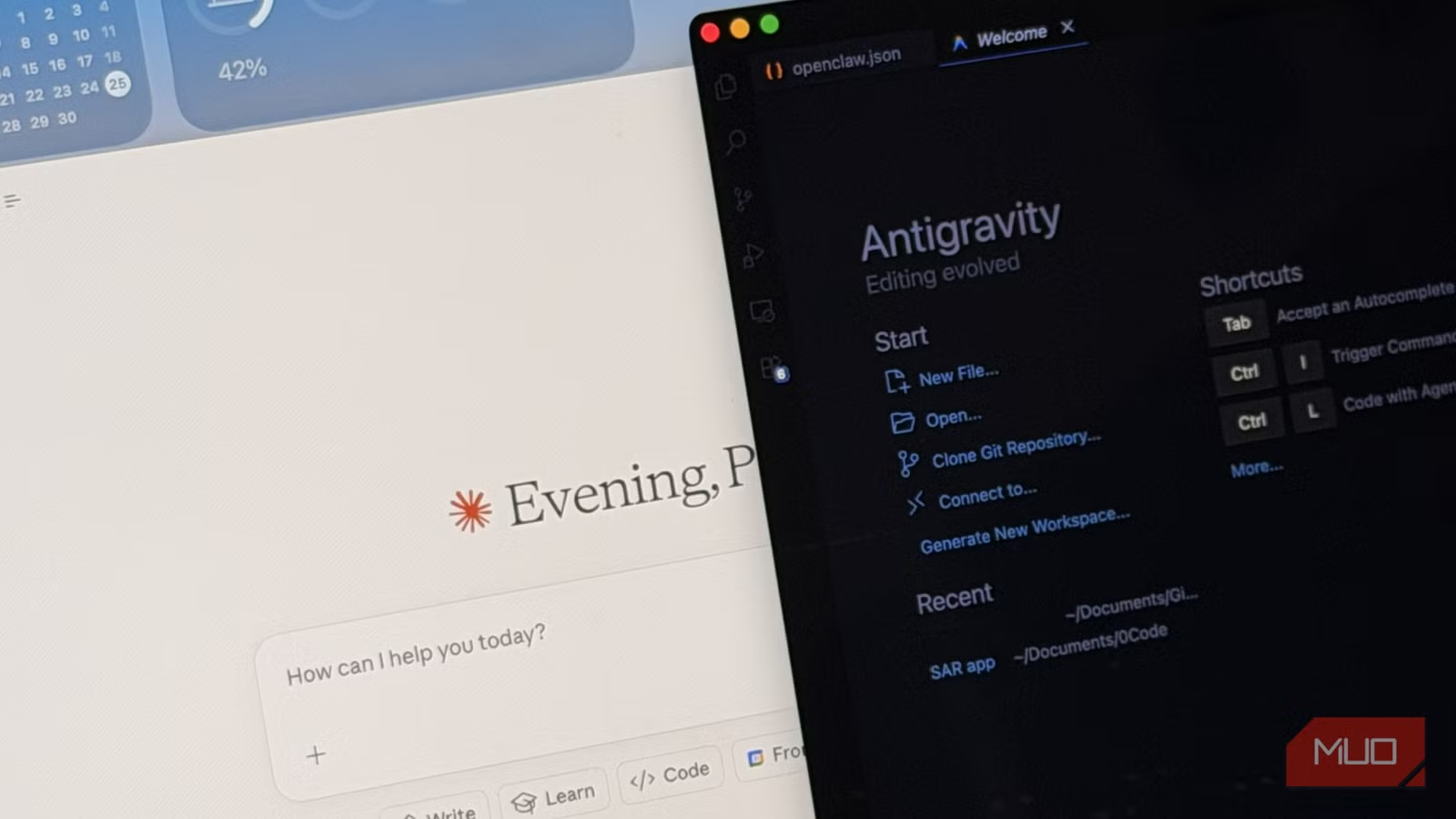
Google Antigravity is an AI-infused integrated development environment (IDE) that launched in December 2025. Unlike paid tools like Claude Code, Antigravity is completely free. No subscriptions. No token limits.
The tool handles the entire development pipeline. You describe what you want, the AI generates the code, and Antigravity compiles it into an Android Package Kit (APK). That APK can be installed directly on any Android device.
This is what separates Antigravity from web-based AI coding tools. Those tools can help you build web apps, but getting a native Android app onto your phone typically requires Android Studio, Gradle configurations, and understanding of the Android SDK. Antigravity handles all of that.
The Test: Building an App From Scratch
Snyder built an app called Vinyl Spin Tracker. The name suggests it logs vinyl record plays, though the source doesn't detail its full functionality. What matters is the outcome: he got a working APK, installed it on his Galaxy S25 Edge, and has used the app "religiously" for roughly six months.
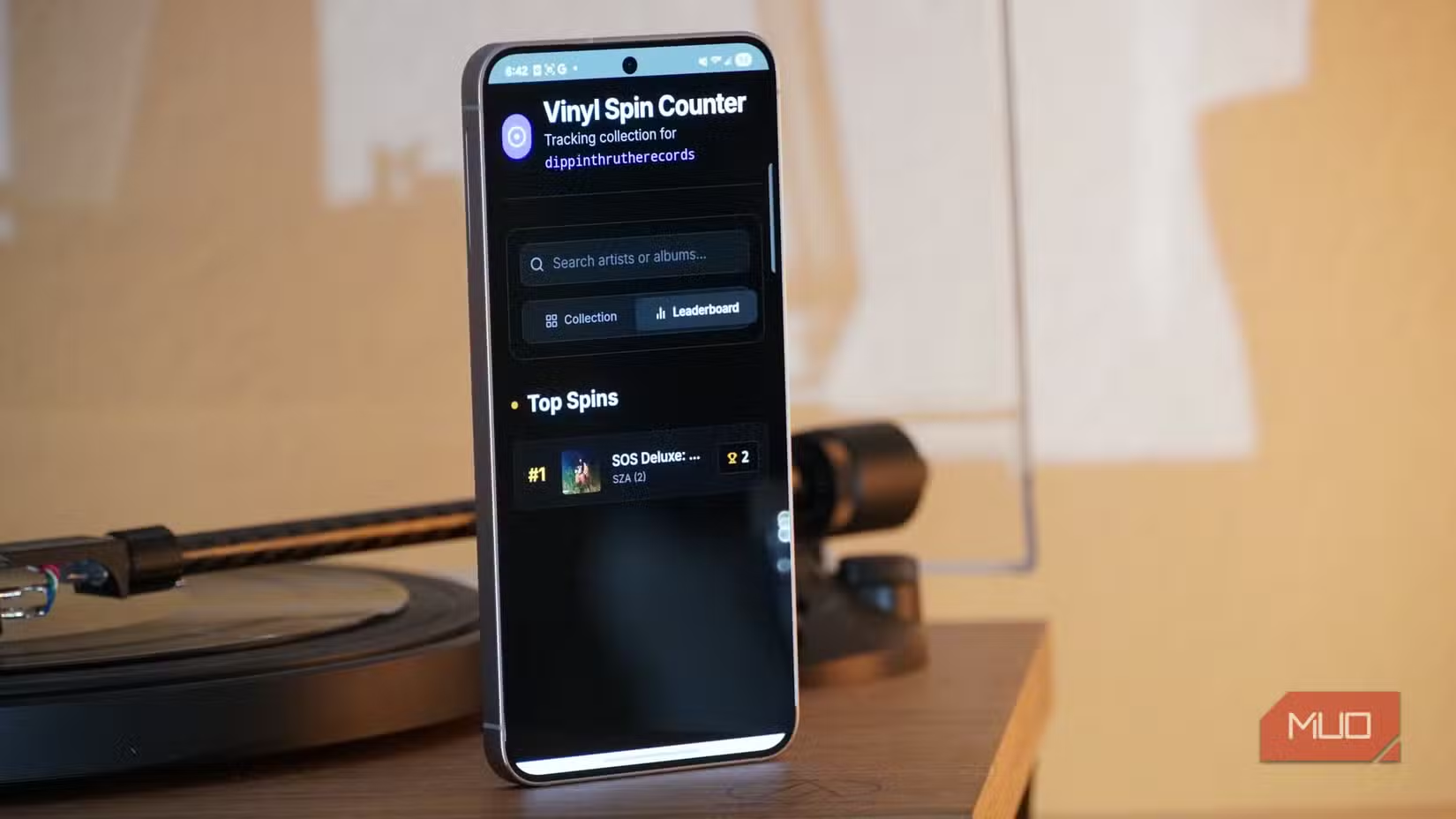
The common fear with vibe-coded apps is that they'll break. Data might stop saving. Features might fail after updates. Hidden bugs might emerge over time. Snyder reports none of these problems. His app has been stable since December 2025.
Why This Matters Now
The Spotify anecdote is telling. When professional developers stop writing code manually, it signals that AI tools have crossed a quality threshold. These aren't toys for hobbyists. They're production-grade development environments.
For individuals and small teams, this changes the economics of app development. Building a custom internal tool, a personal productivity app, or a simple utility no longer requires hiring a developer or learning to code. The barrier is now having a clear idea of what you want the app to do.
Logicity's Take
Getting Started With Antigravity
Antigravity is free and doesn't require prior coding knowledge. Based on Snyder's experience, the workflow involves describing your app concept, letting the AI generate code, and using built-in compilation to produce an APK.
The key advantage over paid alternatives is cost. Tools like Claude Code charge for usage. Antigravity offers the same core capability, compiling working Android apps, without any payment.
Limitations to Consider
Snyder's app is a personal utility, not a commercial product. The source doesn't address how Antigravity handles more complex apps with databases, API integrations, or multi-user functionality. Simple, single-purpose apps appear to be the sweet spot.
Distribution is another consideration. Apps built this way are APKs you sideload onto devices. Getting an app into the Google Play Store requires meeting Google's review requirements, which may demand code quality standards that AI-generated apps don't automatically meet.
Another practical tech guide for hands-on readers
Frequently Asked Questions
Is Google Antigravity really free?
Yes. Unlike Claude Code and similar tools that charge per usage, Antigravity requires no subscription or token purchases.
Do I need coding experience to use Antigravity?
No. The journalist who tested it has a journalism background, not software development. He built a working app on his first attempt.
Can Antigravity apps be published to the Google Play Store?
Antigravity produces APK files that can be sideloaded onto devices. Play Store publication requires meeting Google's review standards, which may involve additional steps.
How long do vibe-coded apps stay functional?
In this test, the app worked without bugs for six months. Long-term stability depends on app complexity and how well the AI handled edge cases.
What types of apps work best with Antigravity?
Simple, single-purpose utility apps appear to be the sweet spot. Complex apps with databases or API integrations may require more traditional development approaches.
Need Help Implementing This?
Source: MakeUseOf
Manaal Khan
Tech & Innovation Writer
Produced with AI assistance and reviewed by the Logicity editorial team. Learn more in our Editorial Policy.






