Key Takeaways
- An activated Absolute/Computrace lock means a corporate server can wipe the laptop remotely, even after you reinstall the OS
- Testing the supervisor lock, not just looking for it, reveals whether you can actually control the machine you're buying
- BIOS settings like Secure Boot and storage detection expose compatibility issues and hardware wear before purchase
The price looks right. The specs match what you need. But the moment you pay for a used laptop, you might be inheriting problems that no amount of reinstalling Windows can fix.
The BIOS is where those problems live. Unlike the desktop, browser history, or installed apps, the BIOS firmware sits beneath the operating system. A reseller can't easily clean it up. Running these seven checks before you buy will reveal what the seller may be hiding, or what they don't know about the machine themselves.
1. Check the Absolute/Computrace Status
Most business-grade laptops include a feature called Absolute, sometimes listed as Computrace, under the Security or Anti-Theft section of BIOS. This isn't just an anti-theft label. It's a firmware-level hook that lets a remote server lock or wipe the device at will.
You need to check whether this feature has been activated, not just whether it exists. The feature has three distinct states that determine whether you should buy.
| State | What It Means | Safe to Buy? |
|---|---|---|
| Disabled | Permanently deactivated by previous owner | Yes |
| Enabled / Not Activated | Firmware hook exists, but no server has claimed the device | Yes |
| Activated | A corporate server holds an active lease on this machine | No |
When Absolute/Computrace is activated, someone else can lock or wipe the laptop from anywhere with internet access. Reinstalling the OS won't help. The control lives in the UEFI firmware and survives SSD swaps, battery pulls, and most hardware-level repairs. If the seller can't deactivate it on the spot, walk away.
2. Test the BIOS Supervisor Lock
Don't just look for a lock label. Test it. Try to change the boot order or toggle any security setting. If the system demands a password you don't have, you don't own this laptop in any meaningful sense.
A locked BIOS prevents clean OS installs and firmware updates. You can't boot from USB. You can't change security settings. On enterprise machines, the supervisor lock lives in the embedded controller chip, not the CMOS. That means battery pulls and hard resets won't clear it.
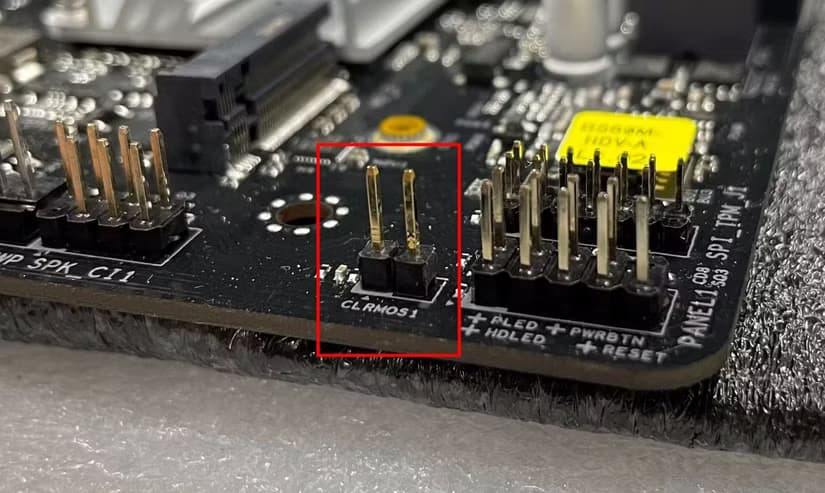
Some consumer-grade machines store the lock in CMOS, where a reset could theoretically work. But you shouldn't count on it. Make the seller clear the password before you hand over money.
3. Verify Storage Drive Detection
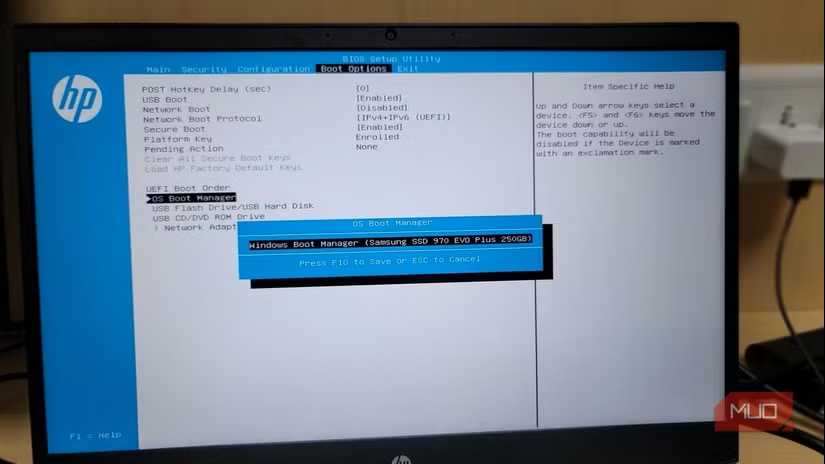
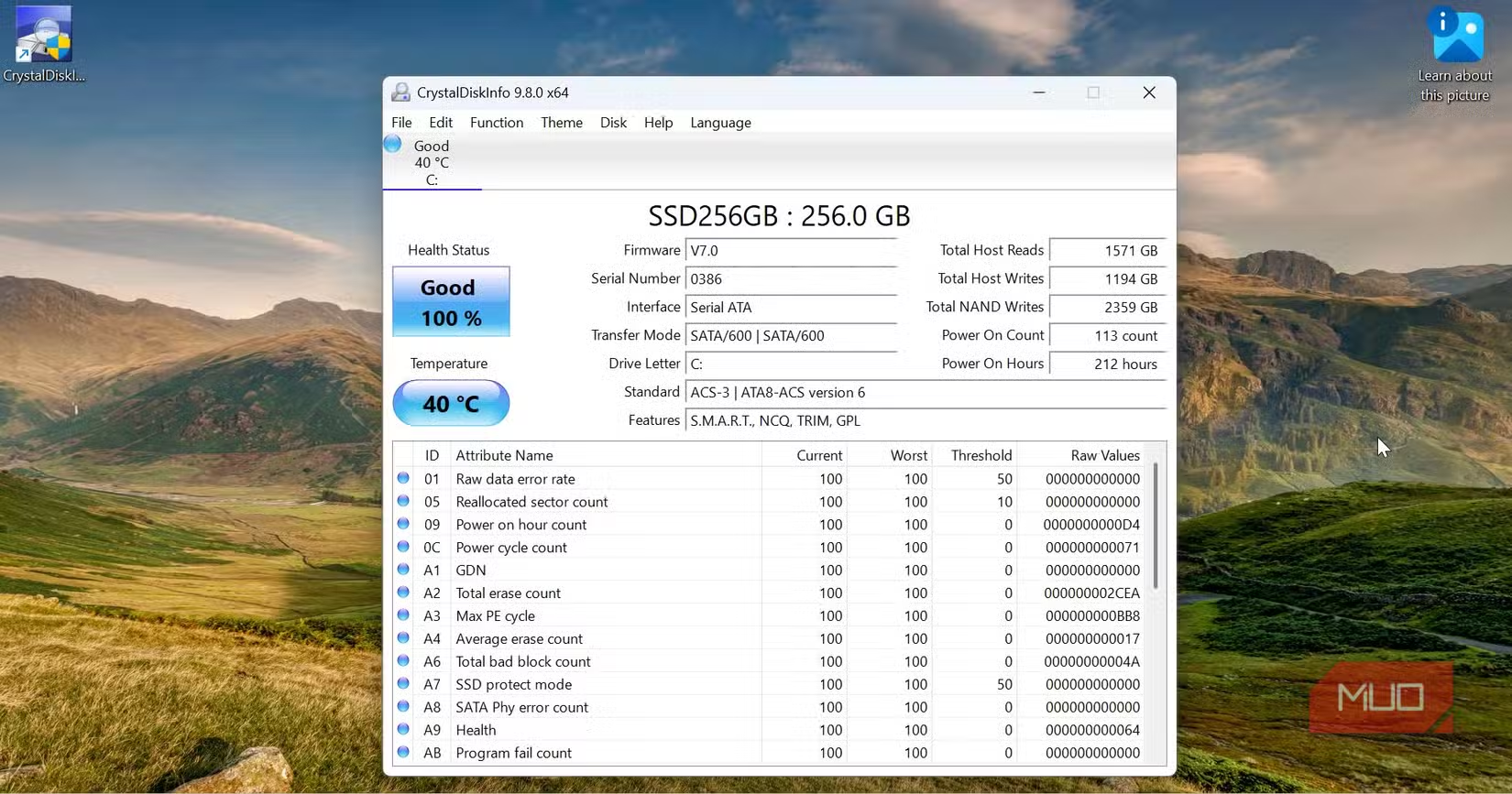
Navigate to the storage or boot section of BIOS and confirm the laptop detects its drive correctly. The BIOS should show the drive model, capacity, and interface type. If the drive appears intermittently, shows the wrong capacity, or doesn't appear at all, you're looking at potential hardware failure.
This check also reveals whether someone swapped in a smaller or lower-quality drive than advertised. A listing claiming 512GB NVMe should show exactly that in BIOS, not a 256GB SATA drive.
4. Check Secure Boot Configuration
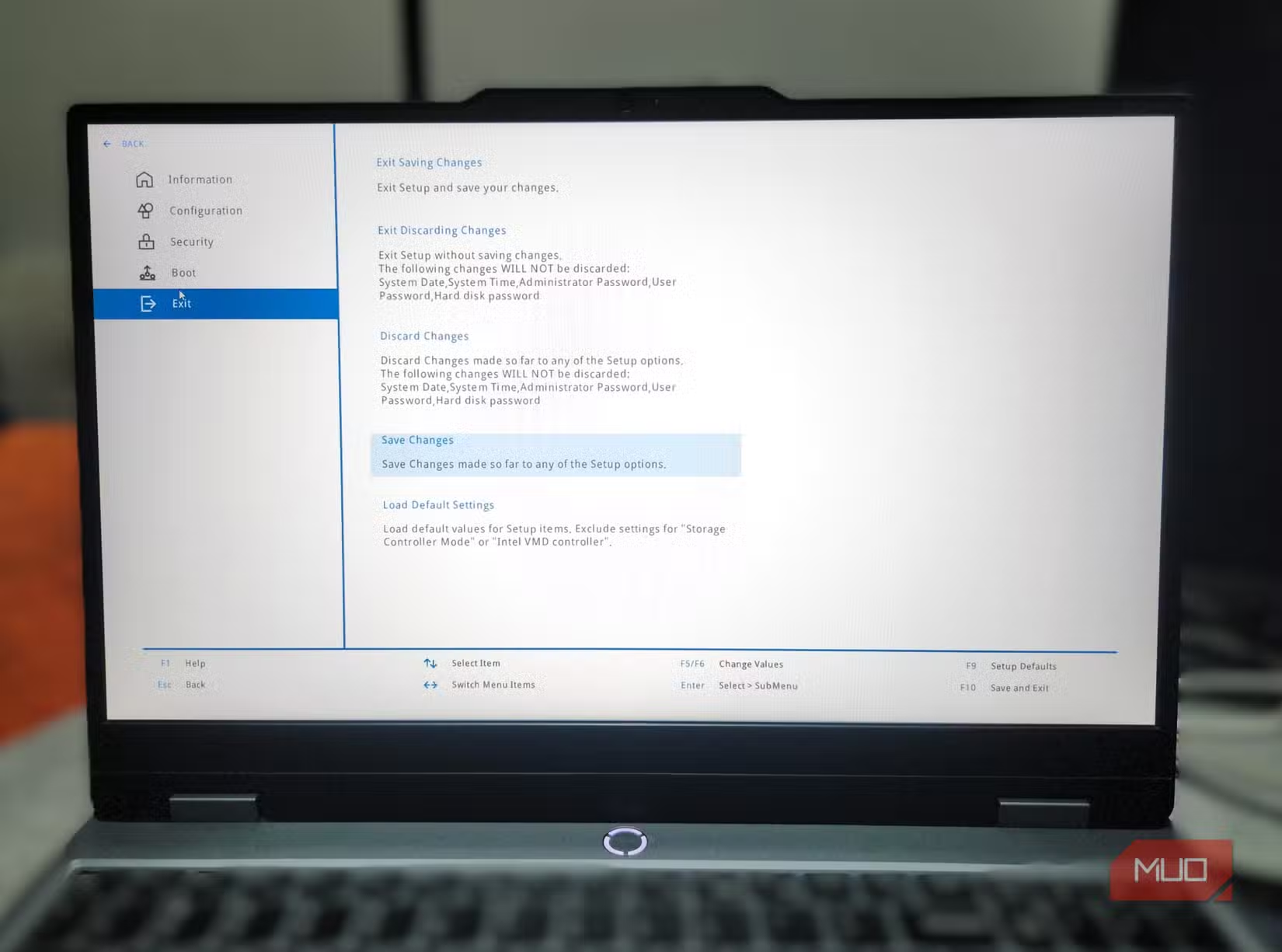
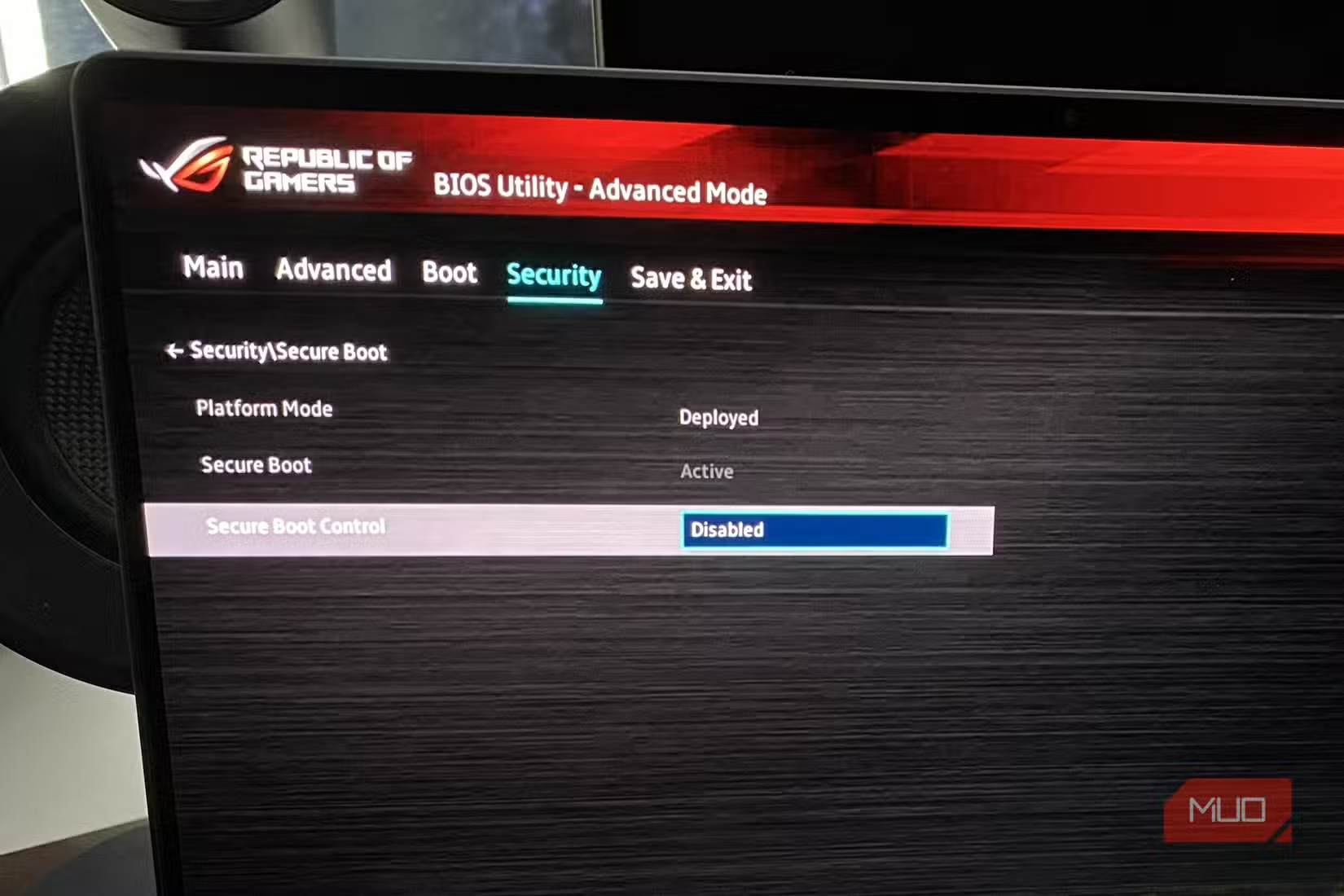
Secure Boot prevents unsigned operating systems and bootloaders from running. For most buyers, you want Secure Boot enabled if you're running Windows 11, which requires it. But you also need to verify you can toggle it.
If Secure Boot is on and you can't turn it off, you won't be able to install Linux or run certain recovery tools. If it's off and you can't turn it on, Windows 11 won't install properly. Either way, a locked Secure Boot setting signals that someone else controls this machine's firmware.
5. Review Battery Health Data
Some laptop BIOS screens display battery health metrics, including cycle count, design capacity versus current capacity, and wear level. These numbers tell you how much life the battery has left.
A battery showing 500+ cycles or capacity below 70% of design will need replacement soon. That's $50-150 depending on the model, assuming replacement batteries are even available. Factor this into your price negotiation.
Smart buying decisions apply across categories
6. Confirm TPM Presence and Version
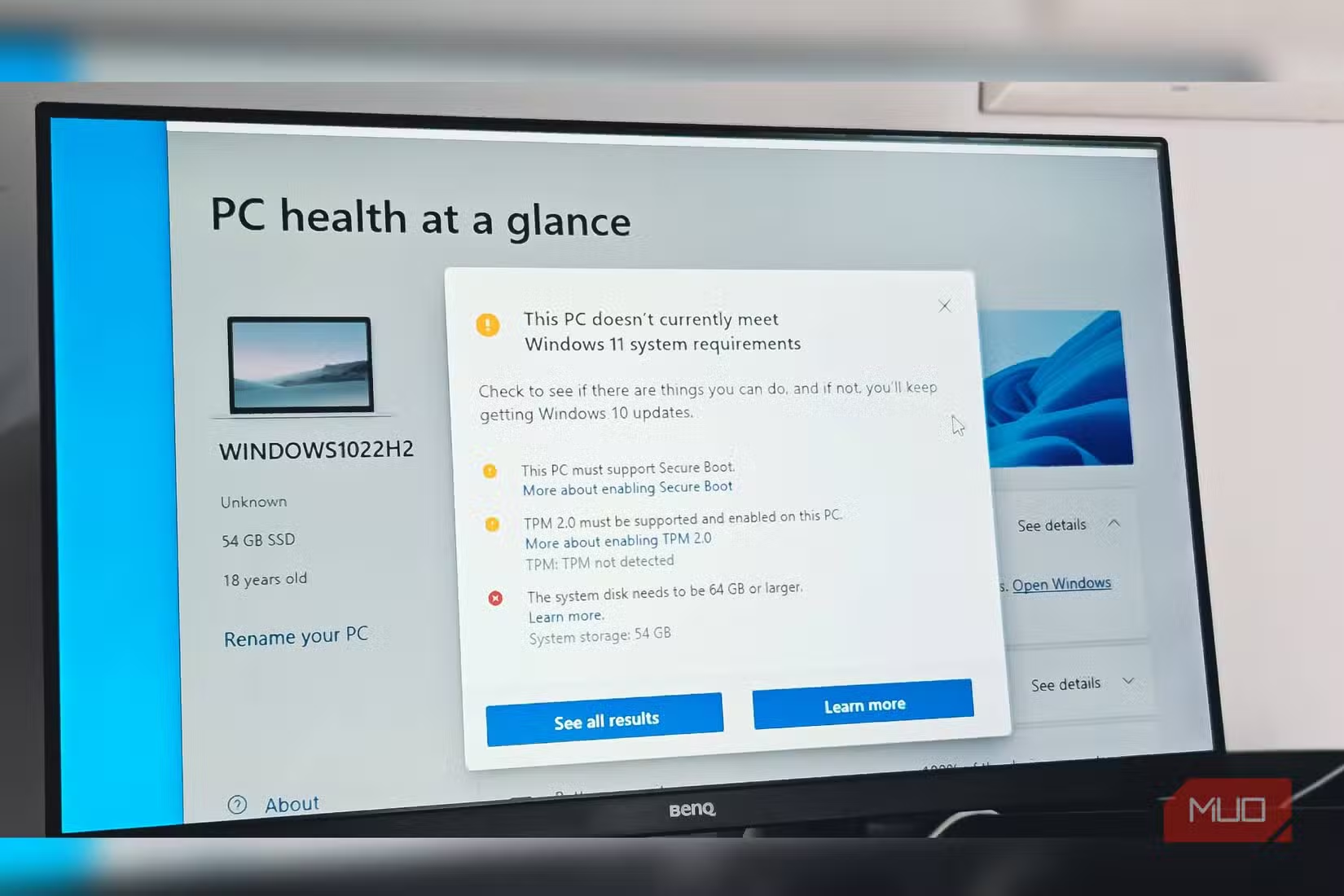
Windows 11 requires TPM 2.0. Many older business laptops have TPM 1.2, which won't work. Check the Security section of BIOS for TPM settings and version information.
If you're planning to run Windows 11, a missing or outdated TPM means you'll either bypass requirements through workarounds (losing some security features and potentially update support) or stick with Windows 10 until its end of life in October 2025.
7. Look for Asset Tags and Serial Numbers
Enterprise laptops often have asset tags burned into BIOS by IT departments. These might include company names, employee IDs, or inventory codes. Their presence isn't necessarily a dealbreaker, but it raises questions.
A laptop with corporate asset tags could be legitimately decommissioned and resold. It could also be stolen. Ask the seller about the laptop's origin. If the story doesn't match the tags, or if the seller seems unaware of them, consider whether you want to risk buying stolen property.
How to Access BIOS Before Purchase
You need to run these checks in person, before paying. Ask the seller to boot the laptop while you watch. On most machines, you'll press F2, F12, Del, or Esc immediately after powering on to enter BIOS. The specific key varies by manufacturer.
- Dell: F2 or F12
- HP: F10 or Esc
- Lenovo: F1 or F2 (or Novo button)
- ASUS: F2 or Del
- Acer: F2 or Del
If a seller refuses to let you check BIOS, that's your answer. Move on.
More practical tech optimization tips

Logicity's Take
Frequently Asked Questions
Can I remove Absolute/Computrace activation after buying?
Not without the original organization's cooperation. The lock lives in UEFI firmware and survives reinstalls, drive swaps, and hardware resets. If you buy an activated laptop, you're stuck unless the original owner deactivates it.
What if the seller doesn't know the BIOS password?
On consumer laptops, you might clear it with a CMOS reset. On business machines, the password often lives in a protected chip that resets can't touch. Don't buy unless the seller can demonstrate unrestricted BIOS access.
Do these checks apply to used MacBooks?
MacBooks use different firmware, but similar principles apply. Check for Activation Lock through Apple's support site using the serial number. Verify you can access Recovery Mode. Confirm the seller has signed out of iCloud and Find My.
How do I check battery health if BIOS doesn't show it?
On Windows, run 'powercfg /batteryreport' from Command Prompt. This generates an HTML report showing design capacity, current capacity, and cycle count. You can do this after booting into the OS during your inspection.
Is a locked BIOS always a red flag?
A password-protected BIOS isn't inherently suspicious on corporate machines. It becomes a problem when the seller can't remove the password. Legitimate refurbishers reset all locks before resale.
Need Help Implementing This?
Source: MakeUseOf
Huma Shazia
Senior AI & Tech Writer
Produced with AI assistance and reviewed by the Logicity editorial team. Learn more in our Editorial Policy.






