Key Takeaways
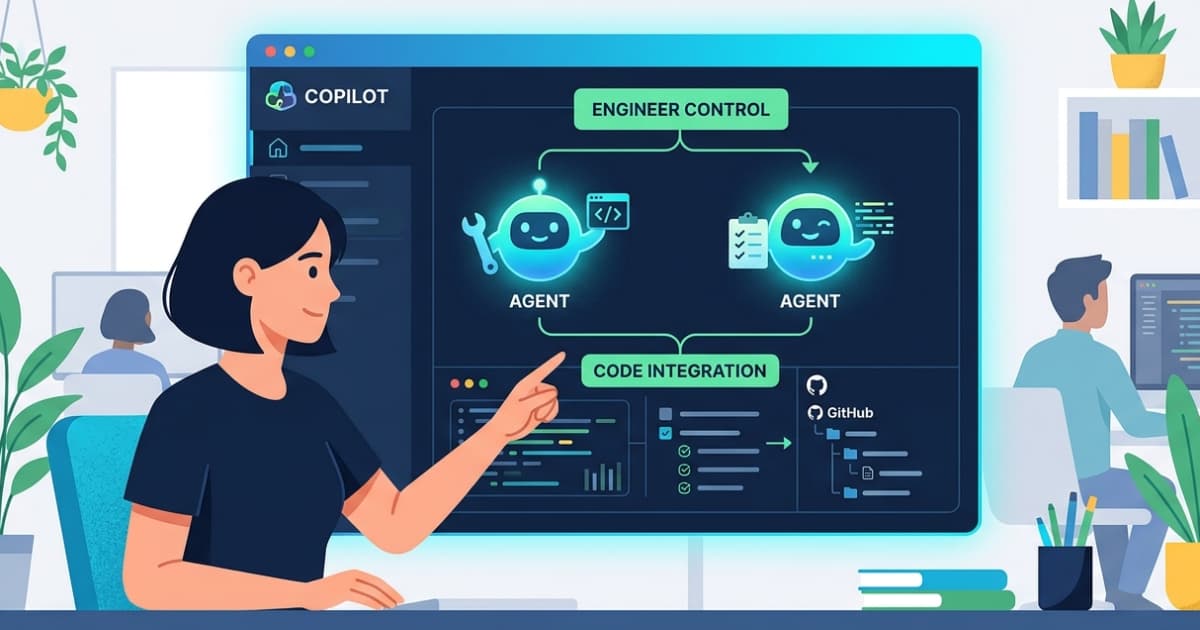
- GitHub Copilot app runs each AI agent in its own Git worktree, preventing conflicts during parallel development
- Agent Merge automates the path from code change through CI checks and review to merge
- The Copilot SDK is now generally available in Node.js, Python, Go, .NET, Rust, and Java
GitHub has released a standalone desktop application for Copilot that turns developers into orchestrators of multiple AI coding agents. The GitHub Copilot app, now in technical preview for Pro, Pro+, Business, and Enterprise users, provides a centralized dashboard where engineers can launch, observe, and steer several agents working on different tasks across the same codebase.
The core architectural decision: each agent session runs in its own Git worktree. One agent can investigate a production bug while another implements a backlog item and a third responds to pull request feedback. They do not step on each other's code or the developer's local branches.
Why does the app use Git worktrees?
Git worktrees allow multiple working directories to share a single repository. Each worktree has its own branch, index, and working files. GitHub is exploiting this to give every agent session complete isolation. When Agent A rewrites a module, Agent B's concurrent refactor of a different service proceeds without merge conflicts piling up in a shared checkout.
Mario Rodriguez, VP of Product at GitHub, wrote on the company blog that recent coding agents delivered speed but also "disjointed workflows, more context switching, and too much time spent reviewing agent-generated code." The Copilot app is GitHub's answer: a place to direct agents, watch their progress, and tie everything back to pull requests and CI pipelines.
What is Agent Merge?
When an agent finishes a task, it opens a pull request. Agent Merge is a feature that follows that PR through code review, status checks, and merge. It can be configured to push CI back to green or address reviewer comments before completing the merge. In effect, the agent does not just write code; it shepherds the change into main.
David Jobling, a customer quoted in GitHub's announcement, called the app "a much-needed control center for agentic development" that is "transforming our business." Early enterprise testing reportedly showed a 500% increase in developer velocity for multi-agent workflows and a 60% reduction in context-switching time using the "My Work" dashboard.
How do canvases make agent work visible?
GitHub is introducing "canvases," which it describes as bidirectional work surfaces. Plans, pull requests, browser sessions, terminals, deployments, and dashboards become artifacts that both humans and agents can update. Rodriguez frames this as the beginning of an "agent experience" layer: chat remains the place for instructions and discussion; canvases show the concrete work that results.
The split is deliberate. Chat handles ambiguity and reasoning. Canvases handle inspection and verification. If an agent's plan looks wrong, you correct it on the canvas before it writes code, not after.
Sandboxes keep agents contained
Agents need to run code, inspect results, and iterate. That creates risk. The Copilot app offers two sandbox modes. Local sandboxes run on the developer's machine with restricted filesystem, network, and system access, governed by centrally managed policies. Cloud sandboxes run agents in ephemeral Linux environments hosted by GitHub, resumable from different devices.
Neither sandbox touches production systems. Organizations define guardrails, and agents operate within them. Microsoft principal developer advocate Burke Holland published a YouTube walkthrough demonstrating agents picking up issues, working in isolated worktrees, and using Agent Merge to push changes through CI.
Code review and the Copilot SDK
The app ships alongside updates to Copilot's code review. Repositories can now tune review depth per-repo, including a medium-depth option that routes PRs to a higher-reasoning model. Custom skills like /security-review and /rubberduck let teams focus reviews on security analysis or critical commentary. GitHub has also extended the same code review experience to Azure DevOps.
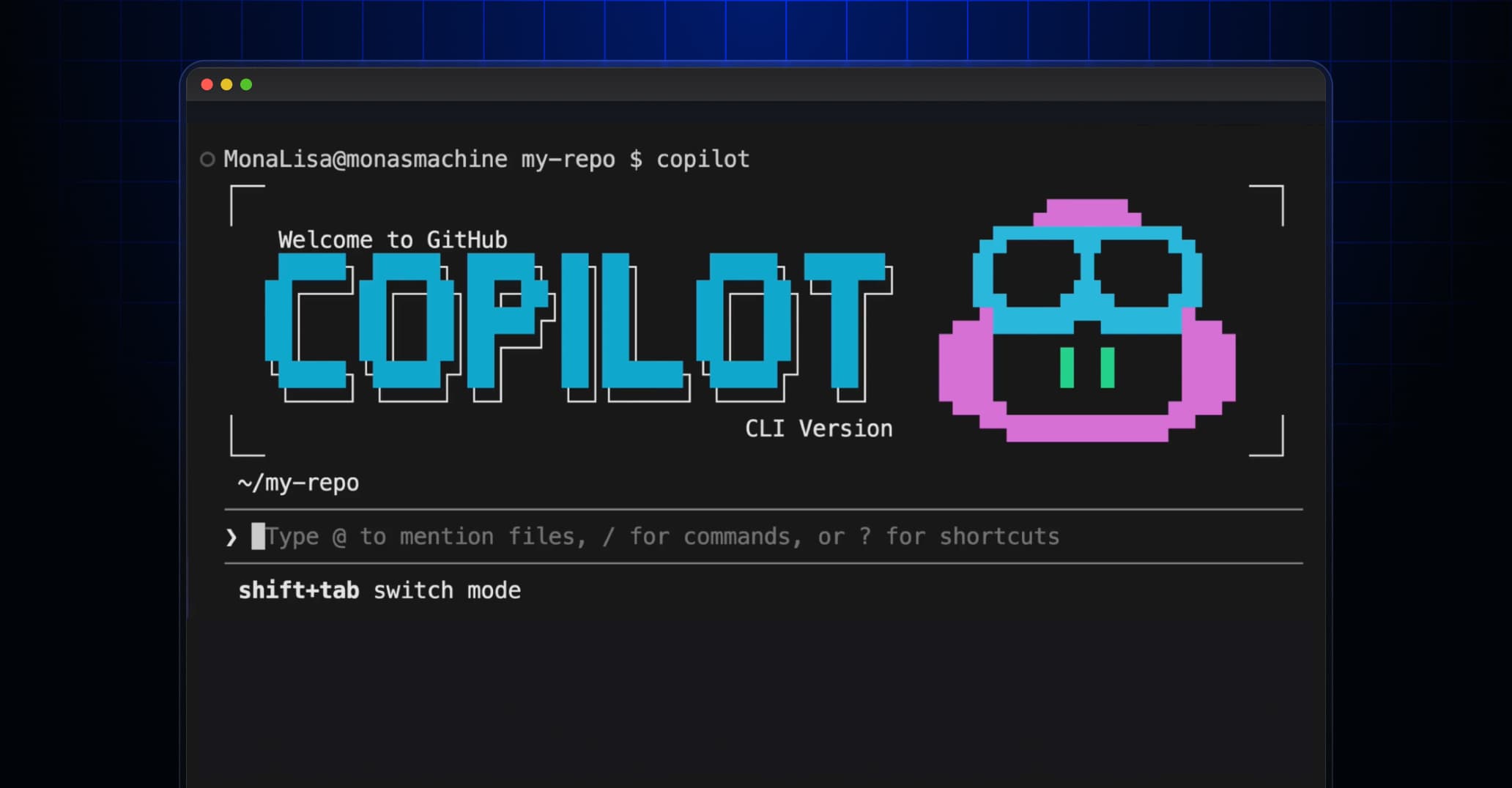
The GitHub Copilot SDK is now generally available in Node.js, Python, Go, .NET, Rust, and Java. It exposes the engine powering the app and Copilot CLI, letting teams embed Copilot-style planners and tool loops into their own tools. The CLI itself gained a redesigned terminal UI, voice input, and the ability to schedule recurring prompts or background tasks.
Cost concerns surface in community discussions
Hacker News and Reddit threads show excitement over the orchestrator model, but also caution. GitHub's new usage-based AI Credits system means running multiple concurrent agent sessions could get expensive. Senior engineers are debating whether the productivity gains justify the cost at scale. GitHub has not published detailed pricing for heavy multi-agent usage.
Frequently Asked Questions
What is the GitHub Copilot desktop app?
A standalone desktop application that serves as a control center for running and observing multiple AI coding agents working in parallel across your repositories.
How does GitHub Copilot app handle parallel agent workflows?
Each agent session runs in its own Git worktree with separate branches, files, and task state, preventing conflicts between agents or with the developer's local work.
What is Agent Merge in GitHub Copilot?
A feature that follows an agent's pull request through code review, CI checks, and merge, optionally addressing feedback or fixing failures before completing the merge.
Is the GitHub Copilot desktop app free?
The app is in technical preview for Copilot Pro, Pro+, Business, and Enterprise subscribers. It uses GitHub's AI Credits system for agent sessions.
Which programming languages does the Copilot SDK support?
The SDK is generally available in Node.js, Python, Go, .NET, Rust, and Java.
Logicity's Take
GitHub is betting that the bottleneck in AI-assisted coding is not the agent's ability to write code but the developer's ability to supervise multiple agents without drowning in context switches. Git worktrees are a clever, low-magic solution to the isolation problem. The real test will be whether Agent Merge can handle the messiness of real CI pipelines and opinionated reviewers without requiring constant human intervention. If the cost of running several agents in parallel stays unpredictable, adoption among budget-conscious teams will stall.
Need Help Implementing This?
If your engineering team is evaluating agentic development tools or building custom integrations with the Copilot SDK, reach out to Logicity's consulting partners for architecture reviews and implementation support.
Source: InfoQ
Manaal Khan
Tech & Innovation Writer
Produced with AI assistance and reviewed by the Logicity editorial team. Learn more in our Editorial Policy.