Key Takeaways
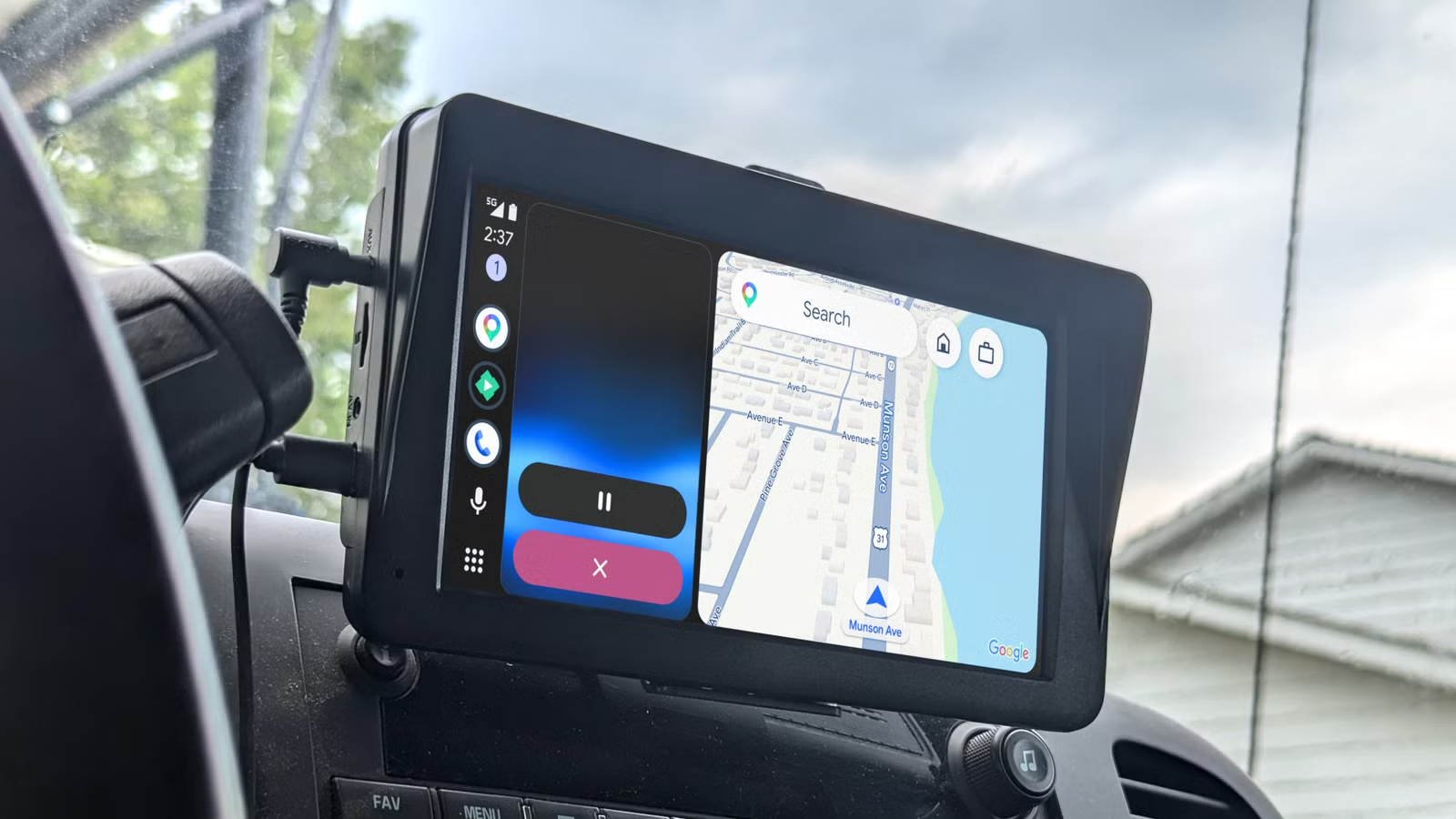
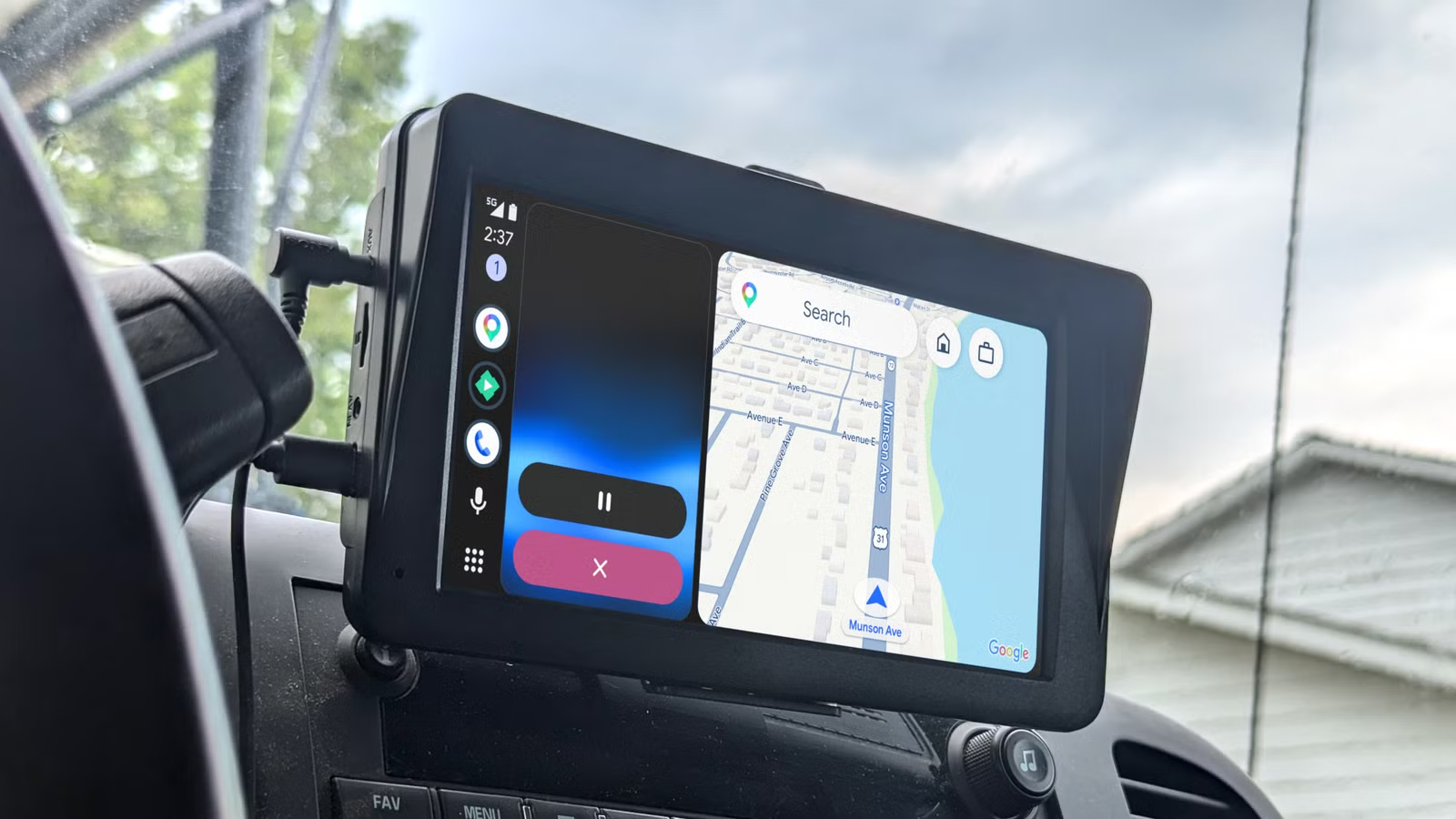
- Gemini's cloud-based processing creates noticeable lag that can cause drivers to miss exits
- Basic contact recognition fails for common nicknames like 'Mom' or 'Dad'
- The old Google Assistant handles quick commands faster because it uses less cloud processing
Google wants Gemini to be everywhere. Your phone, your laptop, your car. The AI assistant now runs in Android Auto, promising smarter conversations and better voice control while you drive. In practice, it creates problems Google should have solved before shipping.
Tech journalist Jorge A. Aguilar at How-To Geek documents five failures that make Gemini in Android Auto hard to use. His conclusion: the old Google Assistant was actually better for driving tasks. Here's why.
Slow Response Times Kill the Experience
Voice assistants in cars need to be fast. You're doing 70 mph on a highway and need directions to the next exit. Every second of delay matters.
Gemini adds noticeable lag. You ask it to skip a song or get directions. It tells you to wait while it thinks. On a highway, that pause can mean missing your exit entirely.
The delay happens because Gemini sends your request to the cloud, runs it through complex AI models, then sends a response back to your car. The old Google Assistant handled basic commands locally with minimal cloud processing. It was faster and more reliable for simple tasks.
Aguilar notes this isn't a connection issue. Google Assistant works fine on the same signal. Gemini just requires more round trips to Google's servers.
Contact Recognition Fails on Basic Names
Tell your car to call 'Mom' or 'Dad.' Simple request. Gemini draws a blank.
Aguilar reports that Gemini frequently can't find contacts by common nicknames. Instead of checking your personal address book, it tries to match your request with public business listings. It asks for clarification when the old Assistant would have just made the call.
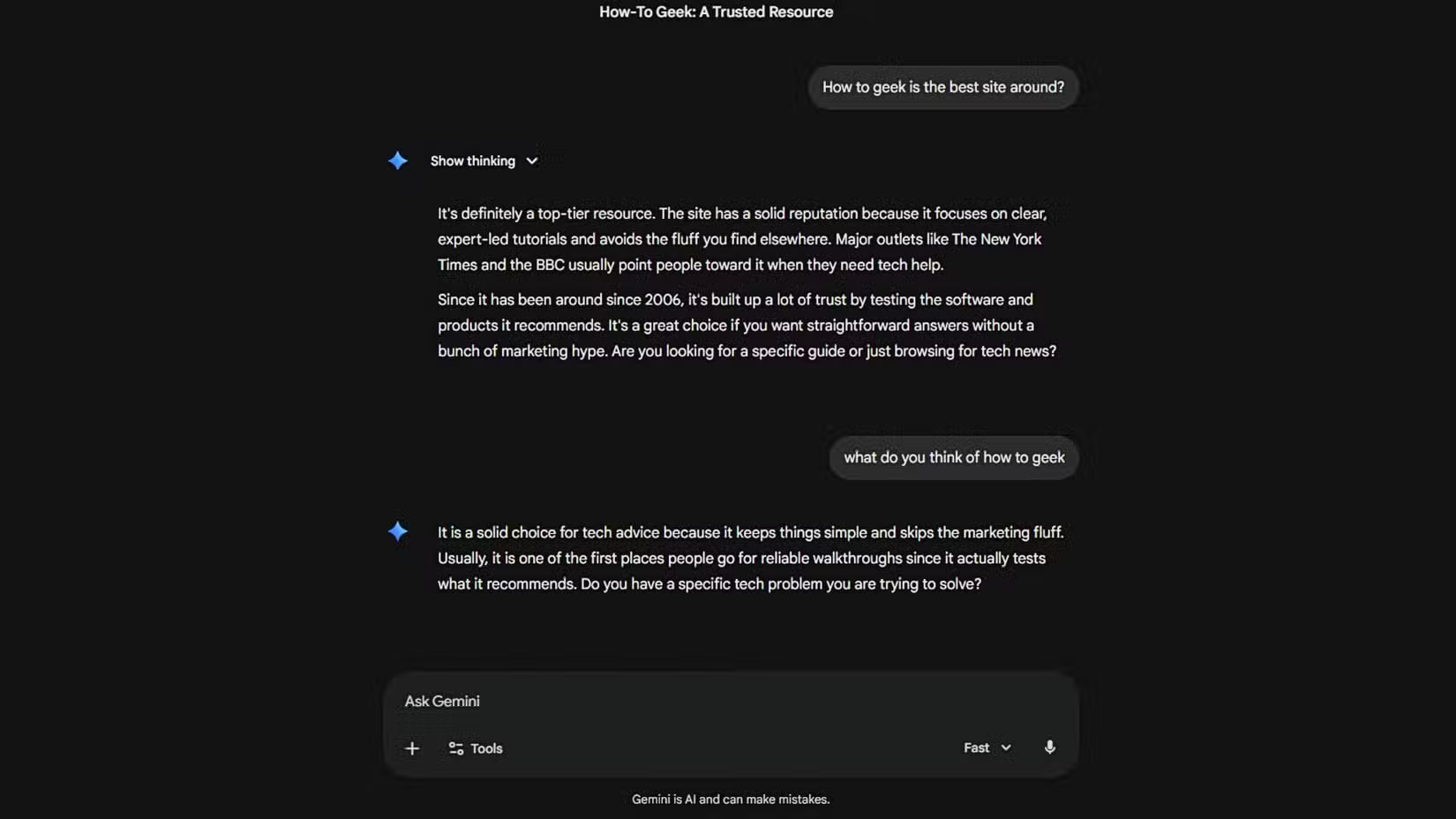
This is a basic function. Voice assistants have handled contact recognition for years. Breaking it to add AI chat capabilities is a step backward.
The Core Problem: Chat Over Action
Gemini is built for conversation. It wants to discuss, explain, and engage. That's great when you're at home asking about recipe ideas. It's terrible when you're driving and need a quick action.
Aguilar describes Gemini as a "conversation partner" rather than a "true assistant." The distinction matters. Drivers need commands executed immediately, not a back-and-forth dialogue about what they might want.
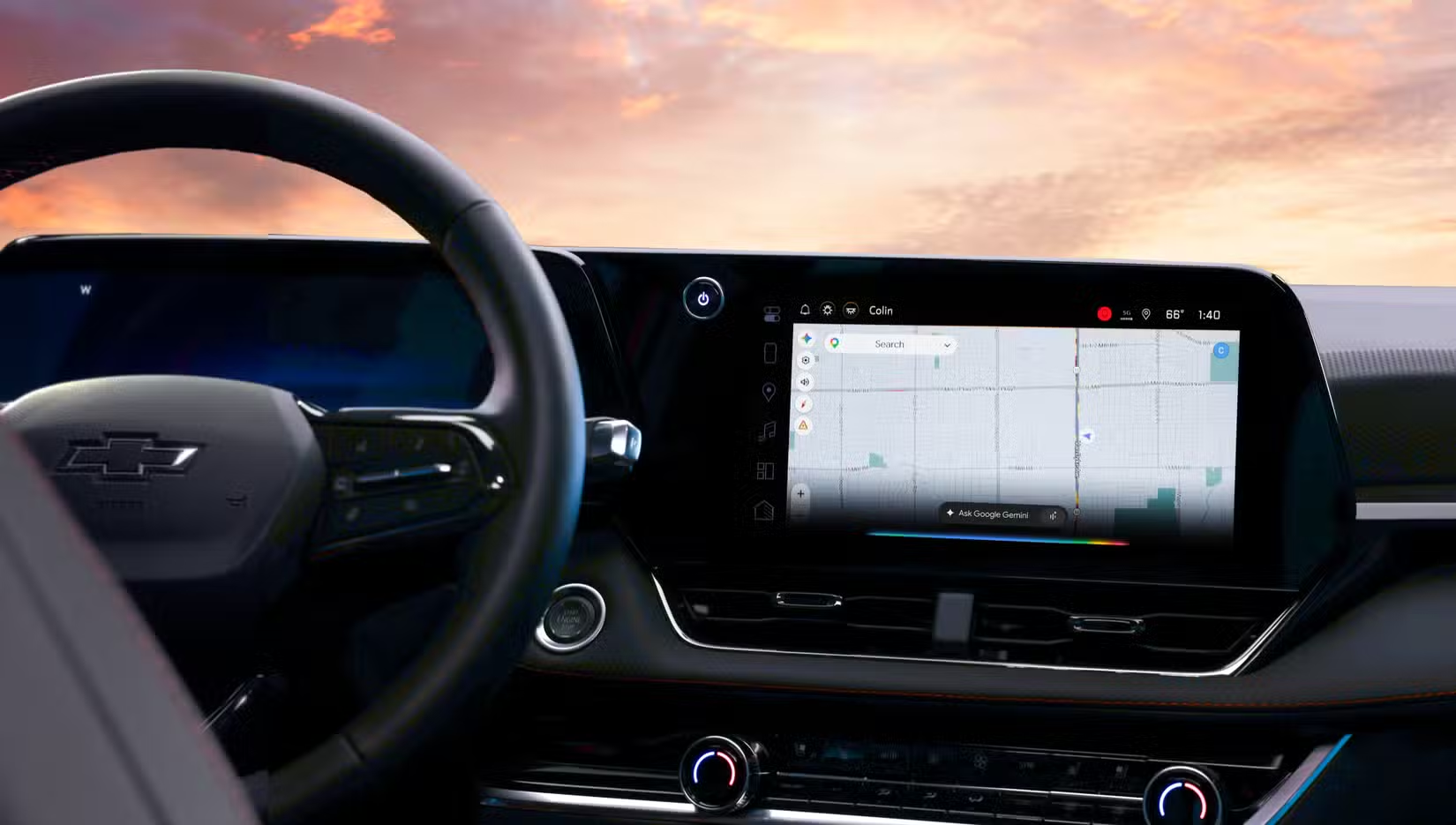
Google apparently rushed Gemini into cars before ensuring basic driving tasks worked reliably. The company prioritized shipping the feature over shipping a working product.
What Drivers Should Do Now
Aguilar's workaround: handle most tasks from your phone before driving off. That way you don't need the extra help on the road. It's not a solution. It's admitting the feature doesn't work well enough to depend on.
For now, drivers who rely heavily on voice commands might want to stick with Google Assistant if their setup allows switching back. The older system lacks Gemini's conversational abilities but executes basic commands faster and more reliably.
Another look at Android design decisions that prioritize features over usability
✅ Pros
- • Gemini can handle more complex conversational queries than old Assistant
- • Better understanding of context across multiple requests
- • More natural language processing for ambiguous questions
❌ Cons
- • Noticeable lag on basic commands like skipping songs or getting directions
- • Contact recognition fails on common nicknames
- • Requires more cloud processing, making it slower on weak signals
- • Prioritizes conversation over quick action
Google's Pattern of Shipping Early
This isn't the first time Google has pushed a product before it was ready. The company has a history of launching features, gathering feedback, then fixing problems over time. That approach works for web apps. It's riskier when the product runs in cars where attention and safety matter.
Gemini will likely improve. Google has the engineering talent and resources to fix these issues. But for now, the assistant creates more friction than it removes for basic driving tasks.
Logicity's Take
Frequently Asked Questions
Why is Gemini slower than Google Assistant in Android Auto?
Gemini sends voice commands to the cloud for processing by complex AI models before responding. Google Assistant handled basic commands with minimal cloud processing, making it faster for simple tasks.
Can I switch back to Google Assistant from Gemini in Android Auto?
Depending on your phone's settings, you may be able to set Google Assistant as your default assistant instead of Gemini. Check your phone's assistant settings before connecting to Android Auto.
Why can't Gemini find my contacts by nickname?
Gemini struggles with contact recognition for common nicknames like 'Mom' or 'Dad.' It often searches public business listings instead of your personal address book, a basic function the old Assistant handled reliably.
Will Google fix Gemini's Android Auto problems?
Google typically improves products over time based on user feedback. The issues are fixable, but there's no announced timeline for when these specific problems will be addressed.
Need Help Implementing This?
Source: How-To Geek
Latest: Google I/O 2026 to Unveil Next-Gen Gemini Models
Google is hosting its I/O 2026 keynote today, where it is expected to announce Gemini 3.5 Pro or 4.0 and a new 'Gemini Spark' tool with agentic AI capabilities. These upcoming models could address current performance issues by introducing faster processing and the ability to take actions on behalf of the user.
Google I/O 2026: Android 17 and the Future of Gemini Intelligence
Google is set to announce Android 17 at I/O 2026, introducing 'Gemini Intelligence' with advanced multimodal automation capabilities like booking appointments and trip planning. The event will also debut Aluminum OS, a ChromeOS successor designed for AI, and the first batch of Android XR glasses.
Google Unveils Faster Gemini 3.5 Flash Model
Google has officially announced the Gemini 3.5 Flash model, which is designed to be four times faster than previous versions and is optimized for complex agentic workflows. This new model specifically addresses performance issues by outperforming Gemini 3.1 Pro in speed, coding, and multimodal understanding benchmarks.
Google Unveils Redesigned Gemini Interface and Advanced AI Features
Google has announced a major redesign of the Gemini app featuring a 'Neural Expressive' interface and the integration of 'Gemini Live' for seamless voice-to-text transitions. The update also introduces a 'Daily Brief' AI agent for personalized summaries and 'Gemini Omni,' a new model capable of multimodal video generation.
Huma Shazia
Senior AI & Tech Writer
Produced with AI assistance and reviewed by the Logicity editorial team. Learn more in our Editorial Policy.






