Key Takeaways
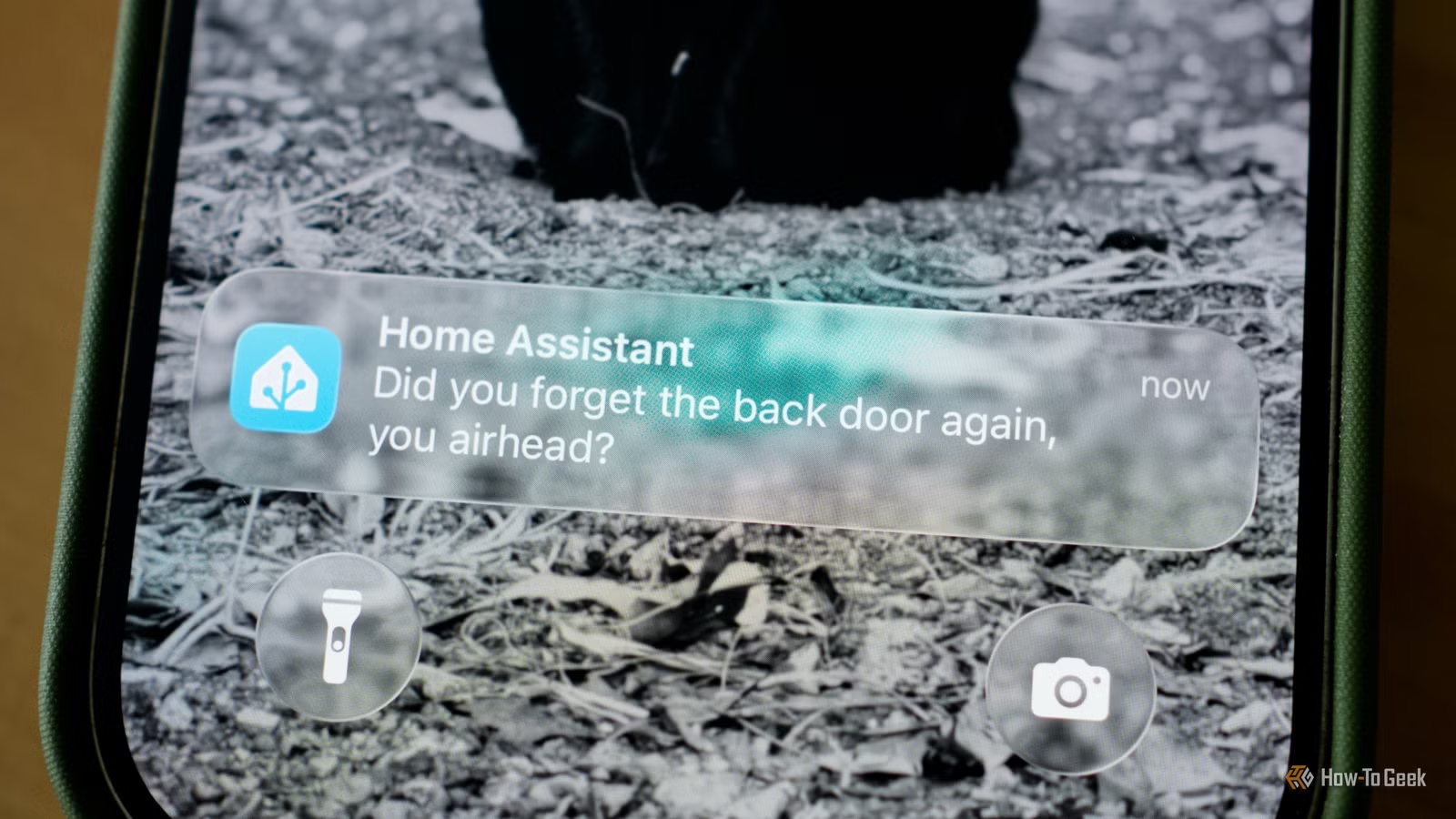
- OpenAI and Google both offer free API tiers that work with Home Assistant
- AI can summarize dozens of smart home notifications into a single digest
- Setup requires only an API key, no programming knowledge needed
OpenAI and Google both offer free API access to their cloud AI models, and connecting them to Home Assistant takes about ten minutes. The payoff: voice commands that actually understand context, notifications condensed into readable summaries, and camera alerts that describe what they see instead of just yelling 'motion detected.'
Patrick Campanale at How-To Geek walked through the process, and the surprising part isn't the capability. It's that this costs nothing. GPT-5.5 and Gemini 3.5 Flash are both available through free tiers. The catch is minor: your inputs and outputs get shared with OpenAI or Google for model training. If you already use ChatGPT or Gemini through their apps, you're already sharing that data anyway.
How do you add AI to Home Assistant?
The setup lives in Settings > Devices & Services. Search for OpenAI or Google Gemini, then paste in your API key. Getting that key requires a developer account with either company, but registration is free. OpenAI users need one extra step: enabling sharing at the API level. After that, the integration is live.

Voice assistant configuration happens in Settings > Voice Assistants. Create a new assistant or edit an existing one, then set the conversation agent to your AI platform. The Expose tab controls which devices the AI can see and control.
Campanale recommends being selective here. Giving an AI access to door locks or security cameras creates obvious risks. But lights, thermostats, and appliances? Those are fair game, and the more devices you expose, the more useful the AI becomes.
What can Home Assistant AI actually do?
The first killer feature is notification summarization. A typical day might generate 37 separate alerts: front door opened, garage door opened, garage door closed, washer finished, UPS package delivered. With AI, that becomes a single message: 'While you were away, a UPS package was delivered at 2:14 PM, the garage door was opened twice, and the washing machine completed its cycle. No security-related issues were detected.'
Voice commands get smarter too. Instead of memorizing exact phrases, you can speak naturally. 'Turn on the living room lights' becomes optional when the AI can parse 'make it brighter in here' or 'I'm watching a movie' and respond appropriately.
Camera integration through plugins like Frigate or Scrypted takes this further. Rather than 'person detected,' the AI can describe what it sees: a delivery driver, a family member, or someone unfamiliar. Context replaces noise.
What's the real cost of 'free' AI?
Free tiers have limits. Both OpenAI and Google meter usage by tokens, and heavy smart home use could exhaust your monthly allowance. Campanale advises monitoring token consumption, especially if you're running AI-powered cameras or frequent voice queries.
The privacy tradeoff is real but transparent. Your smart home data flows to OpenAI or Google servers. For users already embedded in those ecosystems, this changes little. For privacy-focused users who chose Home Assistant specifically to keep data local, it's a harder call. The platform supports local AI models too, though setup is more involved and performance varies.
Is this worth setting up?
Home Assistant already has over a million active installations and 2,600 integrations. Adding AI doesn't replace any of that. It layers intelligence on top, turning a capable but sometimes noisy system into something that anticipates needs and communicates clearly.
The barrier to entry is now negligible. Ten minutes and a free account. The result is a smart home that actually feels smart.
Compares Google's official AI hardware approach to this DIY integration
Related smart home troubleshooting for Android users
Frequently Asked Questions
Is the OpenAI API really free for Home Assistant?
Yes, both OpenAI and Google offer free API tiers. The tradeoff is that your data is shared with the company for model training. Heavy usage may exceed free tier limits.
Do I need programming skills to set up AI in Home Assistant?
No. The integration requires only copying an API key into Home Assistant's settings interface. No coding is involved.
Can AI control my smart home locks and cameras?
Technically yes, but it's not recommended. Home Assistant lets you choose which devices to expose. Security-sensitive devices like locks and cameras are better left AI-free.
What's the difference between using ChatGPT vs Gemini for Home Assistant?
Both work similarly for voice control and notifications. GPT-5.5 and Gemini 3.5 Flash have comparable capabilities. Choose based on which ecosystem you're already using.
Will this work with any Home Assistant installation?
Yes, the AI integrations work with any Home Assistant instance, whether running on dedicated hardware, a Raspberry Pi, or a virtual machine.
Logicity's Take
This is Home Assistant's moment to pull ahead of Google Home and Alexa. Those platforms charge for premium AI features. Here, the same capability costs nothing. The irony: OpenAI and Google are funding the competition against their own smart home hardware. Home Assistant users benefit from a market where AI companies are racing to give away inference for free, betting that lock-in comes later.
Need Help Implementing This?
Setting up AI integrations in Home Assistant is straightforward, but optimizing for your specific device layout takes experimentation. Reach out to Logicity if you're building smart home content or need technical guidance on automation workflows.
Source: How-To Geek
Manaal Khan
Tech & Innovation Writer
Produced with AI assistance and reviewed by the Logicity editorial team. Learn more in our Editorial Policy.






