Key Takeaways
- Microsoft commissioned Signal65 to compare Windows 11 laptops against Apple's MacBook Neo
- The study claims 27-92% faster performance and 12-56% better battery life for Windows PCs
- Some findings hold up, but the study's methodology and sponsor raise questions about objectivity
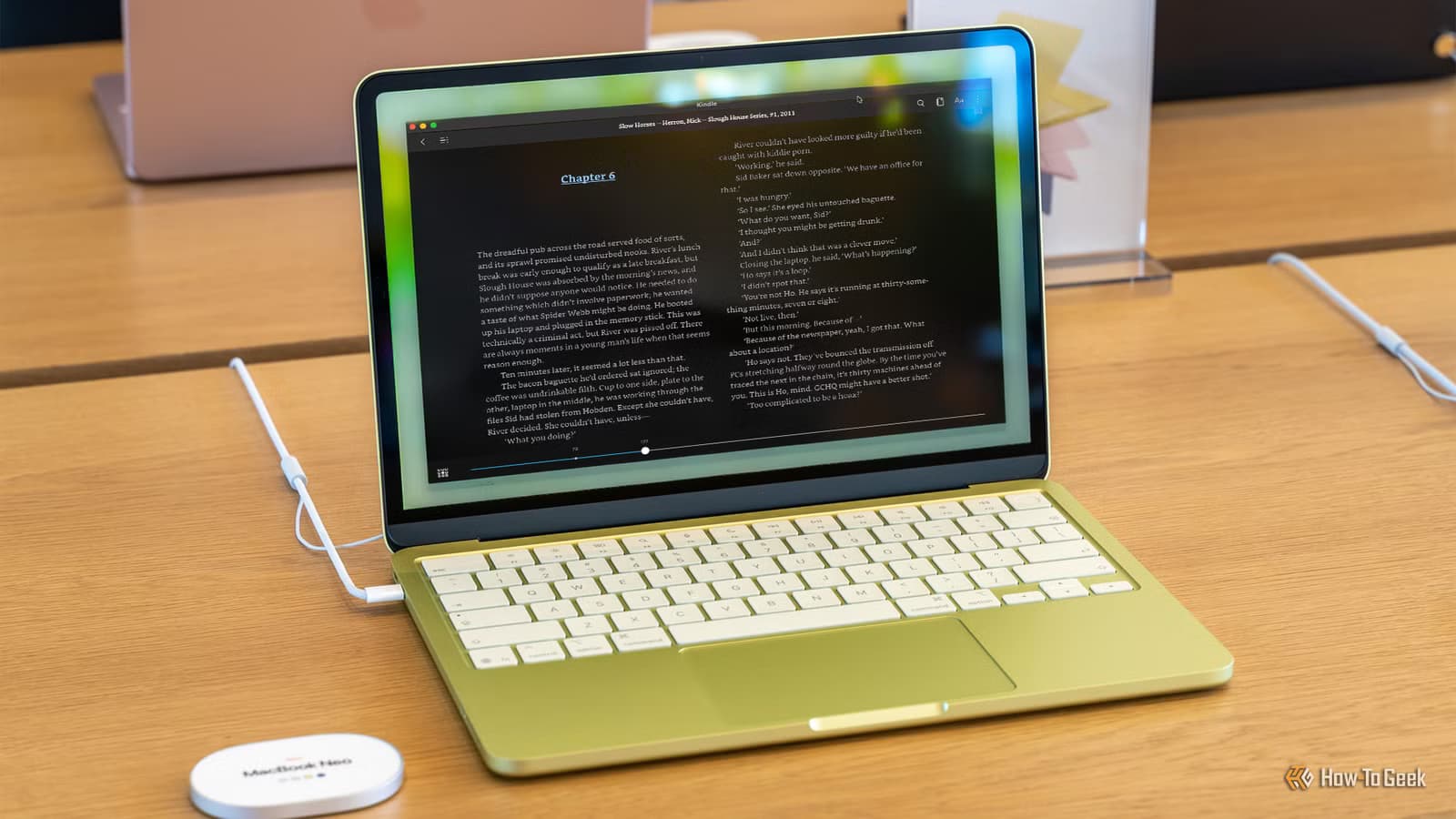
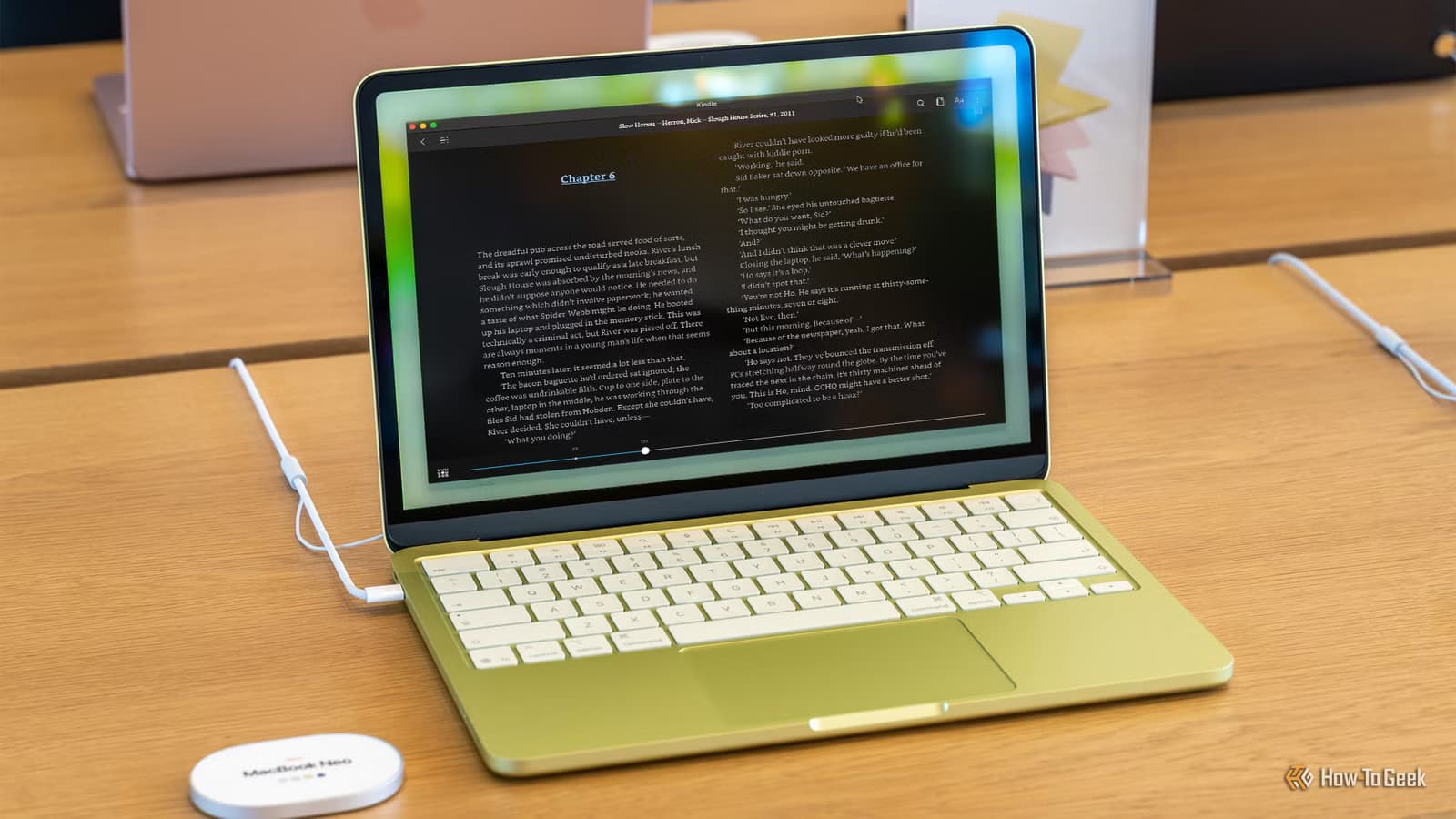
Microsoft is worried about the MacBook Neo. Worried enough to fund a white paper designed to make Windows 11 laptops look better by comparison. The study makes some fair points. It also raises questions about what Microsoft fears most from Apple's newest budget laptop.
What the Study Claims
The report comes from Signal65, led by Ryan Shrout, a former Intel employee and founder of PC Perspective. It compares four Windows 11 laptops against the $599 MacBook Neo: HP's OmniBook 5 and OmniBook X Flip, plus Lenovo's IdeaPad Slim 3x and Yoga 7i.
The headline numbers look impressive. Signal65 claims these Windows machines deliver 27% to 92% faster performance in benchmarks like Cinebench and real-world tests in Photoshop. Battery life, measured using UL's Procyon Office suite, reportedly runs 12% to 56% longer on the Windows side.
For users upgrading from 2020-era Windows PCs, the study promises up to 3.1 times the multithreaded processor performance. Signal65 also argues that Windows laptops offer better value through more RAM, storage, screen real estate, and ports.
Where Microsoft Has a Point
Some of Signal65's conclusions hold up to basic scrutiny. The $599 HP OmniBook 5 does appear to offer more for the money: a 16-inch screen versus the Neo's 13 inches, 16GB of RAM versus 8GB, 1TB of storage versus 256GB, plus HDMI and two USB-A ports for legacy devices.
The $449 Lenovo IdeaPad Slim 3x, running on Qualcomm's Snapdragon X, costs $150 less than the MacBook Neo while including a 15-inch display, 16GB of RAM, and a 512GB drive. Raw benchmark numbers aside, that's a tangible spec advantage for budget-conscious buyers.
The MacBook Neo does face real limitations. Built around an iPhone-derived A18 Pro chip, it's locked to 8GB of unified memory with no upgrade path. Only one of its two USB-C ports delivers full data speeds. External display support tops out at one monitor. There's no touchscreen option. The base 256GB storage is both smaller and slower than competitors.
The Bundle Factor
Signal65 leans heavily on Microsoft's College Offer as a value differentiator. The bundle includes a custom Xbox controller plus year-long subscriptions to Game Pass Ultimate and Microsoft 365. The analyst group calls this a "decisive" tipping point for total value.
This framing has obvious problems. Not everyone qualifies for student pricing. Not everyone wants an Xbox controller. Not everyone values Game Pass. Including promotional bundles in a hardware comparison muddies the analysis rather than clarifying it.
What the Study Doesn't Address
The report's biggest gap is what it leaves out. Benchmark performance and spec sheets don't capture the full laptop ownership experience.
- Software optimization: Apple controls both hardware and macOS, allowing tighter integration than Windows OEMs can achieve
- Long-term support: Apple typically provides 5-7 years of OS updates; Windows laptop support varies by manufacturer
- Resale value: MacBooks historically depreciate slower than Windows laptops
- Bloatware: Most Windows laptops ship with pre-installed software; MacBooks don't
- Build quality at the $449-599 price point: Budget Windows laptops often compromise on materials
The methodology itself raises questions. Procyon Office tests favor productivity workloads where x86 and Arm chips are relatively comparable. Different benchmark suites might tell different stories. The study doesn't disclose whether testing conditions were identical across all machines.
Why Microsoft Commissioned This Now
The timing matters. The MacBook Neo represents Apple's first serious push into the sub-$600 laptop market since discontinuing the MacBook Air's lower tiers. A $599 MacBook with Apple Silicon could pull students and first-time buyers who previously defaulted to Windows.
Microsoft's response, funding a study rather than cutting Surface prices or improving Windows on Arm, reveals corporate anxiety. The company knows spec sheets alone don't explain why people choose MacBooks. But spec sheets are what Microsoft can most easily compete on.
Logicity's Take
Related Windows 11 performance improvements
The Bottom Line for Buyers
If you need a 15-inch or 16-inch screen, more than 8GB of RAM, or legacy USB-A ports, the Windows laptops in this comparison genuinely serve you better. The MacBook Neo's 13-inch form factor and fixed memory aren't for everyone.
If you prioritize macOS, Apple's software ecosystem, or plan to use the laptop alongside an iPhone, the Neo's limitations may not matter. No benchmark measures whether you'll actually enjoy using the machine for the next five years.
Microsoft-backed research saying Microsoft wins should surprise no one. The real question is whether Apple responds with a larger MacBook Neo, or continues betting that ecosystem and experience trump raw specs.
Frequently Asked Questions
Who funded the Signal65 MacBook Neo comparison study?
Microsoft commissioned the white paper from Signal65, led by analyst Ryan Shrout.
How much faster are Windows 11 laptops than the MacBook Neo according to the study?
Signal65 claims Windows laptops are 27% to 92% faster in benchmarks like Cinebench and Photoshop tests.
What are the MacBook Neo's main limitations?
The MacBook Neo is limited to 8GB RAM, 256GB base storage, one external display, and lacks USB-A ports or touchscreen support.
Is the Lenovo IdeaPad Slim 3x cheaper than the MacBook Neo?
Yes. The IdeaPad Slim 3x starts at $449, $150 less than the $599 MacBook Neo, while offering more RAM and storage.
Should I trust Microsoft-funded laptop comparisons?
Treat them skeptically. While some spec comparisons may be accurate, funded research tends to emphasize metrics favorable to the sponsor.
Need Help Implementing This?
Source: How-To Geek
Microsoft Defends New 'Low Latency Profile' for Windows 11
The new article reveals details about Microsoft's 'Low Latency Profile' for Windows 11, a feature that boosts CPU clock speeds to reduce app load times, and mentions it is part of a broader 'Windows K2' performance initiative. It also highlights community backlash to the feature and a public defense by Microsoft VP Scott Hanselman, who compares the behavior to macOS and Linux.
Manaal Khan
Tech & Innovation Writer
Produced with AI assistance and reviewed by the Logicity editorial team. Learn more in our Editorial Policy.






