Key Takeaways
- Zoom, WebEx, and Google Meet work on Android Auto but block video while driving
- GameSnacks arcade games only work when parked, using motion detection
- Gemini AI integration lets you control smart home devices and send texts hands-free
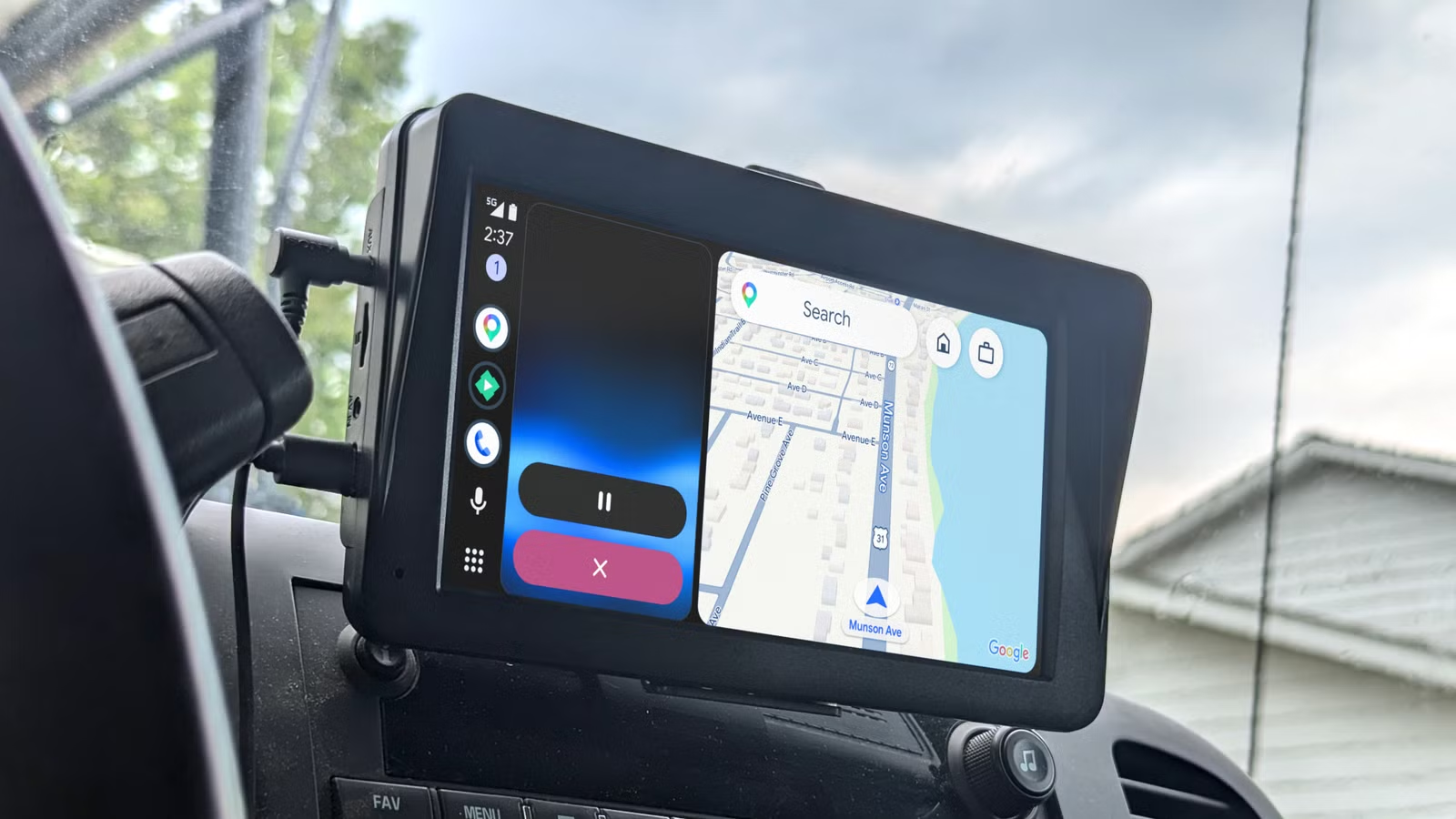
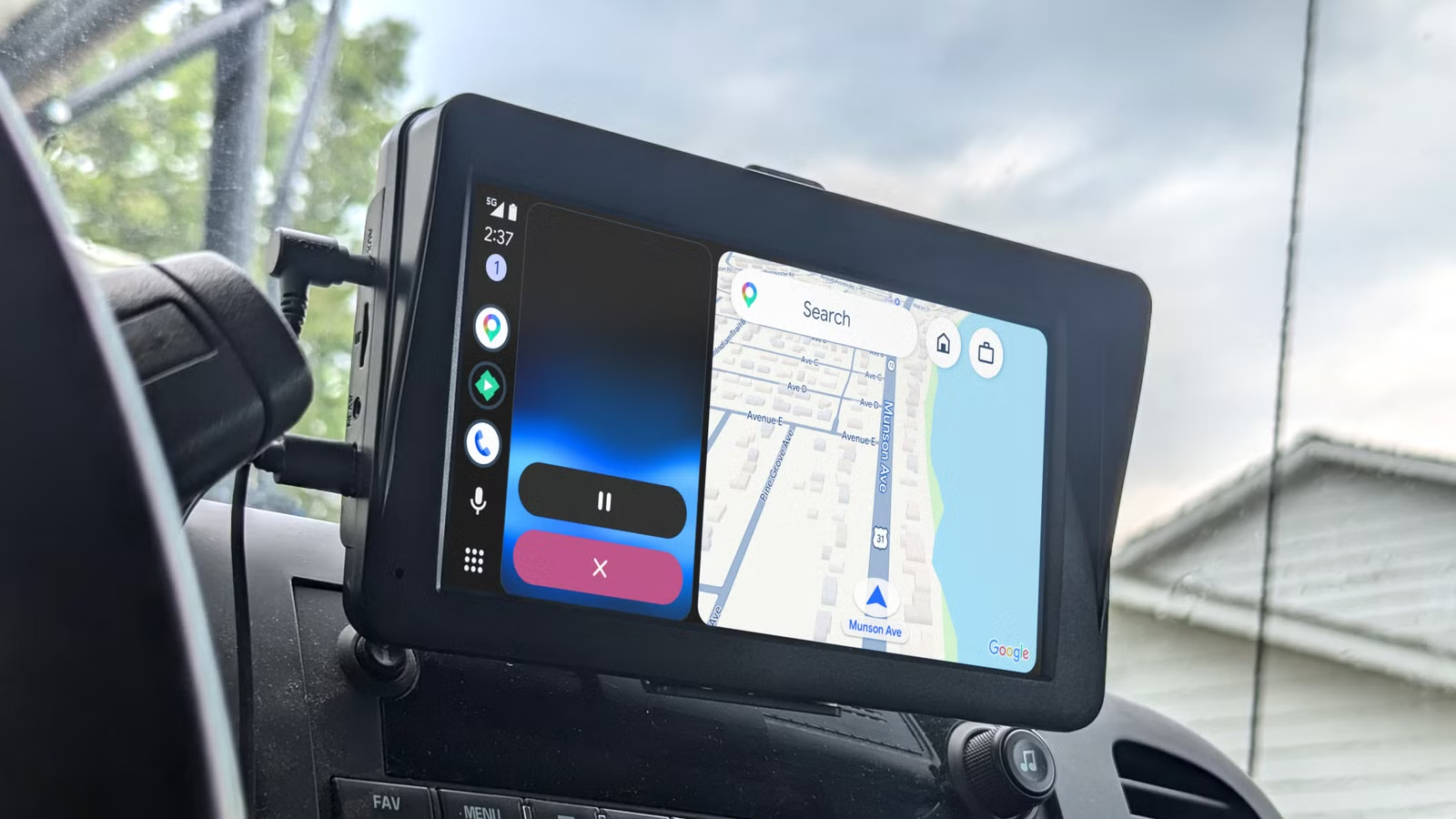
Your car dashboard has become a smartphone extension. Android Auto sits at the center of this shift, turning your vehicle's screen into a hub for navigation, music, calls, and now much more. Google keeps adding features that blur the line between useful assistance and risky distraction.
Some of these additions make sense. Others make you wonder who asked for this. Here are five things Android Auto now lets you do from your car, along with why you might want to think twice before using them.
1. Join Zoom and WebEx Video Calls
Android Auto now supports Zoom, WebEx, and Google Meet directly on your car's screen. You can join scheduled calls straight from your calendar while commuting. The system blocks the video feed when you're moving, showing only basic controls like mute and end call.
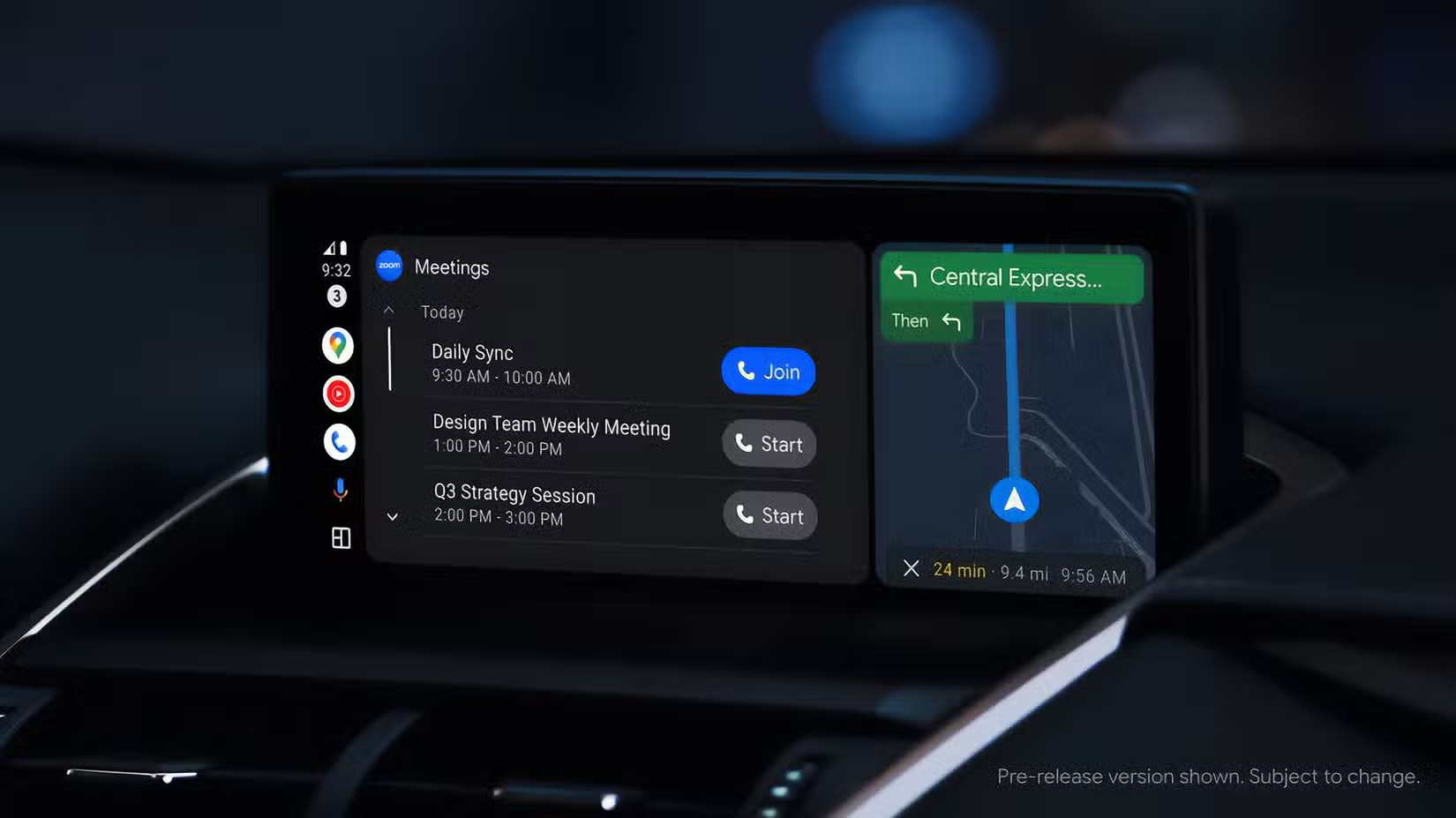
The safety intent is clear: no watching video while driving. But here's the problem. Even audio-only conference calls create serious cognitive load. Active listening and talking consume mental energy that should go toward watching the road.
Safety researchers call this "inattention blindness." Your brain gets so busy processing the meeting that it stops fully processing what your eyes see. Reaction times slow. Hazard detection suffers. The feature is convenient. It's also a bad idea at highway speed. Wait until you're parked.
2. Play Arcade Games on GameSnacks
Google added GameSnacks to Android Auto, turning your dashboard into a casual gaming platform. You can play quick puzzles, racing games, and even Chess while waiting in your car.
The intended use cases make sense: killing time at an EV charger, waiting in a school pickup line, or sitting in a ferry queue. Google built in a hard safety lock. Motion detection closes the game the moment you start moving.
The risk here is lower than with conference calls, assuming you're actually parked. But some areas have strict idling laws that could create legal headaches. And the temptation to "just finish this game" before pulling out of a parking spot is real.
3. Control Smart Home Devices via Gemini AI
Google's Gemini AI integration brings voice-controlled smart home management to your car. You can turn on your porch lights, adjust the thermostat, or check your security cameras without touching your phone.
This one actually makes sense for driving. Voice commands keep your hands on the wheel and eyes on the road. Pre-heating your house or turning off forgotten lights while driving home is genuinely useful.
The catch: Gemini can do much more than smart home controls. It can draft emails, compose texts, and handle complex queries. These tasks pull your attention away from driving even if your hands stay free. Stick to simple commands.
4. Launch App Shortcuts from the Dashboard
Android Auto now supports custom app shortcuts on your car's home screen. You can add quick-launch buttons for frequently used apps and actions, reducing the taps needed to get things done.
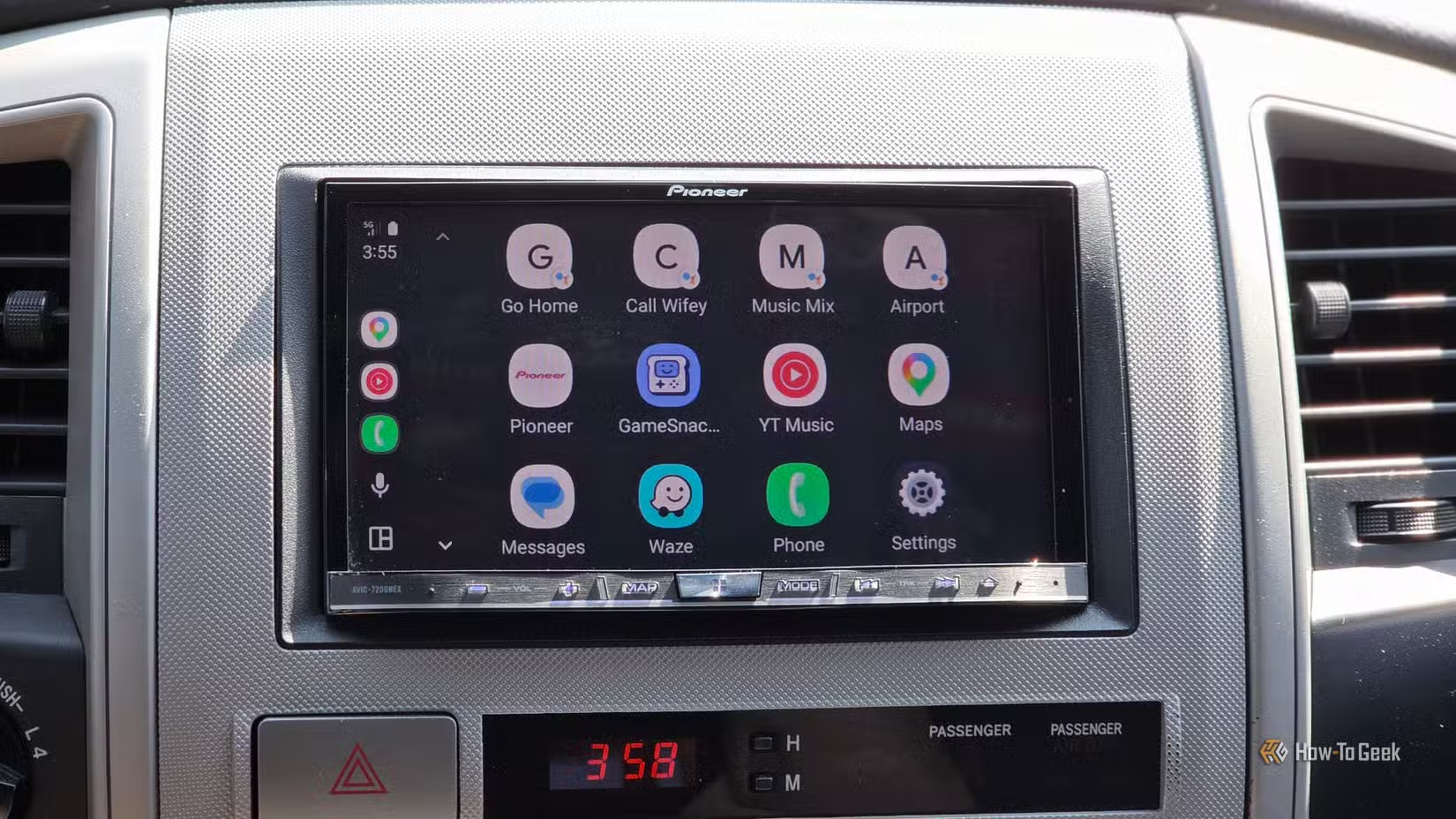
The upside: fewer menu navigations means less time looking at the screen. The downside: easier access to apps means more temptation to use them. One-tap access to messaging apps or streaming services can encourage behaviors you'd skip if they required more effort.
Set up shortcuts for navigation and music. Skip anything that requires reading or extended interaction.
5. Stream Music Across Multiple Services
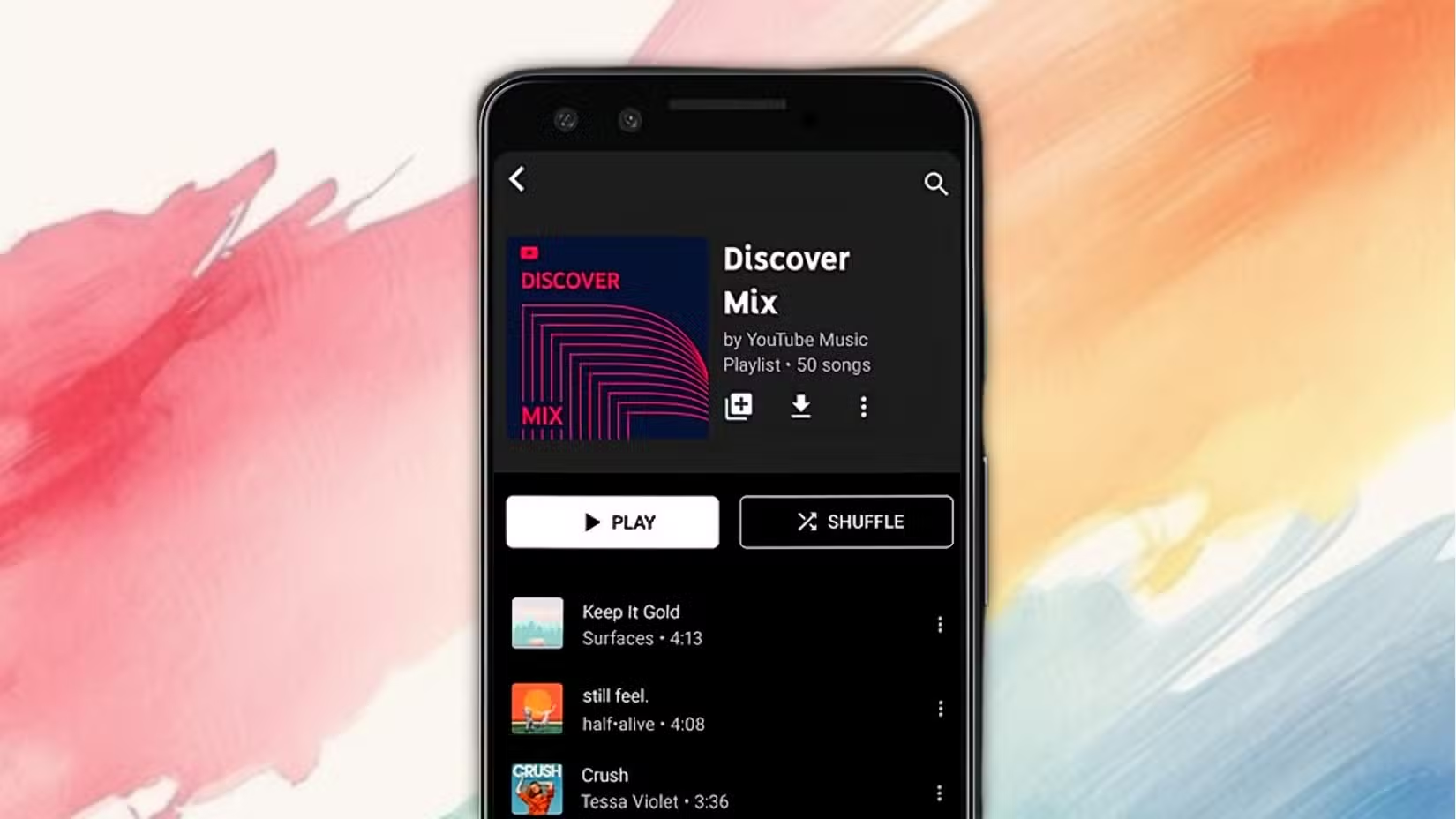
Android Auto lets you browse and play from YouTube Music, Spotify, and other streaming services directly on your car screen. You can switch between services, browse playlists, and discover new music while driving.
Music streaming is a core Android Auto use case, and it's generally safe when using voice commands. The problem is the browsing interface. Scrolling through playlists, reading song titles, and comparing options all require visual attention that belongs on the road.
Set up your playlists before you start driving. Use voice commands like "play my driving playlist" instead of browsing. The feature works best when you don't actually look at the screen.
The Bigger Picture
Google isn't adding these features carelessly. Each one includes some form of safety lock: video blocking, motion detection, voice-first interfaces. The engineering intent is responsible.
But safety features can create a false sense of security. Knowing that video is blocked doesn't make conference calls safe. Knowing games pause when you move doesn't eliminate the cognitive residue of an interrupted puzzle.
The safest approach: treat Android Auto as a navigation and music tool. Use voice commands whenever possible. Save the fancy features for when you're parked.

Logicity's Take
Related Android optimization tips
Frequently Asked Questions
Can you watch video on Android Auto while driving?
No. Android Auto blocks video feeds from apps like Zoom, WebEx, and Google Meet when the vehicle is in motion. You'll only see basic controls like mute and end call.
Does Android Auto let you play games while driving?
Android Auto's GameSnacks feature only works when the car is parked. Motion detection automatically closes games as soon as you start moving.
How does Gemini AI work with Android Auto?
Gemini integration lets you use voice commands to control smart home devices, send texts, and handle other tasks hands-free through your car's dashboard.
Is it safe to join conference calls on Android Auto?
While Android Auto blocks video during calls, audio conferences still create significant cognitive distraction. Safety experts recommend waiting until you're parked.
What's the safest way to use Android Auto?
Stick to navigation and music. Use voice commands instead of touchscreen browsing. Set up playlists and destinations before you start driving.
Need Help Implementing This?
Source: How-To Geek
Manaal Khan
Tech & Innovation Writer
Produced with AI assistance and reviewed by the Logicity editorial team. Learn more in our Editorial Policy.






