Key Takeaways
- Animation scale settings hidden in Developer Options can make every tap feel faster
- Pre-installed apps like Facebook and OneDrive drain RAM even if you never open them
- These fixes work on any budget Galaxy phone and require no extra apps
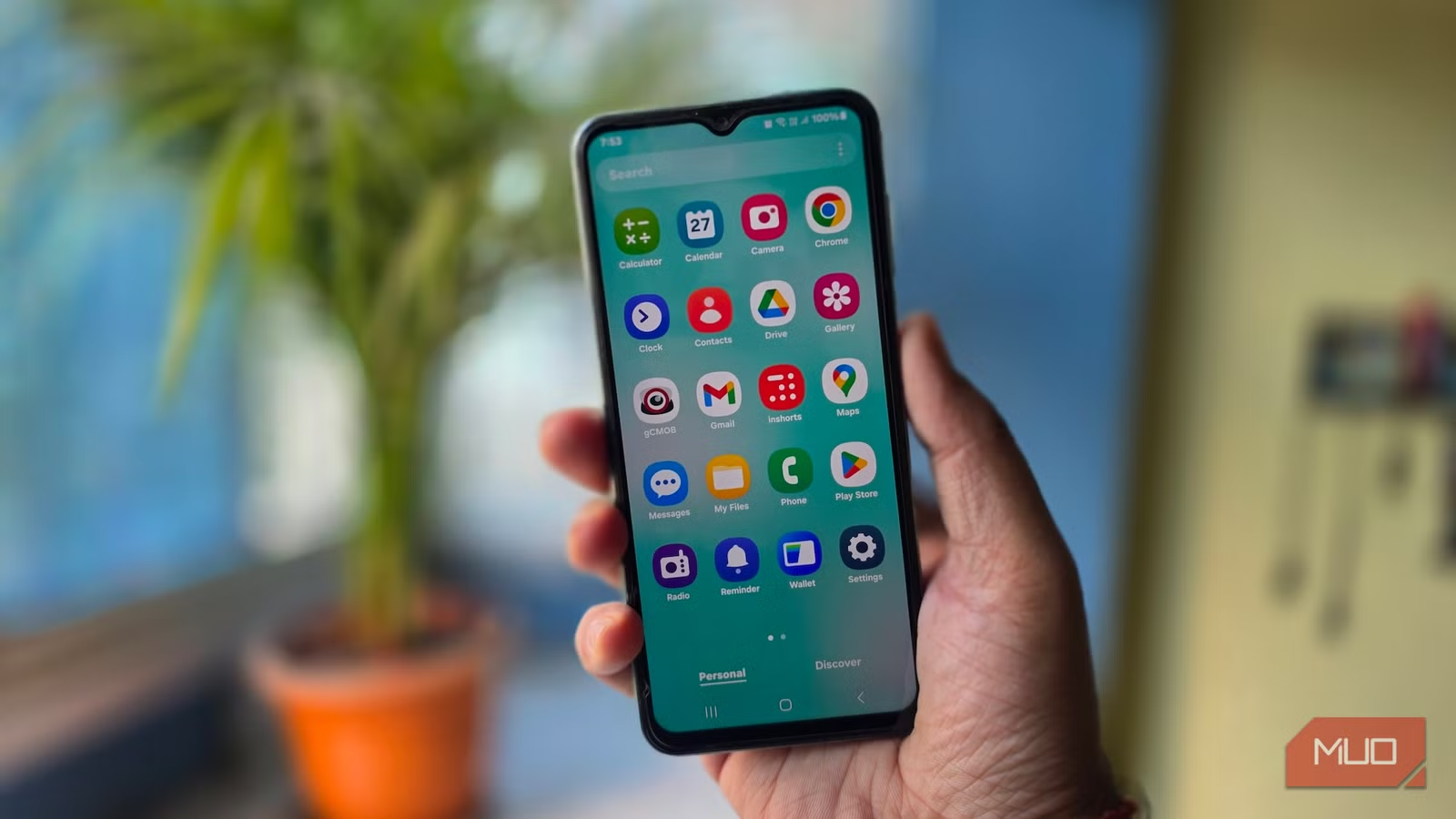
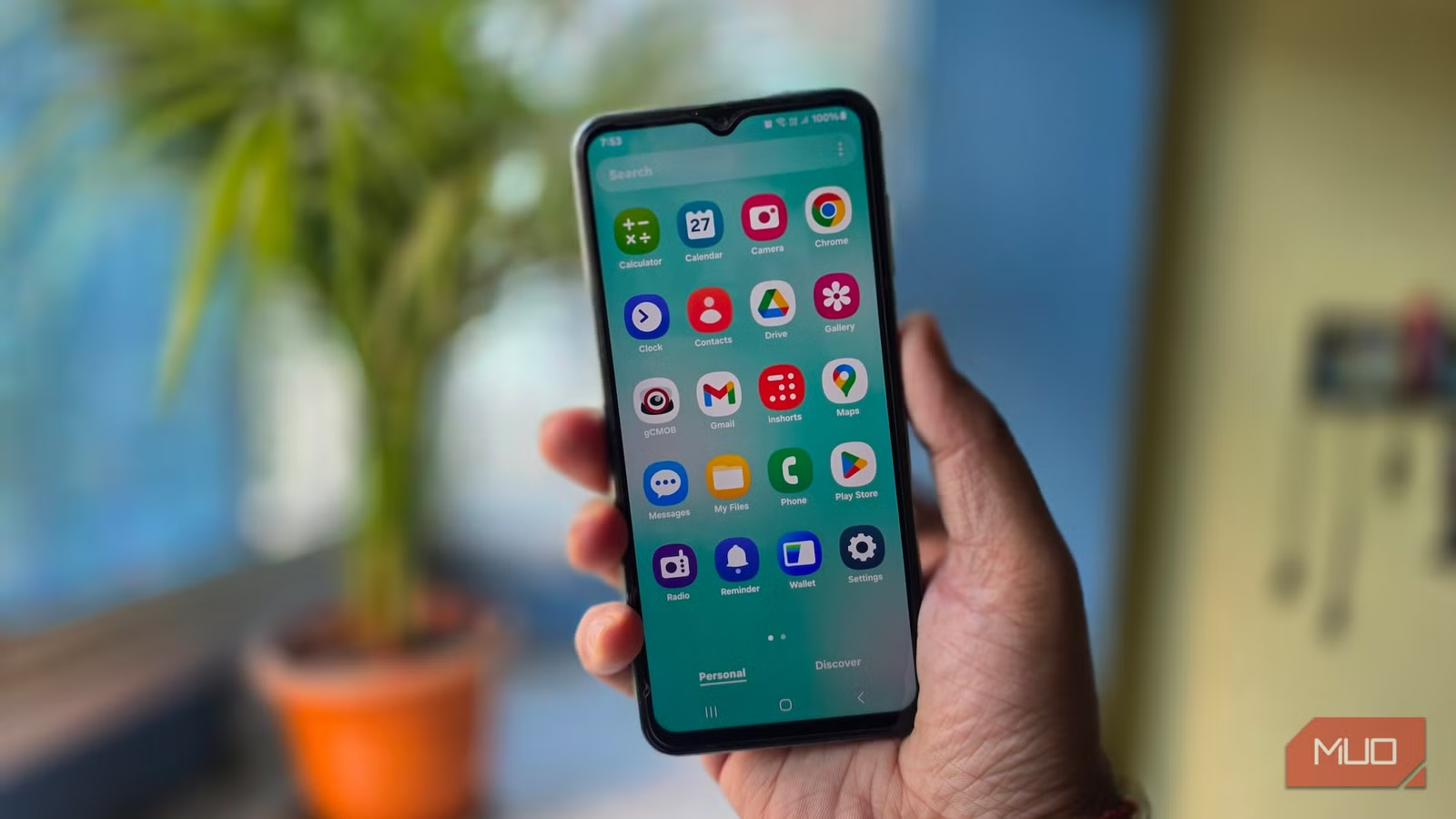
Budget Galaxy phones work fine out of the box. Messaging, YouTube, social media, all smooth. Give it a few months, though, and the keyboard starts lagging behind your thumbs. Apps take longer to open. It gets worse, not better, even if you're careful about what you install.
The problem isn't the hardware aging. Samsung ships these phones with software defaults built for flagships. On a phone with 4GB of RAM, those defaults slowly eat away at the speed you had on day one.
The good news: you can fix this without buying anything. Five settings buried in your phone's menu can make a noticeable difference.
1. Reduce Animation Scale
Every time you open an app, switch windows, or pull down the notification shade, Samsung plays a short transition animation. These look smooth on flagship chips like the Snapdragon 8 Elite. On budget hardware like the Galaxy A05's MediaTek Helio G85, those animations consume processing power that makes every tap feel sluggish.
The animation controls are hidden inside Developer Options. To unlock them, go to Settings, then About phone, then Software information. Tap Build number seven times until a message confirms the menu is active.
Once Developer Options appears in your Settings menu, scroll down to three entries: Window animation scale, Transition animation scale, and Animator duration scale. Set all three to 0.5x, and transitions will run twice as fast as the default. Set them to Animation off, and your phone will jump instantly from screen to screen with no transition at all.
2. Disable Pre-Installed Apps You Never Use
Budget Galaxy phones ship with apps that start running in the background from the first boot. Facebook, OneDrive, Samsung Free, and often a few trial games. You may never open most of these, but they still use RAM and battery while doing nothing useful for you.
Go to Settings, then Apps. Scroll through the full list and tap Uninstall on anything you don't need. For apps Samsung won't let you fully remove, tap Disable instead. This stops them from running in the background and frees up system resources.
3. Clear App Cache Regularly
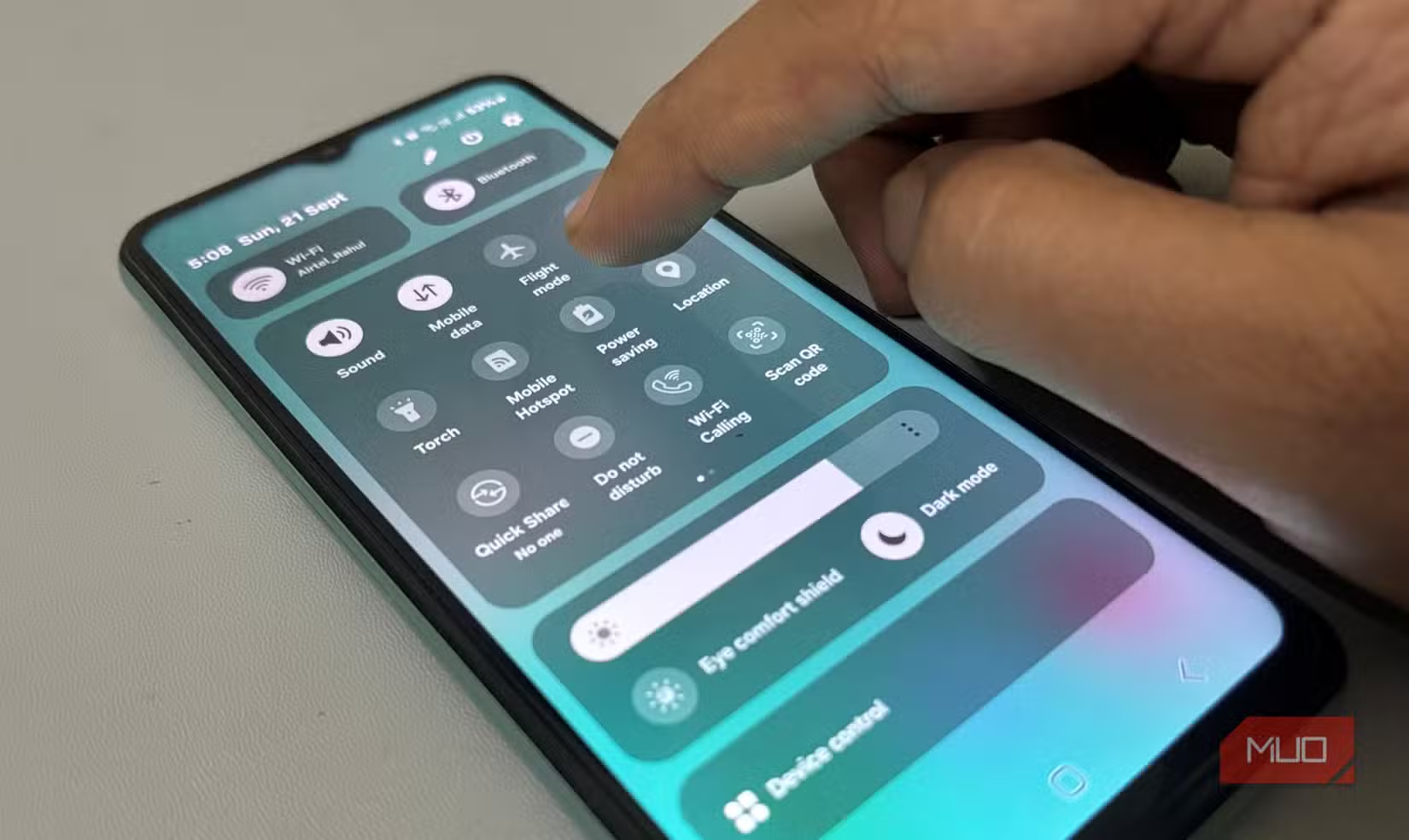
Apps store temporary data to load faster. Over time, this cache grows and can slow things down, especially on phones with limited storage. Go to Settings, then Apps, tap an app, and select Clear cache. Focus on apps you use daily, like browsers and social media apps, which tend to accumulate the most cached data.
4. Limit Background Processes
With Developer Options unlocked, you can also control how many apps run in the background. Scroll to Background process limit and set it to a lower number. On a 4GB RAM phone, limiting background processes to two or three keeps more memory available for the app you're actually using.
5. Use Lite Versions of Heavy Apps
Facebook, Messenger, and other popular apps have Lite versions designed for low-spec phones. These use less RAM, less storage, and less battery. If you're running the full version of Facebook on a Galaxy A05, switch to Facebook Lite. You'll barely notice the difference in features, but your phone will thank you.
Logicity's Take
The Bigger Picture
Budget phones aren't designed to last. Manufacturers expect you to upgrade in two years. But these five settings can stretch a Galaxy A05 or similar phone well past that window. No new hardware required, no paid apps, just a few minutes in Settings.
The real question is why Samsung doesn't ship budget phones with these optimizations already applied. Until they do, the burden falls on users to dig through hidden menus and fix what should have been right from the start.
More ways to get more from your phone without spending money
Frequently Asked Questions
Will reducing animation scale break anything on my Samsung phone?
No. Reducing or disabling animations only changes how transitions look. All features work exactly the same, just without the visual flourish between screens.
Can I undo these changes if I don't like them?
Yes. All settings can be reverted. Animation scales can be set back to 1x, disabled apps can be re-enabled, and background process limits can be removed.
Does disabling Samsung apps void my warranty?
No. Disabling pre-installed apps through the Settings menu is a standard feature Samsung provides. It doesn't modify system files or affect warranty coverage.
How much RAM do pre-installed apps actually use?
It varies by app, but Facebook and similar apps can use 200-400MB of RAM when running in the background. On a 4GB phone, that's a significant chunk of available memory.
Need Help Implementing This?
Source: MakeUseOf
Manaal Khan
Tech & Innovation Writer
Produced with AI assistance and reviewed by the Logicity editorial team. Learn more in our Editorial Policy.






