Key Takeaways
- GitHub's new guide breaks down the Fork & Pull workflow into manageable steps for first-time contributors
- 36 million new developers joined GitHub in 2025, with 5.2 million from India alone
- The guide specifically addresses 'contribution anxiety' that prevents skilled developers from participating in public projects
The Fear That Keeps Developers Silent
Most developers write code every day at work. They fix bugs, ship features, review pull requests. But when it comes to contributing to open source projects, many freeze up. GitHub Developer Advocate Kedasha Kerr calls this phenomenon "contribution anxiety."
“We work in code bases all the time at our jobs, but when it comes to open source, it's very public, and we worry that people will find out we don't know how to code.”
— Kedasha Kerr, Developer Advocate at GitHub
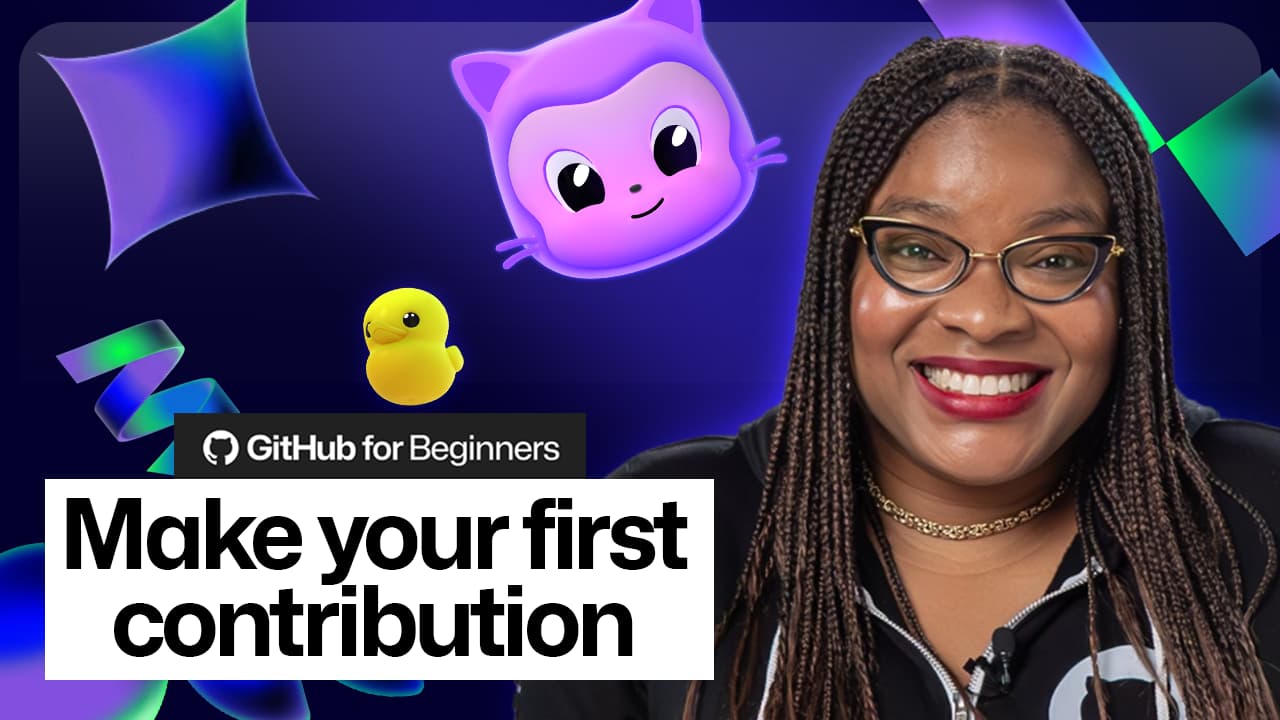
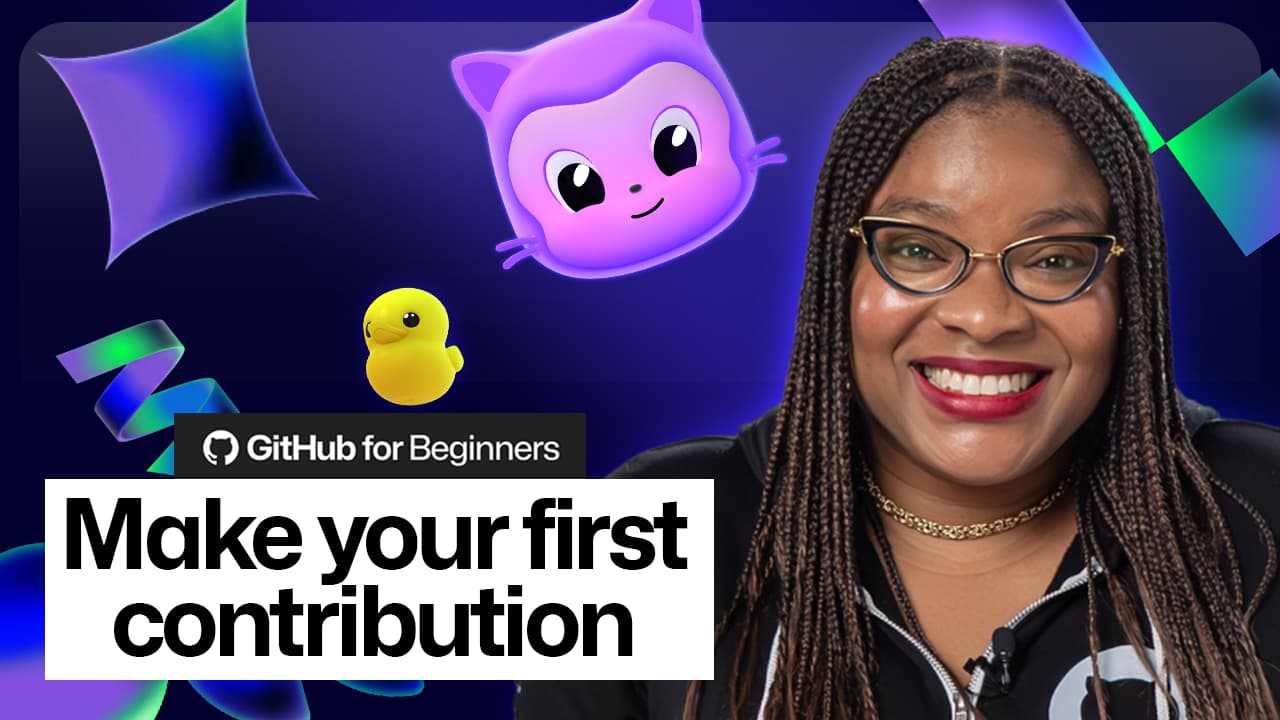
Kerr's latest installment in the "GitHub for Beginners" series aims to dismantle this fear. The guide walks new contributors through the entire process, from finding beginner-friendly issues to submitting their first pull request.
36 Million New Developers Need a Starting Point
The timing matters. GitHub now hosts 180 million developers globally. In 2025 alone, 36 million new developers joined the platform. India led that growth with 5.2 million new accounts.
That flood of new users creates a challenge. Open source projects need contributors. New developers want experience. But the gap between "I want to help" and "I submitted a PR" remains wide. The GitHub for Beginners series bridges that gap with practical, step-by-step guidance.
Finding Your First Issue
The guide emphasizes starting with issues labeled "good first issue." These tags signal that maintainers have identified tasks suitable for newcomers. They typically involve smaller, well-defined changes that don't require deep knowledge of the entire codebase.
Kerr recommends looking for projects you already use. If you've spotted a typo in documentation or wished a feature worked differently, that's a contribution waiting to happen. Familiarity with the project reduces the learning curve.
- Search GitHub for "good first issue" labels in projects you use
- Documentation fixes and typo corrections count as real contributions
- Read the project's CONTRIBUTING.md file before starting
- Comment on an issue before starting work to avoid duplicated effort
The Fork and Pull Workflow
The technical workflow intimidates many beginners. The guide breaks it into clear steps: fork the repository to create your own copy, clone it locally, create a branch for your changes, make your edits, commit with a clear message, push to your fork, then open a pull request.
Each step has a purpose. Forking lets you experiment without affecting the original project. Branching keeps your changes isolated. Clear commit messages help maintainers understand what you did and why.
- Fork the repository to your GitHub account
- Clone your fork to your local machine
- Create a new branch with a descriptive name
- Make your changes and test them
- Commit with a message explaining what and why
- Push the branch to your fork
- Open a pull request with context about your changes
Why Open Source Experience Matters
Kerr frames open source contributions as more than charity work for projects you like. She positions them as career investments.
“Open source is a living resume. If you're already in the codebase, you can work there.”
— Kedasha Kerr, Developer Advocate at GitHub
Hiring managers can see your actual code, how you respond to feedback, and how you collaborate with others. Contributions to well-known projects demonstrate you can work in large, complex codebases with multiple contributors.
The GenAI Factor
Contributions to generative AI projects surged 59% in the 2024-2025 period. That growth reflects both the technology's popularity and the increased accessibility of AI tools. New developers can use AI assistants to understand unfamiliar codebases, explain error messages, and draft initial code that they then refine.
This creates an interesting dynamic. AI tools lower the barrier to understanding complex projects. But the human judgment to identify good issues, communicate clearly with maintainers, and write code that fits a project's style still matters.
Starting Today
The guide's core message is simple: stop waiting for permission. Every active contributor once made a first contribution. Many felt the same anxiety. The difference between contributors and non-contributors is often just taking that first step.
Pick a project you use. Find a small issue. Read the contributing guidelines. Fork, branch, commit, push, PR. That sequence, once learned, becomes second nature.
Logicity's Take
Kerr's guide fills a real gap. Technical tutorials on Git commands are everywhere. What's rarer is content that addresses the psychological barrier that keeps skilled developers from participating. For engineering managers, encouraging team members to contribute to relevant open source projects can be a low-cost way to build skills, visibility, and goodwill in the developer community.
Frequently Asked Questions
What is a 'good first issue' on GitHub?
It's a label that project maintainers add to issues suitable for newcomers. These typically involve smaller, well-defined tasks that don't require deep knowledge of the entire codebase.
Do I need to be an expert programmer to contribute to open source?
No. Documentation improvements, typo fixes, and small bug fixes are all valuable contributions. Many projects actively seek non-code contributions like translation and design work.
How do I find open source projects to contribute to?
Start with projects you already use. You can also search GitHub for 'good first issue' labels or browse curated lists like First Timers Only and Up For Grabs.
What is the Fork and Pull workflow?
It's the standard process for contributing to projects you don't have direct write access to. You create a copy (fork), make changes in a branch, then request the maintainers merge your changes via a pull request.
Why should developers contribute to open source?
Open source contributions build public proof of your skills, help you learn from experienced developers through code review, and can create networking opportunities with potential employers.
Need Help Implementing This?
If your engineering team wants to build an open source contribution practice but doesn't know where to start, reach out. We can connect you with consultants who specialize in developer community programs and open source strategy.
Source: The GitHub Blog / Kedasha Kerr
Manaal Khan
Tech & Innovation Writer
Produced with AI assistance and reviewed by the Logicity editorial team. Learn more in our Editorial Policy.