Key Takeaways
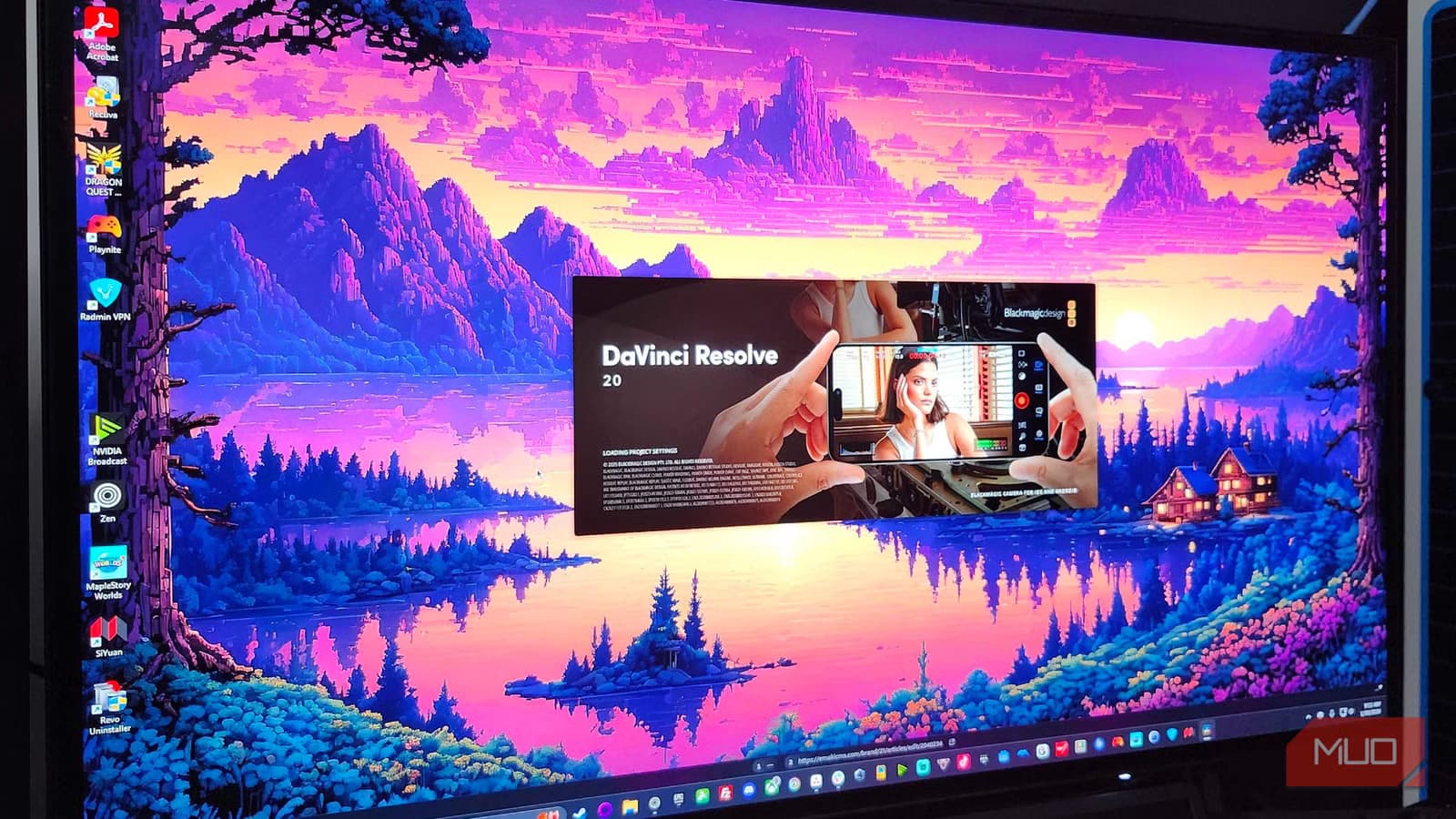
- DaVinci Resolve started as a $250,000+ color grading tool before Blackmagic made it free in 2009
- The software includes editing, color grading, audio, and VFX in one application, eliminating the need for multiple programs
- Proxy Mode and Optimized Media features let editors run 4K projects on average laptops without CPU bottlenecks
DaVinci Resolve is the free video editor that graded Deadpool, La La Land, and Alien: Covenant. It also runs on a mid-range laptop. That combination sounds impossible, but Blackmagic Design's business model and some built-in workarounds make it real.
The software emerged in the 2000s as a color grading tool built for major Hollywood productions. The price tag matched the clientele: hundreds of thousands of dollars for the full setup. Only major post-production houses could afford it. Blackmagic Design acquired the software in 2009 and flipped the model entirely. Instead of charging for software, they make money on hardware: cameras, capture cards, control surfaces. The software became free.
What makes DaVinci Resolve different from Premiere or Final Cut?
Traditional post-production workflows bounce files between programs. Your editor works in one application, your colorist in another, your sound designer in a third. DaVinci Resolve put everything in one place.
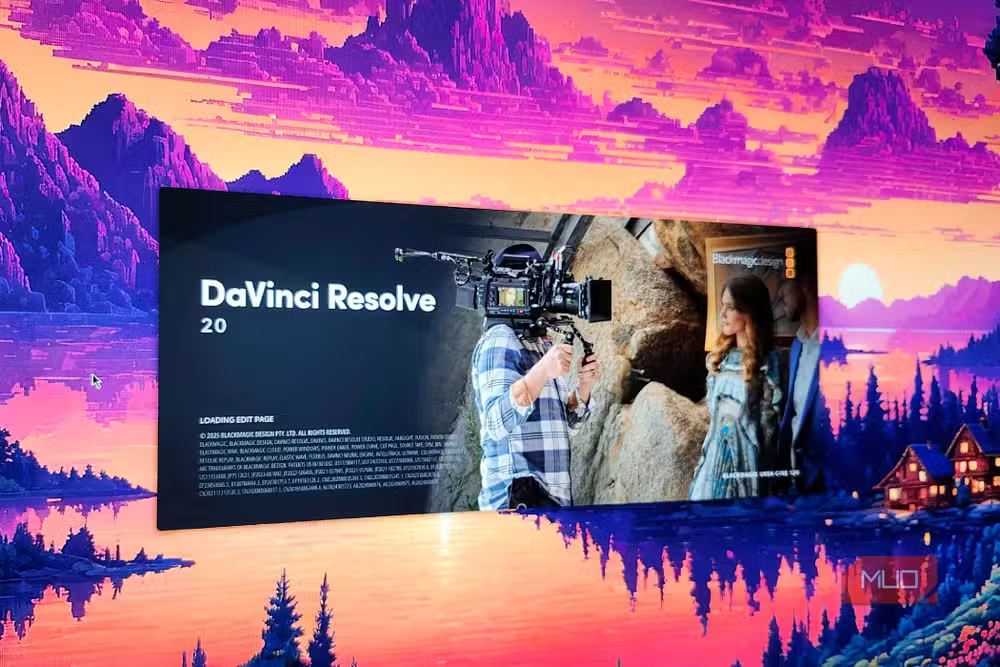
The software uses separate pages for separate jobs, similar to Blender's approach. The Edit and Cut pages handle footage assembly. The Color page handles grading. Fairlight handles audio. Fusion handles visual effects and compositing. All of them share the same timeline. Trim a clip in Edit, and that change shows up instantly in Color, Fairlight, and Fusion. No rendering, no file transfers.
For small teams or solo creators, this eliminates the learning curve of multiple applications. One project file, one interface, one timeline across every discipline.
How do the individual pages work?
The Cut page is built for fast assembly and multi-camera work. The Edit page handles more precise timeline editing. The Color page gives you primary color wheels, custom curves, and Power Windows for detailed grading. Fairlight opens a full digital audio workstation supporting hundreds of tracks, spatial audio mixing, and sample-level editing.

Since every page shares the same project file, you can see how a color grade affects a visual effects shot in real time. You can fine-tune audio while watching the picture. That interconnection speeds things up significantly compared to exporting and importing between separate applications.
Can a mid-range laptop actually handle 4K editing?
Here's where things get technical. DaVinci Resolve processes everything through a 32-bit floating-point YRGB pipeline. That precision is great for color accuracy but hard on hardware. When you import compressed codecs like H.264 or H.265, the software decompresses them into uncompressed 32-bit float space. The free Windows version relies on your CPU for this decoding rather than your GPU. Standard 4K footage can push an average laptop's processor past its limits.
Resolve includes tools designed for exactly this problem. Proxy Mode lowers the resolution the software processes across your entire timeline. You get smoother real-time playback without affecting the quality of your final export. It's a display setting, not a destructive change.
Optimized Media offers a more permanent solution. It transcodes heavy H.264 or RAW clips into low-compression formats like ProRes or DNxHR, which are easier to edit. Your original files stay intact. The software just references the optimized versions during editing.
Smart caching is another option. Enable it in project settings, and Resolve automatically caches complex effects in the background. Playback stays smooth without manual intervention. These features let editors run Resolve on average hardware without hitting CPU bottlenecks.
Free version vs. Studio: what's the difference?
The free version handles 4K editing, color grading, audio mixing, and basic visual effects. Studio, the paid version at $295 one-time (not subscription), adds GPU-accelerated decoding on Windows, neural engine features like face refinement and speed warp, HDR grading tools, and collaboration features for larger teams.
For most independent creators, the free version covers everything. The Studio upgrade makes sense when you're working with RED or ARRI RAW footage, need advanced noise reduction, or want GPU decoding to eliminate the proxy workflow entirely.
Why doesn't Adobe offer something similar?
Different business model. Adobe charges $299 per year for Premiere Pro alone. Their revenue depends on subscriptions. Blackmagic sells cameras like the Pocket Cinema Camera 6K, capture cards, and professional control surfaces. Giving away powerful software creates demand for their hardware ecosystem.
The approach has worked. Resolve now has over 2 million active users. Hollywood colorists who learned the software when it cost $250,000 still use it. Students who downloaded the free version in college take those skills into professional jobs. The hardware sales follow.
Logicity's Take
Blackmagic's model is the clearest example of hardware-subsidized software in the creative tools space. They're betting that free professional software creates loyal users who eventually buy $2,000 cameras and $30,000 color panels. For independent creators, this is a rare case where the business incentives align with user value. The software isn't free because it's limited; it's free because Blackmagic makes money elsewhere.
More tools built for focused, efficient workflows
Frequently Asked Questions
Is DaVinci Resolve really free?
Yes. The free version includes editing, color grading, audio mixing, and visual effects. There's no trial period or feature lockout. The paid Studio version ($295 one-time) adds GPU decoding, neural engine features, and collaboration tools.
What hardware do I need to run DaVinci Resolve?
Resolve runs on most modern laptops, but 4K editing benefits from at least 16GB RAM and an SSD. The free Windows version uses CPU decoding, so proxy mode or optimized media helps on mid-range machines.
Which Hollywood films used DaVinci Resolve?
Color grading credits include Deadpool, La La Land, Alien: Covenant, Jason Bourne, and Pirates of the Caribbean: Dead Men Tell No Tales.
How does DaVinci Resolve compare to Adobe Premiere Pro?
Resolve is free with a one-time $295 upgrade option. Premiere Pro costs $299 per year. Resolve includes color grading, audio, and VFX in one app; Premiere requires After Effects and Audition for equivalent features.
What is Proxy Mode in DaVinci Resolve?
Proxy Mode lowers playback resolution across your timeline for smoother editing. It doesn't affect export quality. You can also generate Optimized Media, which transcodes clips to easier-to-edit formats while preserving originals.
Need Help Implementing This?
Setting up DaVinci Resolve for your workflow? Logicity covers creative tools, hardware optimization, and production pipelines. Subscribe to our newsletter for weekly guides on getting professional results from accessible software.
Source: MakeUseOf
Manaal Khan
Tech & Innovation Writer
Produced with AI assistance and reviewed by the Logicity editorial team. Learn more in our Editorial Policy.






