Key Takeaways
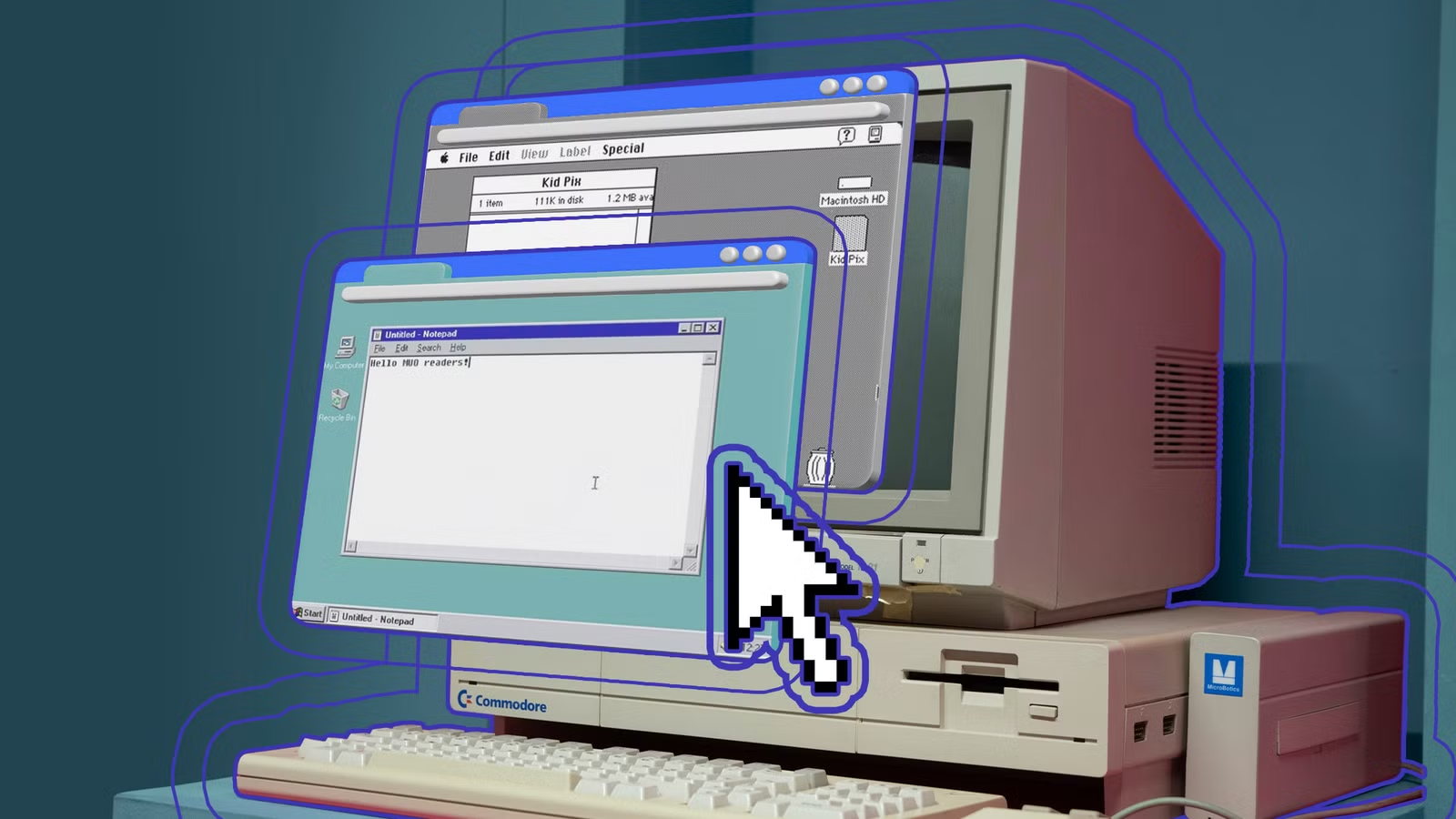
- Tiny Core Linux boots to a full GUI desktop from a 23MB image
- FreeDOS remains actively maintained in 2026 for legacy software and firmware tools
- Single-purpose OSes trade flexibility for reliability and speed
Not every operating system needs to be a cathedral. Some tiny operating systems do exactly one thing, boot fast, and never ask you to update anything. MakeUseOf's Oluwademilade Afolabi profiles five such systems that reject the bloat of Windows, macOS, and mainstream Linux desktops in favor of narrow purpose and minimal footprint.
"Tiny" means different things across these projects. Sometimes it is literal install size measured in megabytes. Sometimes it is a hardware footprint that runs on machines you would otherwise recycle. And sometimes it is a tiny ambition in the best sense: software that decided early what it would never try to be.
FreeDOS: the DOS-compatible system still shipping updates
FreeDOS is an open-source operating system designed to run the software that real DOS used to run. That includes old utilities, BIOS flashing tools, legacy business software, and decades of DOS games. The latest stable release, FreeDOS 1.4, arrived in April 2025. The project continues publishing monthly test builds.
DOS stopped evolving decades ago, so FreeDOS does not chase moving targets. It stays compatible, reliable, and alive enough to keep old software useful. Reach for it when a factory test tool expects real-mode DOS, when a firmware updater refuses to cooperate with anything newer, or when you want to play a 1993 flight sim without forcing it through emulation layers.
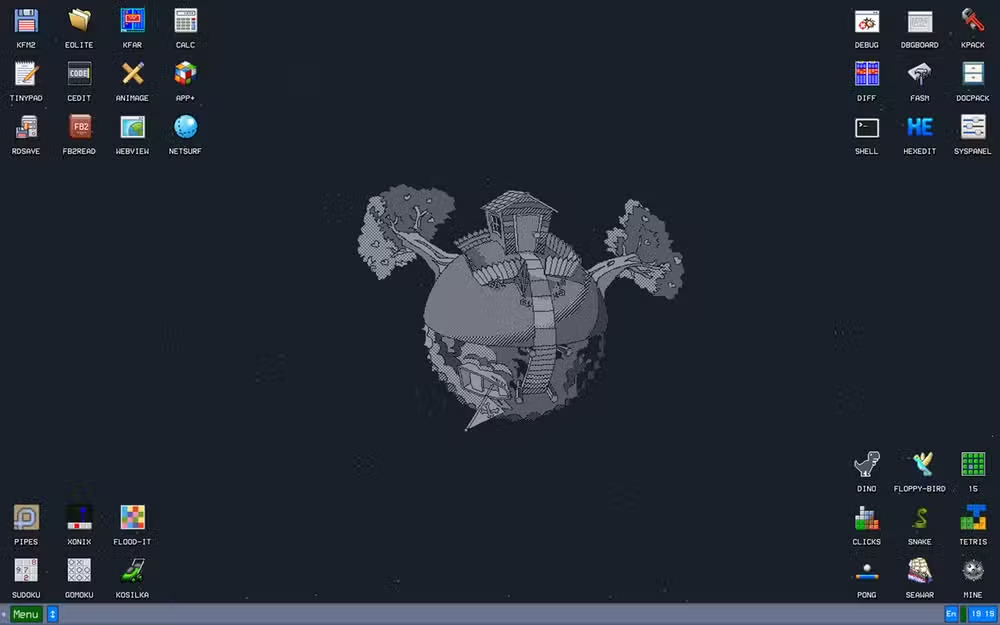
Tiny Core Linux: a 23MB desktop
Tiny Core Linux is built around a deliberately minimal base. The standard edition is roughly 23MB and boots to a graphical desktop without an internet connection. The GUI-less Core edition is even smaller, around 17MB. That is not a tiny installer that pulls down gigabytes afterward. That is the full bootable environment.
Tiny Core is not trying to be a friendly Ubuntu for first-time Linux users. It does not hold your hand through setup. It expects you to know what you are adding, why you are adding it, and what trade-offs come with keeping the system this lean. Hand it to anyone who insists desktop Linux has to be heavy, and watch that assumption wobble.
Why single-purpose OSes matter for CTOs and engineers
The appeal goes beyond nostalgia. Single-purpose operating systems boot in 3 to 5 seconds, compared to 30 to 60 seconds for full Windows installations. Their attack surface is minimal because there is less code to exploit. They run on hardware that would otherwise be e-waste.
In production environments, dedicated firewall OSes like pfSense or OPNsense handle network security without the overhead of a general-purpose system. Media center OSes like LibreELEC turn old PCs into appliances that boot straight to Kodi. Retro gaming OSes like RetroPie support over 500 emulated platforms. Each does one job and does it well.
The trade-off: flexibility for reliability
These systems expect you to know what you are doing. They do not complain because they do not explain. Documentation exists, but hand-holding does not. If you need a system that configures itself, these are the wrong tools. If you need a system that does exactly what you tell it without second-guessing, they deliver.
The original article mentions KolibriOS, a graphical operating system written entirely in assembly language that fits on a floppy disk. It runs entirely in RAM and boots almost instantly. Practical? Debatable. Impressive? Absolutely. It represents the extreme end of minimalism, where every byte is accounted for.
Where to use these systems
- FreeDOS: firmware updates, legacy DOS applications, retro gaming
- Tiny Core Linux: old hardware revival, embedded systems, minimalist desktops
- pfSense/OPNsense: dedicated network firewalls and routers
- LibreELEC: media center appliances running Kodi
- RetroPie/Batocera: dedicated retro gaming consoles
Another approach to single-purpose computing using Windows kiosk mode
Logicity's Take
The persistence of tiny operating systems challenges the assumption that software must grow to stay relevant. FreeDOS shipping updates in 2026 for a platform frozen in the 1990s is not stubbornness. It is a reminder that maintenance, not feature creep, defines long-term usefulness. For enterprises running legacy firmware tools or embedded systems, these projects offer stability that Windows and mainstream Linux cannot match.
Frequently Asked Questions
Can Tiny Core Linux run on modern hardware?
Yes. Tiny Core supports x86 and x86-64 processors and runs on modern hardware, though it is designed for minimal resource use.
Is FreeDOS still being updated in 2026?
Yes. FreeDOS 1.4 shipped in April 2025, and the project continues publishing monthly test builds and utility updates.
What is the smallest functional Linux distribution?
Tiny Core Linux at 17MB (command line only) or 23MB (with GUI) is among the smallest fully functional Linux distributions available.
Can I use FreeDOS to update BIOS and firmware?
Yes. Many manufacturers still provide DOS-based firmware update tools, and FreeDOS runs them on modern hardware.
Need Help Implementing This?
Setting up single-purpose systems for legacy applications, media centers, or network security? Logicity can connect you with experts who specialize in minimal OS deployments for enterprise environments. Contact us for recommendations.
Source: MakeUseOf
Huma Shazia
Senior AI & Tech Writer
Produced with AI assistance and reviewed by the Logicity editorial team. Learn more in our Editorial Policy.






