
Key Takeaways

- Cursor costs $20/month vs Copilot's $10/month, but offers deeper codebase-aware autocomplete
- Copilot's native GitHub integration handles PR summaries, code reviews, and async cloud agents
- Cursor's Composer mode edits 15-50+ files simultaneously with a review step before applying changes
The core question: extension or AI-native?
GitHub Copilot and Cursor both help you write code faster. But they answer a fundamental design question differently: Should AI plug into your existing tools, or should your tools be rebuilt around AI?
Copilot takes the extension route. It installs into VS Code, JetBrains, Neovim, and other editors you already use. You keep your muscle memory, your keybindings, and your extensions. AI becomes another feature alongside everything else.
Cursor takes the AI-native route. It's a VS Code fork where every feature assumes AI is central. The tradeoff: you switch to a new app. The payoff: deeper integration between the AI and your codebase.
Neither approach is objectively better. But one will fit your workflow better than the other.
Side-by-side comparison
| Feature | GitHub Copilot | Cursor |
|---|---|---|
| Price (Pro tier) | $10/month | $20/month |
| Price (Business tier) | $19/user/month | $40/user/month |
| Editor support | VS Code, JetBrains, Neovim, others | Cursor IDE only (VS Code fork) |
| Codebase indexing | Yes, for chat and agent mode | Yes, including autocomplete |
| Multi-file editing | Available in agent mode | Core strength (Composer mode) |
| GitHub integration | Native | Requires setup |
| Model flexibility | OpenAI, Anthropic, Google (no BYOK) | OpenAI, Anthropic, Google, xAI, DeepSeek + BYOK |
| Agent maturity | Three tiers (IDE, cloud, third-party) | Background agents, parallel agents, agent window |
Setup and switching costs
Copilot installs as an extension. If you use VS Code, JetBrains, or Neovim, you're coding with AI in under five minutes. Your existing settings, themes, and extensions stay intact.
Cursor requires you to download a separate app. It imports your VS Code settings, so the transition is smooth. But there's a catch: Microsoft has started blocking some extension installs in third-party VS Code forks. If you rely on specific extensions, check compatibility before committing.
For teams using JetBrains or Neovim, the choice is already made. Cursor doesn't support those editors. Copilot does.
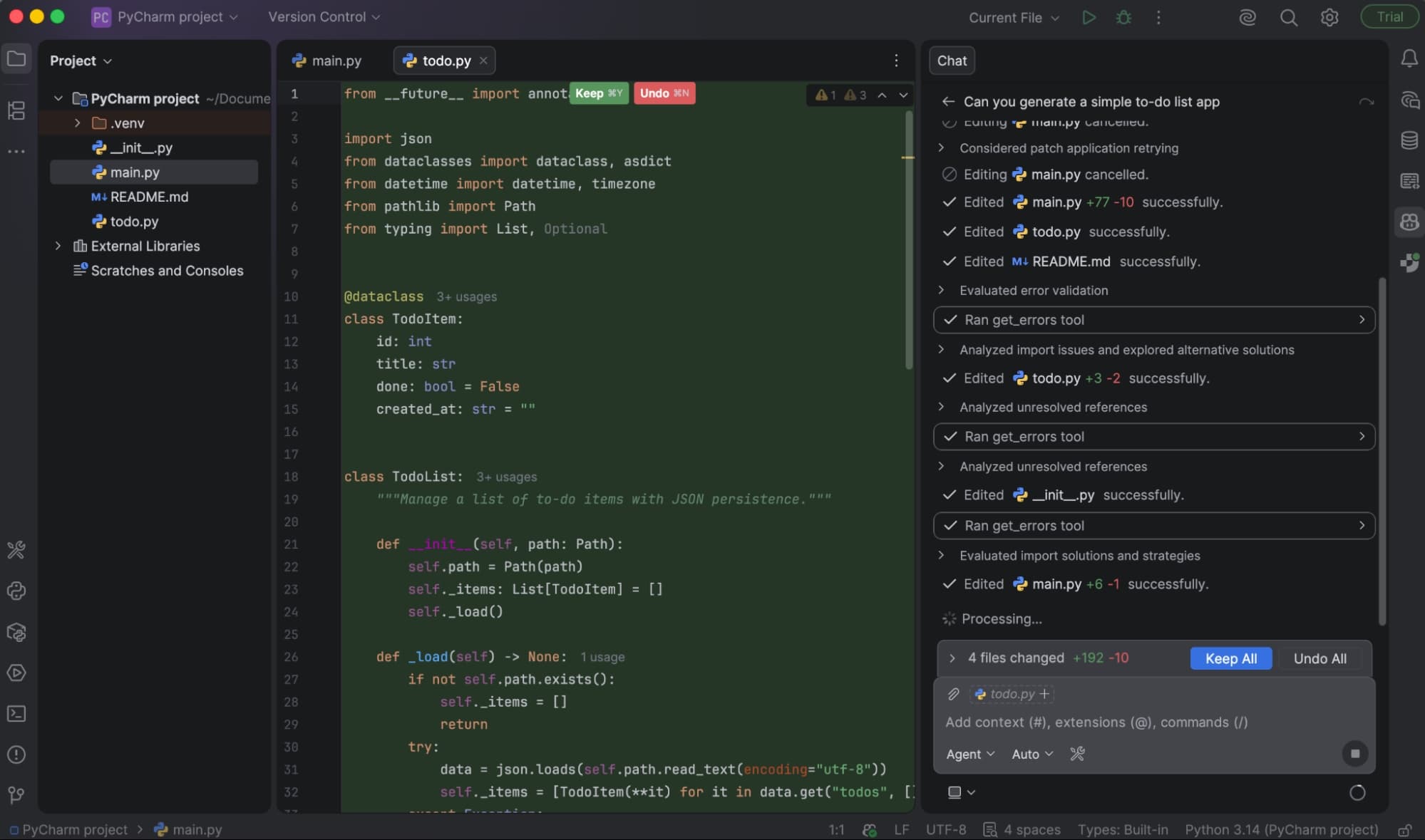
Codebase understanding
Both tools index your codebase to understand context. But they use that context differently.
Copilot indexes your project and uses it in chat and agent mode. When you ask questions about your code, it pulls relevant context. But tab autocomplete doesn't tap into the full index. It relies on the immediate file context.
Cursor uses custom embeddings to index your entire project. That index powers everything, including tab autocomplete. When you're typing in one file, Cursor's suggestions can reference patterns from other files in your project. A proprietary fast model handles this without noticeable latency.
For small projects, this difference is negligible. For large codebases with internal conventions and shared patterns, Cursor's approach produces more relevant suggestions.
Multi-file editing
Here's where Cursor pulls ahead. Its Composer and Agent modes coordinate changes across 15 to 50+ files simultaneously. You describe what you want. Cursor generates a unified diff. You review before anything gets applied.
Copilot has multi-file editing in agent mode, but it's less mature. The experience works, but it doesn't feel as polished or predictable.
If your work involves frequent refactoring, adding features that touch many files, or migrating code patterns across a project, Cursor's Composer mode is genuinely useful. Reddit's r/programming and Hacker News threads call it indispensable.
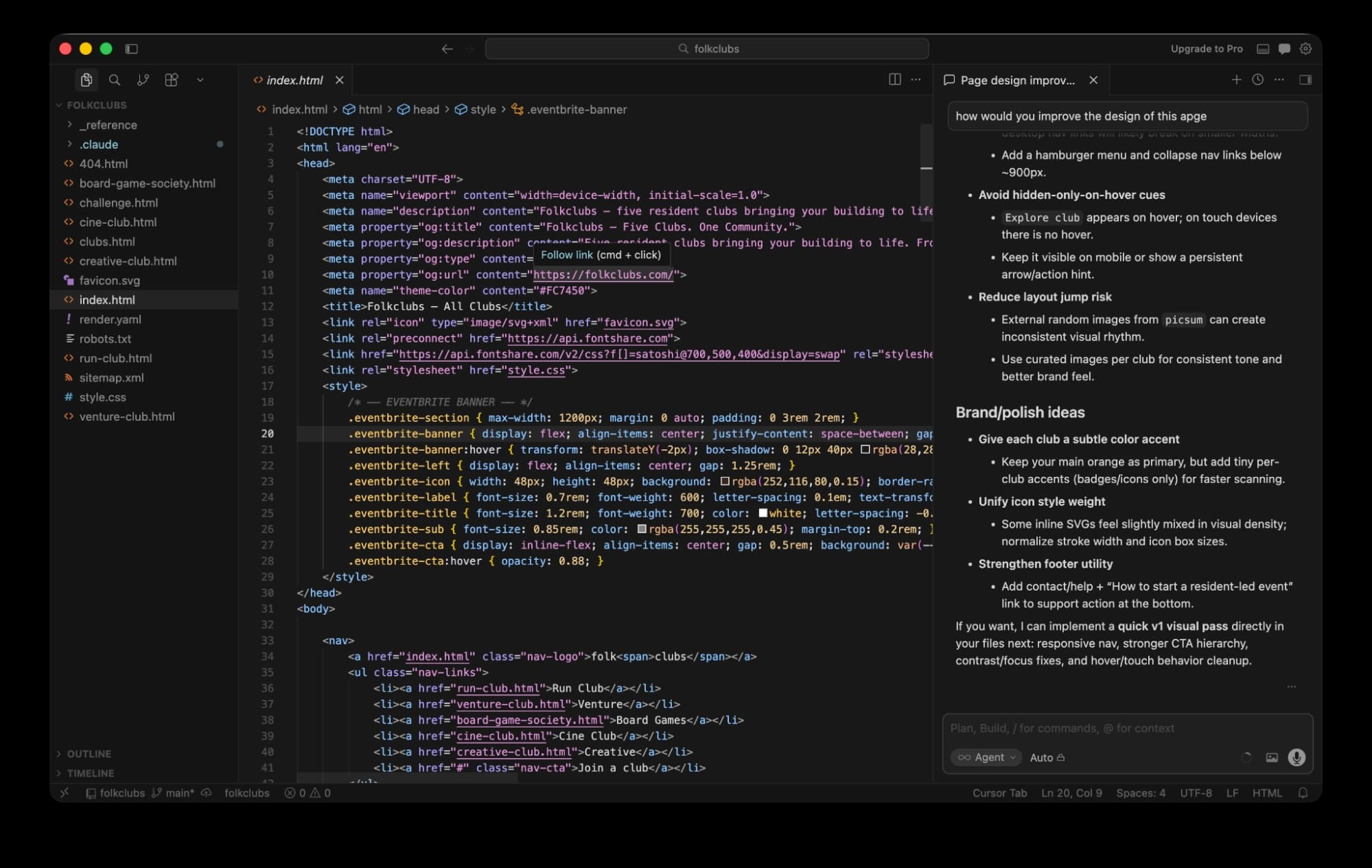
Agent maturity
Both tools offer agentic capabilities. You give them a task. They figure out the steps. They execute.
Copilot has three tiers: IDE agent mode for in-editor work, async cloud agents running on GitHub Actions, and third-party integrations with Claude and Codex. The cloud agent is particularly useful. It can work on issues asynchronously while you're doing something else.
Cursor's agent experience is more mature inside the editor. Background agents handle tasks while you work. Parallel agents tackle multiple things simultaneously. An agent window lets you orchestrate multi-agent workflows.
GitHub integration
If your workflow centers on GitHub, Copilot has a clear advantage. It writes PR summaries automatically. It reviews pull requests with inline comments. It generates commit messages. Its cloud agent can pick up issues and work on them without manual intervention.
Cursor can connect to GitHub, but it requires setup. The integration isn't as seamless. If you're already invested in GitHub's ecosystem, Copilot feels like a natural extension.
Model flexibility
Copilot offers curated access to models from OpenAI, Anthropic, and Google. You can't bring your own API key. You can't use open-source models.
Cursor supports models from OpenAI, Anthropic, Google, xAI, and DeepSeek. It also supports bring-your-own-key (BYOK). If you have API credits elsewhere, or if you want to use a specific model version, Cursor accommodates that.
For most developers, the default models work fine. But for teams with specific requirements, security policies, or cost optimization needs, Cursor's flexibility matters.
Benchmark performance
On complex SWE-bench tasks, GitHub Copilot achieves a 56% success rate. Cursor hits 52%. The gap is small. But Cursor completes tasks 30% faster.
Raw success rate matters less than it seems. A tool that's slightly less accurate but significantly faster might be more productive overall. You catch errors in review. You don't get time back.
Pricing breakdown
Copilot's Pro tier costs $10/month. Business is $19/user/month. There's a limited free tier.
Cursor's Pro tier costs $20/month. Business is $40/user/month. There's also a limited free tier.
Cursor costs exactly double. For individual developers, that's $120/year in extra cost. For a 50-person team on business plans, it's $12,600/year more than Copilot.
The question: Does Cursor's deeper codebase integration and multi-file editing justify twice the price? For some teams, the productivity gains cover it easily. For others, Copilot does enough at half the cost.
✅ Pros
- • Copilot: Works in your existing editor (VS Code, JetBrains, Neovim)
- • Copilot: Native GitHub integration for PRs, reviews, and async agents
- • Copilot: Half the price of Cursor at every tier
- • Cursor: Deeper codebase-aware autocomplete using custom embeddings
- • Cursor: Composer mode edits 15-50+ files with unified diffs
- • Cursor: Bring-your-own-key and open-source model support
❌ Cons
- • Copilot: Tab autocomplete doesn't use full codebase index
- • Copilot: No BYOK or open-source model support
- • Cursor: Requires switching to a new IDE
- • Cursor: Microsoft blocking some extensions in VS Code forks
- • Cursor: Double the subscription cost
Community sentiment
The debate online splits along IDE loyalty lines. Power users switching to Cursor cite Composer as the reason. They accept the new app because the multi-file editing is that good.
Engineers staying with Copilot value its availability across editors and its credit-based pricing. They don't want to lock into one IDE. They don't want to pay double.
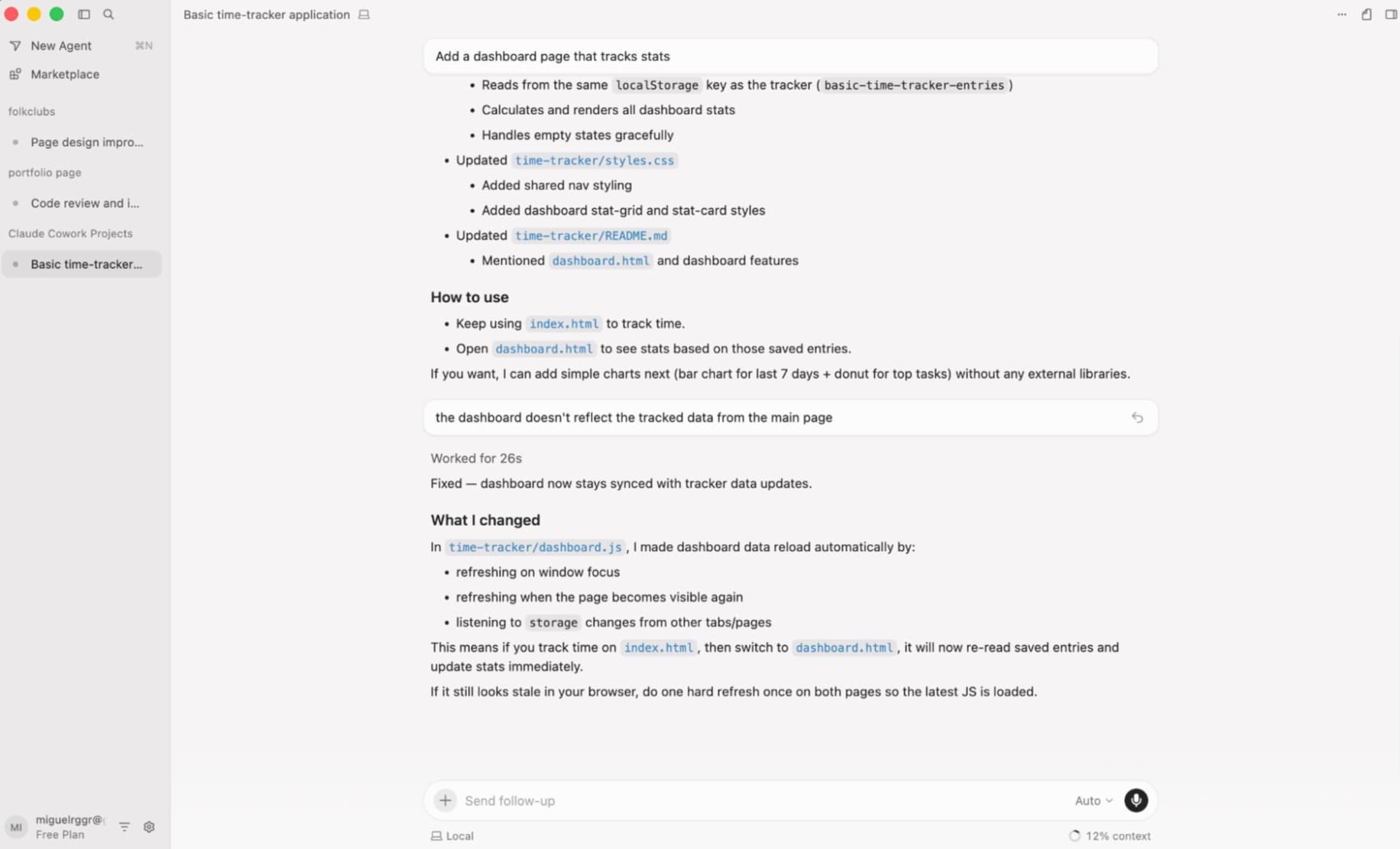
Which should you choose?
Choose Copilot if:
- You use JetBrains, Neovim, or another non-VS Code editor
- Your workflow centers on GitHub for PRs, reviews, and issue management
- You want AI without changing your existing setup
- Price matters, especially for teams
Choose Cursor if:
- You're willing to switch to a new IDE for deeper AI integration
- You frequently refactor or edit across many files
- You want codebase-aware autocomplete, not just chat and agents
- You need BYOK or want to use specific models
Logicity's Take
Frequently Asked Questions
Can I use Cursor with JetBrains or Neovim?
No. Cursor is only available as its own IDE, which is a VS Code fork. If you use JetBrains or Neovim, GitHub Copilot is your option.
Does GitHub Copilot index my entire codebase?
Yes, for chat and agent mode. But unlike Cursor, Copilot's tab autocomplete doesn't use the full codebase index. It relies on the immediate file context.
Is Cursor worth twice the price of Copilot?
For developers who frequently edit multiple files and want deeper codebase-aware suggestions, yes. For those who mainly use autocomplete and occasional chat, Copilot does enough at half the cost.
Can I bring my own API key to either tool?
Cursor supports bring-your-own-key (BYOK) for various providers. GitHub Copilot does not. You use their curated model access.
Which tool has better GitHub integration?
GitHub Copilot. It's native to GitHub and automatically handles PR summaries, code reviews with inline comments, commit messages, and async cloud agents for issues.
Need Help Implementing This?
Source: The Zapier Blog
Huma Shazia
Senior AI & Tech Writer
Produced with AI assistance and reviewed by the Logicity editorial team. Learn more in our Editorial Policy.