Key Takeaways
- CrossPaste is free on desktop and syncs clipboard content over LAN, not cloud servers
- End-to-end encryption is included free for desktop users, paid for mobile
- The app supports Windows, macOS, Linux, and Android, with iOS in beta testing
If you work across multiple operating systems, you know the pain. You copy something on your Windows machine, walk to your Mac, and realize you need to email yourself that text snippet. Or worse, type it out again. Apple users get seamless clipboard sharing between their devices, but mix in a Windows or Linux machine and that convenience disappears.
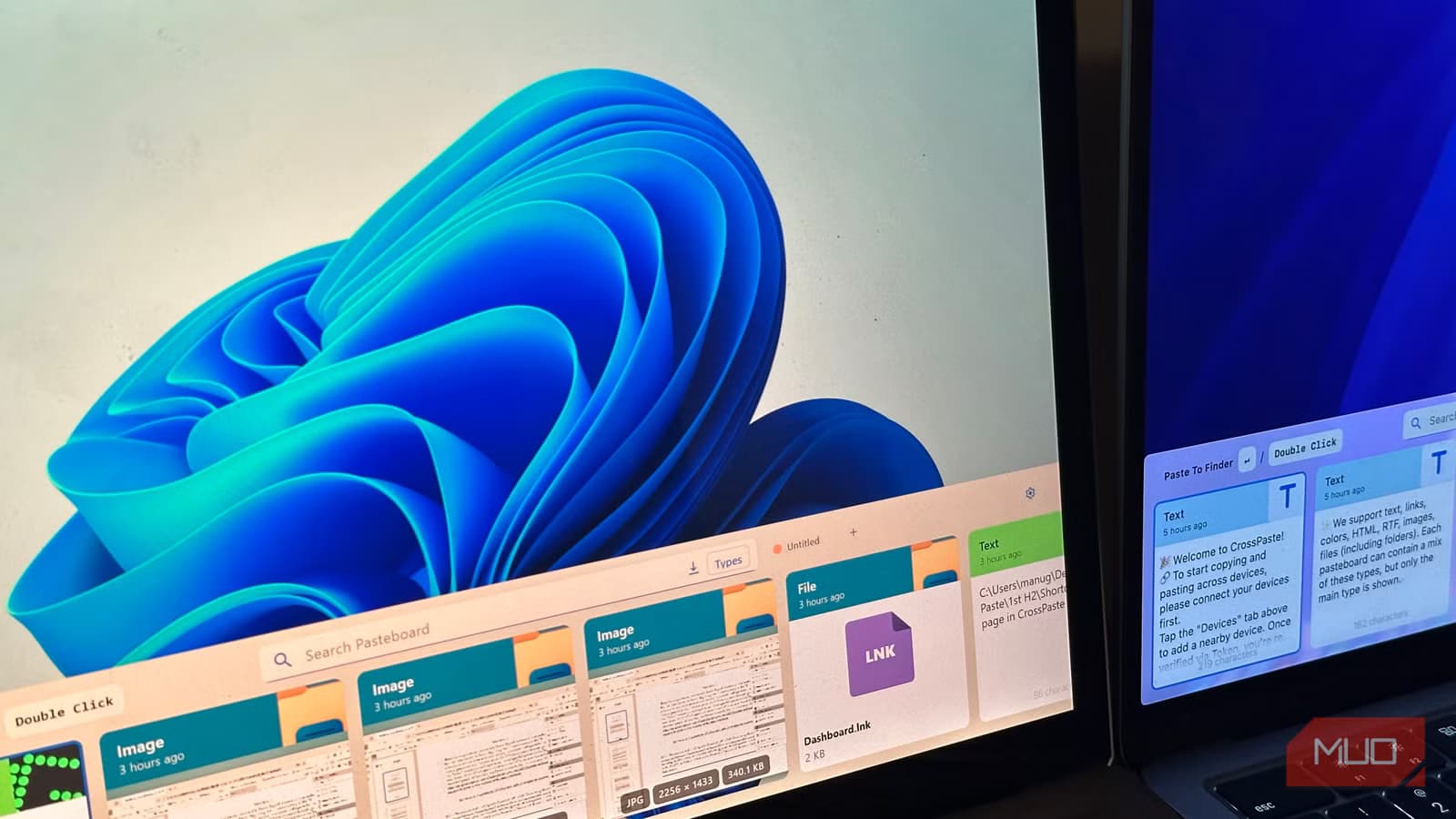
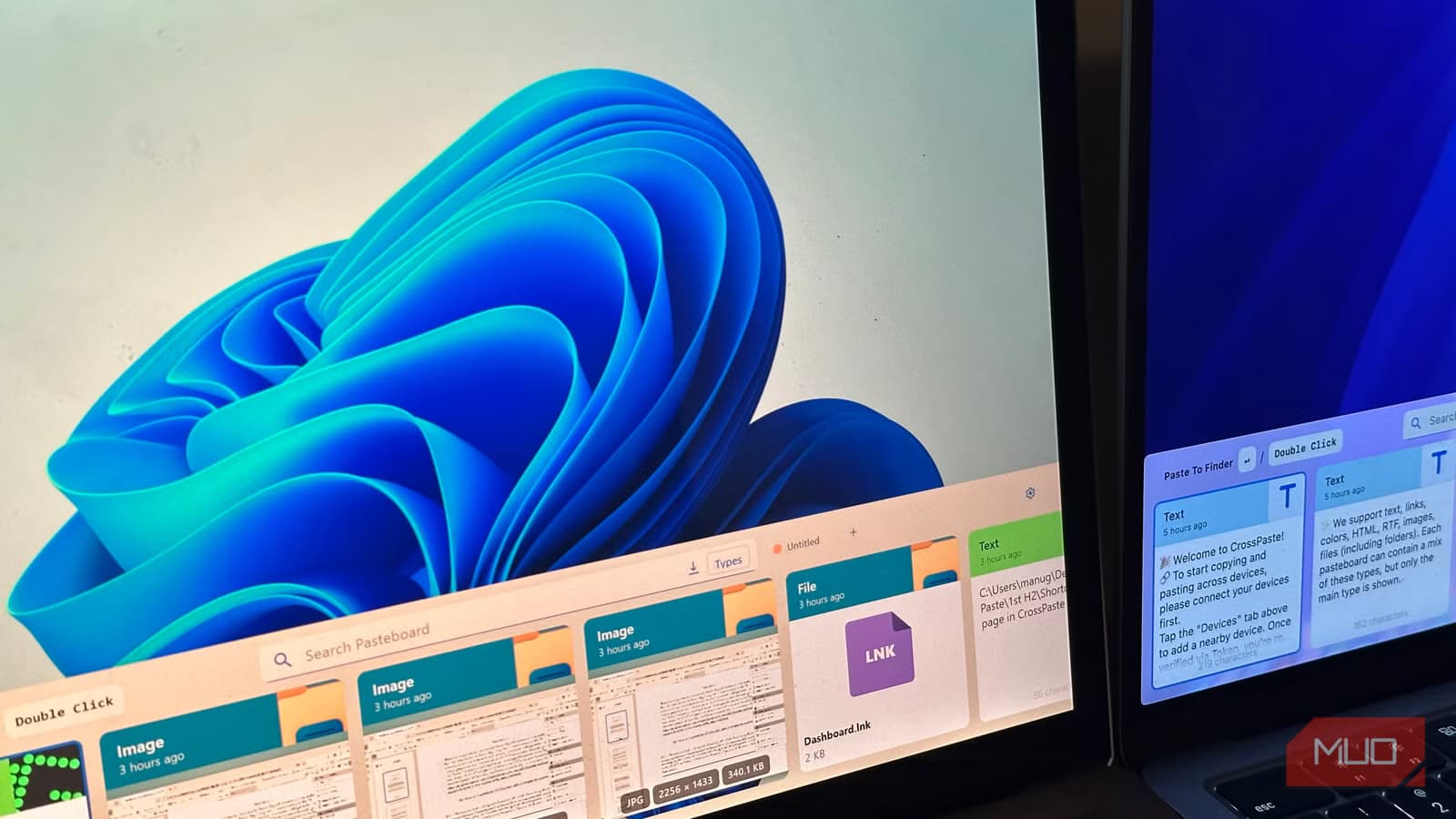
CrossPaste solves this problem. It's a free clipboard sync app that works across Windows, macOS, Linux, and Android. The iOS version is still in TestFlight beta, but desktop users can start using it today.
How CrossPaste Works
The app uses what it calls serverless sync. Your clipboard data travels over your local network, not through cloud servers. This means your devices need to be on the same WiFi network, but your copied passwords, code snippets, and sensitive text never touch a third-party server.
All data is end-to-end encrypted. Desktop users get this feature for free. Android and iOS users need a paid subscription for encryption, though basic syncing works without it.
Setting It Up
Installation is straightforward on each platform. Download CrossPaste from the app store on Windows and Android. Mac users can install via Homebrew. Linux users grab the package directly from the CrossPaste website.
One extra step on macOS: you'll need to manually grant accessibility permissions for the hotkey shortcuts to work. This is standard for any app that needs to read your clipboard or respond to system-wide keyboard shortcuts.
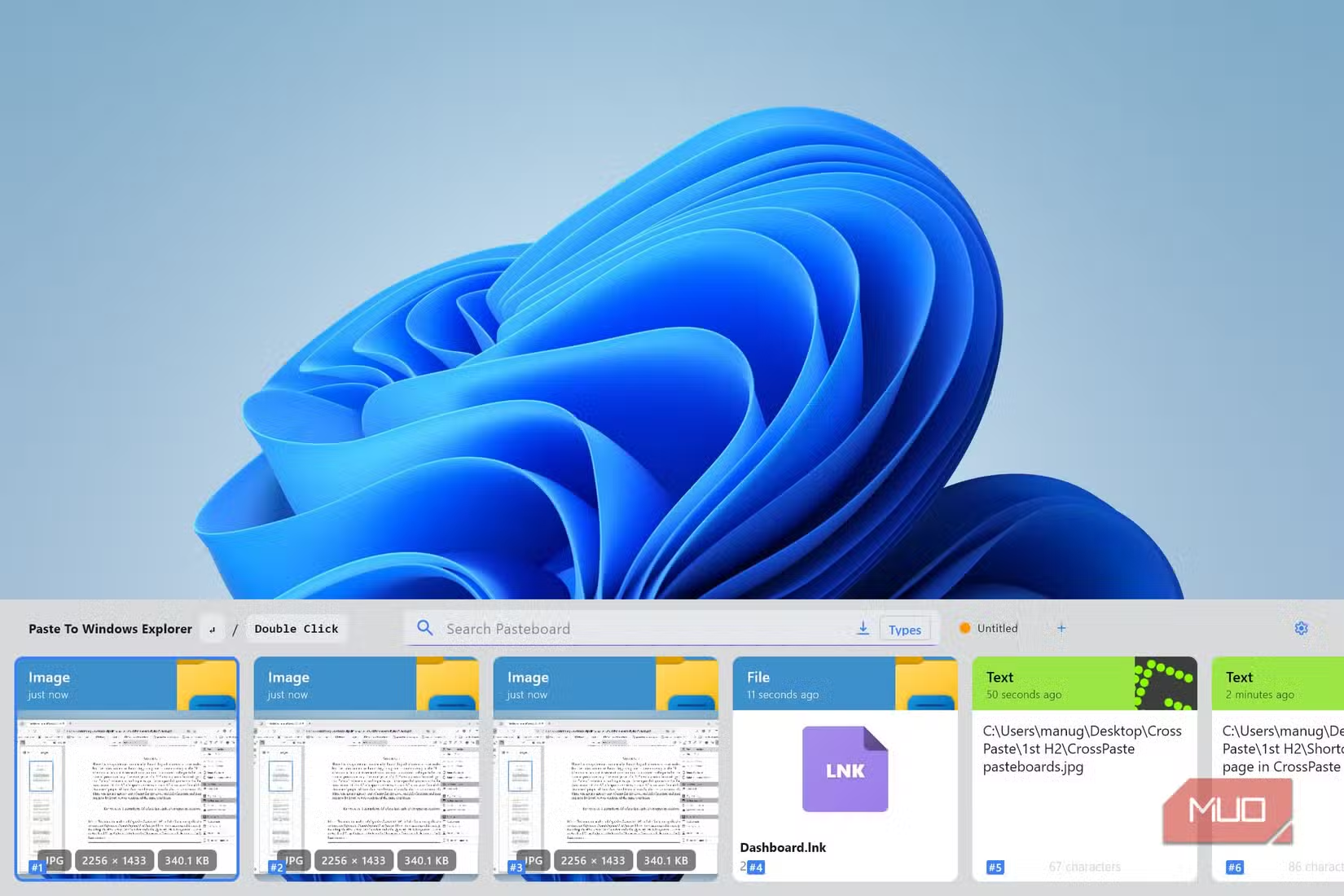
Once installed, CrossPaste automatically scans your network for other devices running the app. In most cases, your devices find each other without any manual configuration. If a device doesn't appear, you can add it manually through the settings menu.
Platform Support
- Windows: Full support, free with encryption
- macOS: Full support via Homebrew, free with encryption
- Linux: Full support via direct download, free with encryption
- Android: Full support, encryption requires subscription
- iOS: TestFlight beta, sign up on CrossPaste website
Privacy Advantage Over Cloud Sync
The LAN-only approach has real privacy benefits. Cloud-based clipboard tools like some password managers or note apps route your copied text through external servers. Even with encryption, you're trusting that provider with your data.
CrossPaste's local network sync means your clipboard never leaves your premises. For anyone copying sensitive information, API keys, passwords, client data, or confidential documents, this matters.
The trade-off is obvious: you can't sync clipboard content when devices are on different networks. If you need to copy something at the office and paste it on your home computer later, CrossPaste won't help. For that workflow, you still need a cloud solution.
✅ Pros
- • Free on all desktop platforms with encryption included
- • Local network sync keeps data off third-party servers
- • End-to-end encryption protects clipboard content
- • Automatic device discovery simplifies setup
❌ Cons
- • Requires all devices on same network
- • iOS app still in beta
- • Mobile encryption requires paid subscription
- • No cross-network sync for remote work
Who This Is For
CrossPaste fits a specific use case: people who work across multiple operating systems in the same location. Developers running Linux workstations alongside Mac laptops. IT professionals managing Windows servers from their personal Macs. Anyone with a mixed device setup at home or in the office.
If you're all-in on Apple devices, Universal Clipboard already does this natively. If you only use Windows machines, the built-in Windows clipboard history handles most needs. CrossPaste fills the gap for cross-platform users who've been emailing themselves text snippets.
More on the Windows vs Mac productivity debate
Logicity's Take
Frequently Asked Questions
Is CrossPaste really free?
Yes, for desktop users. Windows, macOS, and Linux versions are completely free, including end-to-end encryption. Android and iOS users need a subscription to enable encryption.
Does CrossPaste work over the internet?
No. CrossPaste only syncs over your local network (LAN). All devices must be connected to the same WiFi network for clipboard sync to work.
Is CrossPaste secure?
CrossPaste uses end-to-end encryption and never sends your clipboard data to external servers. Your copied content stays on your local network.
Does CrossPaste work on iPhone?
The iOS app is currently in beta testing. You can sign up for the TestFlight beta on the CrossPaste website.
What can CrossPaste sync besides text?
CrossPaste syncs whatever you copy to your clipboard, including text, images, and files, depending on platform support.
Need Help Implementing This?
Source: MakeUseOf
Manaal Khan
Tech & Innovation Writer
Produced with AI assistance and reviewed by the Logicity editorial team. Learn more in our Editorial Policy.






