Key Takeaways
- Claude Design can build complete slide decks with consistent branding in one go
- Design Systems let you upload logos, colors, and existing assets to create a unique visual style
- Google Slides with Gemini only designs one slide at a time and can't replicate themes across decks
What Makes Claude Design Different
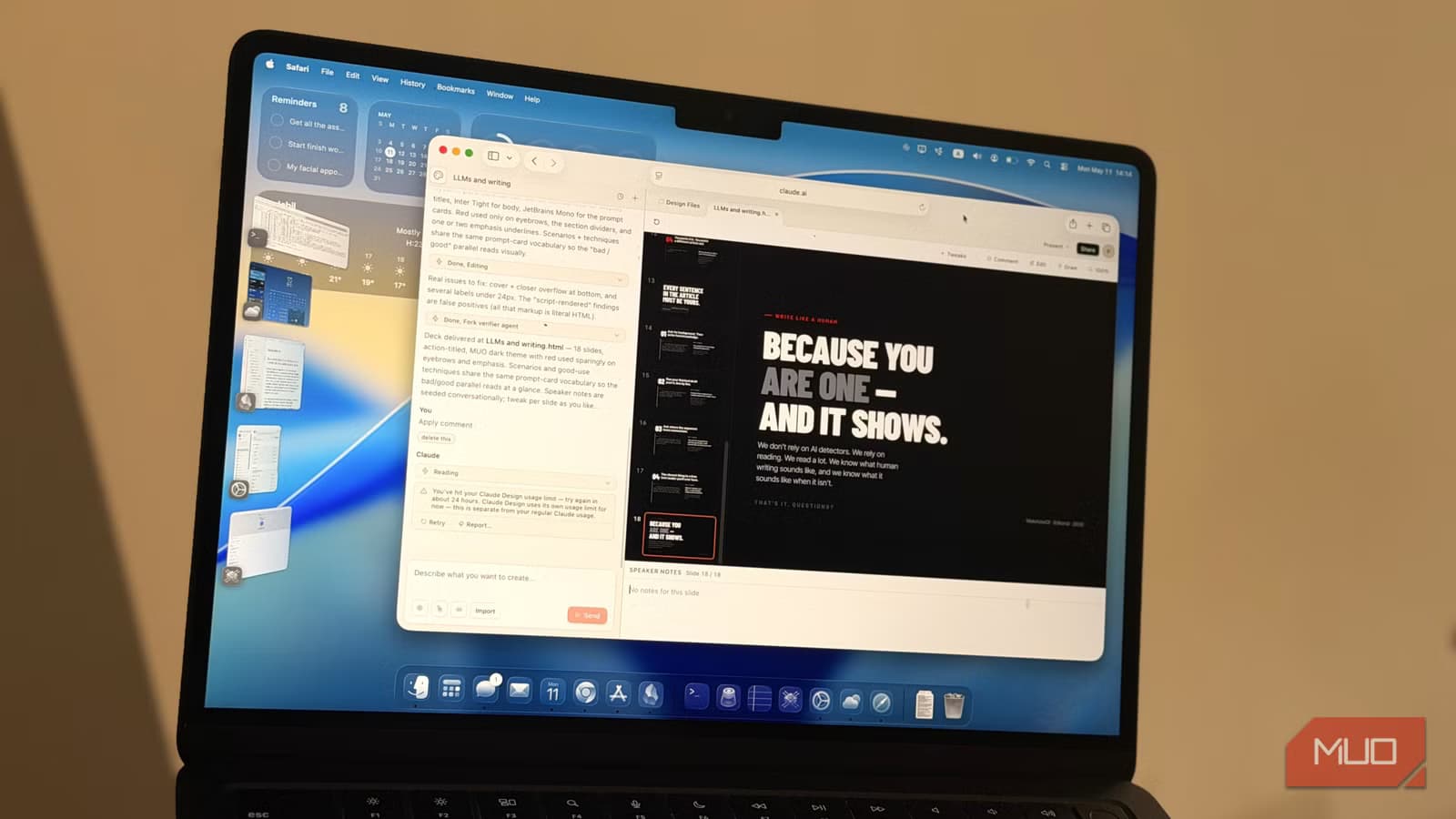
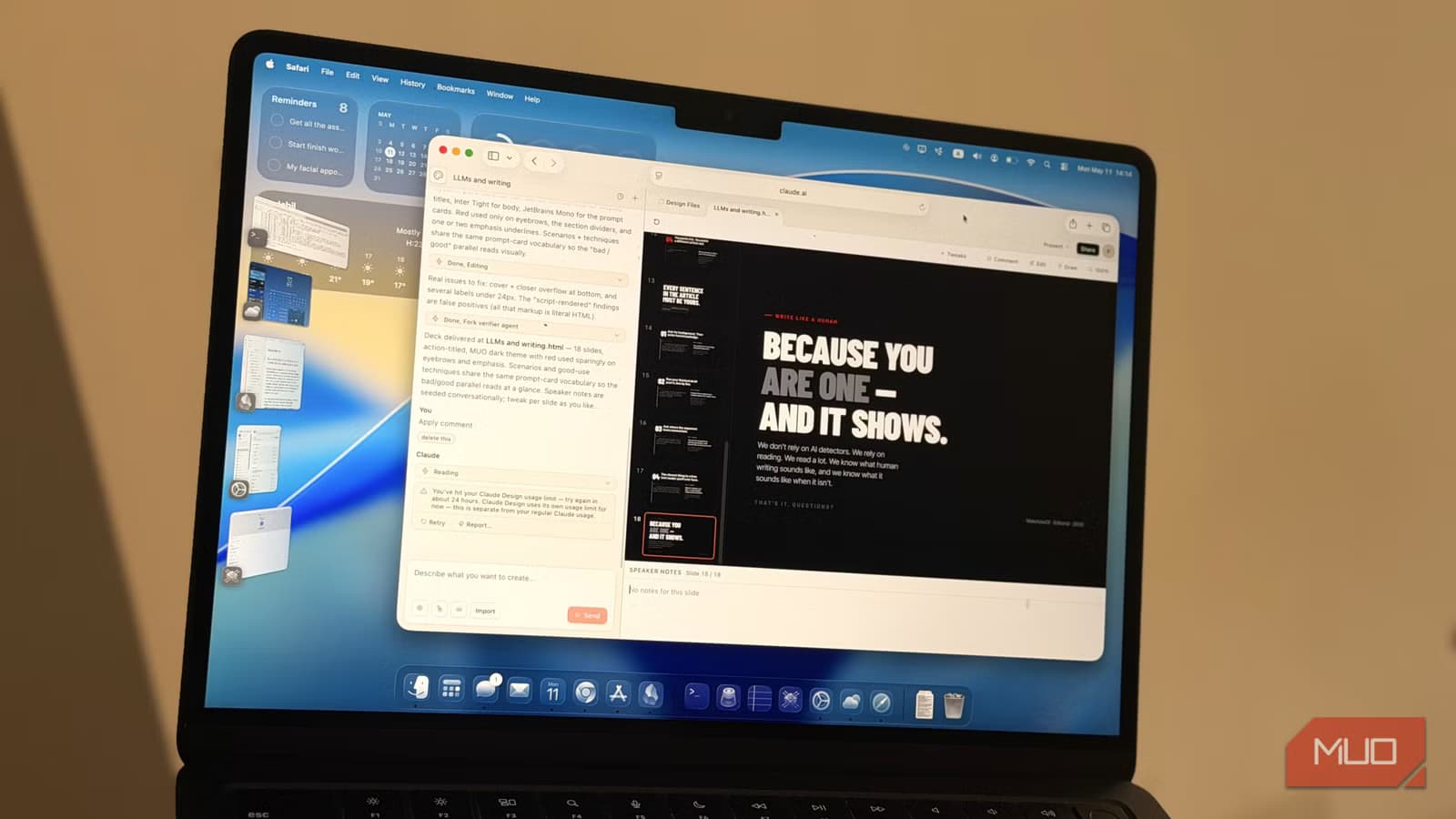
Anthropic's Claude now includes a design mode that can create full slide decks. According to MakeUseOf's Amir Bohlooli, who tested the feature against other AI presentation tools, Claude Design produces better results than competitors.
The difference comes down to one feature: Design Systems. This is where Claude Design pulls ahead of tools like Google Slides with Gemini, which can only design one slide at a time and struggles to maintain visual consistency across a deck.
How Design Systems Work
Design Systems is the setup step that makes Claude Design's output look professional rather than generic. You upload visual assets you already have. Your company logo. Screenshots from your website. Slides from a previous presentation you liked. The more you give it, the better.
Claude then does three things: it pulls from what you uploaded, searches for your brand online to find additional assets, and builds a cohesive system. This includes logos, color palettes, fonts, and visual elements that tie everything together.
You get a preview and can provide feedback to adjust the system. Once it's set up, every design you create will follow that style automatically. You don't repeat this process for each presentation.
The Setup Is Worth the Time
Yes, Design Systems requires upfront work. You need to gather assets, upload them, review the preview, and fine-tune. But this investment pays off.
Without this step, your slides will look like everyone else's AI-generated output. With it, you get presentations that match your existing brand identity. For personal presentations, Bohlooli suggests feeding Claude bits from a previous deck you're proud of. The AI will extract the style and apply it going forward.
You can skip Design Systems entirely. But then you're leaving the visual style to chance, and the results will look more generic.
Where Google Slides Falls Short
Google Slides now has Gemini integration, but it has a major limitation. It can only design one slide at a time. You cannot replicate a theme across your entire deck automatically.
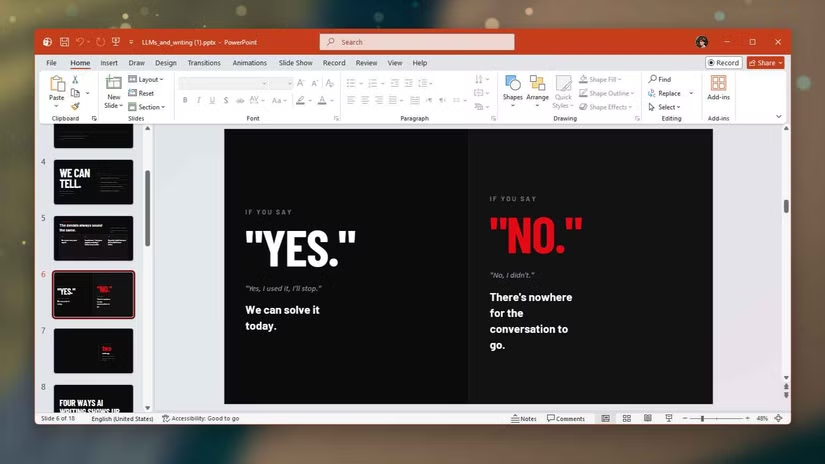
This means you're constantly fighting to keep slides consistent. With Claude Design, the entire deck follows the same system from the start.
Bohlooli also tested Markdown-based slide tools. They were fast but produced basic output. Getting anything beyond simple layouts required significant manual effort.
What This Means for Presentation Workflows
Making slides falls into two camps: people who love it and people who hate it. Either way, the goal is the same. Get your idea across and present it well.
Claude Design's approach treats presentation creation as a design problem, not just a content problem. By establishing visual rules upfront, it removes the tedious work of manually adjusting colors, fonts, and layouts slide by slide.
Another AI tool that simplifies traditionally complex creation workflows
Logicity's Take
Getting Started
Claude Design is available to Claude users. To use the slide deck mode, start a new design project and select the presentation format. Before generating slides, spend time setting up a Design System with your brand assets.
The more visual material you provide, the better. Company logos, brand guidelines, website screenshots, and previous presentations all help Claude understand your visual language.
Frequently Asked Questions
Does Claude Design require a paid subscription?
Claude Design is part of Claude's capabilities. Access depends on your Claude subscription tier. Check Anthropic's current pricing for specific feature availability.
Can Claude Design export to PowerPoint or Google Slides?
The source article focuses on Claude Design's creation capabilities rather than export formats. Check Claude's documentation for current export options.
How long does it take to set up a Design System?
Initial setup requires uploading brand assets and reviewing Claude's preview. The time varies based on how many assets you provide and how much fine-tuning you want. Once set up, you don't repeat this for each new presentation.
Is Claude Design better than Canva for presentations?
The MakeUseOf comparison focused on Google Slides with Gemini and Markdown tools. Claude Design's advantage is maintaining consistent branding across entire decks, which template-based tools can struggle with.
More coverage on Claude's capabilities and limitations
Need Help Implementing This?
Source: MakeUseOf
Anthropic's Mythos Model Identifies Security Flaws in Open Source Code
Anthropic has introduced a new AI model called Mythos, which is reportedly so effective at finding security flaws that it is being released cautiously through 'Project Glasswing.' The model has already identified a vulnerability in the curl codebase during a scan facilitated by the Linux Foundation's Alpha Omega project.
Manaal Khan
Tech & Innovation Writer
Produced with AI assistance and reviewed by the Logicity editorial team. Learn more in our Editorial Policy.






