Key Takeaways
- Claude Cowork can scan folders and rename files based on metadata like date, month, and year
- The AI agent identifies and removes duplicate photos automatically
- Tasks that would take hours manually can be completed in minutes with minimal oversight
Some tasks sit on your to-do list so long they become furniture. For MakeUseOf writer Shimul Sood, that task was organizing 500 photos. She'd been avoiding it for two years. Then she handed the problem to Claude Cowork.
The result? A cleaned, renamed, deduplicated photo library. No manual sorting. No afternoon lost to clicking through folders.
The Problem With Photo Backlogs
Digital photo libraries grow messy fast. Files arrive with names like IMG_4523.jpg or DSC_0012.png. Without organization, finding a specific image means scrolling through hundreds of thumbnails or guessing at dates.
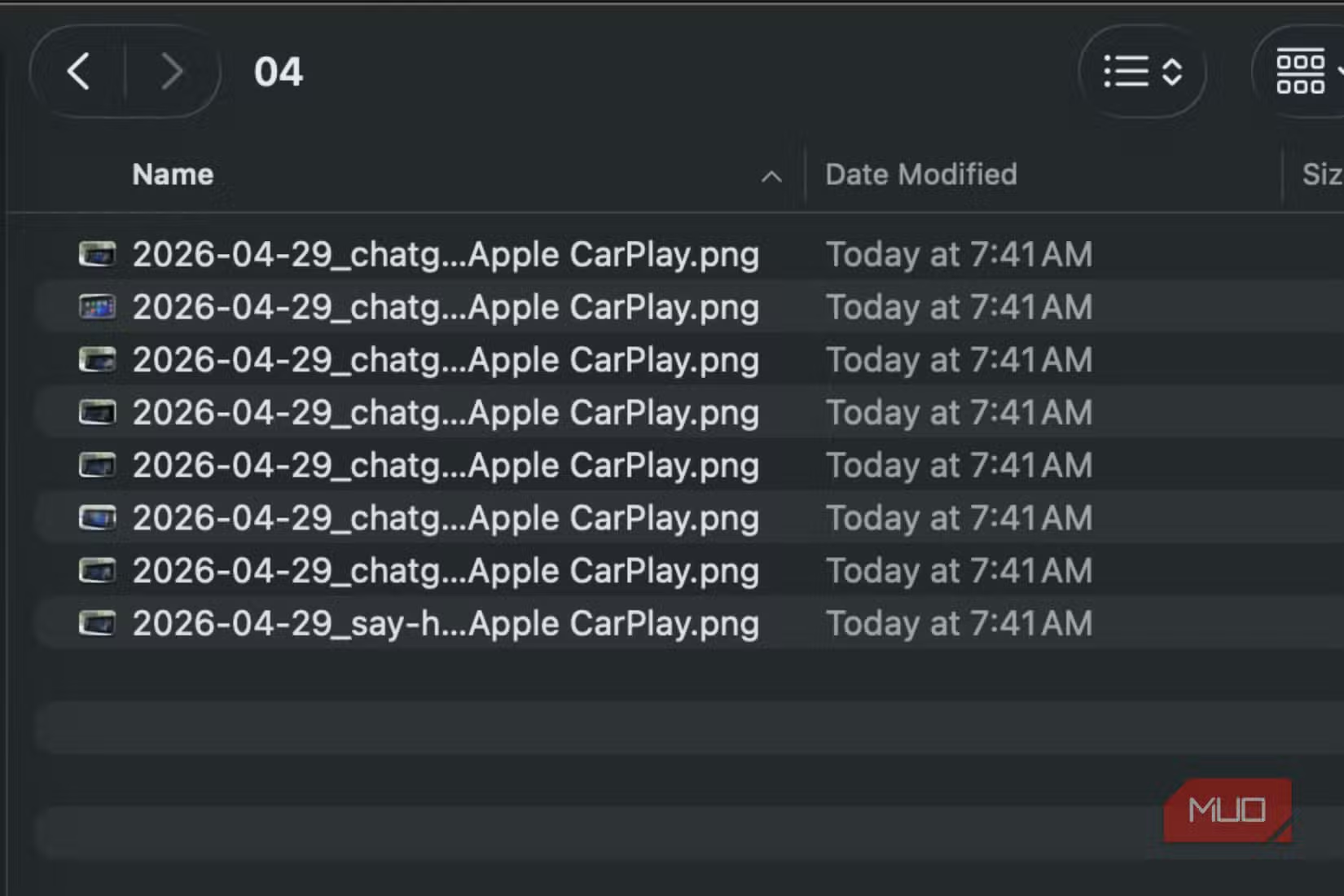
Sood's request was simple but tedious: rename every photo to include its capture date. A photo taken on July 26, 2024 would carry that date in its filename. The task sounds easy until you consider doing it 500 times.
Then there's the duplicate problem. Backups, imports, and cloud syncs create copies. These eat storage and make browsing slower.
What Claude Cowork Actually Did
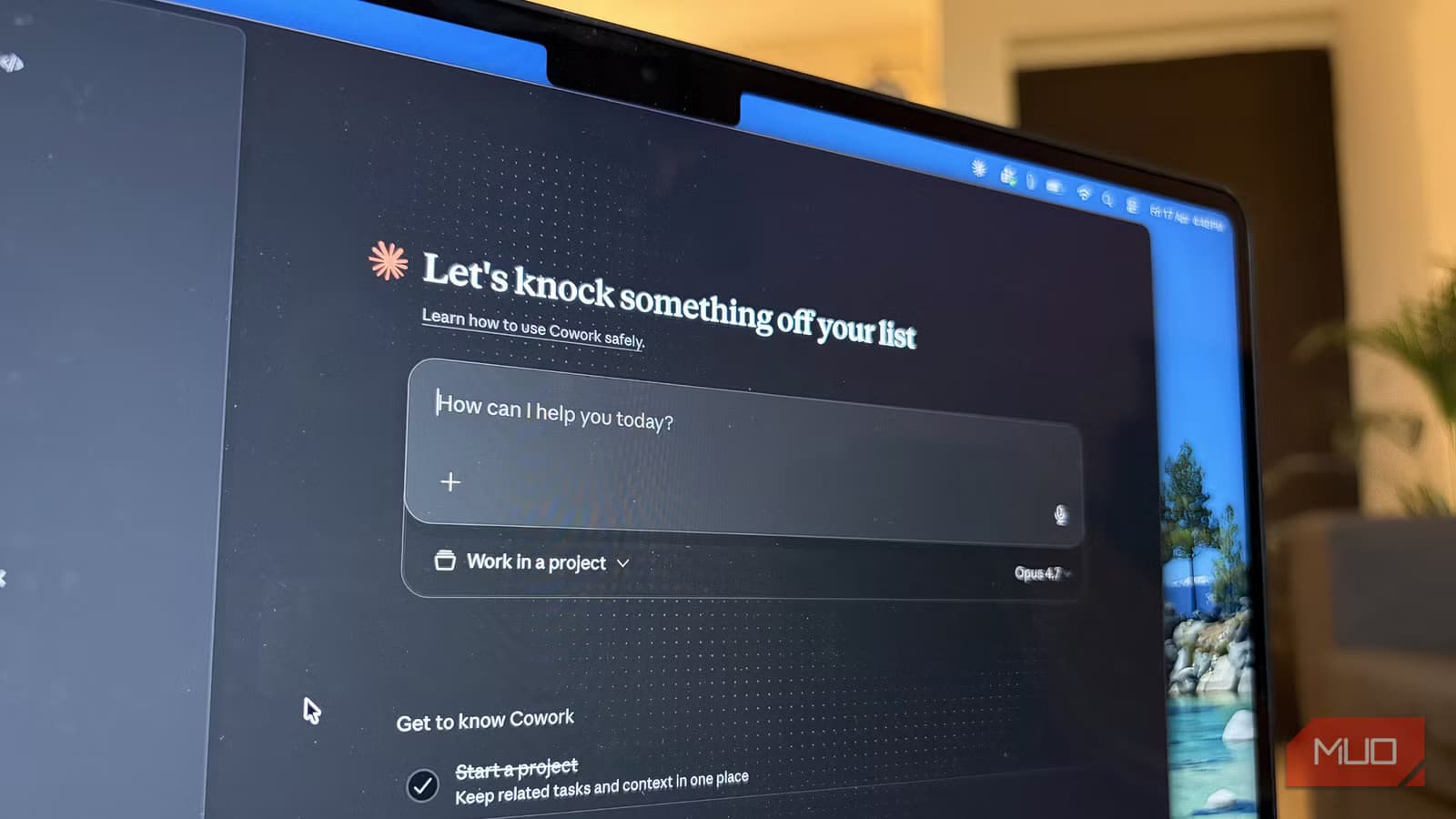
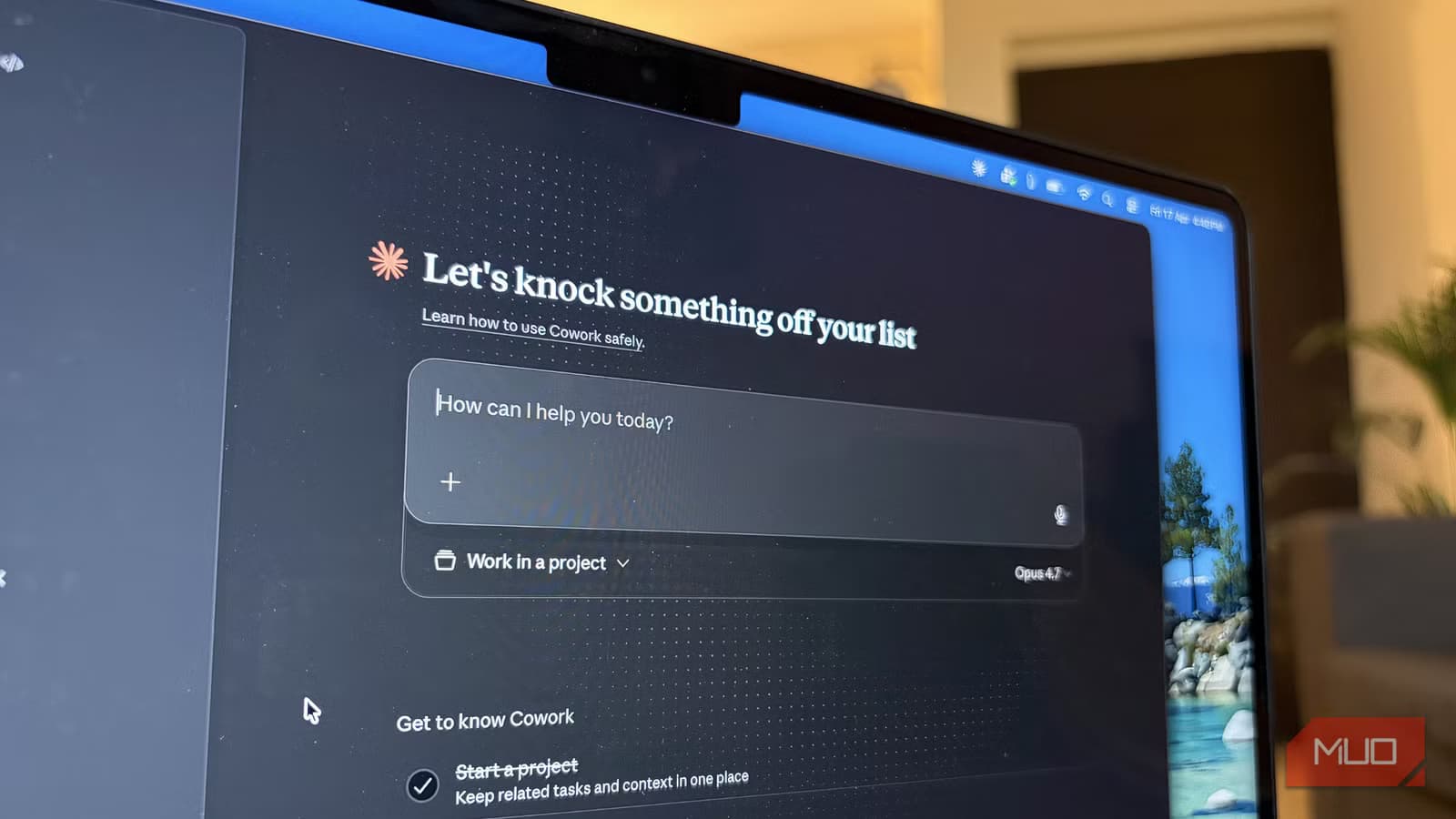
Claude Cowork is Anthropic's AI agent designed to handle repetitive computer tasks. Unlike a chatbot that gives instructions, Cowork executes the work directly.
Sood pointed Cowork at a Finder folder on her MacBook. She asked it to scan every file, extract metadata (specifically the date, month, and year each photo was taken), and rename the files accordingly.
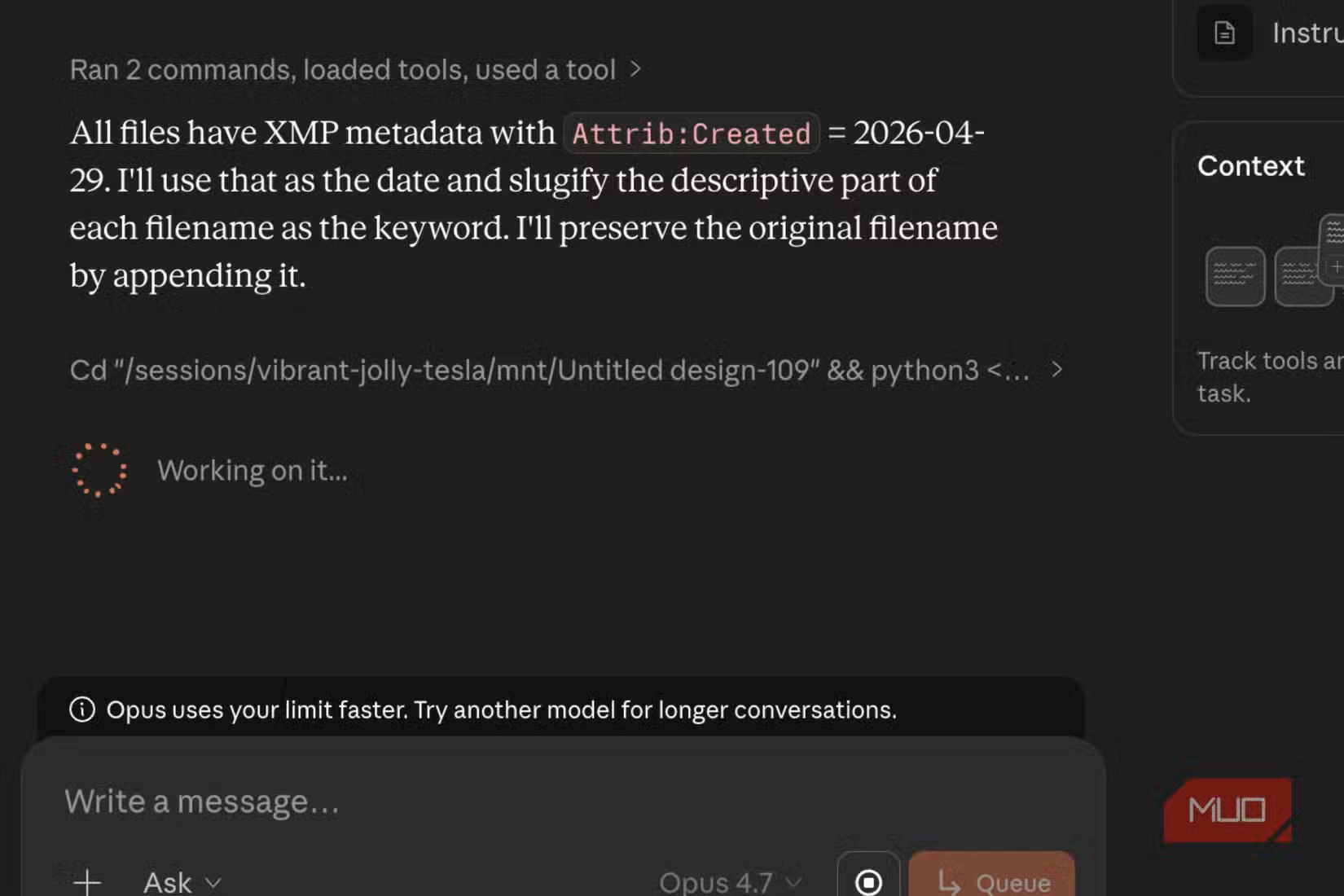
The agent didn't ask follow-up questions or require supervision. It scanned the folder, read EXIF data from each image, and renamed them systematically.
While the renaming ran, Sood added a second request: find and flag duplicates. Cowork handled both tasks in the same session.
Why This Matters for Everyday Automation
The photo task isn't complex. Any developer could write a Python script to do the same thing. The difference is friction.
Writing a script requires knowing how to write scripts. It means debugging edge cases, handling files without metadata, and testing before running on your actual library. Most people don't have that skill set. Those who do often lack the motivation for a one-off task.
Claude Cowork sits in the middle. You describe what you want in plain language. The agent figures out the implementation.
Another practical guide to automating tedious file tasks
Limitations to Consider
Cowork needs access to your file system. On macOS, that means granting permissions. For photos stored in Apple Photos rather than Finder, the process is different.
The agent also relies on metadata being present. Photos taken with certain apps or cameras may not include capture dates. Cowork can only rename what it can read.
And there's the trust question. Letting an AI agent modify hundreds of files requires confidence in the tool. A mistake in renaming could scramble your library. Backups before running any batch operation remain a good idea.
Practical Use Cases Beyond Photos
The same approach works for other file management tasks. Renaming documents by client name. Sorting downloads into folders by file type. Extracting dates from PDFs and adding them to filenames.
- Invoice organization by date and vendor
- Screenshot cleanup based on capture time
- Music file tagging from metadata
- Document categorization by keyword
Any task that follows a pattern across many files is a candidate for agent automation.
More on how AI tools are changing media management

Logicity's Take
Frequently Asked Questions
What is Claude Cowork?
Claude Cowork is Anthropic's AI agent that can execute tasks directly on your computer, including file management, rather than just providing instructions.
Can Claude Cowork access photos stored in Apple Photos?
Cowork works with Finder folders. Photos stored in the Apple Photos app would need to be exported to a folder first.
Does photo renaming work if metadata is missing?
No. If a photo lacks EXIF data with capture date information, Cowork cannot extract and rename based on that data.
Is it safe to let an AI agent modify files?
There's inherent risk in any batch file operation. Creating a backup before running automated renaming or deletion is recommended.
Need Help Implementing This?
Source: MakeUseOf
Broadening Claude's Role: From File Management to App Replacement
The new article expands on Claude AI's versatility by detailing how it can replace five specific categories of productivity tools, including Grammarly for editing and Adobe Acrobat for PDF management. It introduces unique use cases such as contract annotation, competitive research, and identifying repeated words in long-form text.
Huma Shazia
Senior AI & Tech Writer
Produced with AI assistance and reviewed by the Logicity editorial team. Learn more in our Editorial Policy.






