Key Takeaways
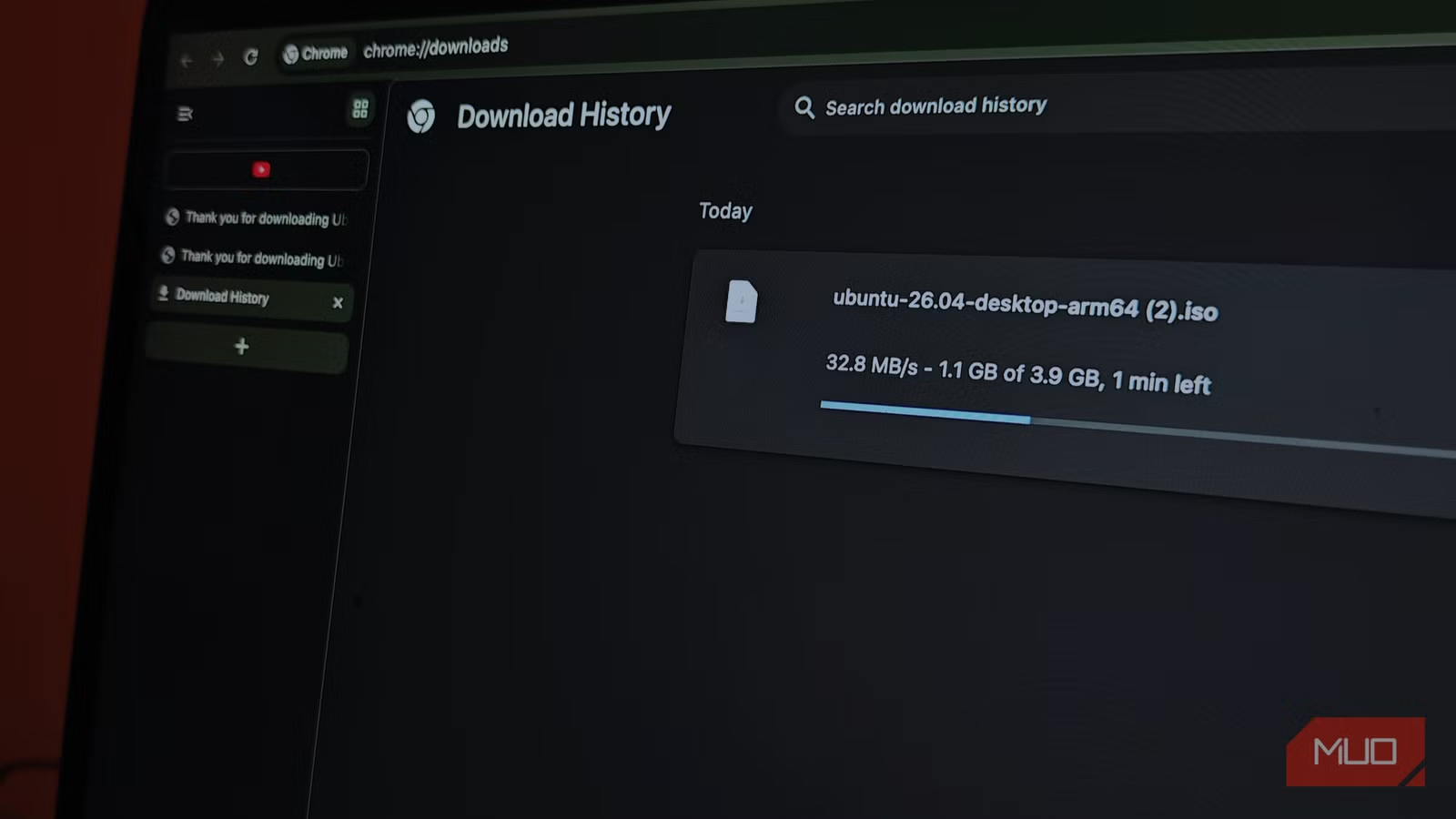
- Chrome's parallel downloading flag splits files into chunks, downloading through separate connections to bypass server-side speed caps
- The setting works best for files over 500MB and only on servers that allow multiple simultaneous connections
- Enable it by typing chrome://flags in the address bar and searching for 'parallel downloading'
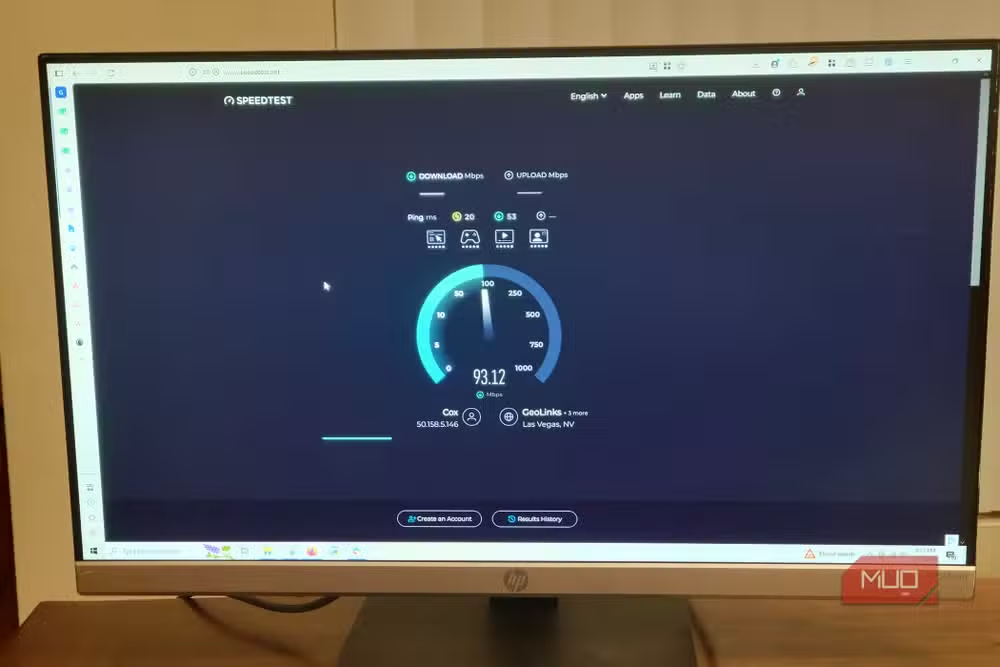
Your 100 Mbps connection might cap file downloads at 40 Mbps, and your ISP isn't to blame. Servers often throttle single-file transfers, but Chrome has a built-in workaround most users never find. It's called parallel downloading, and enabling it takes about 30 seconds.
The feature splits large files into multiple chunks and downloads each piece through a separate connection. When all segments finish, Chrome combines them into a single file. It's the same principle that made Internet Download Manager popular years ago.
How to enable parallel downloading in Chrome
The setting lives in Chrome's experimental flags menu. Type chrome://flags in your address bar, search for "parallel downloading," and change the dropdown from Default to Enabled. Restart your browser.
Microsoft Edge uses the same label and the same process. Open edge://flags and follow the identical steps. The feature remains experimental in both browsers, but it's stable enough for daily use and won't break anything.
When parallel downloading actually helps
Small files won't show any difference. The overhead of splitting and recombining isn't worth it when the original download takes seconds anyway. You'll notice gains on files over 500MB: Linux ISOs, software installers, backup archives, disk images.
There's a catch. Some servers cap each IP address to a single connection per file. Parallel downloading does nothing in these cases because the server refuses the additional connections. CDNs serving popular software usually allow multiple connections. Small personal servers often don't.
A reliable tell: if a download starts fast then slows dramatically midway, the server is burst-throttling you. Parallel downloading helps here because each new connection gets its own burst window. If speeds stay consistently slow from the start, the bottleneck is elsewhere.
Other fixes worth trying
Parallel downloading solves one specific problem. If your speeds still disappoint, the issue might be DNS or network configuration.
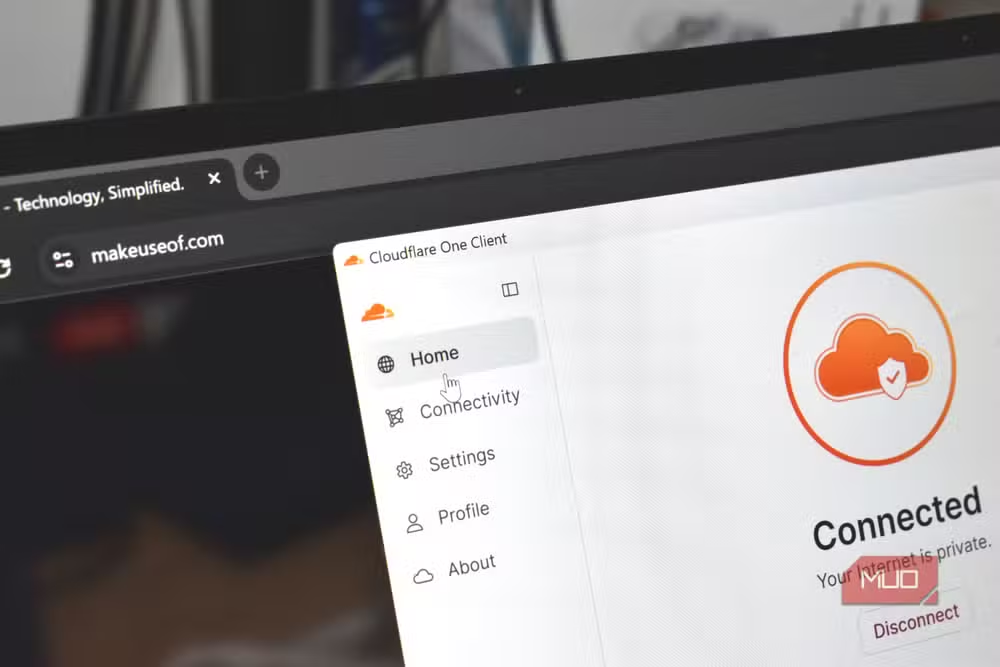
Switching DNS to Cloudflare (1.1.1.1) or Google (8.8.8.8) often improves connection times to download servers. Your ISP's default DNS servers are frequently slower and occasionally misconfigured. The change takes a minute in your network settings.
Outdated Wi-Fi drivers cause more problems than people expect. Windows Update doesn't always grab the latest versions. Check your laptop or adapter manufacturer's website for current drivers, especially if you've recently upgraded Windows.
Why browsers ship with conservative defaults
Browser developers optimize for reliability over raw speed. A single connection per file works everywhere, on every server, on every network. Parallel downloading can confuse poorly-configured servers or trigger rate limiting. Chrome marks it experimental not because it's unstable, but because edge cases exist.
For most users on modern connections downloading from major servers, those edge cases never appear. The feature simply works. But Google won't flip it on by default until they're confident it won't break anything for the minority of users hitting those edge cases.
Another hidden setting that solves an everyday frustration
Frequently Asked Questions
Is parallel downloading safe to enable?
Yes. The feature is marked experimental because it doesn't work with all servers, not because it's unstable. It won't corrupt downloads or cause browser issues.
Does parallel downloading work in Firefox?
Firefox handles multi-connection downloads differently and doesn't expose an equivalent flag. Third-party download manager extensions offer similar functionality.
Will this help with streaming video?
No. Streaming services use adaptive bitrate protocols that adjust quality based on bandwidth. Parallel downloading only affects traditional file downloads.
How do I test if parallel downloading is working?
Download a large file (500MB+) twice: once with the setting enabled, once disabled. Compare the speeds. If speeds increase noticeably, the server supports parallel connections.
Logicity's Take
This fix has circulated in tech forums for years, but most users still don't know it exists. Google could flip the default to enabled for the majority who'd benefit, then fall back to single-connection mode when servers reject parallel requests. The fact that they haven't suggests either low priority or concerns about enterprise proxy compatibility that don't affect home users.
Need Help Implementing This?
Want more browser optimization tips or need help troubleshooting slow downloads? Contact the Logicity team for personalized technical guidance.
Source: MakeUseOf
Manaal Khan
Tech & Innovation Writer
Produced with AI assistance and reviewed by the Logicity editorial team. Learn more in our Editorial Policy.






