Key Takeaways
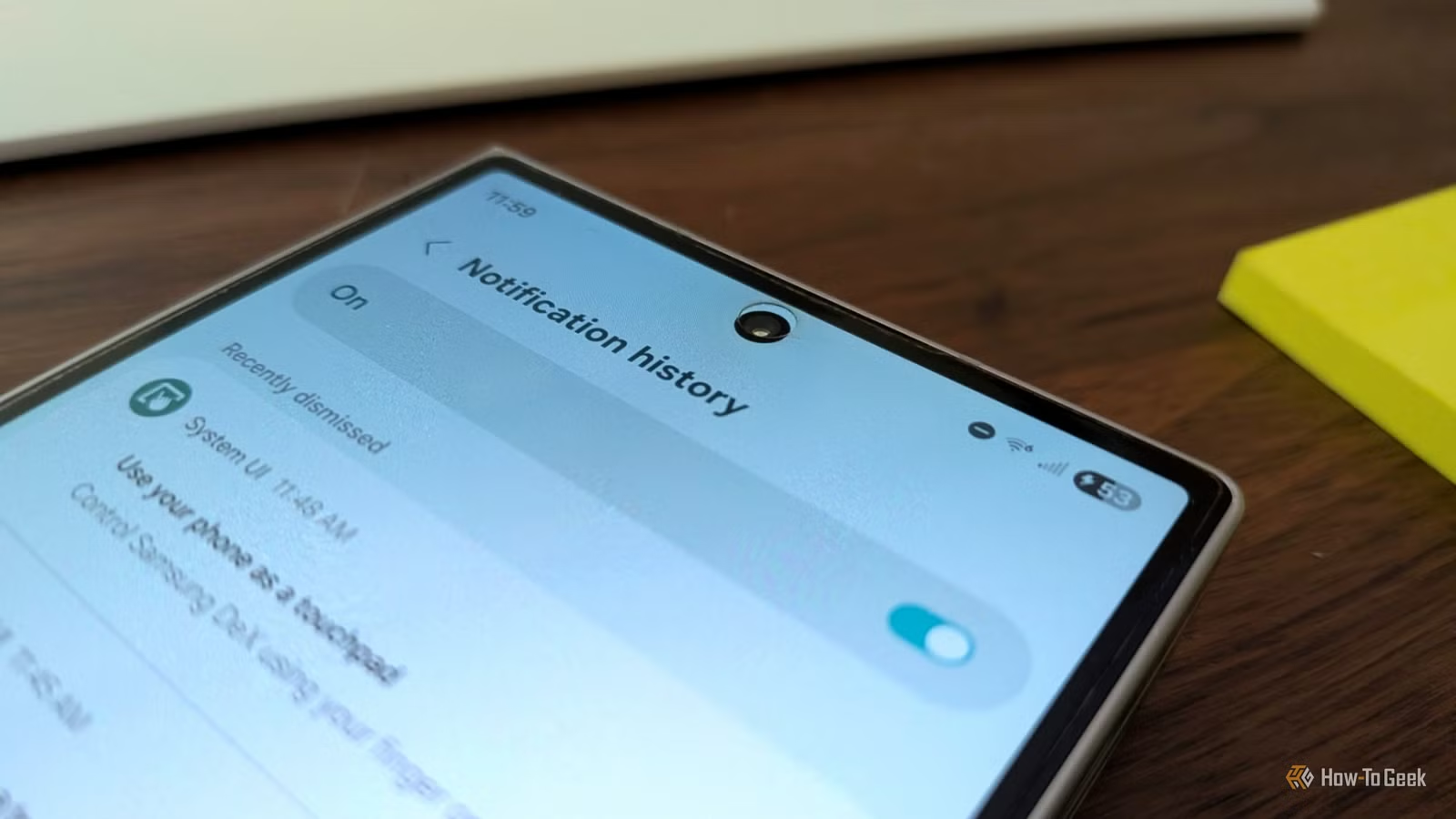
- Android's notification history feature stores all dismissed notifications for 24 hours
- The feature has existed since Android 11 but is buried deep in settings and disabled by default
- Access it via Settings > search 'notification history' or find it under Advanced settings on Samsung devices
Android has a built-in feature that logs every notification you swipe away, keeping them accessible for 24 hours. It's called notification history, and despite being available since Android 11 in 2020, most users have never heard of it. The reason: Google buries it deep in settings and leaves it disabled by default.
How-To Geek's Ismar Hrnjicevic describes the feature as his solution to a universal smartphone annoyance. You swipe away a notification thinking it's another group chat meme, then realize it might have been a work email or a message from your boss. The doubt lingers. Notification history eliminates that anxiety by giving you a complete record of everything that appeared in your notification shade.
What does notification history actually do?
The feature works exactly as the name suggests. Once enabled, your phone maintains a rolling log of every notification from the past 24 hours. This includes alerts you deliberately cleared, ones you swiped away by accident, and those lost when you hit the "clear all" button without checking each one.
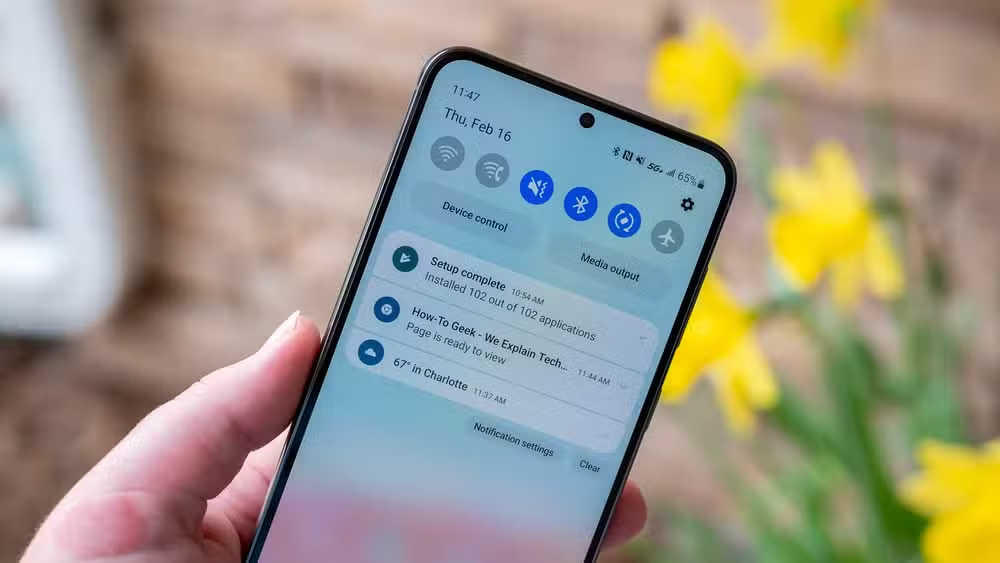
The log persists regardless of whether you opened the notification or the app. If someone messaged you at 7 AM and you're trying to find it at 6 PM, it's still there. The 24-hour window is the only limitation. Anything older gets purged automatically.
How to enable notification history on Android
The fastest method is searching for "notification history" directly in your phone's Settings app. The feature should appear immediately in the search results. Tap it, and you'll find a simple toggle to turn it on.

If you prefer navigating manually, the path varies by manufacturer. On Samsung Galaxy devices, go to Settings > Notifications > Advanced settings > Notification history. On OnePlus phones running OxygenOS, it's under Settings > More settings > Notification history. Stock Android and Pixel devices typically place it under Settings > Notifications > Notification history.
The toggle only appears once you've navigated to the correct menu. There's no prompt during initial phone setup, no suggestion when you first swipe away a notification. Google treats it as an advanced option despite its obvious everyday utility.
Why is this feature hidden?
Google hasn't publicly explained the decision, but the pattern matches how Android handles most power-user features. Developer options, granular app permissions, battery optimization settings: all useful, all buried. The assumption seems to be that casual users don't need these tools and might get confused by extra options.
There's also a minor privacy angle. A complete notification log could expose sensitive information if someone gains access to your phone. But that risk exists with the notifications themselves, and the 24-hour auto-delete provides reasonable protection. The tradeoff seems worth it for most users.
Which Android versions support notification history?
Any phone running Android 11 or later has access to notification history. That covers the vast majority of actively used Android devices in 2026. If your phone shipped in 2020 or after and has received software updates, you almost certainly have the feature available.
Samsung, OnePlus, Google Pixel, Xiaomi, and other major manufacturers all support it, though the exact settings path differs. The search method works universally and saves the frustration of hunting through manufacturer-specific menus.
Logicity's Take
Google's approach to notification history reflects a broader problem with Android: genuinely useful features get buried because no one owns the discoverability experience. Samsung could surface this during Galaxy setup. Google could promote it in Android tips. Instead, users stumble onto it years later, if at all. The feature itself is solid. The rollout strategy is not.
Frequently Asked Questions
Does notification history drain battery?
No. The feature logs text data that's already being processed by your phone. Storage and battery impact are negligible.
Can I see notifications older than 24 hours?
No. Android automatically deletes notification history after 24 hours. There's no setting to extend this window.
Does notification history work for all apps?
Yes, it captures notifications from all apps. However, apps that use silent notifications or don't post to the notification shade won't appear.
Will this show message content or just app names?
It shows the full notification content, including message previews, sender names, and any other details the app originally displayed.
Another device setting that most users overlook until it causes problems
Need Help Implementing This?
For enterprise device management or deploying Android settings across your organization, Logicity can connect you with MDM specialists. Contact our team for vendor-neutral recommendations.
Source: How-To Geek
Manaal Khan
Tech & Innovation Writer
Produced with AI assistance and reviewed by the Logicity editorial team. Learn more in our Editorial Policy.






