Key Takeaways
- Calibre converts ebooks between formats, letting you read EPUBs on Kindle or AZW3 files on Kobo
- The free app has been actively developed for 20 years and works on Windows, macOS, Linux, Android, and iOS
- You can use Calibre's content server to wirelessly access your library from any device
The Problem: Your eReader Is a Walled Garden
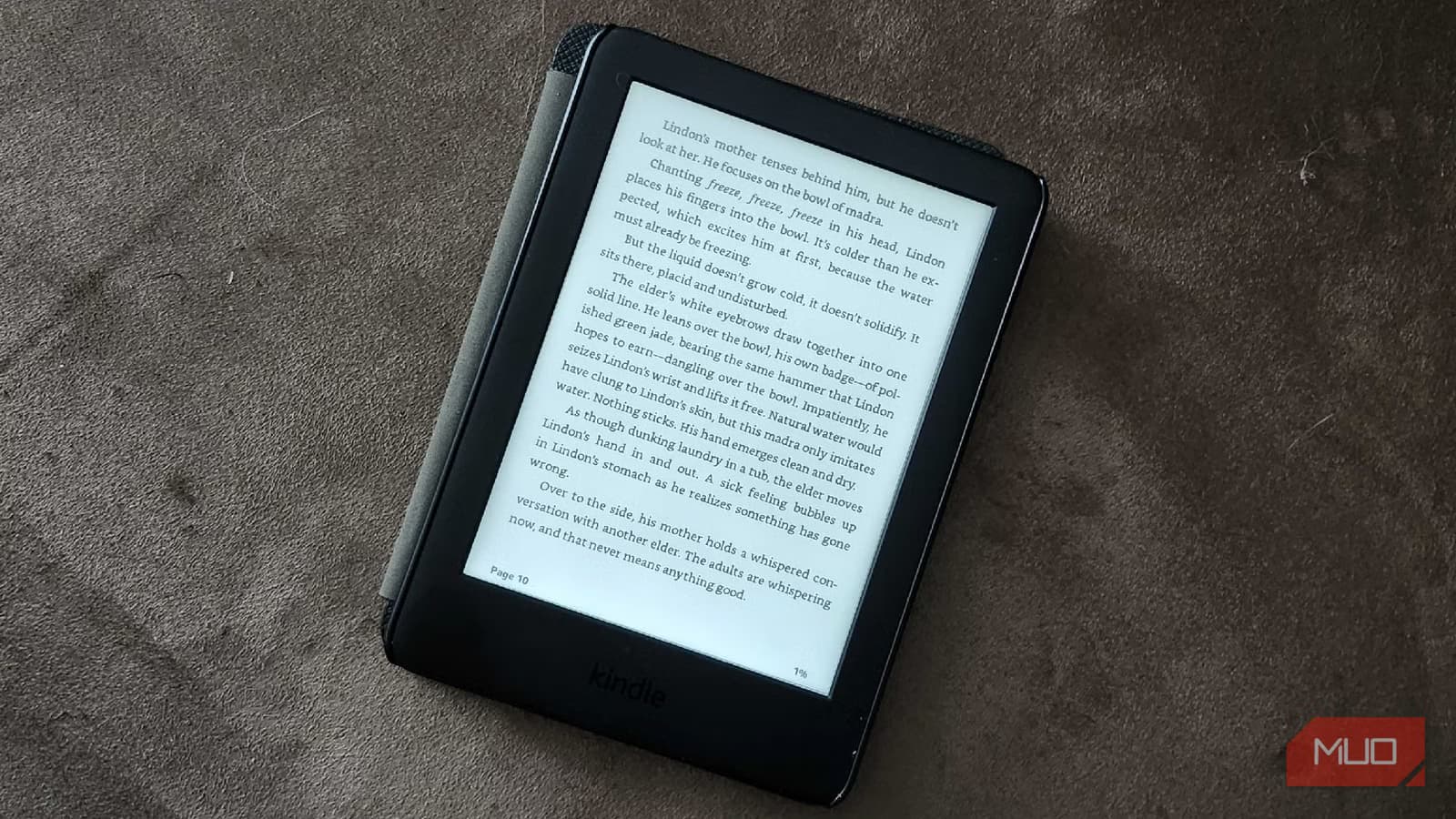
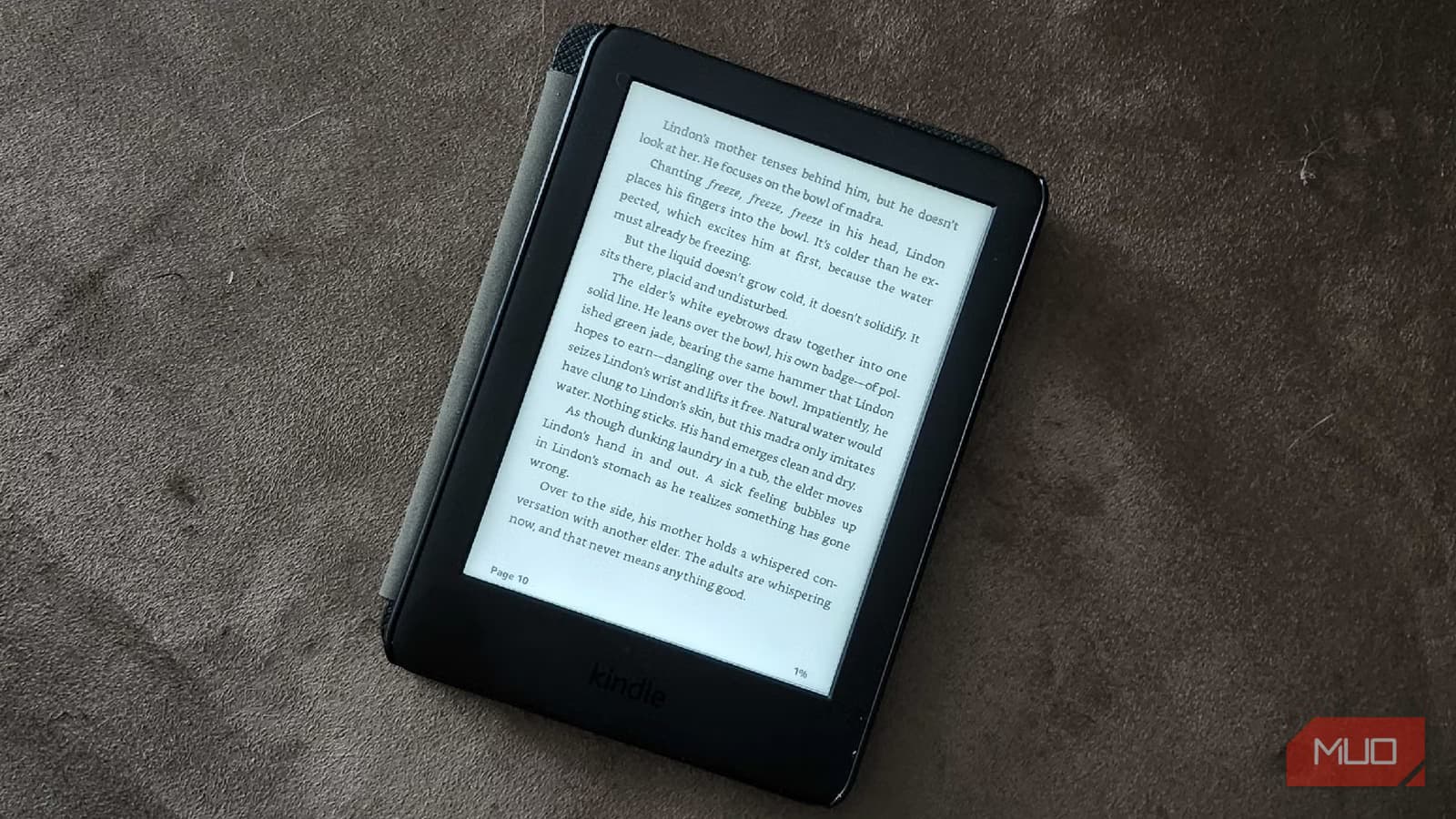
You bought a Kindle expecting to read all your ebooks on it. Then you tried to copy an EPUB file. The device refused.
Amazon wants you buying from the Kindle Store. Kobo wants you buying from the Kobo Store. Each company designs its eReader to reject competing formats. That EPUB you downloaded from a library or indie publisher? Kindle won't touch it. The AZW3 file from Amazon? Your Kobo ignores it.
Given what eReaders cost, this restriction feels like a bait-and-switch. You paid for hardware. You should be able to read the books you own.
Calibre Does What Your Device Maker Won't
Calibre is a free desktop app that manages ebooks across every major eReader brand. It handles Amazon Kindle, Kobo, Nook, Pocketbook, and generic devices. One install covers them all.
The app launched in 2006 and has been actively maintained ever since. Twenty years of continuous development. It runs on Windows, macOS, and Linux, with companion apps for Android and iOS. The estimated global user base sits around 3 million active installations across more than 200 countries.
Your eReader probably came with a companion app for your computer. That app manages books from one store. Calibre manages everything.
Format Conversion: EPUB on Kindle, AZW3 on Kobo
Calibre's core feature is format conversion. Drop an EPUB into Calibre, convert it to AZW3 or MOBI, and transfer it to your Kindle. Have an Amazon-format book you want on a Kobo? Convert it to EPUB.
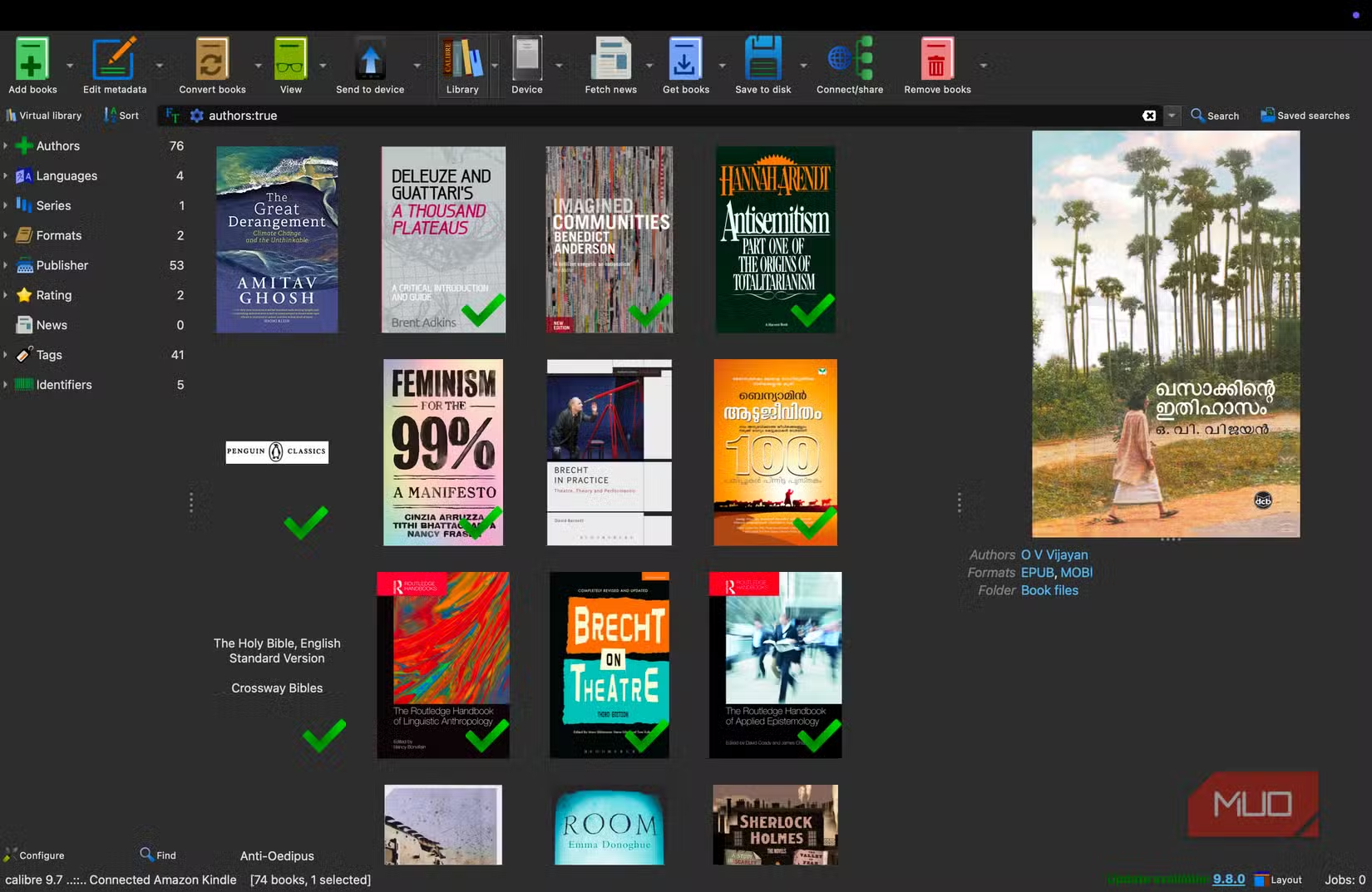
The conversion handles almost every ebook format in circulation. PDF, EPUB, MOBI, AZW, AZW3, FB2, LIT, PRC, and more. The app preserves formatting, covers, and metadata during conversion. You end up with a file that works natively on your target device.
Library Management Across Devices
Beyond conversion, Calibre acts as a central library for all your ebooks. You can tag, organize, and search your collection. Metadata editing lets you fix author names, add covers, and correct titles.
The app syncs to your devices via USB. Plug in your Kindle or Kobo, and Calibre detects it automatically. Drag books to the device, and Calibre converts them to the right format on the fly.
Wireless Access With the Content Server
Calibre includes a built-in content server. Turn it on, and you can access your entire library from any device on your network. Your tablet, phone, or a second computer can browse and download books without plugging in cables.
This works especially well with the Calibre companion apps on Android and iOS. You get a web interface to your library that feels like browsing a personal bookstore.
Why Device Makers Don't Advertise This
Amazon and Kobo profit from their bookstores, not from hardware sales. A Kindle owner who buys all their books from Amazon is more valuable than one who sideloads free ebooks or purchases from competitors.
Calibre breaks this model. It lets you treat your eReader as a general-purpose device rather than a storefront terminal. You can buy books anywhere, borrow from libraries, download public domain works, and manage everything in one place.
Getting Started
Download Calibre from calibre-ebook.com. Installation is straightforward on any operating system. On first launch, the app walks you through selecting your eReader type and setting up your library folder.
- Download and install Calibre for your operating system
- Run the setup wizard and select your eReader brand
- Add ebooks to your library by dragging files into the app
- Connect your eReader via USB
- Right-click books and select 'Send to device' for automatic conversion and transfer
The interface looks dense at first. Calibre was built for power users, and it shows. But basic operations, adding books and sending them to a device, are simple once you know where to click.
Another option for breaking out of Amazon's restrictions on Fire devices
Logicity's Take
Frequently Asked Questions
Is Calibre free to use?
Yes. Calibre is open-source software. There's no cost, no subscription, and no premium tier.
Can Calibre remove DRM from ebooks?
Calibre itself does not remove DRM. Some users install third-party plugins for this purpose, but doing so may violate copyright laws in your jurisdiction.
Does Calibre work with the latest Kindle models?
Yes. The developer actively maintains compatibility with current Kindle, Kobo, and other eReader devices.
Can I use Calibre on my phone or tablet?
Calibre Companion apps exist for Android and iOS, allowing you to sync with your desktop library and access books wirelessly via the content server.
Need Help Implementing This?
Source: MakeUseOf
Manaal Khan
Tech & Innovation Writer
Produced with AI assistance and reviewed by the Logicity editorial team. Learn more in our Editorial Policy.