Key Takeaways
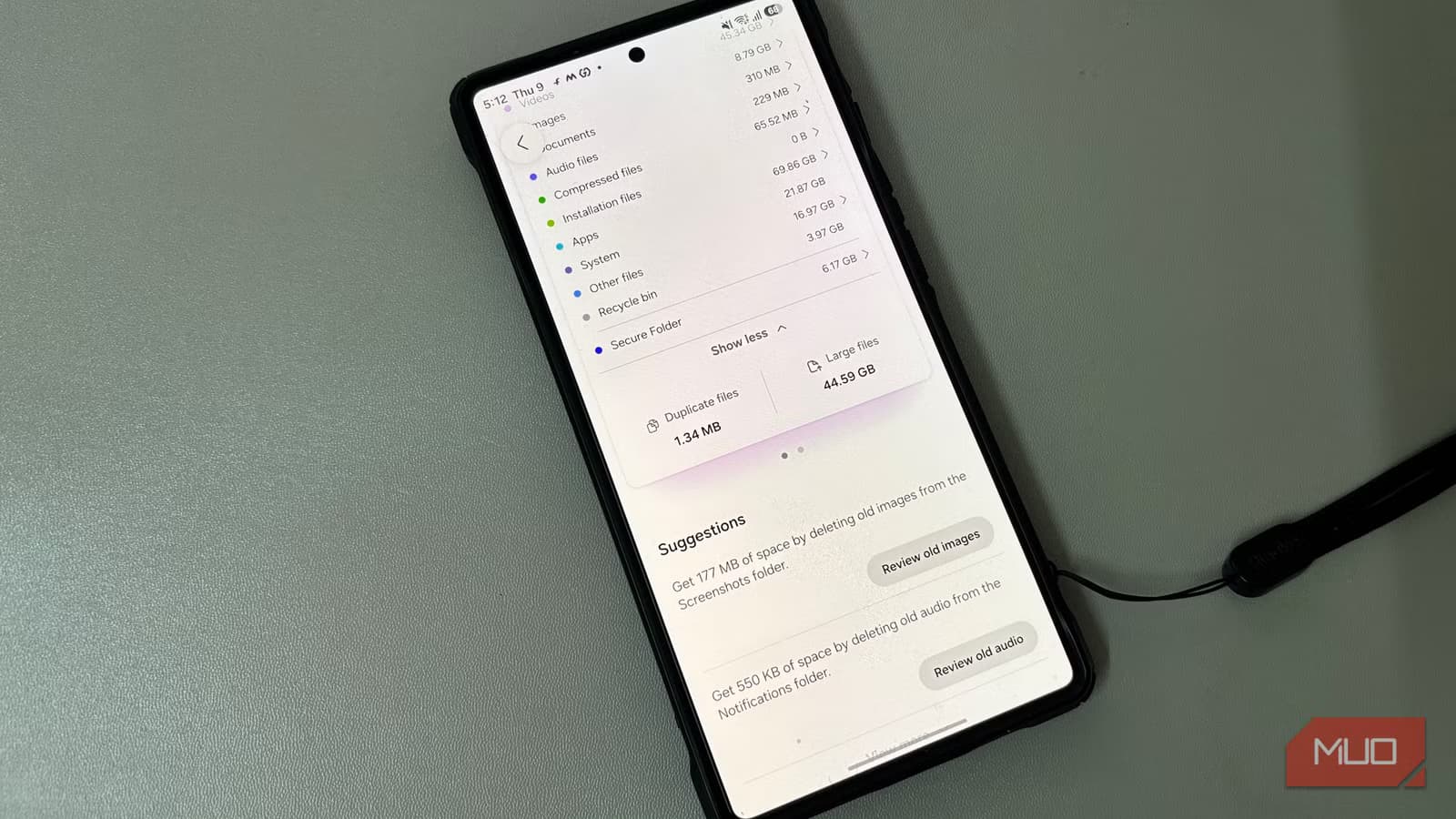
- Android hides 15-20% of storage as invisible files in .cache, .trash, and .thumbnails folders
- Default file managers filter out dot-prefixed directories, making bloat impossible to find
- FileTreeSize maps your entire storage including hidden folders, revealing orphaned app data
Your Android phone is lying to you about storage. The built-in manager sorts files into neat categories like Apps, System, and Media, but those labels hide gigabytes of invisible junk that never appears in any scan. Dot-prefixed folders, orphaned app data, and cached thumbnails pile up for years while the default tools pretend they don't exist.
Jorge Aguilar at MakeUseOf ran into this problem firsthand. His storage was nearly full, but the numbers didn't add up. The culprit? Android follows Linux conventions where any file or folder starting with a dot becomes invisible to standard browsing. Directories like .cache/, .trash/, and .thumbnails/ balloon to enormous sizes without triggering a single warning.
Why Android hides your storage from you
The design is intentional. Android protects system-level files by making them invisible, preventing users from accidentally deleting something critical and bricking their device. But this protection extends to cruft that should absolutely be visible: cached video thumbnails, trash files your gallery app stopped showing, and entire folders left behind when you uninstall an app.
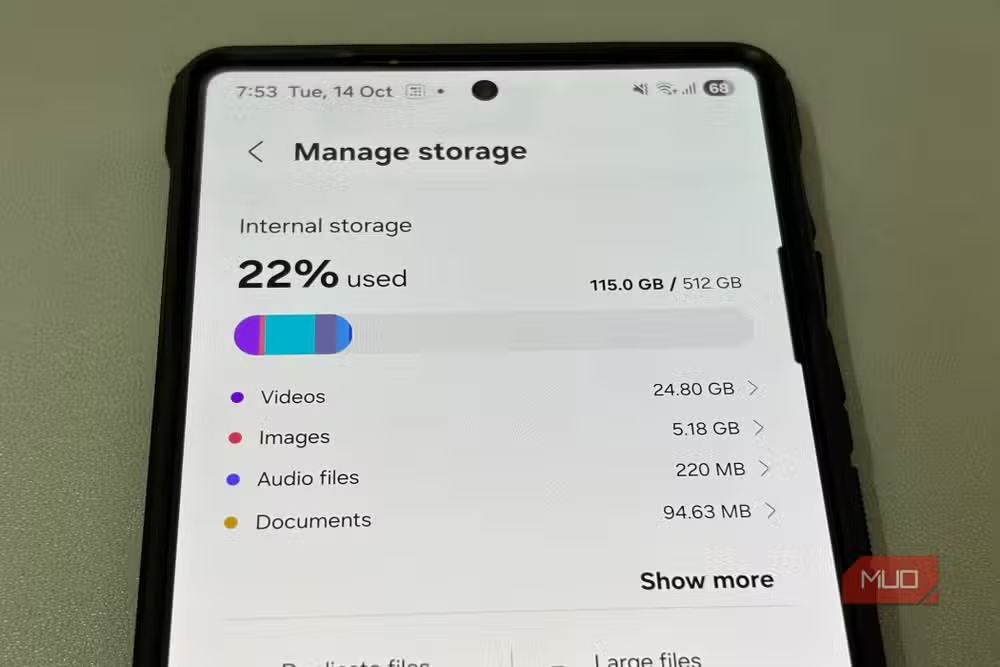
Manufacturer file managers make things worse. Samsung, Xiaomi, and others apply custom filters that hide core directories altogether. The heavy stuff sits buried in nested folders with no obvious way to find it. You're left guessing which apps are hoarding space because the native tools never show you the full picture.
What's actually eating your storage?
The worst offenders tend to be game data and messaging apps. High-resolution textures, offline databases, and leftover expansion packs sit in Android/obb/ long after you stop playing. WhatsApp alone can quietly build up gigabytes of received videos, voice notes, images, and status downloads. Android doesn't always clean up these custom folders when you uninstall an app, so orphaned directories expand without you ever noticing.
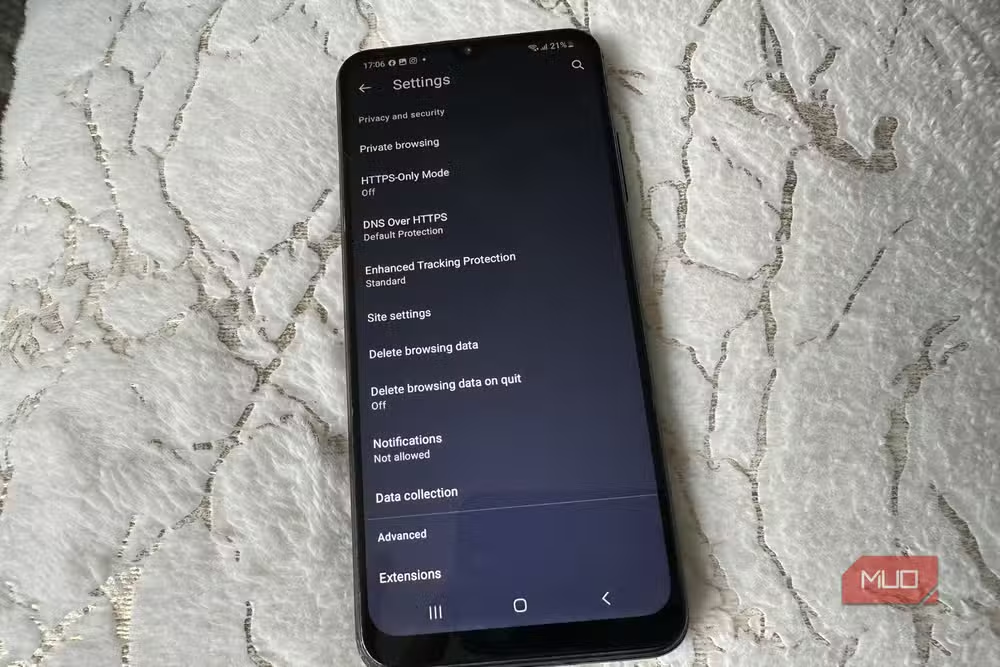
Reddit communities like r/AndroidApps and r/Samsung frequently discuss this problem. Users report the "System" category consuming over 100GB on flagship devices, with actual system files accounting for only a fraction. The rest is invisible bloat that standard tools refuse to acknowledge.
FileTreeSize exposes what Android hides
Aguilar's solution is FileTreeSize, an app that bypasses the filters standard Android tools rely on. Instead of working with those misleading categories, it uses read-only filesystem access and maps your entire storage as a visually nested tree. Hidden files and system directories get counted and rolled into parent folder totals. Nothing gets skipped.
The app presents your storage as a treemap or sunburst chart, with the current directory at the center and subfolders radiating outward. You can spot massive cache folders and leftover app data that your default manager would never reveal. One advantage: FileTreeSize pulls size information directly from the system rather than crawling every file, so it stays under 40MB of RAM while full-blown cleaning apps hog hundreds of megabytes running background scans.
How to clean Android storage safely
Once you can see your storage laid out, cleaning it up is straightforward. You can delete an entire bloated folder instead of picking through thousands of scattered files. Target the parent folder, and you clear everything underneath it.
One warning: don't delete entire folders without checking what's inside. The visual map shows what's there, but for gallery images you actually care about, stick to your gallery app. The lag when opening folders isn't a bug. Reading through a file system recursively is expensive, and storage operations pass through several OS layers. That delay keeps you from accidentally wiping something important.
Power users in the Android community also recommend SD Maid or ADB commands to manually purge orphaned .trashed media files. These are files your gallery app stops showing but the file system refuses to delete. For most people, a visual storage tool is enough to reclaim tens of gigabytes without touching a command line.
Frequently Asked Questions
Why does Android hide storage files from users?
Android follows Linux conventions where dot-prefixed files are invisible. This protects system files from accidental deletion but also hides accumulated junk like .cache, .trash, and .thumbnails folders.
What is the 'Other' or 'System' storage on Android?
This category often contains hidden cache files, orphaned app folders, and invisible thumbnails. It can grow to 50-160GB on flagship devices because standard tools don't expose these files for deletion.
Is FileTreeSize safe to use on Android?
Yes. FileTreeSize uses read-only filesystem access to scan storage. It doesn't run background processes and stays under 40MB RAM. You control what gets deleted.
Why doesn't uninstalling an app clear all its data?
Apps can create custom folders outside their designated storage area. Android doesn't always clean up these orphaned directories when you uninstall, leaving data behind indefinitely.
Can I clear hidden Android storage without root access?
Yes. Apps like FileTreeSize and SD Maid work without root. For stubborn .trashed files, ADB commands from a connected computer can help, but most bloat is accessible through standard apps.
Logicity's Take
Google has a design problem here. The same privacy philosophy that hides dot-files from users also prevents them from managing their own devices. A middle ground exists: show hidden folders in a dedicated "Advanced Storage" view with clear warnings, rather than forcing users to install third-party apps to see what they own. Until Android's built-in tools gain transparency options, storage visualizers remain essential for anyone who doesn't want to factory reset every two years.
Another practical Android workaround for hardware limitations
Need Help Implementing This?
Managing storage across a fleet of company devices? Enterprise MDM solutions can automate cache clearing and orphaned file removal. Contact Logicity for recommendations on Android device management tools tailored to your organization's needs.
Source: MakeUseOf
Huma Shazia
Senior AI & Tech Writer
Produced with AI assistance and reviewed by the Logicity editorial team. Learn more in our Editorial Policy.






