Key Takeaways
How to Use Claude Cowork – Full Workflow Automation Guide 2026

- AI handles just 18% of workflow steps in leading companies — the rest runs on conventional automation, cutting costs by 71%
- Four core AI jobs dominate: drafting content, filling records, routing work, and converting requests to tasks
- No-code platforms like Zapier let ops teams build AI workflows without engineering resources
AI workflow automation embeds AI models into repeatable business processes so tasks like routing support tickets, drafting follow-ups, and scoring leads run without manual prompting. A Zapier analysis of 375 mid-market and enterprise companies found that AI accounted for just 18% of workflow steps, with conventional rules-based automation handling the rest. That division cut costs by 71% compared to routing everything through a model.
Disclosure
Some links in this post are affiliate links — Logicity earns a commission if you sign up, at no extra cost to you. We only link products we have used or actively recommend.
If your company's idea of using AI is keeping ChatGPT open in a browser tab, you're doing the bare minimum. Ad hoc prompting works for one-off requests. It doesn't scale. And it definitely doesn't count as integrating AI into your workflows.
The difference matters for operations and RevOps teams. AI workflow automation replaces the judgment calls that rules-based logic can't handle: interpreting tone in customer emails, deciding whether a lead is real or spam, summarizing 47 pages of context so someone doesn't have to read them. The result is automation with a brain, not just automation with a flowchart.
What exactly does AI do inside a workflow?
Traditional automation follows if/then rules. If a form submission includes 'enterprise' in the company size field, route it to the enterprise sales team. Simple. But what happens when someone writes 'we're a mid-sized fintech' in a free-text field? Rules break. AI doesn't.
AI workflow automation uses models to interpret context and handle inputs too messy for rigid logic. Across the 375 companies analyzed, AI in workflows performs one of four jobs: drafting something for a human to read, filling in records from unstructured input, deciding where work goes next, or turning a request into an owned task.
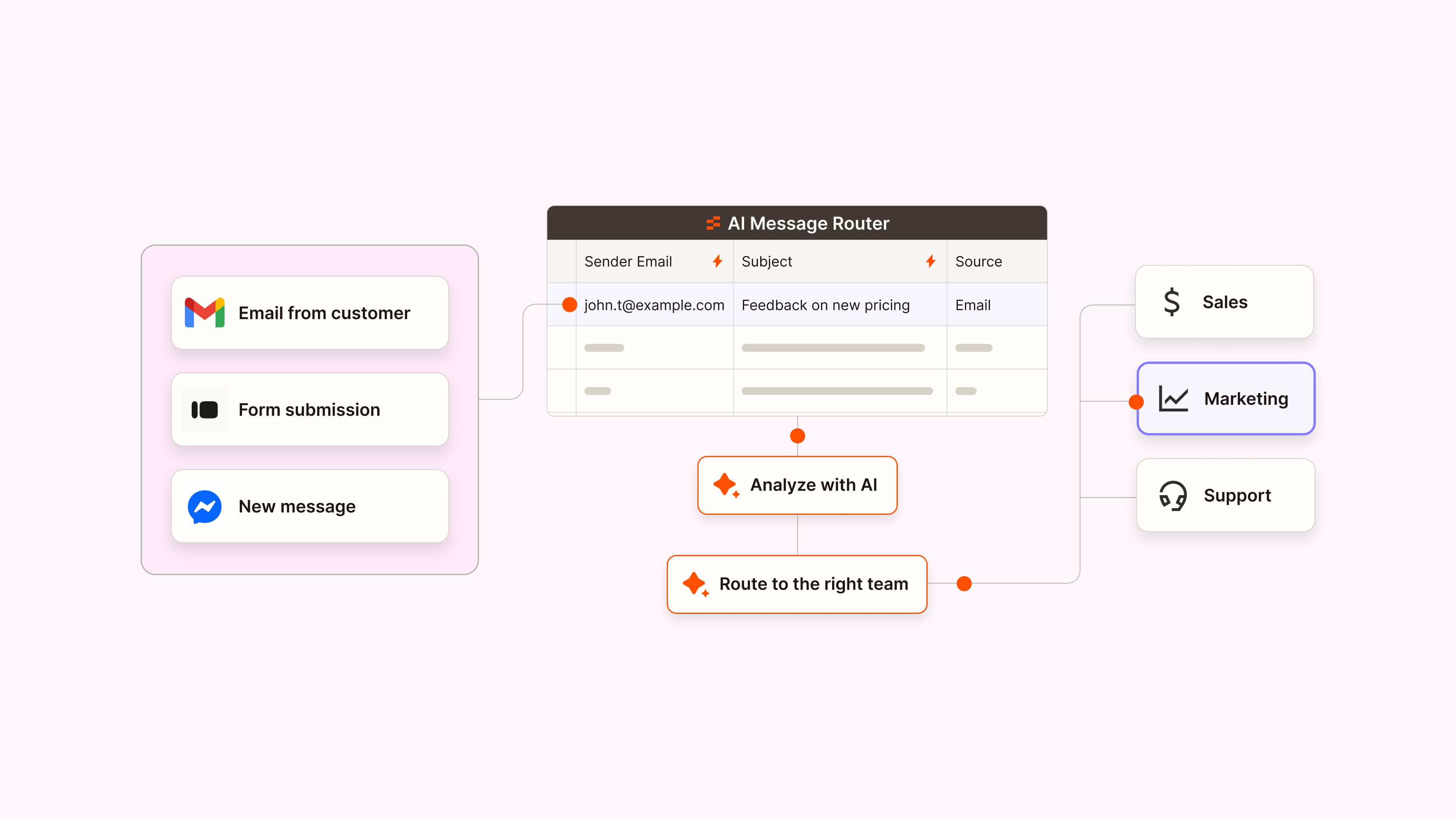
Consider email triage. A rules-based system might filter by sender domain or subject line keywords. An AI step reads the actual message, decides whether it's a customer issue, a sales lead, or something you can ignore until next week, and routes accordingly. Same inbox, different outcomes.
Why AI handles only 18% of workflow steps
The 18% figure sounds low until you consider cost. Running every step through an AI model is expensive. API calls add up. Latency increases. And most workflow steps don't require judgment. Moving data from one app to another, triggering a webhook, updating a record: these are mechanical tasks that rules handle faster and cheaper.
Smart workflow design reserves AI for the steps that actually need reasoning. A workflow might use conventional automation to pull data from a CRM, then hand off to AI only for the scoring step, then return to rules-based logic for routing and notification. That hybrid approach delivered the 71% cost reduction Zapier documented.
For RevOps teams watching their software budget, this is the practical takeaway. You don't need AI everywhere. You need it where rules fail.
AI workflow automation for sales teams
Sales is where speed and judgment collide. Leads arrive faster than anyone can qualify them, but qualifying is judgment work. Is this a real buyer or a vendor trying to sell you something? Rules-based automation can filter by company size or region. It can't read intent.
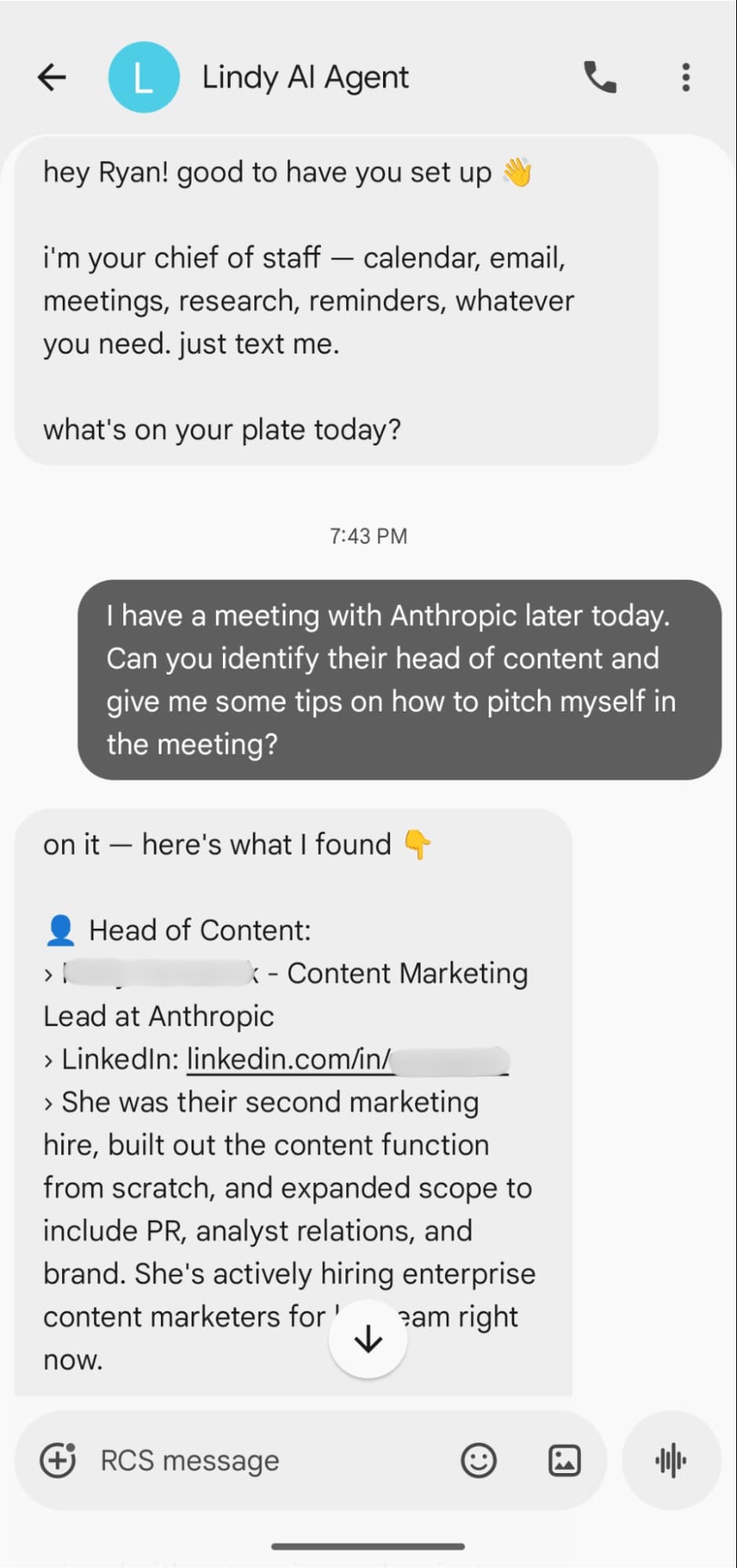
AI workflow automation handles both sides. When a lead comes in, an AI step reads the message, scores the lead against criteria, fills in missing details like company data pulled from the email domain, and routes to the right rep. No human touches the lead until it's qualified and assigned.
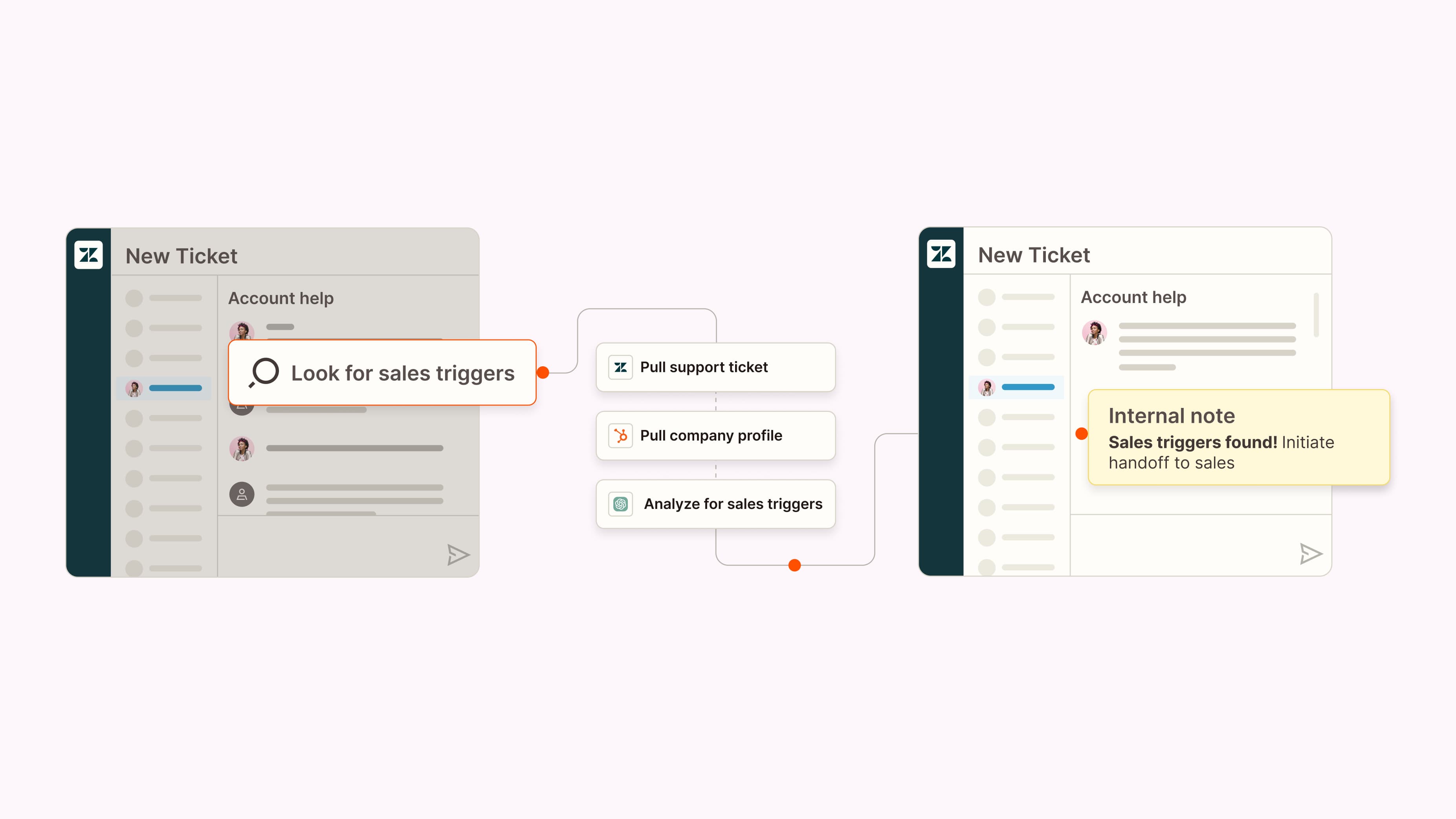
Popl built AI workflows that triage inbound emails across HubSpot and Salesforce, filter spam, identify qualified opportunities, and route each lead to the right rep. The company reports saving $20,000 annually across more than 100 workflows.
Rush Home went further, building a custom AI agent that scores a database of 11,000+ leads, sends daily briefs to the team, and manages the broker's calendar. That's not a workflow anymore. That's a virtual team member.
AI workflow automation for customer support
Support has the same volume problem as sales, with an extra wrinkle: customers don't write tickets to fit your categories. They describe problems in their own words, with their own context, and often their own frustration.
AI workflow automation reads each ticket the way a support lead would. It interprets tone and intent, not just keywords. Then it classifies by topic and urgency, drafts a first-pass reply, and escalates anything that can't wait. The same judgment layer works proactively, watching for signals like dropping usage or negative sentiment and flagging at-risk customers while there's still time to save the account.
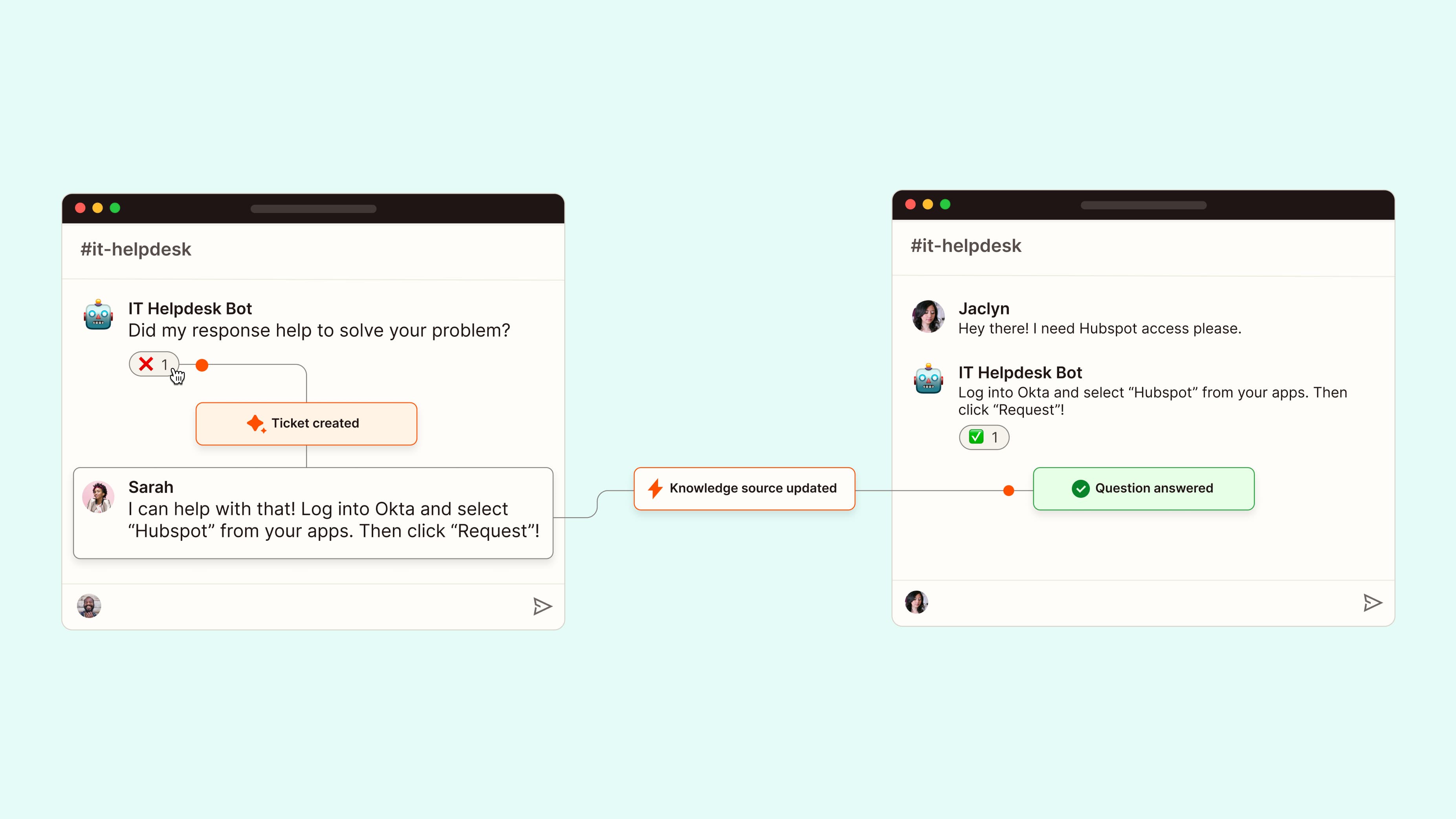
Erewhon, the grocery chain, uses a multi-step AI workflow that kicks off when a customer email lands in Help Scout. It checks membership status, pulls purchase history, and has ChatGPT draft a reply grounded in a knowledge base of store policies. A manager reviews before sending. The AI handles the research and drafting. The human handles the final judgment.
Step-by-step guide for implementing automation workflows securely
The best AI workflow automation tools
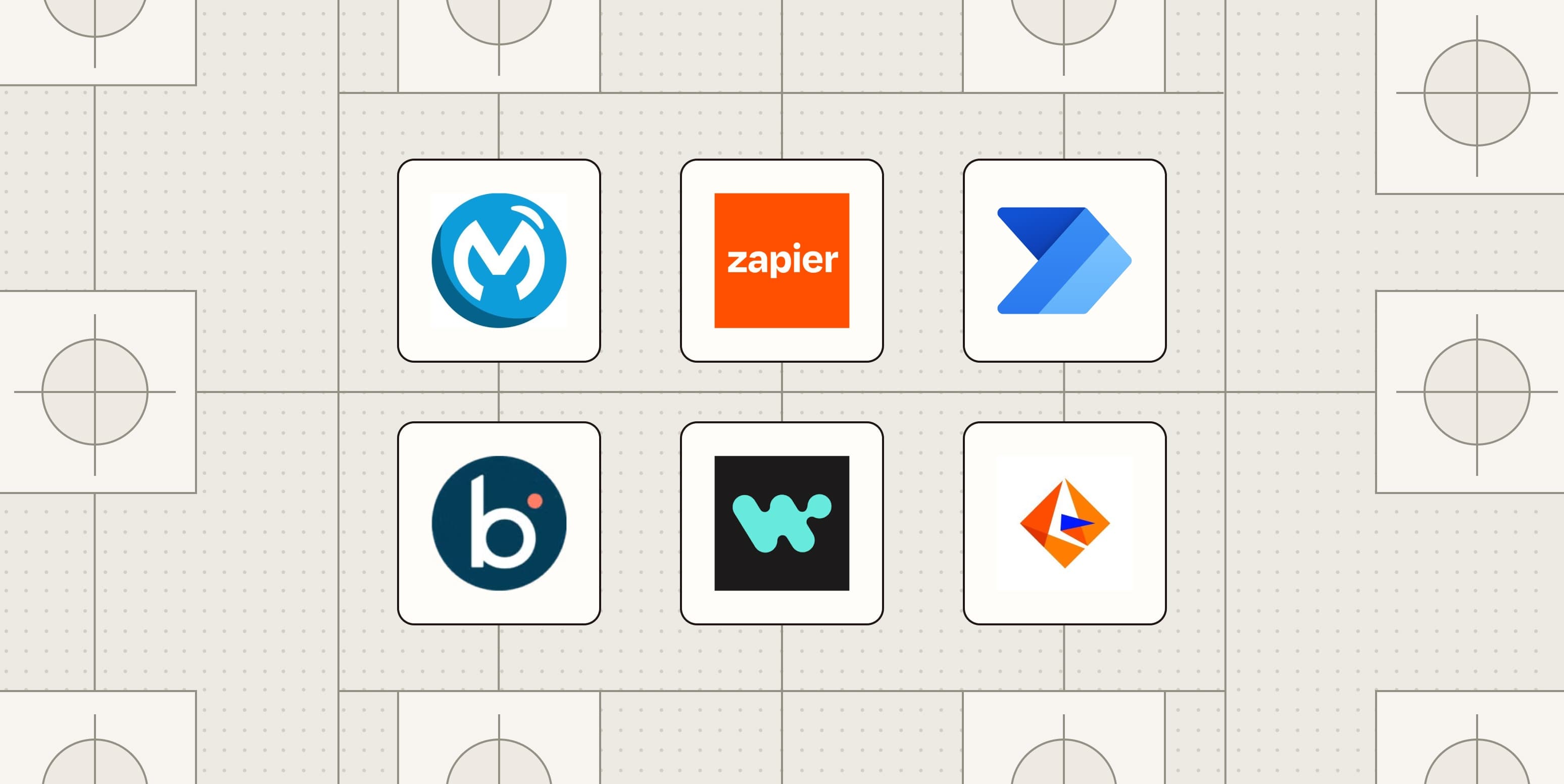
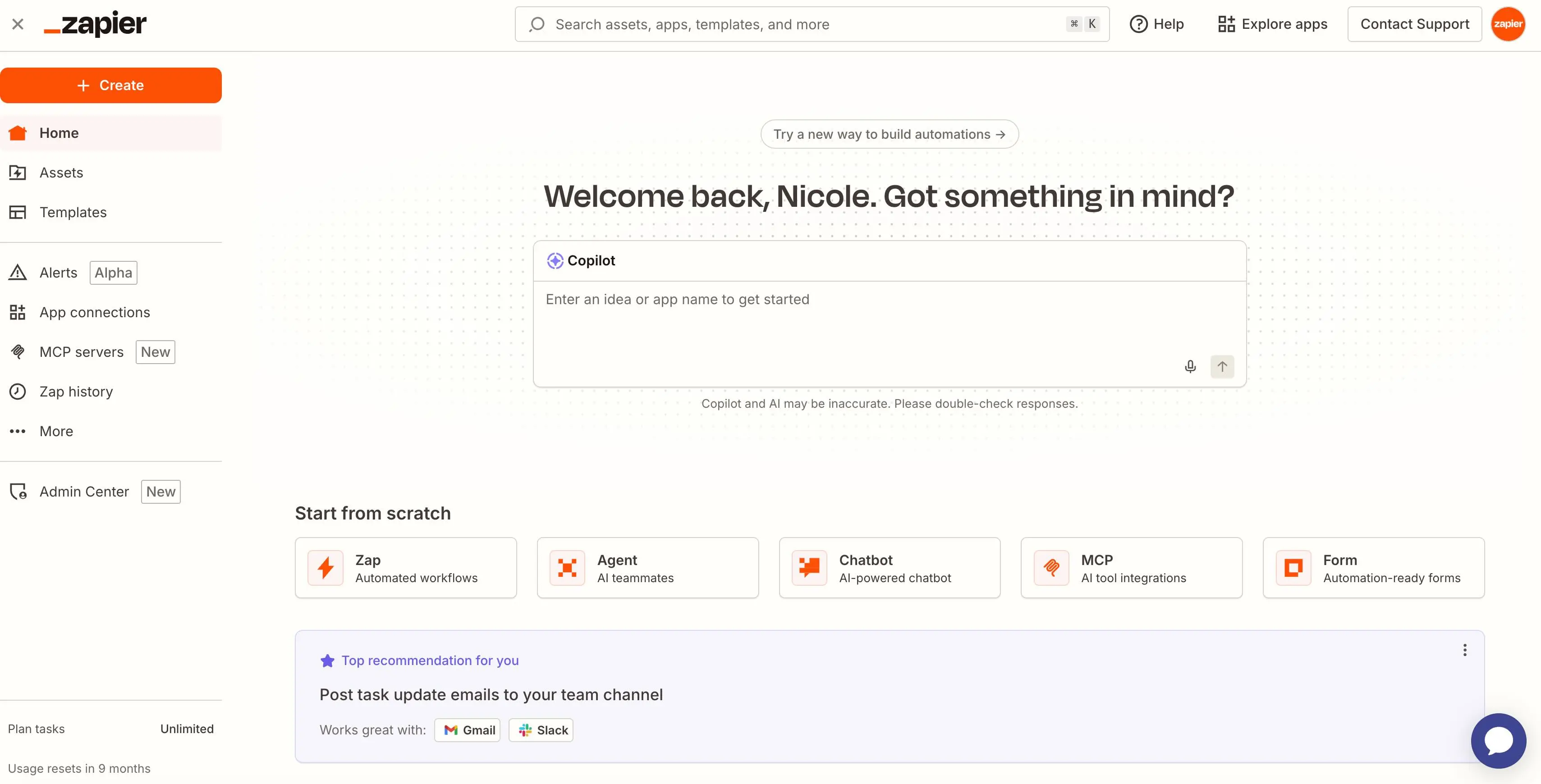
Zapier positions itself as the no-code option for teams without dedicated engineering resources. Its interface lets you build multi-step workflows, called Zaps, that include AI steps alongside conventional automation. Pricing starts free for basic workflows and scales with volume and complexity.
Make offers more visual workflow design with a scenario-based approach. It's popular with teams that want granular control over data transformations and conditional logic. For self-hosted or open-source preferences, n8n provides similar capabilities with full control over infrastructure.
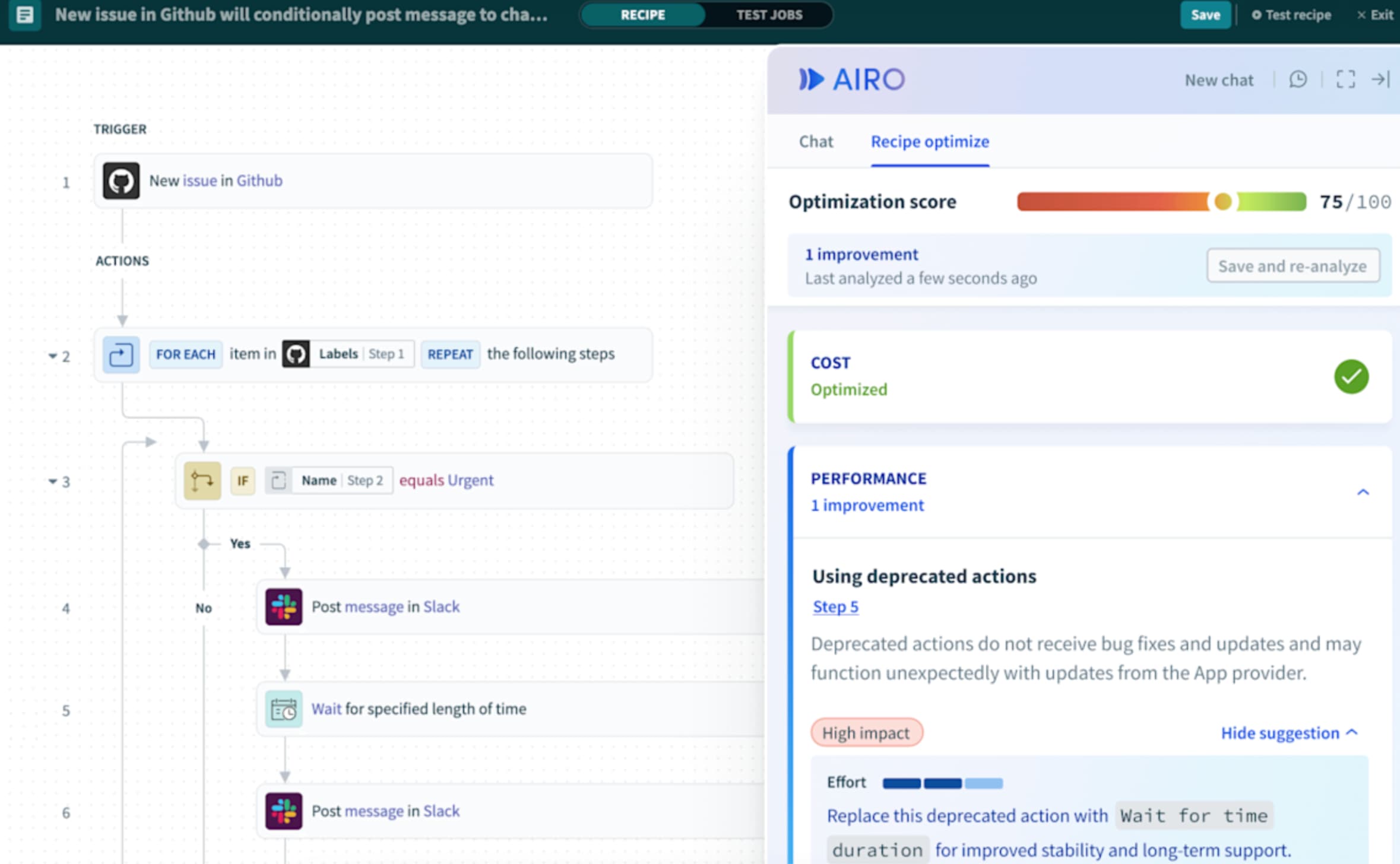
Enterprise teams often look at Workato for its governance features and IT-friendly controls. The choice depends on your existing stack, budget, and whether you want managed infrastructure or self-hosted flexibility.
How to set up AI workflow automation without coding
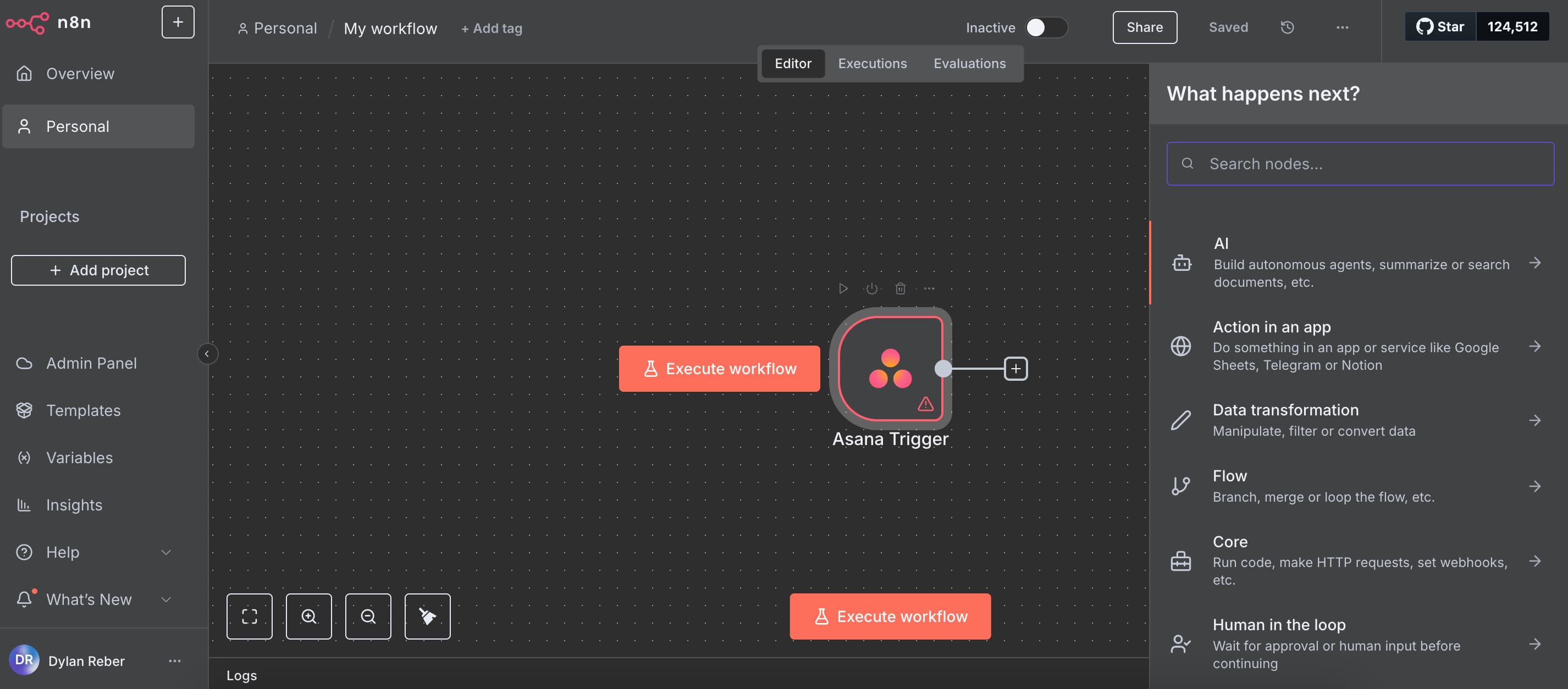
Building your first AI workflow requires three things: a trigger, an AI step, and an action. The trigger is what starts the workflow, like a new email in your inbox or a form submission. The AI step processes the input. The action is what happens next, like creating a task in Asana or updating a record in Airtable.
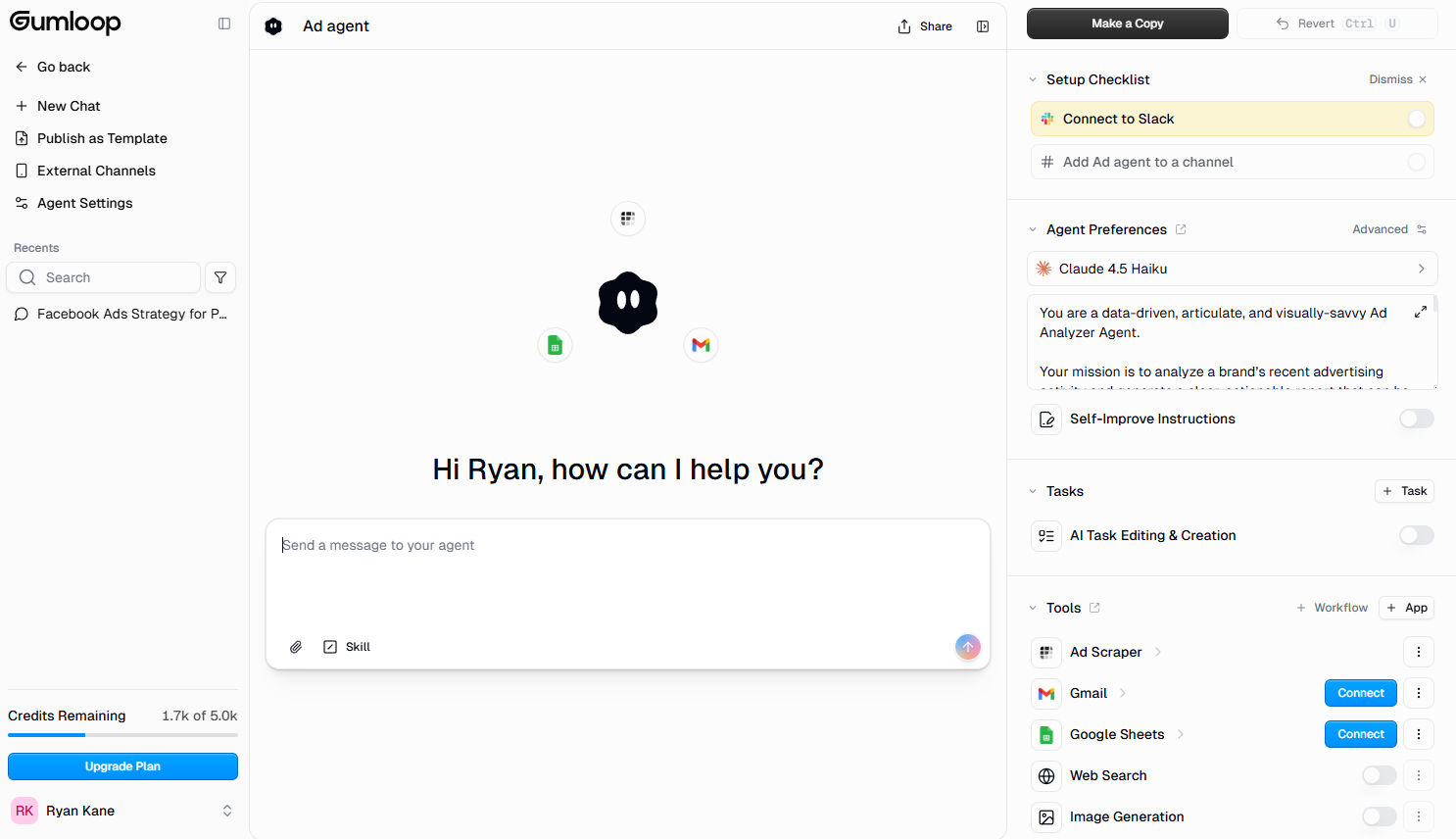
Start simple. A good first workflow might take new form submissions, use AI to categorize them by intent, and route them to different Slack channels based on the category. You can test with a handful of submissions before scaling.
The key is testing AI outputs before going live. Run sample inputs through the workflow and check whether the AI step makes the right calls. Tune your prompts based on edge cases. A workflow that miscategorizes 20% of inputs creates more work than it saves.
Logicity's Take
The 18% statistic is the real insight here. Most AI workflow content assumes you should AI-ify everything. That's expensive and slow. For RevOps teams, the smarter play is identifying the specific steps where rules fail: lead qualification, ticket triage, document summarization. Build AI into those points. Use conventional automation everywhere else. If you're comparing platforms, Zapier's free tier lets you test this approach before committing. Make offers similar capabilities with more visual control. Enterprise teams should evaluate Workato's governance features against the added complexity.
Common mistakes to avoid
The biggest mistake is treating AI as a replacement for workflow design. AI handles judgment. It doesn't handle structure. If your process is broken, adding AI makes it faster at being broken.
Second mistake: over-relying on AI for steps that don't need it. Every AI call costs money and adds latency. If a rule can handle the step reliably, use a rule.
Third: skipping human review for high-stakes outputs. AI drafting a support reply that a manager reviews is different from AI sending replies autonomously. Know which workflows need a human in the loop and which don't.
What this means for operations teams
AI workflow automation isn't about replacing people. It's about removing the bottleneck where human judgment meets high volume. Sales teams can't manually qualify every inbound lead. Support teams can't research every customer's history before drafting a reply. AI handles the preparation so humans can focus on decisions.
The companies seeing real results aren't the ones using AI everywhere. They're the ones using AI precisely: at the judgment steps, inside hybrid workflows, with humans reviewing outputs that matter. That approach costs 71% less than the alternative and produces better results.
Frequently Asked Questions
How much does AI workflow automation cost?
Costs vary by platform and volume. Zapier's free tier includes basic AI steps. Paid plans start around $20/month and scale with task volume. The bigger cost driver is AI API usage, which is why limiting AI to judgment-only steps cuts expenses by up to 71%.
Do I need coding skills to build AI workflows?
No. Platforms like Zapier, Make, and n8n offer visual builders that let you create multi-step workflows without writing code. You'll need to write prompts for AI steps, but that's natural language, not programming.
What's the difference between AI workflow automation and traditional automation?
Traditional automation follows fixed if/then rules and breaks when inputs don't match expected patterns. AI workflow automation adds judgment steps that interpret context, handle messy inputs, and make routing decisions that rules can't handle.
Need Help Implementing This?
Logicity helps operations teams design and deploy AI workflows that actually save time. Get in touch for a workflow audit or implementation support.
Source: The Zapier Blog
Manaal Khan
Tech & Innovation Writer
Produced with AI assistance and reviewed by the Logicity editorial team. Learn more in our Editorial Policy.