Key Takeaways
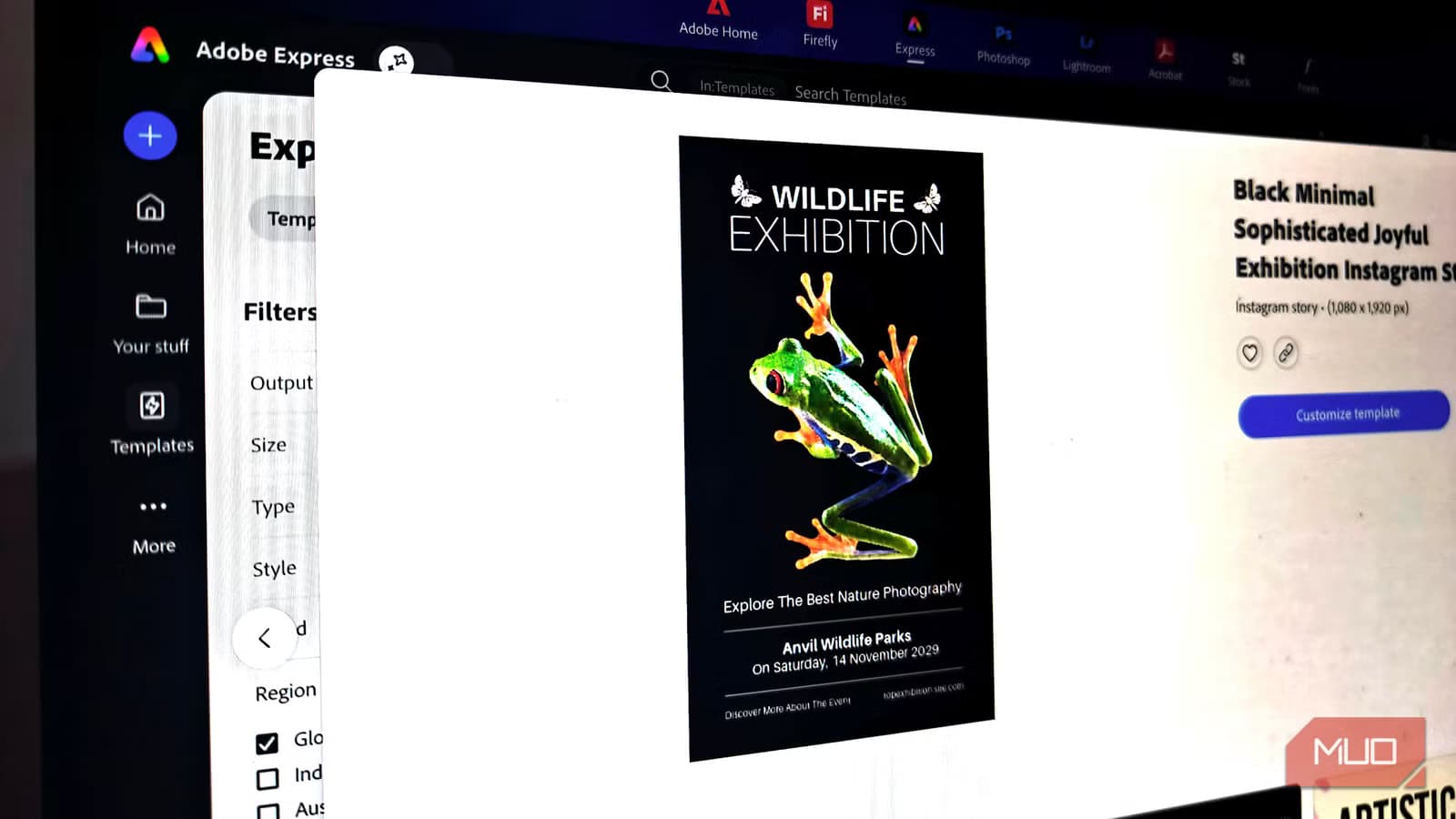
- Adobe Express Free now includes background removal, premium templates, and high-quality downloads previously locked behind Canva Pro's $120/year paywall
- Teams can eliminate design software costs entirely for standard marketing collateral, presentations, and social content
- The switch requires zero learning curve for anyone familiar with drag-and-drop design tools
Read in Short
Adobe Express Free now delivers the three features most businesses actually pay for in Canva Pro: background removal, premium asset libraries, and high-resolution exports. For companies with 10+ marketing team members, that's $1,200+ in annual savings with no feature gap for typical use cases.
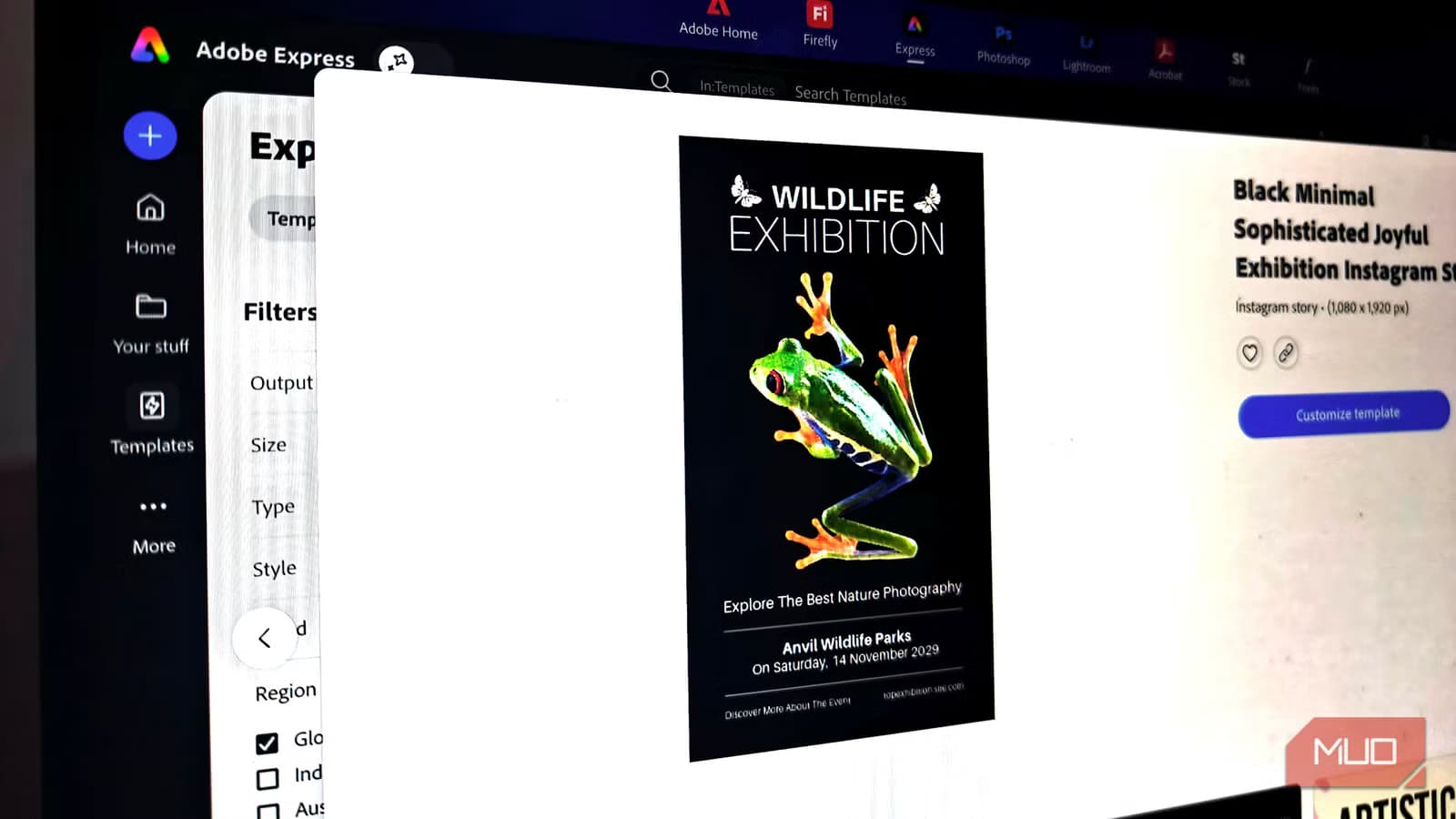
According to [MakeUseOf](https://www.makeuseof.com/this-free-design-tool-replaced-my-canva-pro-subscription-overnight/), Adobe Express Free has matured into a viable replacement for Canva Pro, offering the core features that justify most premium subscriptions at zero cost. The author canceled their Canva Pro subscription and reported no meaningful loss in design capability for everyday tasks.
Here's what this means for your budget: Canva Pro runs $119.99 per person per year. For a marketing team of five, that's $600 annually. For a company with design needs across multiple departments, costs can balloon past $2,000. If a free tool handles 90% of your use cases, you're looking at a cost center that simply doesn't need to exist.
What Features Do Businesses Actually Use in Canva Pro?
Before evaluating any switch, let's be honest about what most teams actually do with their Canva Pro subscriptions. The MakeUseOf analysis cuts through the feature list marketing and identifies the three capabilities that drive real value: background removal, access to premium templates and assets, and higher-quality exports.
Features like Brand Kit, Magic Edit, and advanced collaboration tools sound impressive in sales pitches. But for most small to mid-sized businesses, these features sit unused month after month. You're paying for an enterprise toolkit when you need a reliable workhorse.
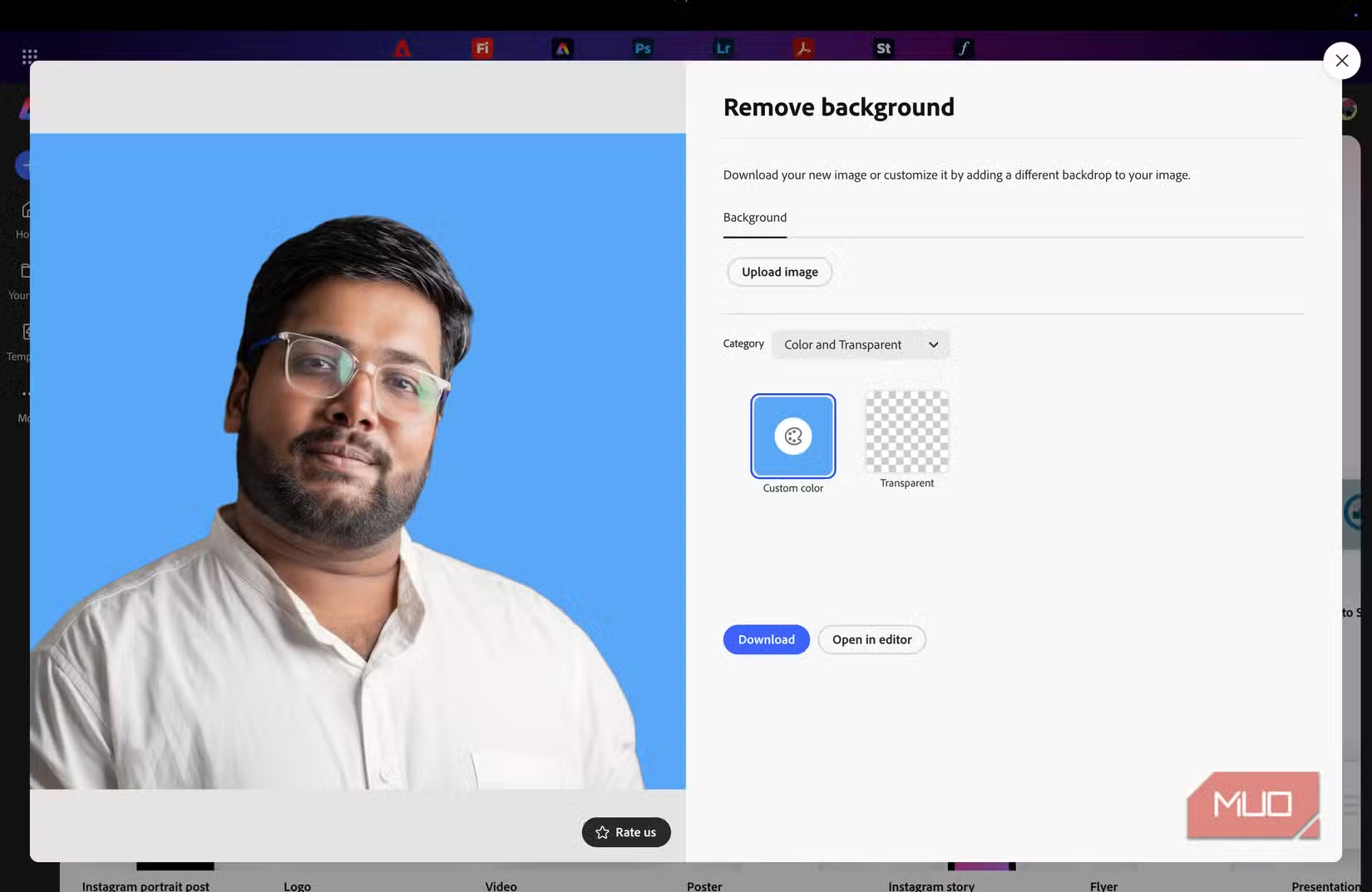
- Background remover: Essential for product photos, headshots, and marketing materials
- Premium asset library: Stock photos, icons, and templates that don't look generic
- High-resolution downloads: Professional output quality for print and digital
If your team primarily creates social media graphics, presentation decks, and basic marketing collateral, these three features represent 90% of why you upgraded from Canva Free. And that's exactly where Adobe Express Free now competes.
How Does Adobe Express Free Compare to Canva Pro?
Adobe Express positions itself as a direct Canva competitor, but with Adobe's design pedigree backing it up. The free tier has expanded significantly, and understanding the current feature landscape helps you make a rational decision rather than an emotional one.
| Feature | Canva Pro ($120/yr) | Adobe Express Free | Business Impact |
|---|---|---|---|
| Background Removal | Unlimited | Included | Product photos, headshots, marketing materials |
| Premium Templates | Full library | Substantial library | Faster design turnaround |
| High-Res Downloads | Yes | Yes | Print-ready output without quality loss |
| Brand Kit | Yes | Limited | Matters for enterprise; overkill for SMBs |
| AI Design Tools | Magic Edit, Magic Write | Adobe Firefly integration | Creative assistance features |
| Cloud Storage | 1TB | 2GB (free tier) | May require external storage solution |
The storage limitation is the most significant trade-off. Canva Pro's 1TB cloud storage versus Adobe Express Free's 2GB means you'll need a separate file management system. But if you're already using Google Drive, Dropbox, or any cloud storage solution, this isn't a barrier. It's just a workflow adjustment.
Is Adobe Express Free Worth It for Business Teams?
The value calculation depends entirely on your use case. Let's break down three common scenarios.
Scenario 1: Small Marketing Team (2-5 people)
If your team creates social graphics, blog headers, and presentation decks, Adobe Express Free handles this without limitation. Annual savings: $240-$600. Recommended action: Test for 30 days before canceling Canva Pro.
Scenario 2: Agency or Design-Heavy Operation
If you need advanced collaboration, version history, and enterprise-grade brand management, Canva Pro or Adobe Express Premium still makes sense. The free tier lacks the workflow tools agencies require. Recommended action: Stay with paid tools.
Scenario 3: Non-Design Roles Creating Content
Sales teams making pitch decks, HR creating onboarding materials, executives building board presentations. These users rarely need premium features. Adobe Express Free covers these needs completely. Annual savings: $120 per seat.
The real opportunity isn't replacing your entire design stack. It's identifying which seats on your Canva Pro team plan don't actually need Pro features. A hybrid approach, where heavy users keep Canva Pro and occasional users switch to Adobe Express Free, often delivers the best cost optimization.
What's the Learning Curve for Switching Design Tools?
This is where Adobe Express earns points. The MakeUseOf review specifically noted that opening Adobe Express for the first time didn't trigger the usual anxiety of learning new software. No tutorial pop-ups every five seconds. No complex onboarding. Just a clean dashboard.
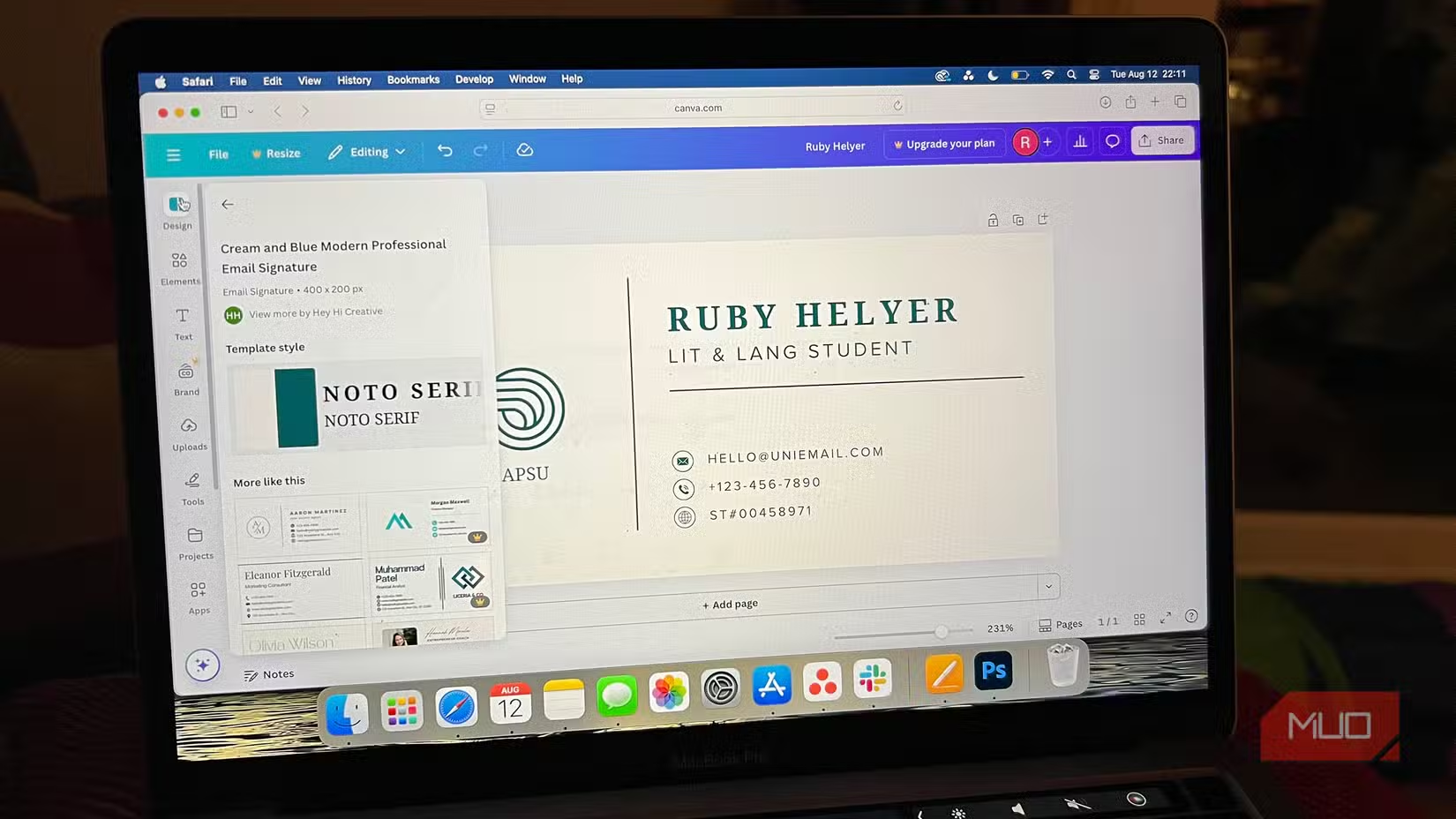
For anyone who's used Canva, the transition is nearly invisible. Drag-and-drop interface. Template-first workflow. Layer management. Text and image tools. The muscle memory transfers directly.
This matters more than it might seem. Every software switch carries hidden costs: productivity loss during transition, support tickets from confused users, time spent in training sessions. When those costs approach zero, the ROI calculation becomes straightforward math.
Another productivity tool that eliminates hidden time costs in routine business tasks
Adobe Express vs Canva: Where Each Tool Wins
Let's be fair to both platforms. Each has strengths the other lacks, and understanding these helps you make the right call for your specific situation.
✅ Pros
- • Adobe Express integrates with Creative Cloud if you already use Photoshop or Illustrator
- • Adobe Firefly AI generates original images without copyright concerns
- • Free tier is genuinely usable, not a feature-limited teaser
- • PDF editing capabilities exceed Canva's current offerings
❌ Cons
- • Cloud storage in free tier is severely limited at 2GB
- • Template library is smaller than Canva's extensive collection
- • Collaboration features are less mature for team workflows
- • Mobile app experience lags behind Canva's polished offering
For businesses already invested in Adobe's ecosystem, the switch makes even more sense. Assets flow naturally between Express and professional tools like Photoshop. Brand guidelines established in Creative Cloud carry over. The integration isn't just a nice-to-have; it's a genuine workflow improvement.
How to Test This Without Disrupting Your Team
Don't cancel Canva Pro tomorrow. Run a parallel test that minimizes risk while providing real data for your decision.
- Identify 2-3 team members with typical (not power user) design needs
- Have them use Adobe Express Free exclusively for two weeks
- Track any feature gaps they encounter and workarounds required
- Compare output quality against their previous Canva work
- Calculate the actual features used versus features available
Most teams discover that their power users need maybe 20% of the features they're paying for, while casual users need even less. The data from this test informs a smarter licensing strategy than all-or-nothing decisions.
If you're moving away from Canva's cloud storage, you'll need a solid file management strategy
The Subscription Audit Every Business Should Do
This Adobe Express discovery points to a larger opportunity. Most businesses accumulate SaaS subscriptions without periodic review. That $10/month tool becomes $120/year becomes $1,200 over a decade. Multiply across dozens of tools, and you're looking at significant budget waste.
Design tools are just one category. Consider running the same analysis on your project management tools, communication platforms, and analytics software. Free tiers have gotten remarkably capable across the SaaS landscape. What made sense to pay for in 2022 might be freely available in 2026.
“The best software expense is the one you eliminate entirely without losing capability.”
— Common principle in SaaS cost optimization
Understanding subscription economics applies across industries
Frequently Asked Questions
Frequently Asked Questions
How much can my business save by switching from Canva Pro to Adobe Express Free?
Canva Pro costs $119.99 per user per year. For a team of 10, that's $1,200 annually. If Adobe Express Free handles your needs, you save the entire amount. Most businesses find a hybrid approach works best: keep 2-3 power users on Canva Pro and move everyone else to free tools.
Does Adobe Express Free include commercial licensing for assets?
Yes. Adobe Express Free assets come with commercial use rights, same as Canva Pro. You can use templates, stock images, and design elements in client work and marketing materials without additional licensing fees.
What features will I lose if I cancel Canva Pro?
The most noticeable losses are Brand Kit (centralized brand guidelines), advanced collaboration features, and Magic Edit AI tools. Background removal, premium templates, and high-res exports are available in Adobe Express Free. Assess which features your team actually uses before deciding.
Can Adobe Express Free handle team collaboration?
Basic collaboration is available, but it's less mature than Canva Pro's team features. For small teams doing light collaboration, it works. For agencies or teams with complex approval workflows, Canva Pro or Adobe Express Premium remains the better choice.
Is Adobe Express Free actually free, or is it a limited trial?
It's genuinely free with no time limit. Adobe offers a Premium tier with additional features, but the free version is a permanent option with substantial capabilities. This is Adobe's strategy to compete with Canva's market dominance.
Logicity's Take
At Logicity, we've seen this pattern across every category of business software: free tiers get better while paid features become increasingly niche. For our own design work, we use a mix of tools depending on the project. Canva Pro still makes sense for client-facing brand work where Brand Kit consistency matters. But for internal presentations, social content, and quick marketing assets, free tools handle 90% of what we need. The bigger insight here isn't about Adobe vs Canva. It's about building a mindset of continuous subscription auditing. Indian startups especially tend to accumulate SaaS tools during growth phases and never revisit those decisions. We recommend quarterly software audits where you ask: what are we paying for that we don't use? What free alternatives have emerged since we last looked? For teams doing basic design work, this switch makes sense. Test it for two weeks before committing. The worst case is you switch back to Canva Pro having lost nothing but a few hours of experimentation.
Need Help Optimizing Your Tech Stack?
Logicity helps businesses audit their software subscriptions, identify cost-saving opportunities, and implement modern alternatives without disrupting operations. Whether it's design tools, project management, or custom automation, we help Indian startups and SMBs run leaner operations. Get in touch for a free consultation on your current tech stack.
Source: MakeUseOf
Manaal Khan
Tech & Innovation Writer
Produced with AI assistance and reviewed by the Logicity editorial team. Learn more in our Editorial Policy.