Key Takeaways
- Fast app switching via gesture swipes works like Alt+Tab on your computer
- Split-screen multitasking lets you run two apps simultaneously
- 68% of Android users have never accessed Developer Options for customization
With 3.9 billion active Android devices worldwide, Google's mobile OS powers more phones than any competitor. Yet most users tap the same five apps daily, never exploring the productivity tools already installed on their devices.
Google quietly adds features with regular updates. Unless you track release notes, you likely missed several that could make your phone significantly more useful. Here are nine worth learning.
Fast App Switching
This is the mobile equivalent of Alt+Tab on your computer. Swipe left or right on the small bar at the bottom of your screen, called the gesture pill, to flip between recent apps. If you use the classic three-button navigation, double-tap the recent apps button for the same result.
Some phones support advanced gestures that let you peek at open apps before switching. Once you build this into muscle memory, you'll stop closing and reopening apps constantly.
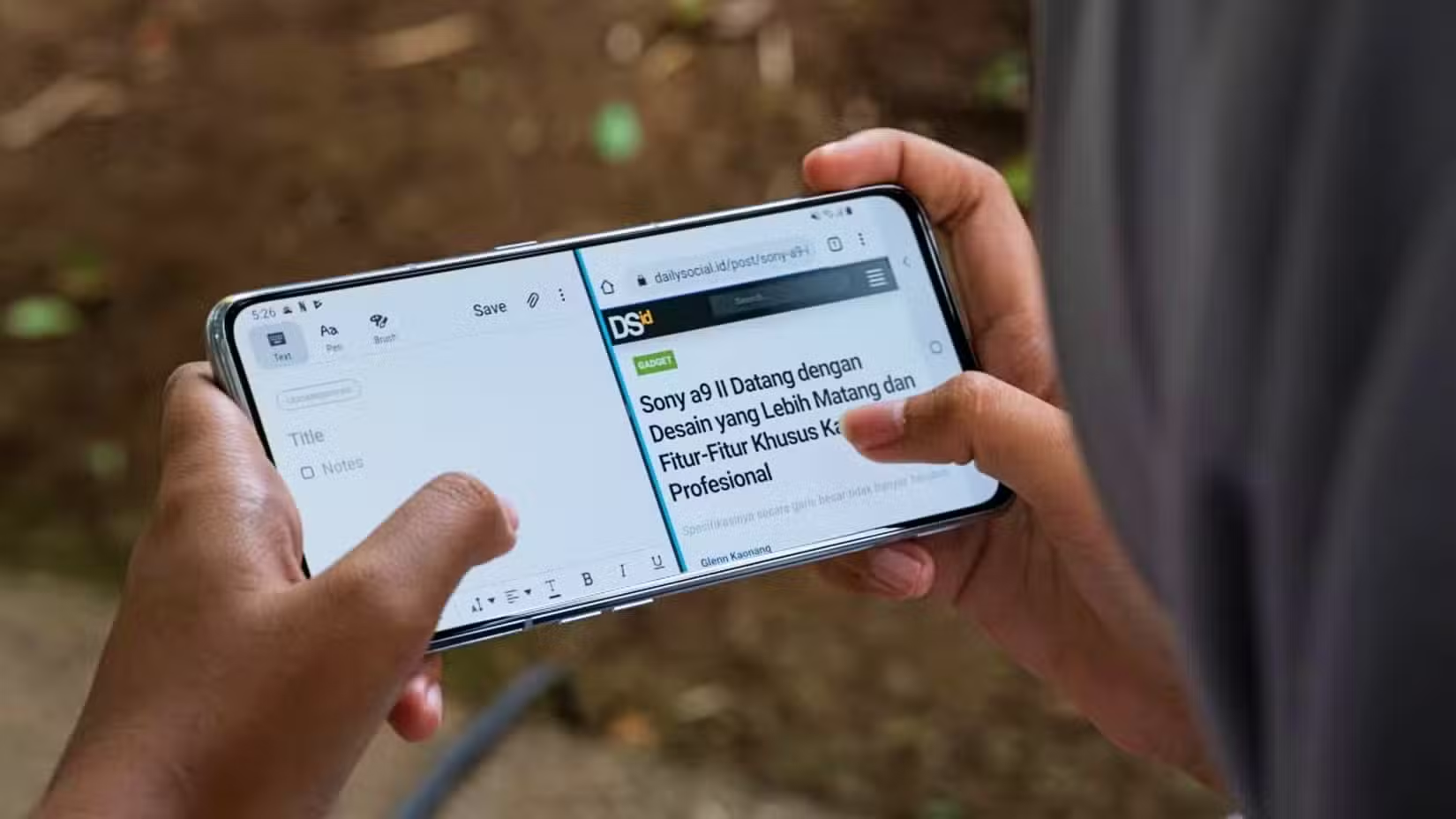
Split-Screen Multitasking
Android can run two apps simultaneously, each taking half the screen. This means referencing a browser while taking notes, or watching a video while responding to messages.
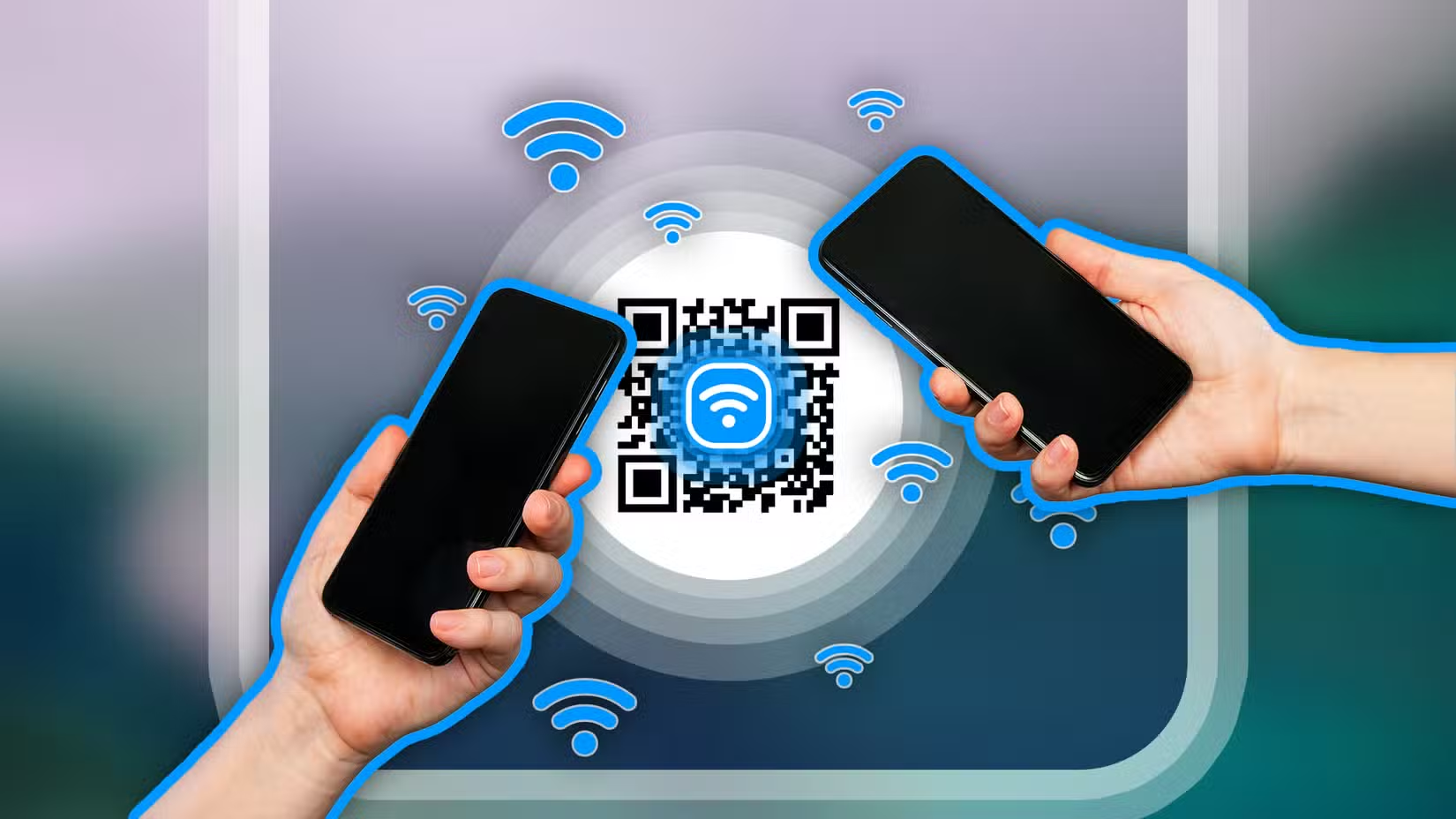
To enable it: open your first app, then access the Recent Apps screen by tapping the square button or swiping up and holding. Tap the app icon and choose "Split screen." The first app shrinks to half the display, letting you select a second app for the remaining space.
App Pinning for Shared Devices
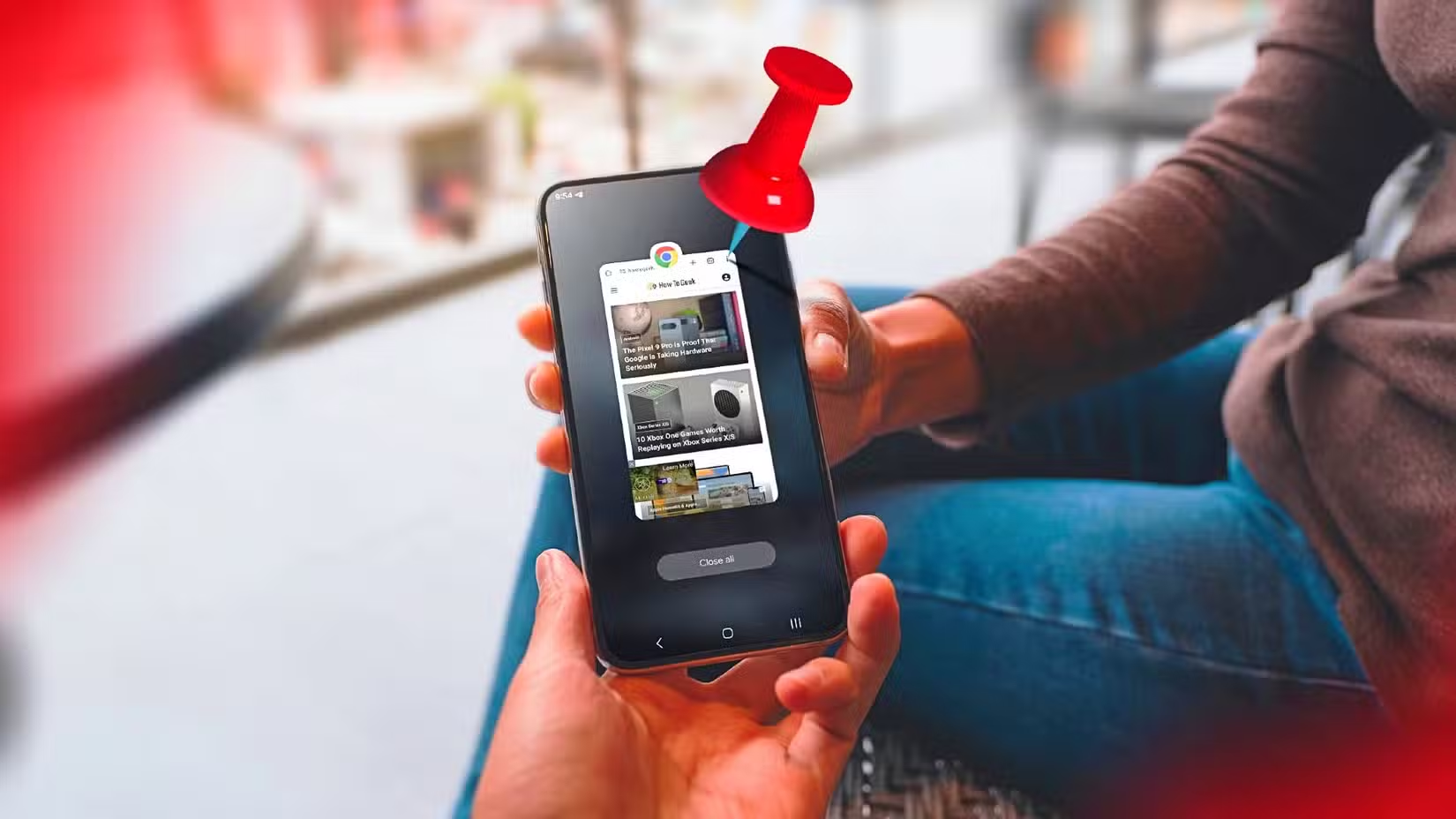
When you hand your phone to someone, app pinning locks the screen to a single app. The person can't navigate away, see your notifications, or access other apps without your PIN.
Enable this in Settings under Security. Once activated, open the app you want to share, go to Recent Apps, tap the app icon, and select "Pin." The phone stays locked to that app until you enter your credentials.
Developer Options for Power Users
According to usage data, 68% of Android users have never accessed Developer Options. This hidden menu lets you speed up animations, force GPU rendering, keep the screen on while charging, and adjust dozens of system behaviors.
To unlock it, go to Settings, then About Phone, and tap "Build number" seven times. You'll see a message confirming Developer Options is now available in your main Settings menu.
Digital Wellbeing and Focus Tools
Usage of Android's digital wellbeing features increased 42% following the introduction of AI-driven focus tools in 2025. These tools track screen time, set app timers, and enable focus modes that silence distracting notifications.
The newest additions use AI to suggest when you might want to take a break based on your usage patterns. Reddit's r/Android community has debated these features, with some users finding them helpful for productivity while others describe them as "overly paternalistic."
“The goal of modern Android is to move from a phone that reacts to your touch, to an agent that anticipates your workflow.”
— Sameer Samat, VP of Product Management, Android
Gesture Navigation Shortcuts
Beyond basic swiping, gesture navigation includes shortcuts most users never discover. Swiping diagonally from a bottom corner launches Google Assistant. A quick swipe up opens the app drawer. A longer swipe up and hold opens recent apps.
These gestures free up screen real estate by eliminating navigation buttons. They also feel faster once learned, since your thumb never leaves the screen's edge.
Cross-Device Handoff
Google's "Continue On" feature lets you move tasks between devices seamlessly. Start reading an article on your phone, then continue on your tablet or Chromebook without searching for it again. The feature works across Chrome browsers, certain Google apps, and compatible third-party apps.
One-Handed Mode
Modern phones are large. One-handed mode shrinks the display so your thumb can reach the top corners. Enable it in Settings under Display or Accessibility, depending on your phone. Most implementations let you swipe down on the gesture bar to activate it.
Forced Resizable Windows
Android now supports system-wide forced-resizable windows on tablets and foldables. This lets you run apps in floating windows like a desktop operating system. Enthusiasts on Hacker News have praised this implementation, comparing it favorably to early experiments in desktop-class mobile computing.
Logicity's Take
Frequently Asked Questions
How do I enable split-screen mode on Android?
Open your first app, access Recent Apps by swiping up and holding, tap the app icon, and select "Split screen." Then choose your second app.
What is the Android gesture pill?
The gesture pill is the small horizontal bar at the bottom of your screen. Swiping on it switches apps, goes home, or opens recent apps depending on the gesture.
How do I unlock Developer Options on Android?
Go to Settings, then About Phone, and tap "Build number" seven times. Developer Options will appear in your main Settings menu.
Can I lock my phone to one app when sharing it?
Yes. Enable app pinning in Security settings, then pin a specific app from the Recent Apps screen. Others can't exit without your PIN.
Need Help Implementing This?
Source: How-To Geek
Manaal Khan
Tech & Innovation Writer
Produced with AI assistance and reviewed by the Logicity editorial team. Learn more in our Editorial Policy.