Key Takeaways
- Overloading Wi-Fi with too many devices causes network dead zones and performance issues
- Smart bulbs, plugs, and sensors should use Zigbee, Thread, or Matter protocols instead of Wi-Fi
- USB to Ethernet adapters can connect devices that lack built-in Ethernet ports
Your Wi-Fi Network Is Probably Doing Too Much
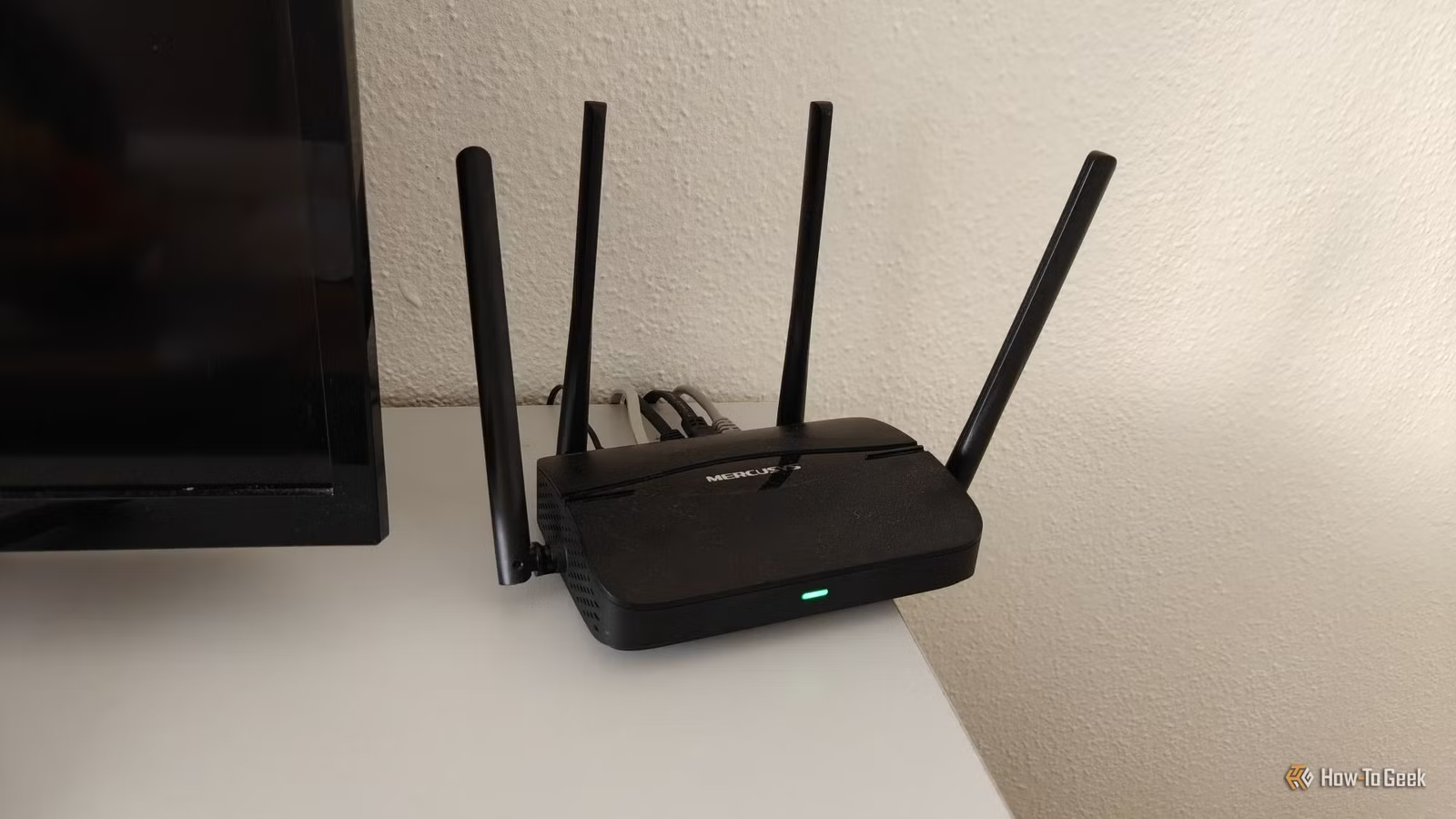
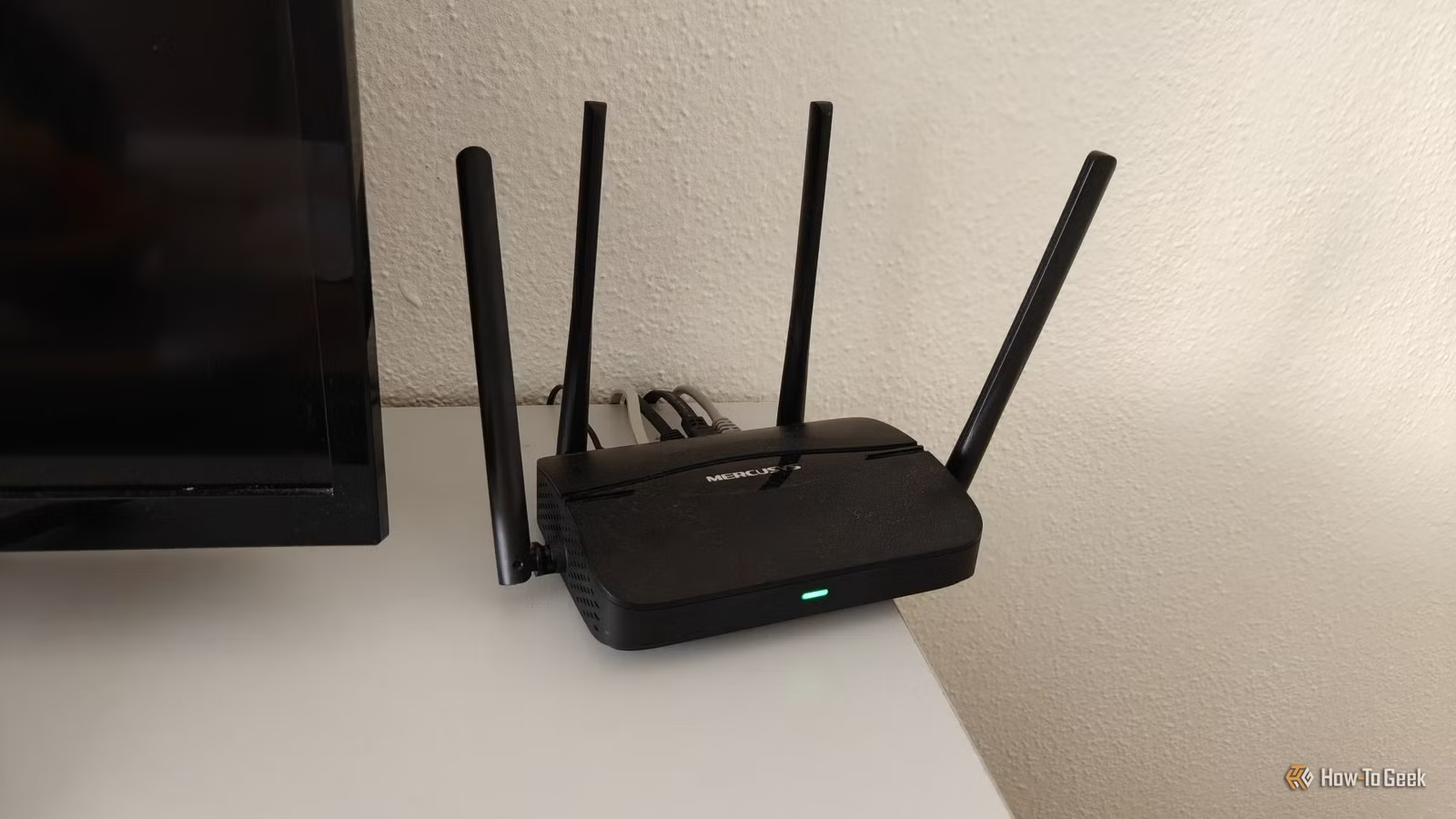
Wi-Fi is convenient. It's also overworked in most homes. Between laptops, phones, tablets, smart speakers, streaming devices, and that growing collection of IoT gadgets, your wireless network is handling far more traffic than it was designed for.
The result? Dead zones, intermittent connections, and devices competing for bandwidth. Tech journalist Monica J. White at How-To Geek argues that the fix is straightforward: move certain devices to Ethernet connections. After making the switch in her own home, she reports being "super happy with the results."
The logic is simple. Every device on your Wi-Fi network adds load to your router. Wired connections don't just free up wireless bandwidth. They also deliver faster, more stable performance for devices that need it.
Smart Home Devices: The Exception That Proves the Rule
Before we get to the Ethernet candidates, let's address smart home gadgets. Running Ethernet to every smart bulb in your house isn't practical. It's also not necessary.
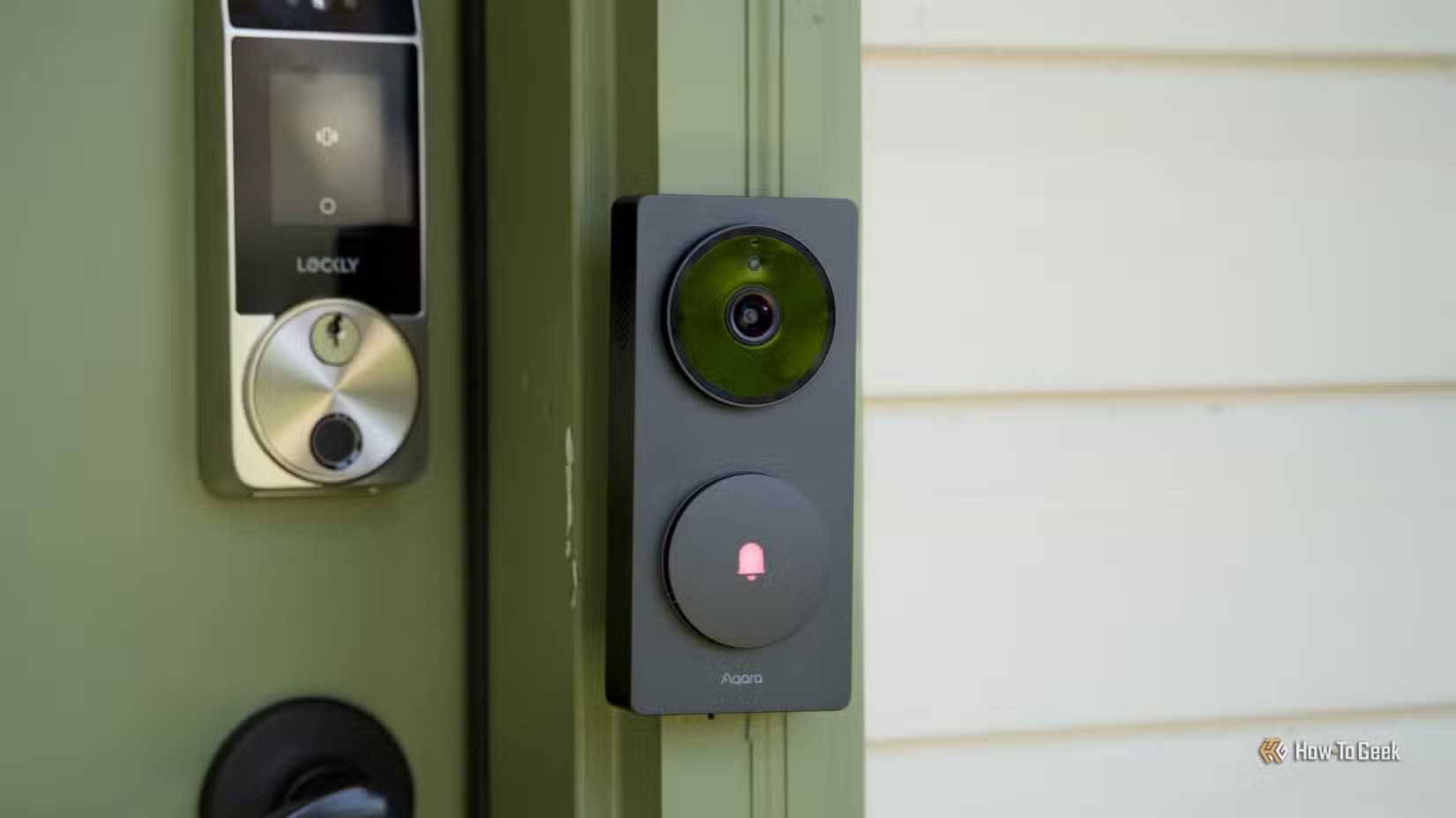
The better solution is avoiding Wi-Fi smart home devices altogether. Smart bulbs, plugs, sensors, buttons, and switches only need to send small bits of data. They don't need the bandwidth Wi-Fi provides, and they definitely don't need to pile onto your already crowded network.
Zigbee, Thread, and Matter-over-Thread devices are a cleaner fit. These protocols use a separate low-power mesh network designed specifically for smart home traffic. Your main Wi-Fi network stays clear for devices that actually need wireless bandwidth.
8 Devices to Move to Ethernet
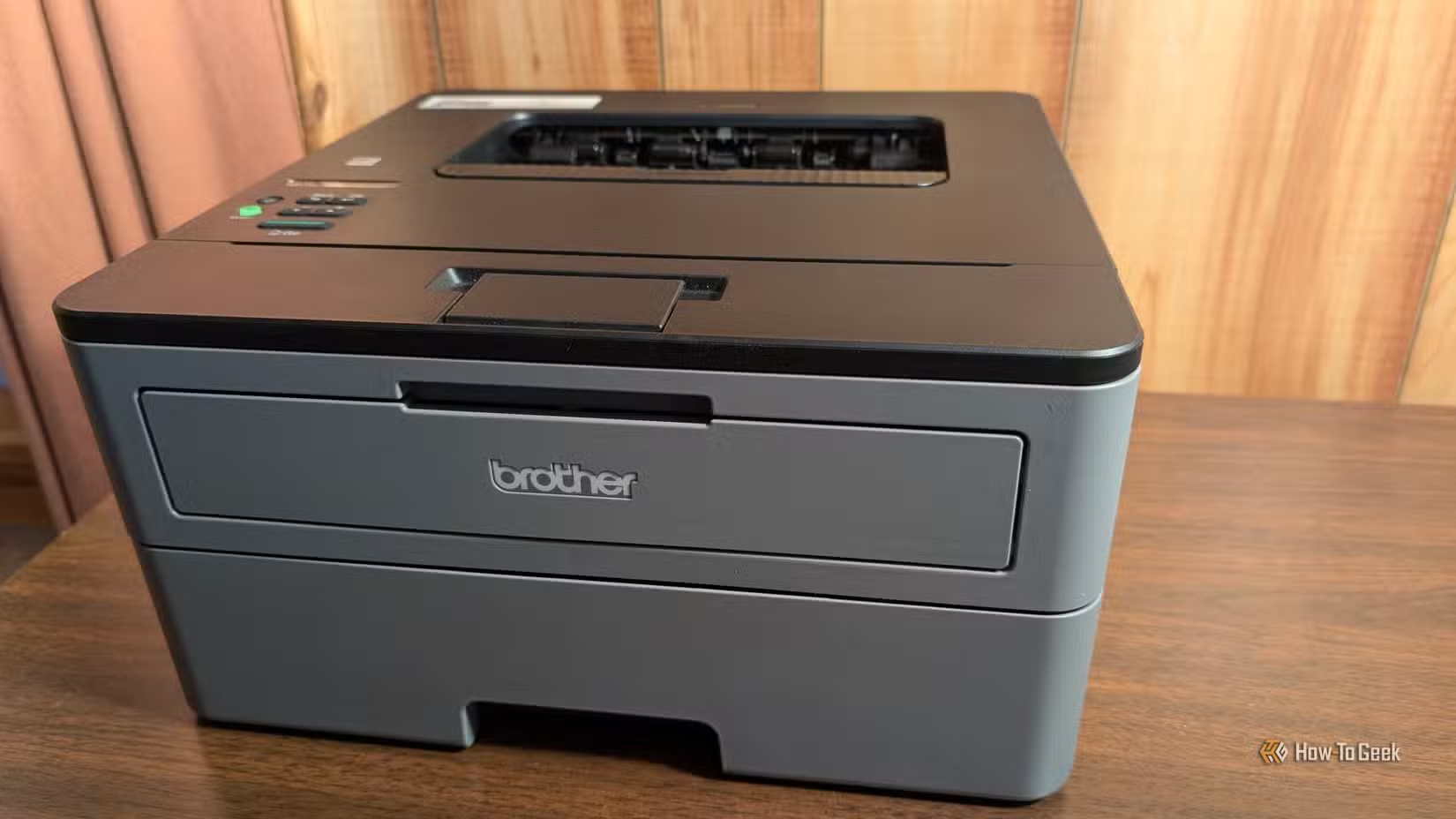
For devices that do need high bandwidth and reliable connections, Ethernet is the answer. Here's what should be wired:
1. Gaming Consoles
Xbox, PlayStation, and Nintendo Switch consoles benefit enormously from wired connections. Online gaming requires low latency, and Wi-Fi introduces variability that can mean the difference between winning and losing. Game downloads that take hours on Wi-Fi can finish in minutes on Ethernet.
2. Desktop PCs
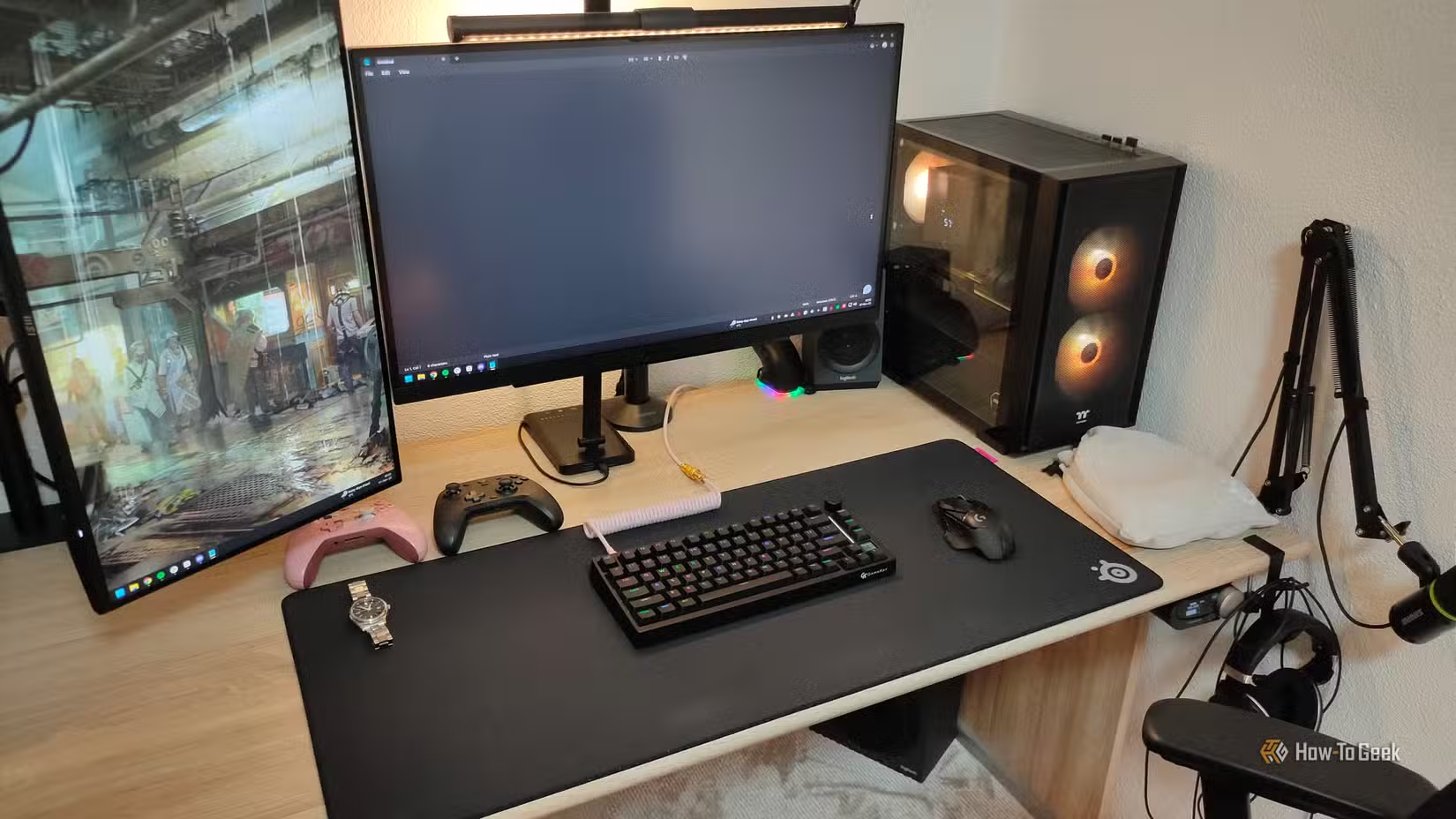
If your desktop PC sits in one place, there's no reason for it to use Wi-Fi. A wired connection delivers faster speeds, lower latency, and one less device competing for wireless bandwidth.
3. Streaming Devices
Your Apple TV, Roku, or Fire TV Stick can use adapters to connect via Ethernet. 4K streaming demands consistent bandwidth. When Wi-Fi hiccups, you get buffering. Ethernet eliminates that variable.
4. Smart TVs
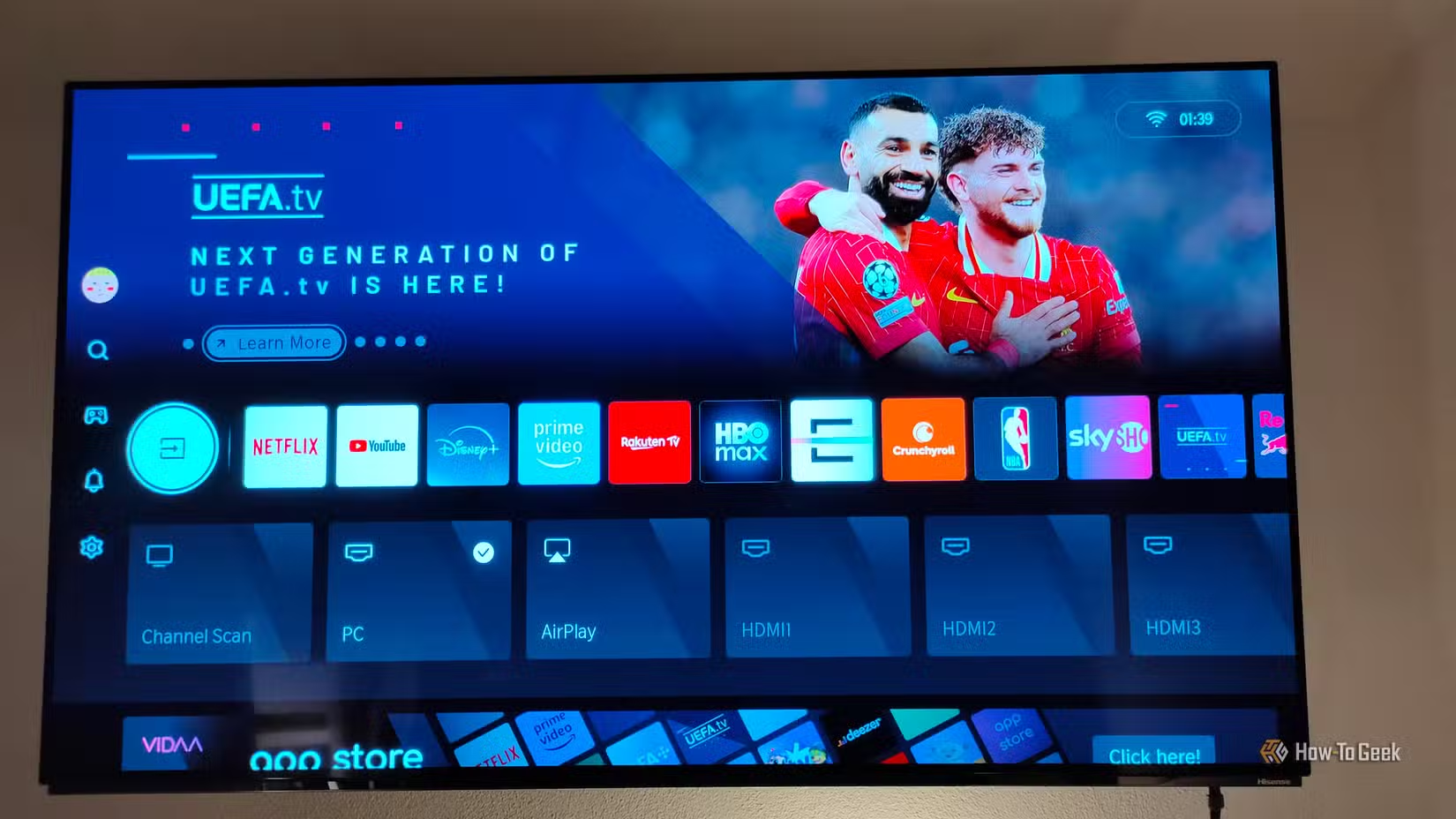
Most smart TVs have an Ethernet port on the back. Use it. TVs stream video constantly, and a wired connection ensures your movie night doesn't get interrupted by someone else's video call.
5. Network Attached Storage (NAS)
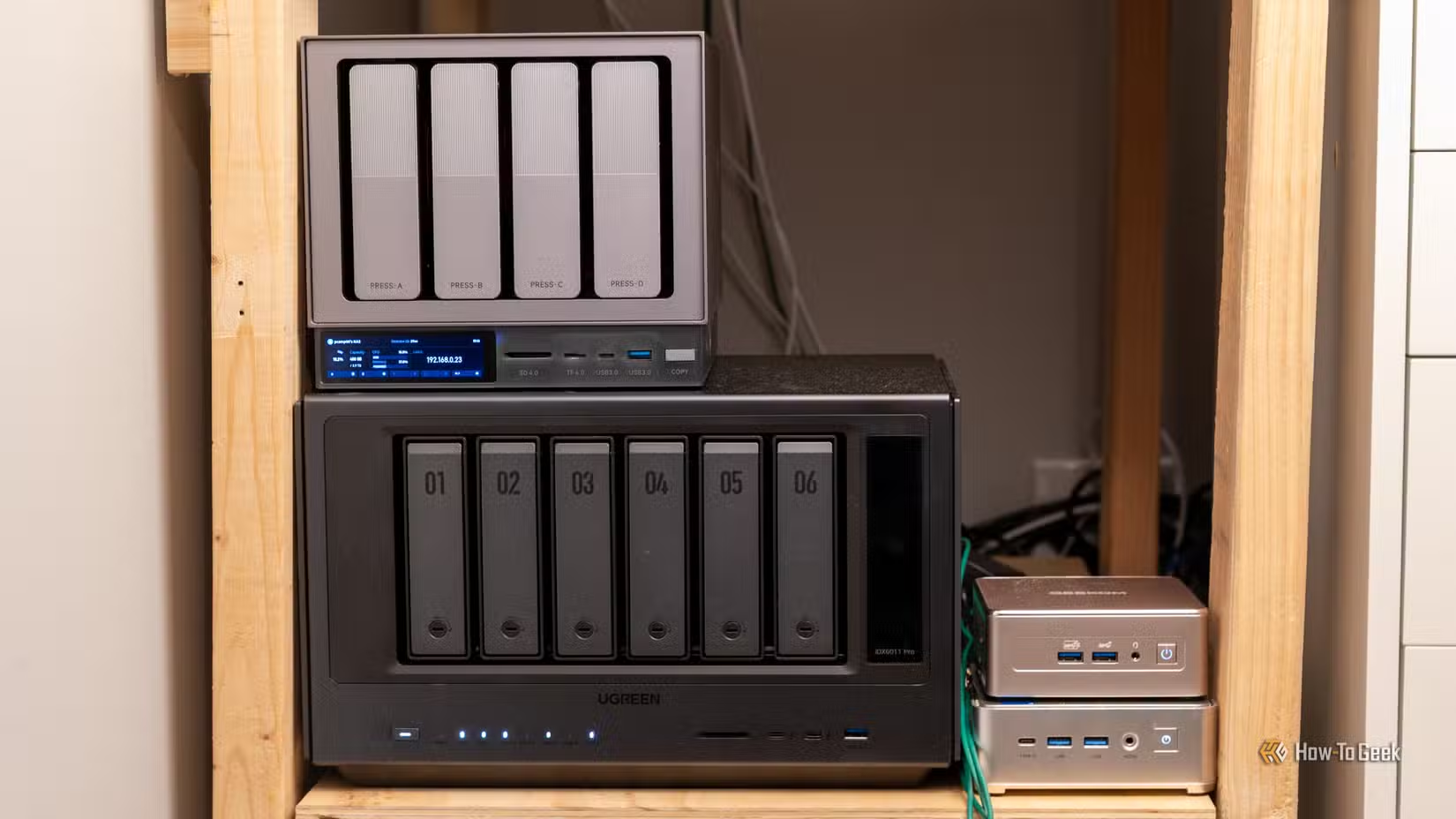
If you're backing up files or streaming media from a NAS device, Ethernet isn't optional. It's essential. The data transfer speeds required for these tasks make Wi-Fi impractical.
6. Work-From-Home Setups
Video calls, file uploads, VPN connections: all benefit from wired reliability. If your job depends on your internet connection, don't leave it to the vagaries of wireless.
7. Security Cameras (Wired Options)
PoE (Power over Ethernet) cameras eliminate two problems at once: unreliable Wi-Fi connections and the need for separate power cables. They're more reliable for security footage that you can't afford to miss.
8. Mesh Router Nodes
If your mesh Wi-Fi system supports Ethernet backhaul, use it. Connecting mesh nodes with cables instead of wireless links dramatically improves whole-home coverage and speeds.

The USB to Ethernet Solution
Some devices lack built-in Ethernet ports. That doesn't mean they're stuck on Wi-Fi. USB to Ethernet adapters cost between $15 and $30 and work with most devices that have a USB port.
Streaming sticks, laptops, and even some tablets can connect to wired networks through these adapters. The slight cable management hassle is worth the performance boost.
The Real Cost of Wi-Fi Overload
Most routers can handle around 30 to 50 connected devices before performance degrades noticeably. In a modern home, hitting that limit isn't hard. A family of four might have phones, tablets, laptops, a smart TV, gaming console, smart speakers, and a dozen smart home gadgets before you even count the smart thermostat, doorbell, and garage door opener.
Each device on Wi-Fi creates overhead. Even idle devices send periodic check-ins that consume router resources. Moving high-bandwidth devices to Ethernet doesn't just help those devices. It helps everything else still on Wi-Fi.
Logicity's Take
Getting Started
You don't need to rewire your entire house in a weekend. Start with the devices closest to your router that consume the most bandwidth. A single Ethernet cable to your gaming console or streaming device can make a noticeable difference.
- Check which devices in your home have Ethernet ports. Most TVs, game consoles, and desktop PCs do.
- Order a few USB to Ethernet adapters for devices without ports.
- Before buying new smart home devices, check if Zigbee or Thread versions exist.
- Consider Ethernet backhaul if you're using or planning a mesh Wi-Fi system.
Frequently Asked Questions
Is Ethernet really faster than Wi-Fi 6?
Yes. While Wi-Fi 6 offers impressive theoretical speeds, Ethernet delivers more consistent real-world performance with lower latency. Wi-Fi speeds fluctuate based on interference, distance, and network congestion. Ethernet doesn't.
Can I use a USB to Ethernet adapter with a Fire TV Stick?
Yes. Amazon sells an official adapter, and third-party options work too. You'll need a USB hub with power passthrough since the Stick has only one micro-USB port.
What's the difference between Zigbee and Thread?
Both are low-power mesh protocols for smart home devices. Thread is newer and uses IPv6, making it more compatible with modern networking. Matter, the new smart home standard, runs on Thread, making Thread devices more future-proof.
How do I know if my router is overloaded?
Signs include slow speeds despite good internet service, devices dropping connections randomly, and certain areas of your home having weak coverage. Most routers have admin panels showing connected device counts.
Do I need special Ethernet cables for gigabit speeds?
Cat 5e cables support gigabit speeds up to 100 meters. Cat 6 and Cat 6a offer better shielding for environments with interference. For most homes, Cat 5e or Cat 6 works fine.
Another practical comparison guide for optimizing your tech setup
Need Help Implementing This?
Source: How-To Geek
Huma Shazia
Senior AI & Tech Writer
Produced with AI assistance and reviewed by the Logicity editorial team. Learn more in our Editorial Policy.






