Key Takeaways
- Screen Reactions lets you record your face over screen captures without third-party apps
- Bubbles multitasking works with some apps but Chrome, Gmail, and YouTube are missing
- Expanded dark mode can force dark themes on resistant apps with per-app controls
Google's June 2026 Pixel Drop landed on June 16, bundling Android 17 with seven new features for Pixel owners. The update is the biggest this year because it ships with a full OS upgrade rather than just feature additions. After testing on a Pixel 9, the results are mixed: some additions work immediately, others feel half-baked, and a few are locked to newer hardware.
Here's what actually changed and whether each feature delivers on the promise.
Screen Reactions: record your face over your screen
TikTok and Instagram Reels creators know the workflow: record your screen in one app, record yourself reacting in another, then stitch them together in an editor. Screen Reactions collapses that into a single step.
Swipe down twice to Quick Settings, tap the screen recording icon, and toggle on "Show selfie camera" before hitting Start. Your front camera appears as a floating window with automatic background removal. No green screen required. The window can be dragged and resized mid-recording.
Testing on a Pixel 9 showed clean background cutouts and smooth resizing. Pointing at elements on screen felt natural. The catch: Screen Reactions only works when recording the entire screen, not a single app. Google labels this a "Pixel-first experience" requiring Android 17.
Bubbles: floating app windows with gaps
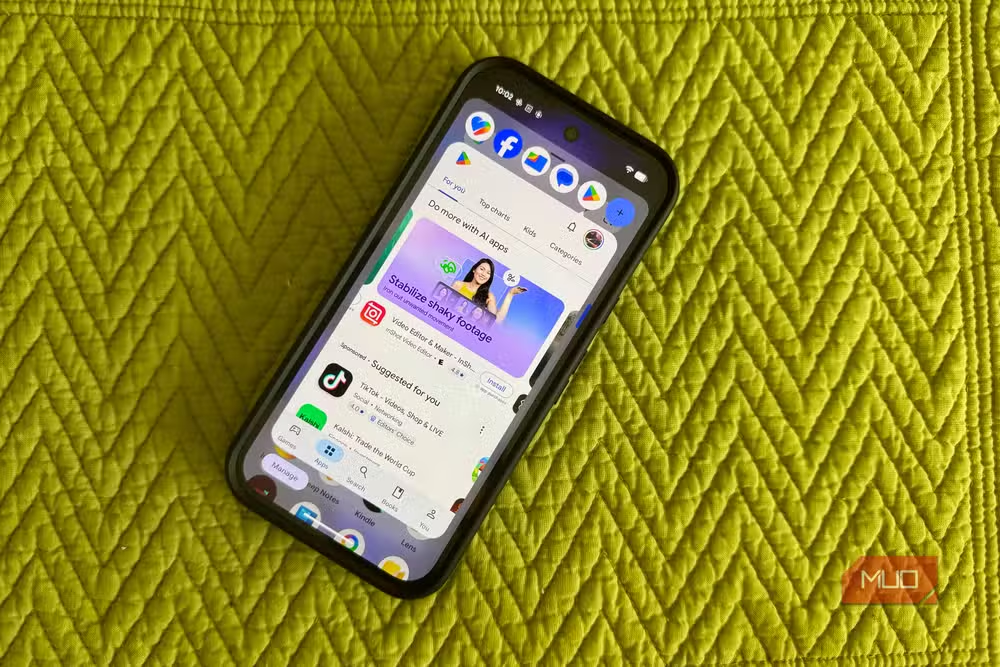
Bubbles brings Facebook Messenger-style chat heads to most apps. Long-press an app icon, select the bubble option, and the app opens as a compact floating window above whatever you're doing. Up to five bubbles can stay active at once, shrinking to icons along the screen edge when inactive.
On a Pixel 9, Bubbles worked with Messages, Phone, Settings, Libby, Messenger, Facebook, Files, Calculator, and Assistant. But Chrome, Gmail, YouTube, Netflix, Contacts, and Clock lacked the bubble option entirely. Google claims universal app support, which isn't true yet. The feature appears opt-in for developers, so coverage should expand over time.
Android 17 rolls out to Pixel 6 and newer. If your phone hasn't received the update, these features will arrive eventually.
Expanded dark mode forces dark themes on resistant apps
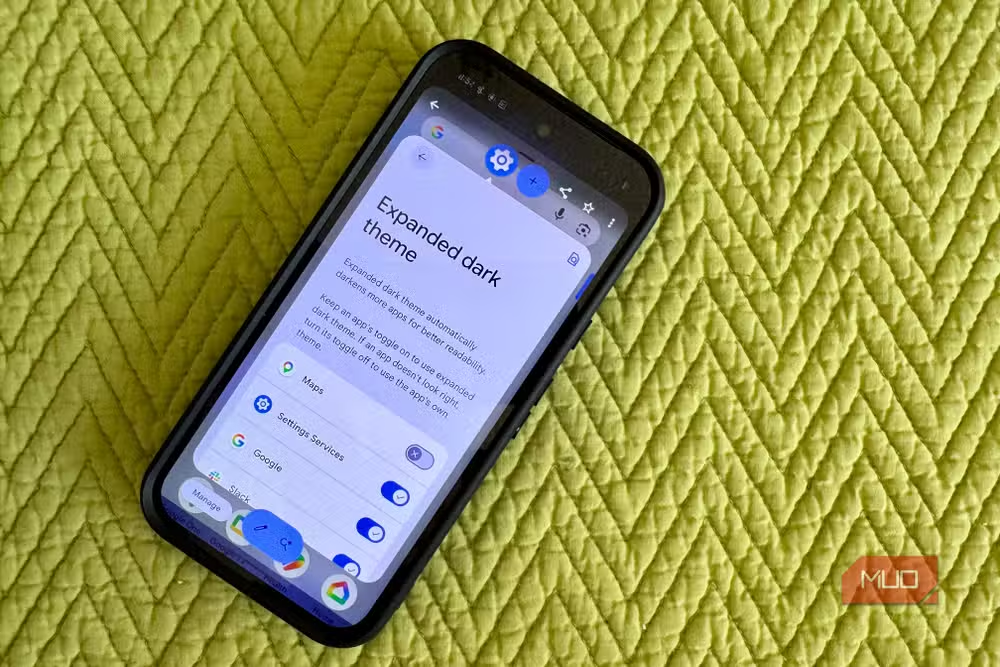
Standard dark mode has existed on Pixel for years, but it only affects apps that support it natively. Android 17's Expanded option tries to force dark mode onto holdouts.
Navigate to Settings > Display & touch > Dark theme. With dark theme enabled, you'll see Standard and Expanded options. Select Expanded, tap the gear icon, and you get per-app toggles. A search field at the top saves scrolling through your entire app library.
The per-app list worked fine during testing. Blue toggles indicate forced dark mode; X-marked toggles mean excluded. But results were inconsistent. Some apps obeyed the forced dark treatment. Others ignored it completely. There's no master switch to flip all apps at once, so you'll configure each one manually.
Crash detection and Quick Share improvements
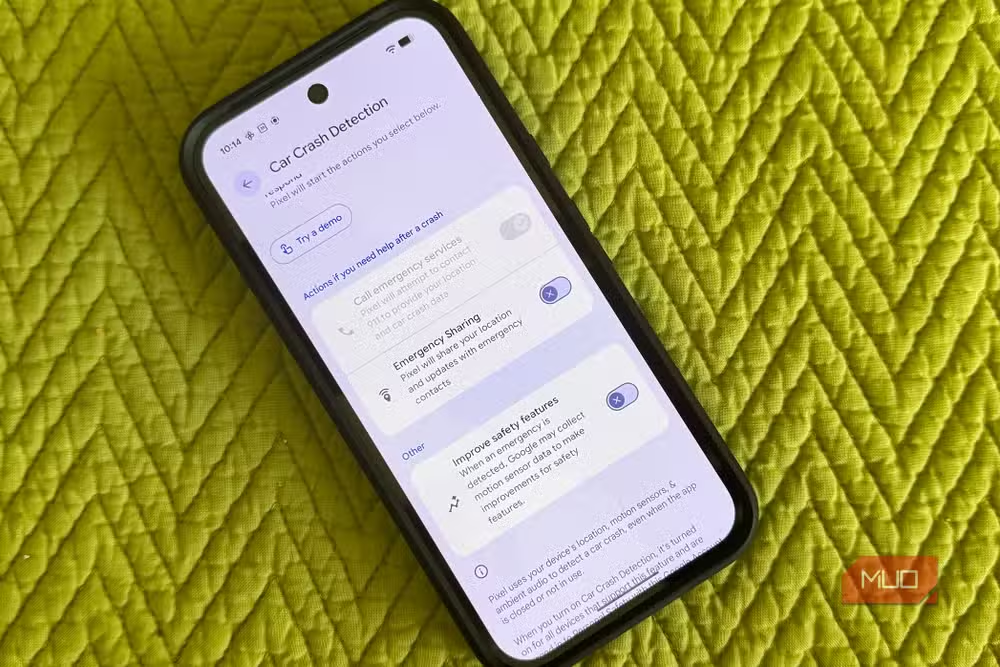
The June drop also refines crash detection, Google's feature that senses car accidents and can automatically alert emergency services. The update expands device compatibility and improves detection accuracy, though Google hasn't published specific numbers on false positive reduction.
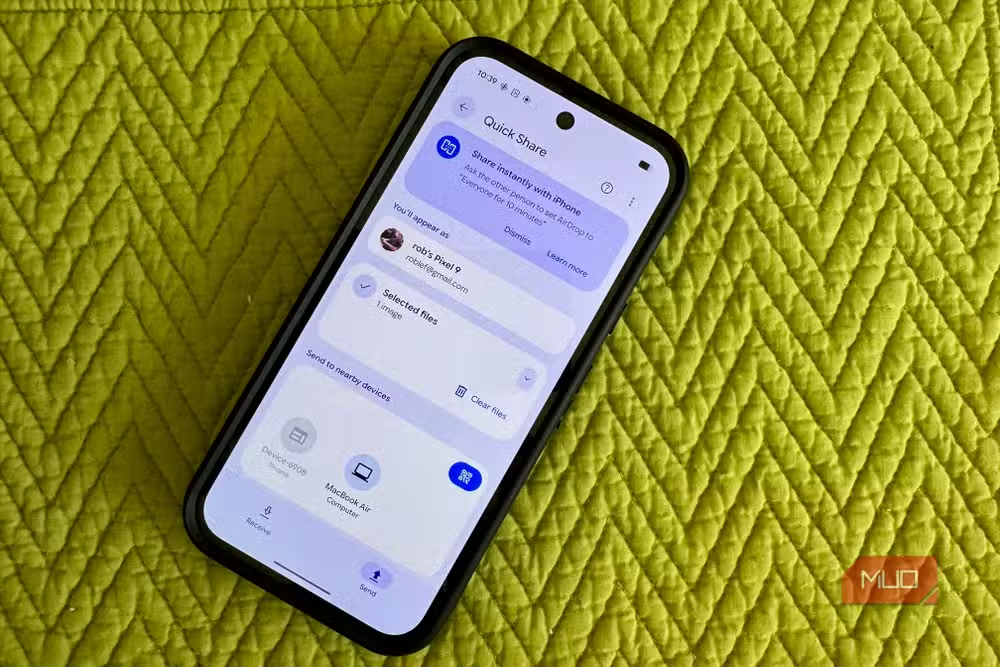
Quick Share, Google's AirDrop competitor, gets speed improvements for transferring files between Pixel devices. The interface remains unchanged, but transfers complete faster on local network connections.
Gemini video walkthrough and newer Pixel exclusives
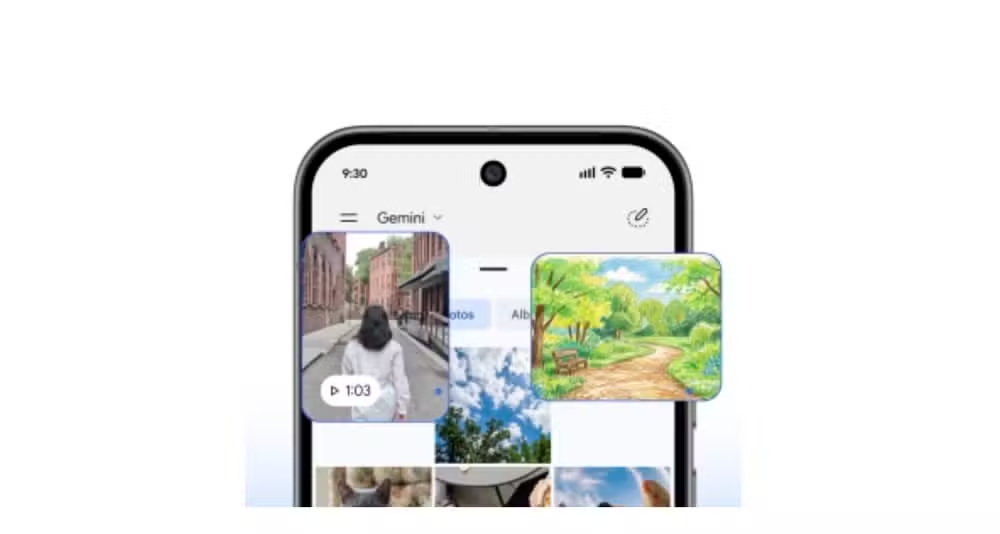
Some features target only recent Pixel hardware. Gemini's video walkthrough capability, which lets the AI assistant guide you through on-screen tasks with visual context, requires a Pixel 8 or newer. This continues Google's pattern of reserving AI-intensive features for phones with newer tensor chips.
Which Pixel phones get Android 17?
Android 17 will roll out to Pixel 6 and newer devices over the coming weeks. If you haven't received the update yet, it's likely in staged rollout. Check Settings > System > Software updates to pull it manually.
Google promises seven years of software support for Pixel 8 and newer. Older models will lose updates sooner, so the June drop may be among the last major feature additions for Pixel 6 owners.
Samsung's latest phone update also adds significant new capabilities for travelers
Frequently Asked Questions
Which Pixel phones get the June 2026 Feature Drop?
Pixel 6 and newer devices receive Android 17 and the June Feature Drop. The rollout is staged, so not all devices get it on the same day.
Does Screen Reactions work on all Pixel phones?
Screen Reactions requires Android 17 and only works when recording the entire screen, not single apps. It's available on any Pixel that receives the Android 17 update.
Why don't all apps support Bubbles on Pixel?
Bubbles appears to be opt-in for app developers. Chrome, Gmail, YouTube, Netflix, and some other major apps currently lack support, though this may expand over time.
Can I force dark mode on any app with Android 17?
The Expanded dark mode option attempts to force dark themes on apps that don't natively support it, but results are inconsistent. Some apps ignore the setting entirely.
Logicity's Take
Google's Feature Drops continue to differentiate Pixels from other Android phones, but the execution gap between announcement and reality remains a problem. Bubbles launching without Chrome or Gmail support is puzzling. These are Google's own apps. The Expanded dark mode showing "inconsistent results" suggests it shipped before full testing. The features worth having immediately: Screen Reactions and the per-app dark mode controls. The rest needs another update or two.
Need Help Implementing This?
If you're building mobile apps or managing device fleets and need to understand how Android 17 changes affect your products, reach out to Logicity's consulting team for technical guidance.
Source: MakeUseOf
Manaal Khan
Tech & Innovation Writer
Produced with AI assistance and reviewed by the Logicity editorial team. Learn more in our Editorial Policy.






