Key Takeaways
- A GPU's age alone doesn't determine obsolescence. Driver support, VRAM, and modern features like DLSS or FSR matter more.
- Cards lacking active driver updates become security risks and lose compatibility with new game releases.
- Low VRAM is the silent killer. Many older GPUs shipped with 2-4GB, while modern games routinely demand 8GB or more.
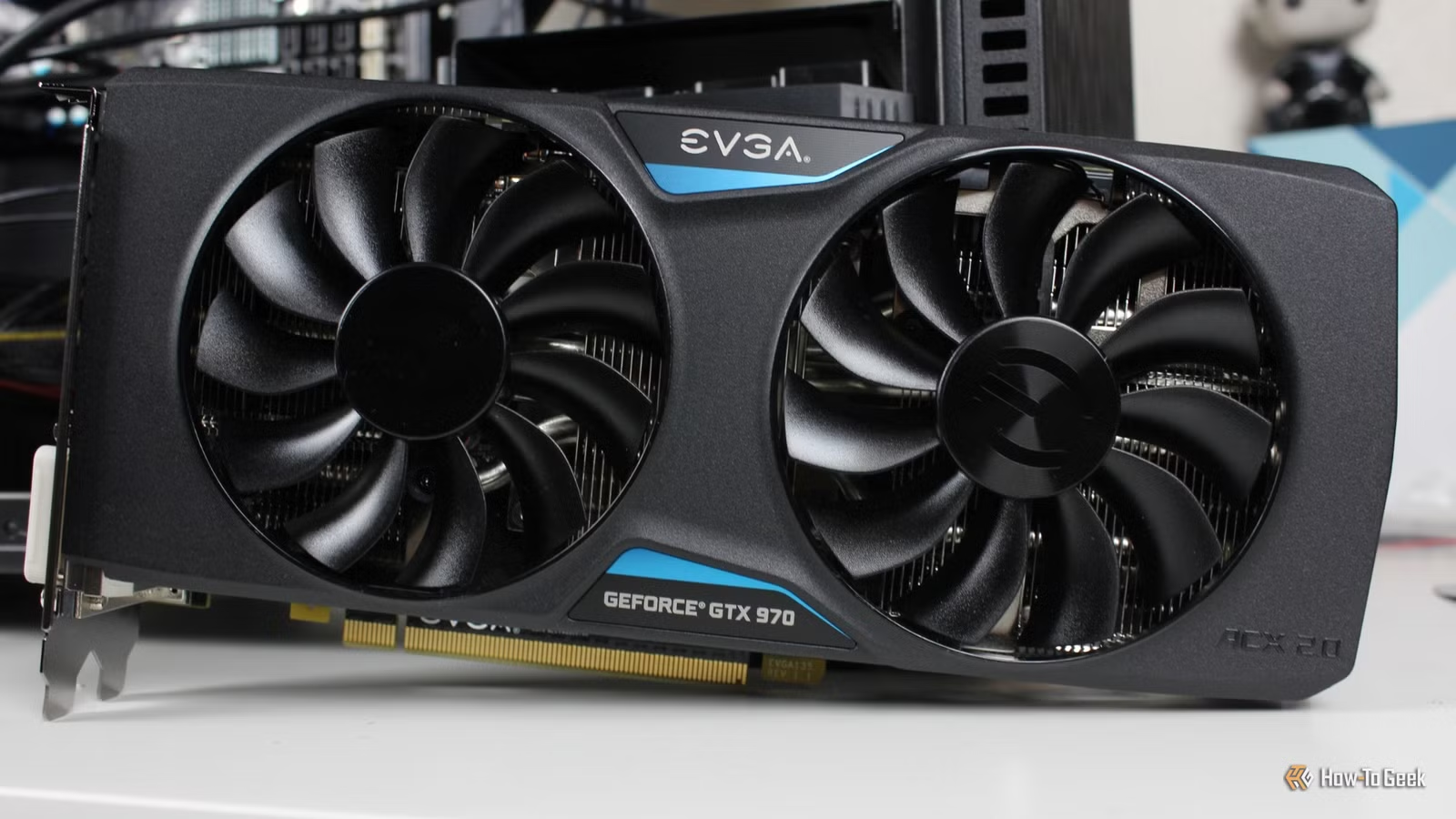
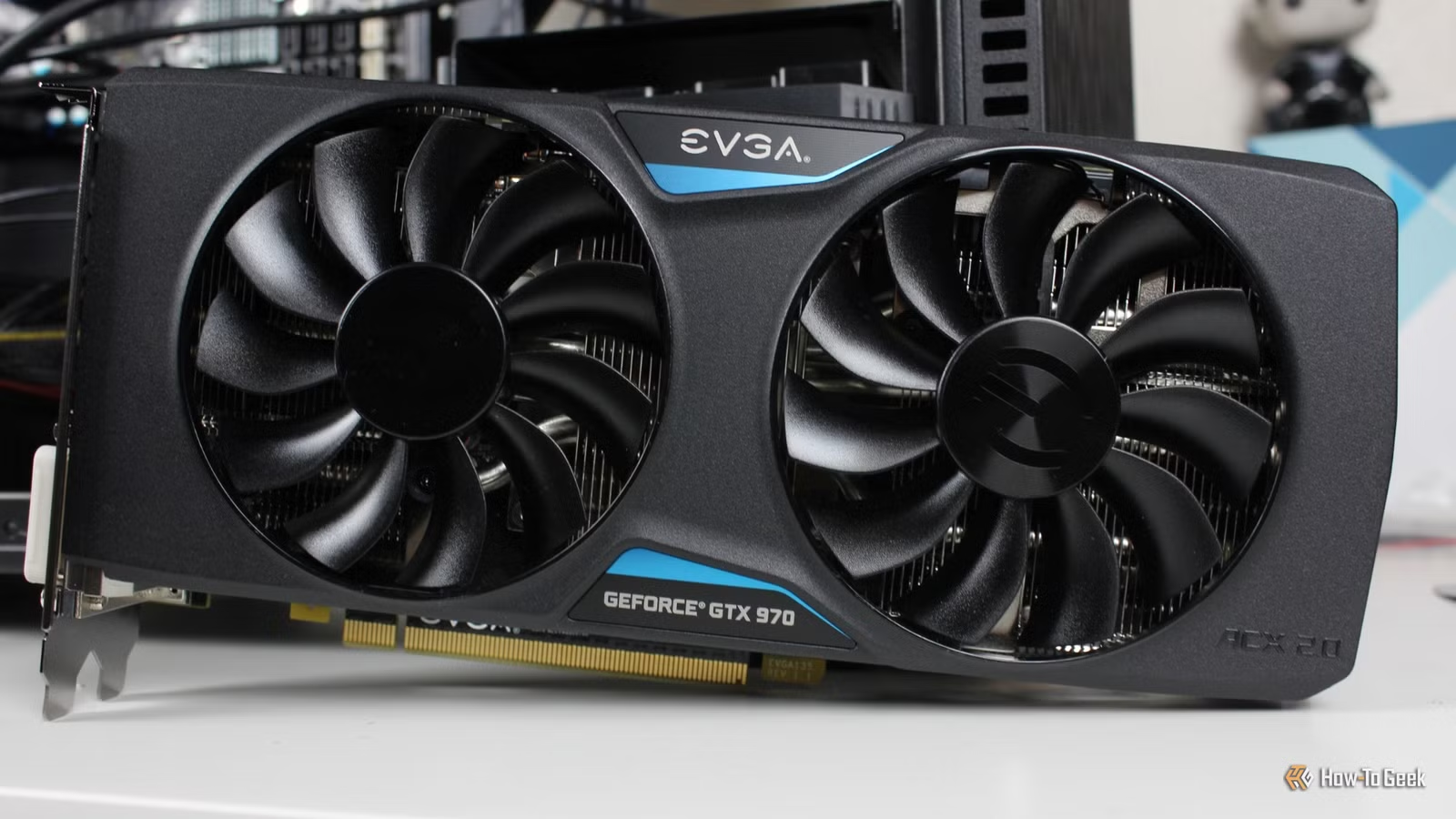
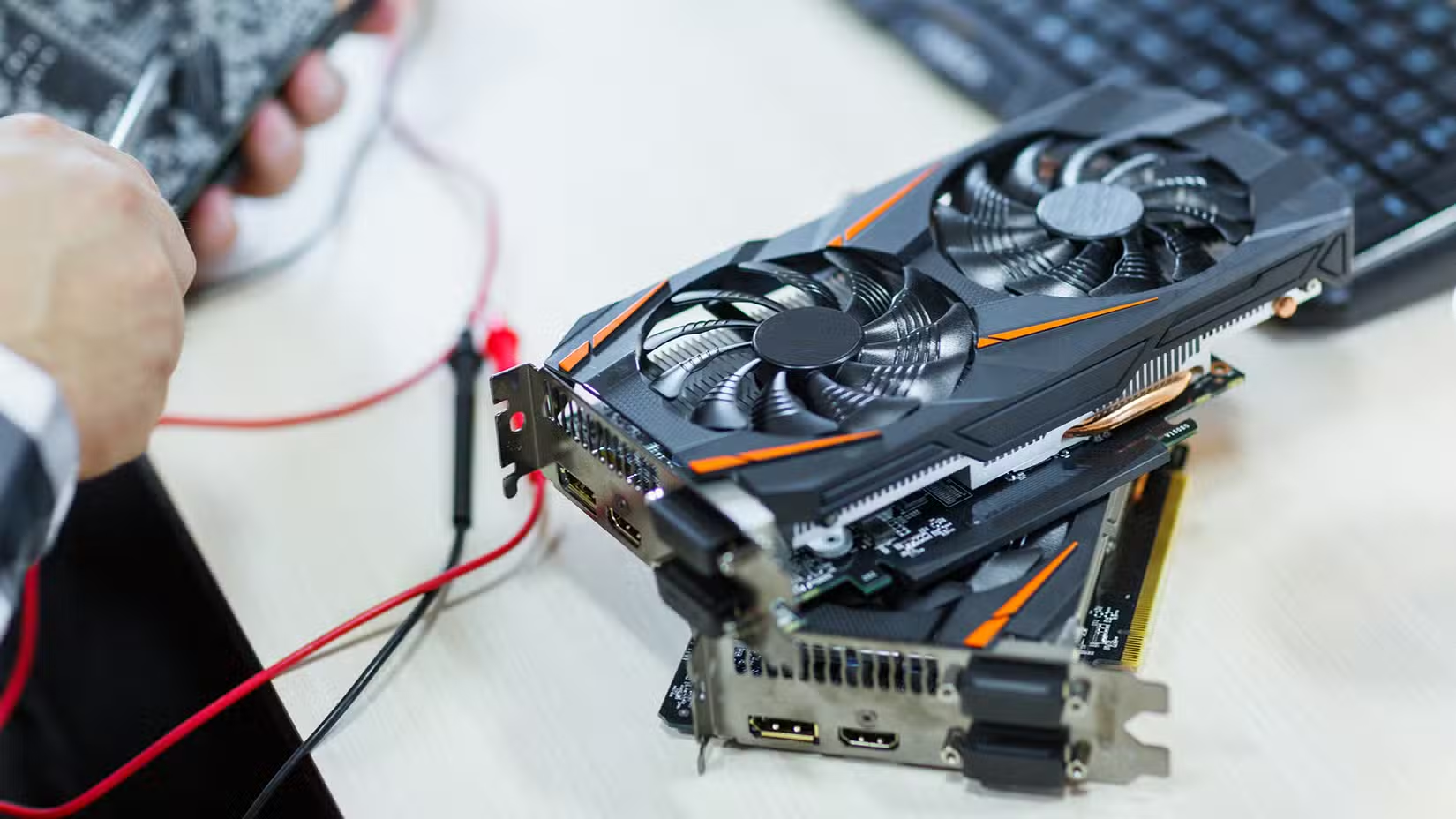
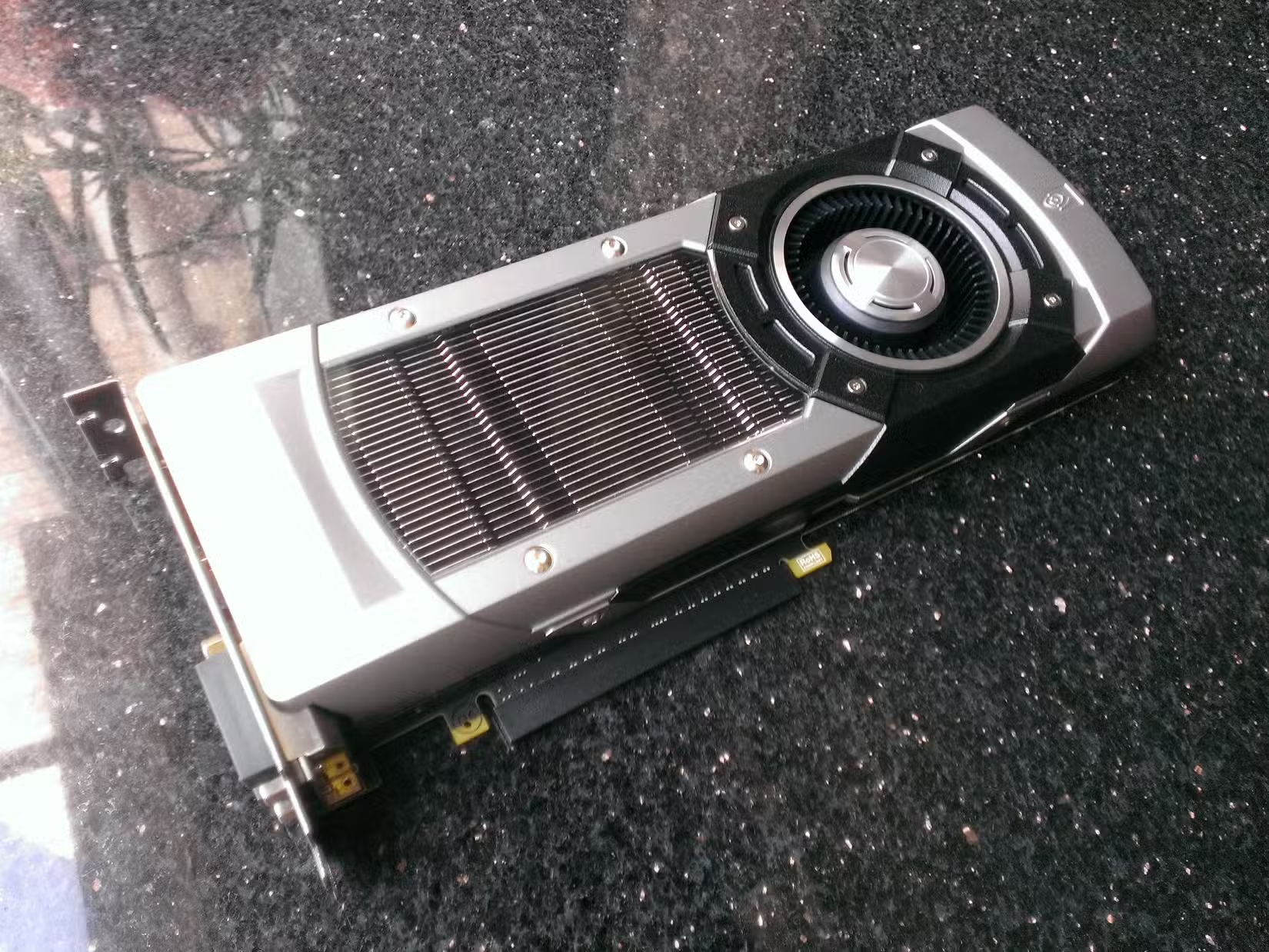
Not every old GPU is a bad GPU. Plenty of cards from five or six years ago still handle indie games, esports titles, and older AAA releases without breaking a sweat. But there's a line between 'aging gracefully' and 'holding on for dear life.' Seven graphics cards have officially crossed that line in 2026.
The question isn't whether these GPUs can technically run games. Most can. The question is whether they can deliver an enjoyable experience. Spoiler: they can't.
What Actually Makes a GPU 'Too Old'?
Age alone doesn't retire a graphics card. A 2015 card with robust driver support could outperform a 2018 card that's been abandoned by its manufacturer. Three factors determine whether a GPU has aged out of gaming relevance.
- Driver support: Once a manufacturer stops releasing driver updates, your card loses compatibility with new games and becomes a security liability.
- Modern features: Technologies like DLSS (Nvidia), FSR (AMD), and XeSS (Intel) can double or triple framerates in supported games. Cards without these features leave performance on the table.
- VRAM: This is the quiet killer. Many older GPUs shipped with 2-4GB of video memory. Modern games at 1080p routinely want 8GB. At 1440p, 12GB is increasingly the baseline.
The GPUs on this list suffer from a combination of all three problems. Some have been abandoned by their manufacturers. Others lack the architecture to support upscaling technologies. And nearly all of them have VRAM counts that made sense a decade ago but cause stuttering and texture pop-in today.
The 'Still Works' Trap
If you use your PC for Netflix, email, and spreadsheets, a decade-old GPU is fine. It works. No reason to spend money. But gaming changes the calculation entirely.
Tools like Lossless Scaling can help squeeze extra life out of aging hardware by adding frame generation to any game. It's a clever workaround. But it's also a bandage, not a cure. When your baseline framerate is 25fps, doubling it to 50fps still feels choppy compared to native 60fps from a modern budget card.
The economics have shifted too. GPU prices remain elevated compared to pre-2020 norms, but budget options like Intel's Arc B580 deliver genuine 1080p and 1440p performance for under $250. Holding onto a card that struggles with 2022 releases to avoid spending money often means spending more in frustration and electricity costs.
The VRAM Problem Won't Get Better
Game developers aren't going to start optimizing for 4GB cards again. The trend moves in one direction. Unreal Engine 5 games, in particular, are notorious for VRAM consumption. Even 8GB cards are starting to show strain at higher settings.
If your card has 4GB or less, you're not just dealing with lower framerates. You're dealing with texture streaming issues, which cause visible pop-in as you move through game worlds. The game engine literally can't fit the textures it needs into your card's memory, so it swaps them in and out on the fly. The result looks terrible and feels worse.
When to Actually Upgrade
Upgrading every generation is wasteful. Nvidia, AMD, and Intel would love for you to buy a new card every two years, but the performance gains rarely justify the cost for most users. A three-to-four generation gap is the sweet spot for meaningful upgrades.
But there's also such a thing as waiting too long. If you're still running one of the cards on this list, you've crossed from 'sensible patience' into 'diminishing returns on stubbornness.' The experience gap between these cards and a modern $200-300 GPU is enormous. It's not 20% better. It's a completely different experience.
Logicity's Take
The Upgrade Path Forward
For users still running these older cards, the good news is that the entry point for modern gaming has dropped. Intel's Arc lineup brought genuine competition to the budget segment. AMD's RX 7000 series offers strong price-to-performance at the midrange. Even Nvidia's RTX 4060, despite criticism for its 8GB VRAM, outperforms these aging cards by a factor of three or more.
The key is matching your purchase to your actual gaming habits. If you play at 1080p and don't chase maximum settings, a $200-250 card will feel transformative coming from any GPU on this list. If you've upgraded your monitor to 1440p, budget accordingly. VRAM matters more at higher resolutions.
Planning a GPU upgrade often means rethinking your whole build
Frequently Asked Questions
How do I know if my GPU is too old for gaming?
Check three things: Is your manufacturer still releasing driver updates? Does your card support DLSS, FSR, or XeSS? And how much VRAM do you have? If you're getting no driver updates, have no upscaling support, and only 4GB or less of VRAM, it's time to upgrade.
Can Lossless Scaling fix an old GPU's performance?
It helps, but it's not a replacement for actual hardware capability. Lossless Scaling adds frame generation to any game, which can smooth out low framerates. But if your baseline is 20fps, doubling it still won't feel as good as native 60fps from modern hardware.
What's the minimum VRAM for gaming in 2026?
At 1080p, 8GB is the practical minimum for modern games at medium-to-high settings. At 1440p, 12GB provides more headroom. Cards with 4GB or less will experience texture streaming issues in most new releases.
Should I upgrade my GPU every generation?
No. Generational improvements typically range from 15-30%. A three-to-four generation gap provides more meaningful upgrades and better value. But waiting longer than that often means running hardware that's actively holding back your experience.
What's the best budget GPU for upgrading from an old card?
Intel's Arc B580 offers strong 1080p and 1440p performance under $250. AMD's RX 7600 and Nvidia's RTX 4060 are also solid choices, though the RTX 4060's 8GB VRAM may feel limiting in a few years.
Need Help Implementing This?
Source: How-To Geek
Manaal Khan
Tech & Innovation Writer
Produced with AI assistance and reviewed by the Logicity editorial team. Learn more in our Editorial Policy.