Key Takeaways
I Found 5 FREE Claude Code Alternatives (Unlimited & Full Workflow) 2026

- Cursor keeps developers close to code with local and cloud agents running side by side
- Codex blocks internet access during runs by default, sharing billing with ChatGPT
- Replit and Lovable let non-developers build apps without touching a terminal
Claude Code delegates entire coding tasks to an AI agent that disappears into your codebase and returns with diffs. That model works well for engineers comfortable handing off control, but it's not how everyone wants to build. Some developers prefer reviewing suggestions line by line. Others want to skip the terminal entirely. Here are seven alternatives that take different approaches to AI-assisted coding.
Disclosure
Some links in this post are affiliate links — Logicity earns a commission if you sign up, at no extra cost to you. We only link products we have used or actively recommend.
What makes one tool better than another?
Claude Code's 1M token context window handles large, complex projects. Its step-by-step reasoning makes big refactors feel manageable. But high token burn in long sessions can get expensive, and the delegation-first design assumes you want to hand off work rather than supervise it.
The alternatives split along a few axes. How much control do you want over each change? Which AI ecosystem are you already paying for? Do you need the terminal at all? Your answers should guide the choice.
1. Cursor: for developers who want to stay close to the code
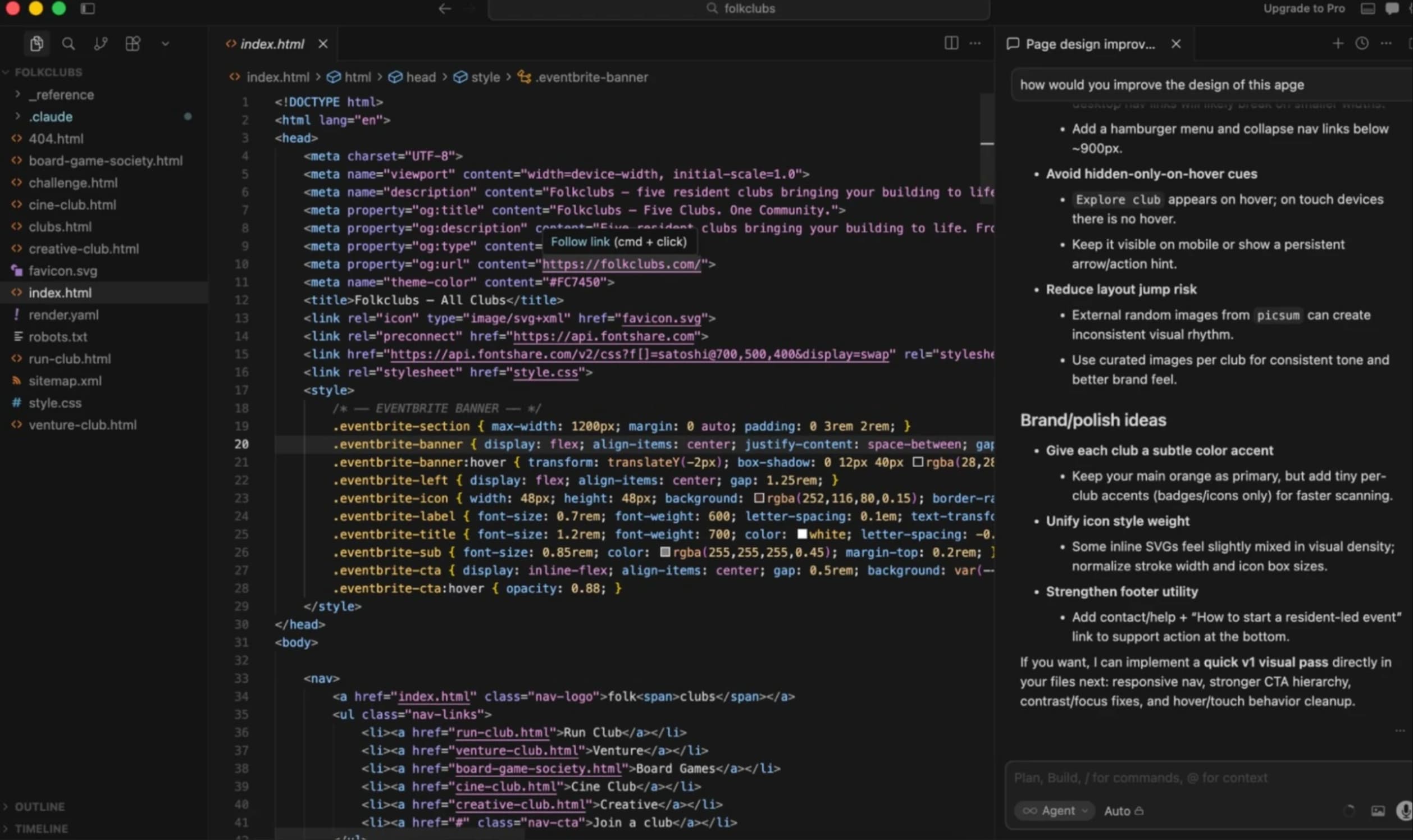
Cursor runs local and cloud agents side by side in a workspace model. You can approve line-by-line changes rather than reviewing a finished diff. The editor supports Claude, GPT, Gemini, and Grok, so you're not locked to Anthropic's models.
Pricing starts free, with Pro at $20/month and Teams at $40/user/month. If you want model flexibility and tight control over suggestions, Cursor is the closest thing to a traditional IDE with agent capabilities bolted on.
2. Codex: for OpenAI-first teams
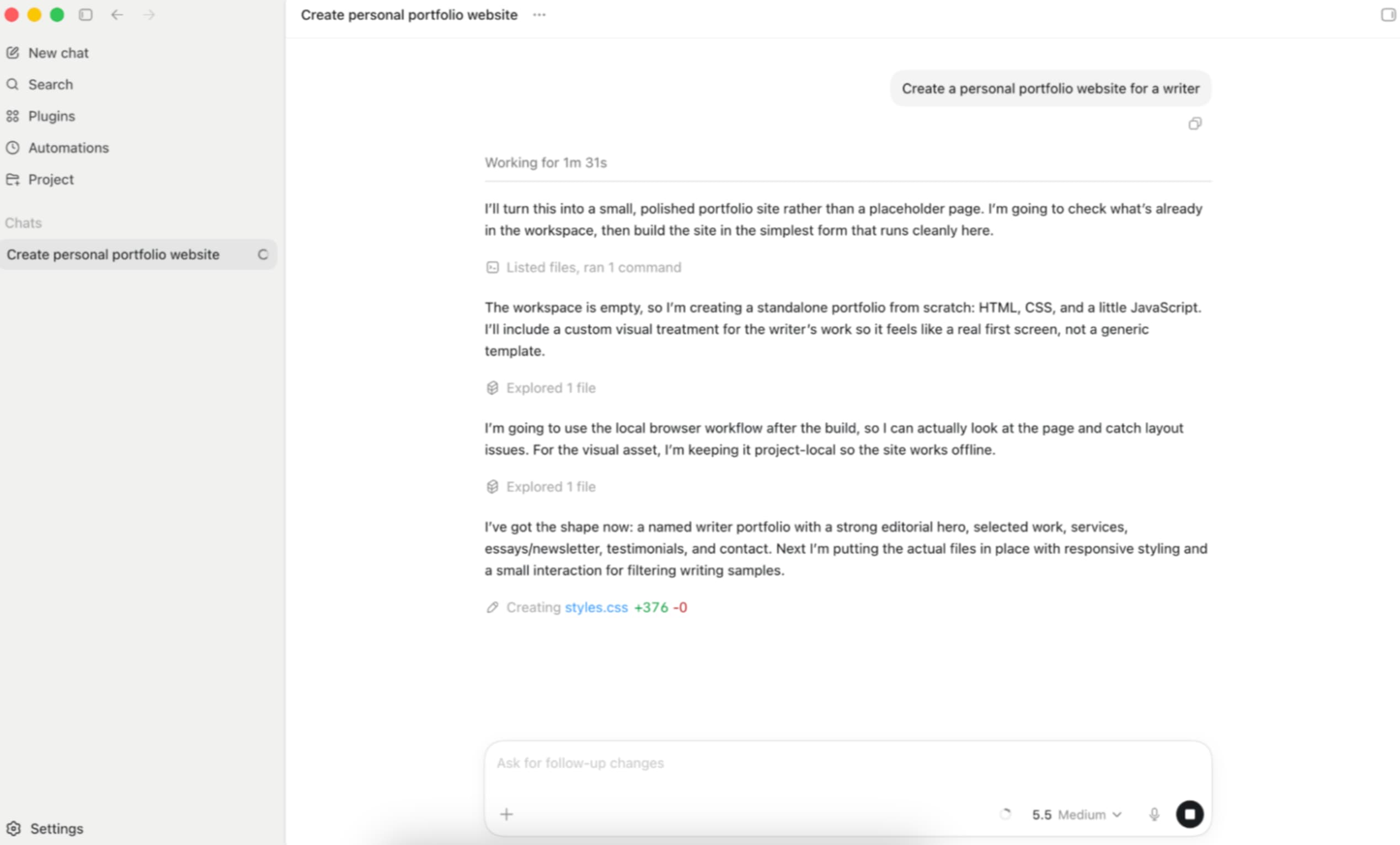
OpenAI's Codex is a cloud agent that blocks internet access during runs by default. That's a security posture Claude Code doesn't enforce out of the box. Codex shares login and billing with ChatGPT, so teams already paying for OpenAI's subscription avoid a second vendor relationship.
A free plan is available. Paid plans start at $8/month. For operations teams standardizing on OpenAI's stack, Codex slots in without adding procurement overhead.
3. Devin Desktop: for managing multiple agents
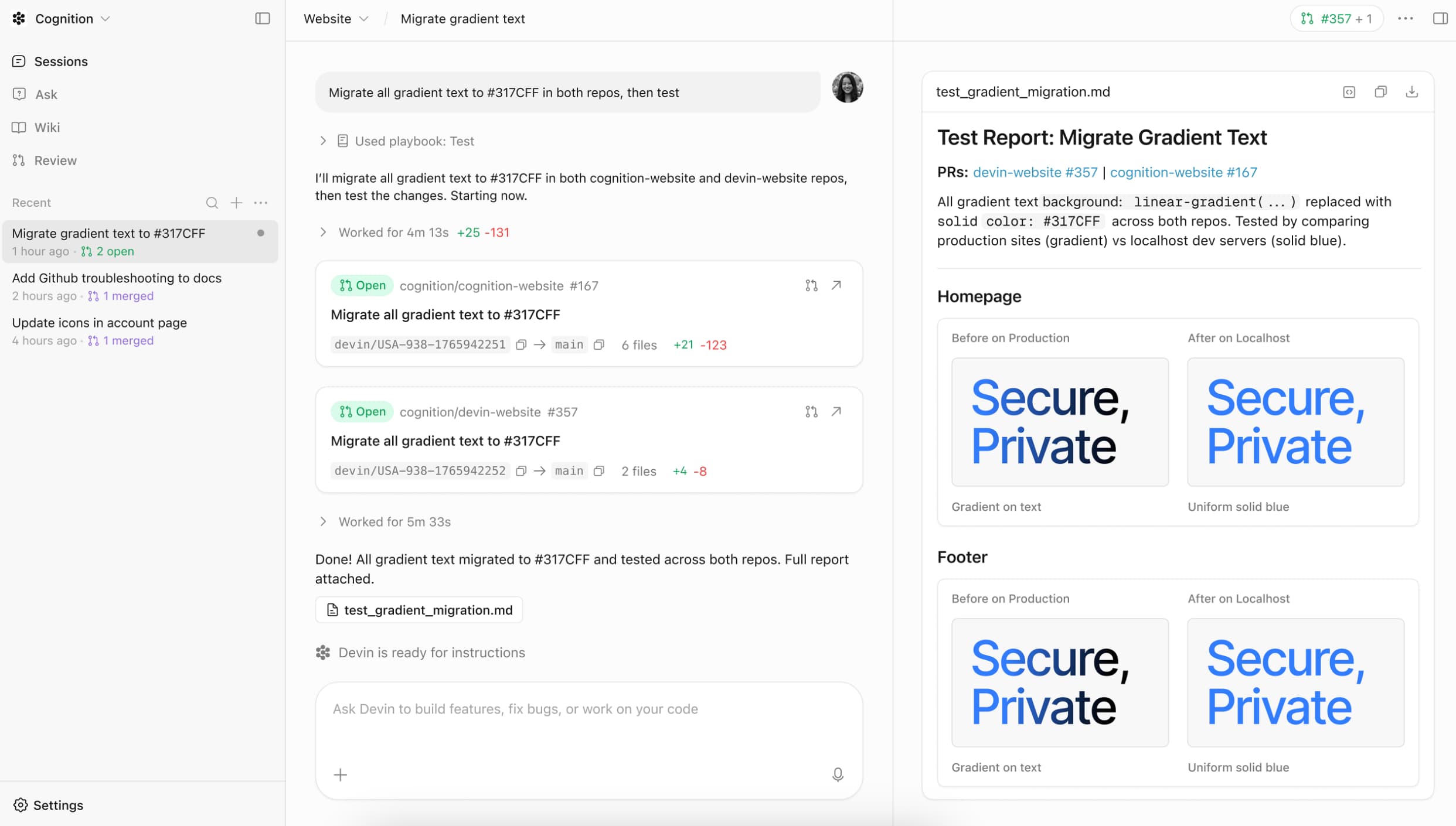
Devin Desktop introduces a kanban-style Agent Command Center. You can dispatch and monitor several agents at once rather than babysitting a single session. Devin's Local agent is reportedly up to 30% more token-efficient than Cascade, which matters when you're running parallel workloads.
Free plan available; paid plans from $20/month. If your team's workflow involves juggling multiple coding tasks simultaneously, Devin's orchestration layer is the differentiator.
Compares agent benchmarks and API pricing across models
4. GitHub Copilot: for pair programming in your existing editor
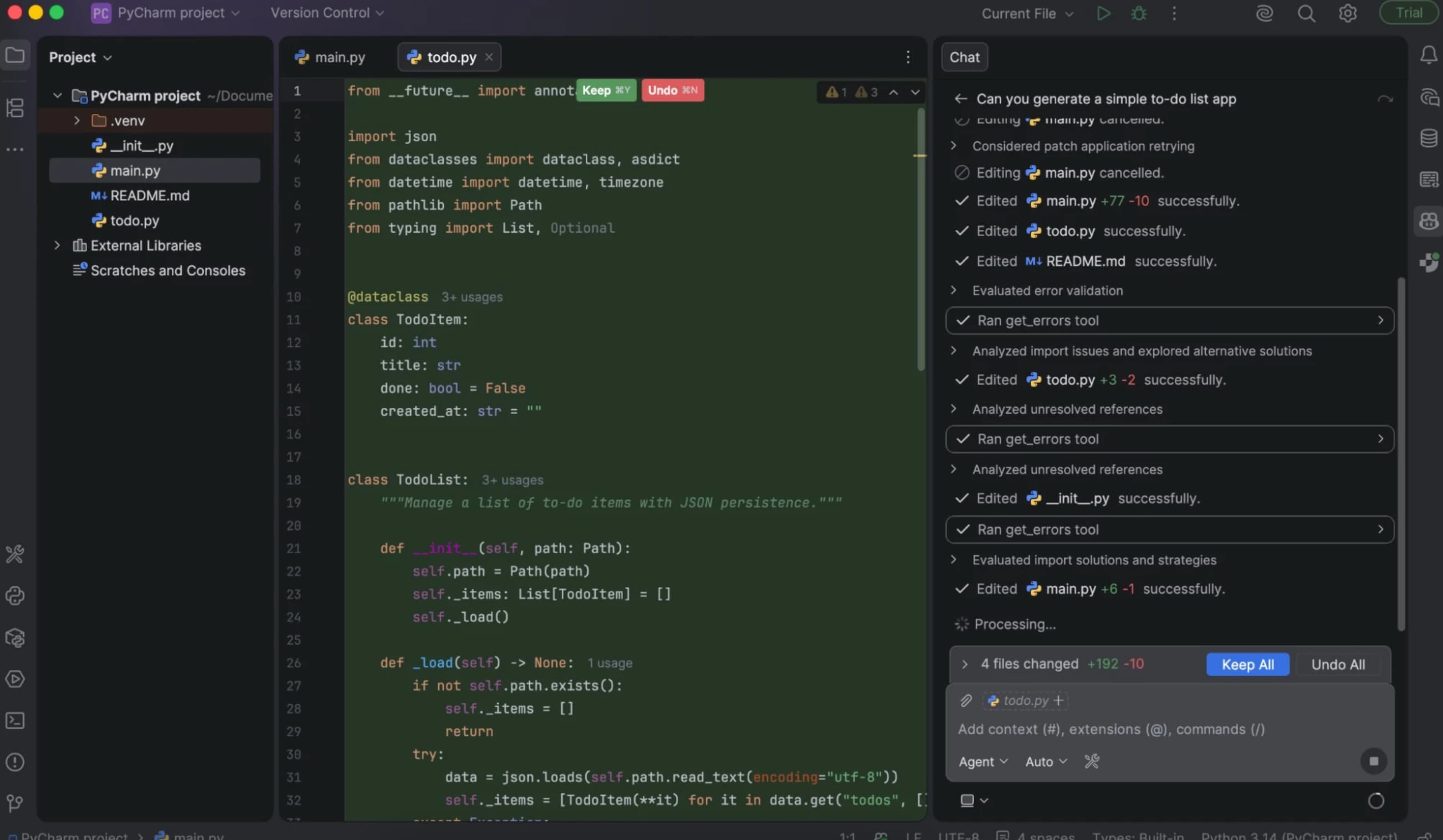
GitHub Copilot works inside VS Code, JetBrains, Vim, and other editors you already use. It's not trying to replace your environment. Code completions appear inline as you type, which makes it feel like pair programming rather than delegation.
This is the mainstream option. Most developers have at least tried Copilot, and the tight integration with GitHub's ecosystem (pull requests, code review, Actions) makes it practical for teams already living in that toolchain.
5. Replit: for beginners and browser-based building
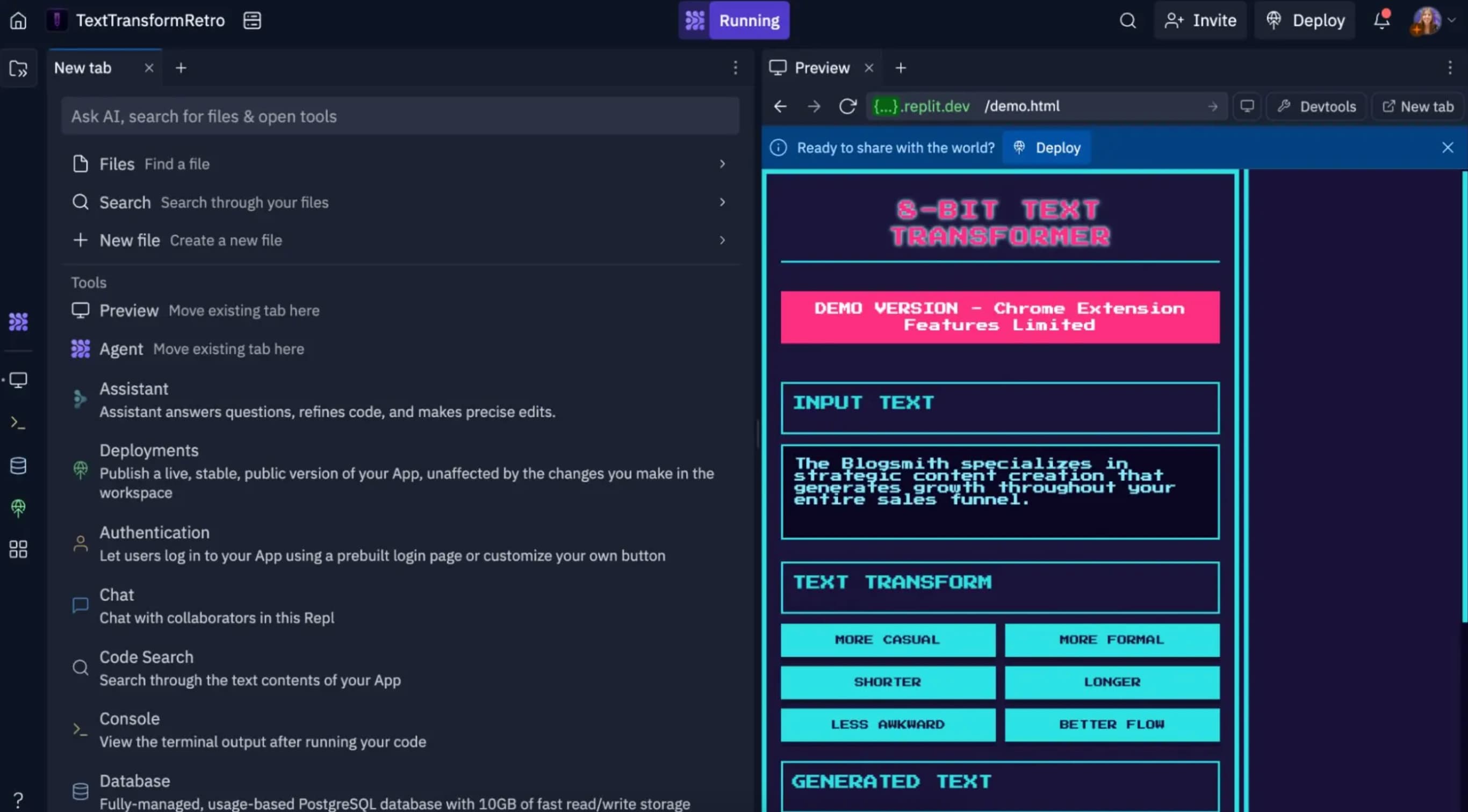
Replit runs entirely in the browser. No local setup, no terminal commands. Its AI assistant helps generate and explain code, which makes it accessible to people who are learning to code or prototyping quickly without worrying about environment configuration.
The trade-off is control. You're working in Replit's environment, not your own. For production-grade work, most teams will eventually outgrow it. But for rapid prototyping or teaching, it removes friction that Claude Code's terminal-first approach introduces.
6. Lovable: for vibe coding your first app

Lovable is aimed at non-developers who want to build apps by describing what they want. The term "vibe coding" captures it: you iterate on prompts rather than syntax. If you've never written code and don't intend to start, Lovable is a more direct path than any tool that assumes technical fluency.
The limitation is obvious. Complex business logic, custom integrations, performance optimization, all require dropping into actual code eventually. Lovable is a starting point, not an end state.
7. Bolt: for integrations and protecting working code
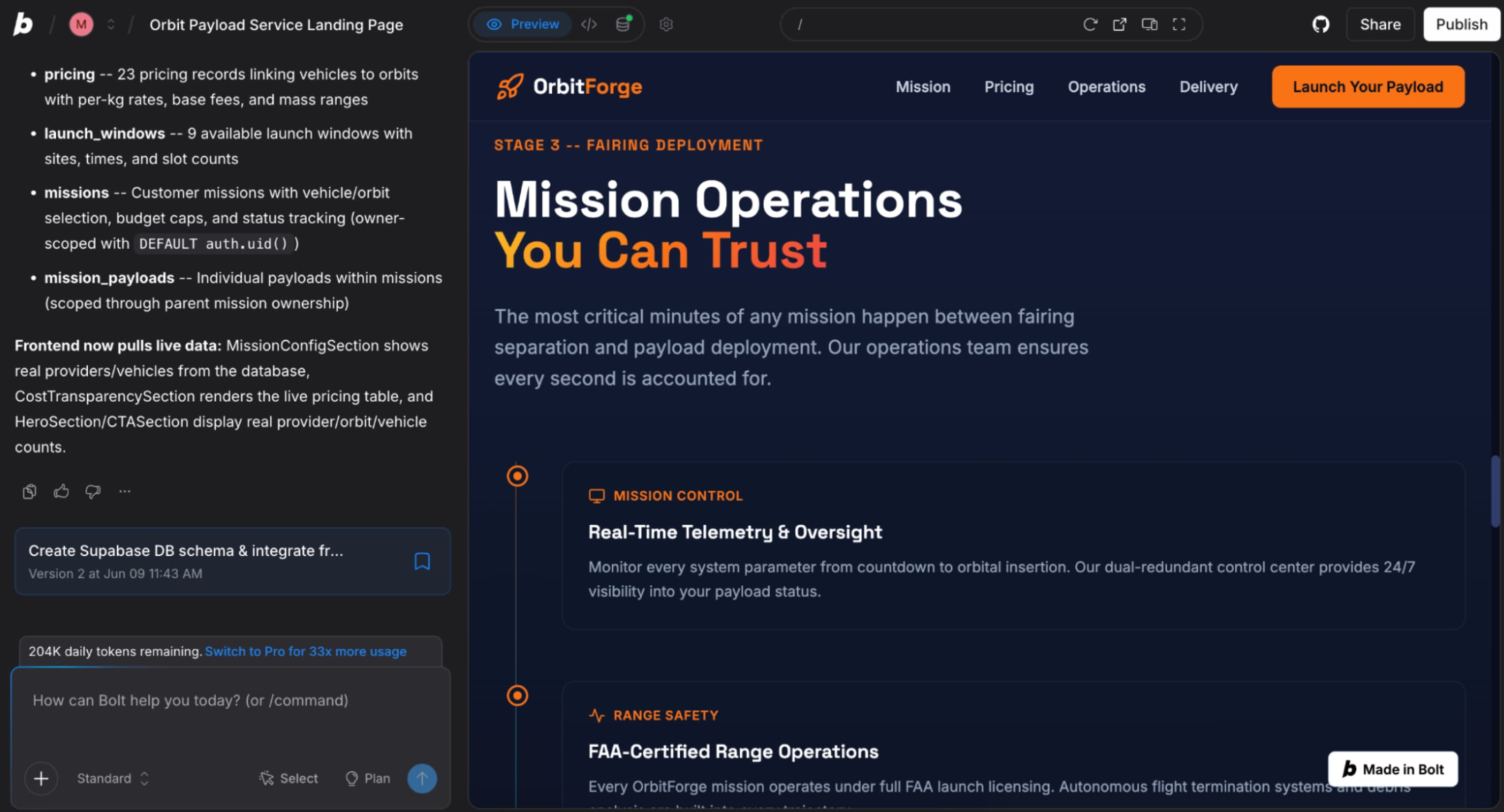
Bolt focuses on building integrations and safeguarding code that already works. If you've got a stable codebase and want to extend it without risking regressions, Bolt's protective approach is appealing. It's less about generating new code and more about connecting existing systems safely.
For RevOps teams wiring together CRMs like HubSpot, Salesforce, or Pipedrive with internal tools, Bolt's integration-first design may fit better than a general-purpose coding agent. Workflow automation platforms like Zapier and Make connect to all these tools as well, so teams often layer them together.
Logicity's Take
Claude Code's delegation model assumes you want to hand off work, not supervise it. That's powerful for experienced developers tackling large refactors, but it's the wrong fit for teams that need line-by-line control (Cursor), non-technical builders (Lovable, Replit), or shops already paying for OpenAI's stack (Codex). The real question isn't which tool is best, it's which workflow matches how your team actually operates.
Which alternative fits which team?
The seven tools cluster into three groups. Cursor, Codex, and GitHub Copilot are for developers who want AI assistance inside a real coding environment. Devin Desktop is for teams orchestrating multiple agents at scale. Replit, Lovable, and Bolt are for people who want to minimize or avoid code entirely.
Claude Code remains the right choice for complex projects where delegation works and you're comfortable with Anthropic's ecosystem. But if you've been forcing it to fit a workflow it wasn't designed for, one of these alternatives will probably feel less like friction.
Need Help Implementing This?
Logicity's consulting team helps operations and RevOps teams evaluate AI coding tools and integrate them into existing workflows. Reach out at consulting@logicity.in.
Source: The Zapier Blog
Manaal Khan
Tech & Innovation Writer
Produced with AI assistance and reviewed by the Logicity editorial team. Learn more in our Editorial Policy.