Key Takeaways
- An old smartphone can serve as a bedside clock, voice assistant, and alarm without needing a cellular connection
- Using your old phone as external storage saves money on flash drives and keeps files accessible
- Handing an old phone to kids on Wi-Fi only tests their responsibility before investing in a new device with a plan
That old phone in your drawer still works. It powers on, the screen responds, and it connects to Wi-Fi. So why is it collecting dust while you consider buying a $20 alarm clock or a $100 security camera? The answer: habit. We upgrade, we forget, and the old device becomes invisible.
The WEEE Forum estimates 5.3 billion mobile phones will become e-waste in 2025. In the US alone, more than 700 million unused smartphones sit in homes, according to EPA estimates. Most of these devices have years of functional life left. The hardware lasts 5 to 7 years on average, but the typical upgrade cycle is just 2 to 3 years.
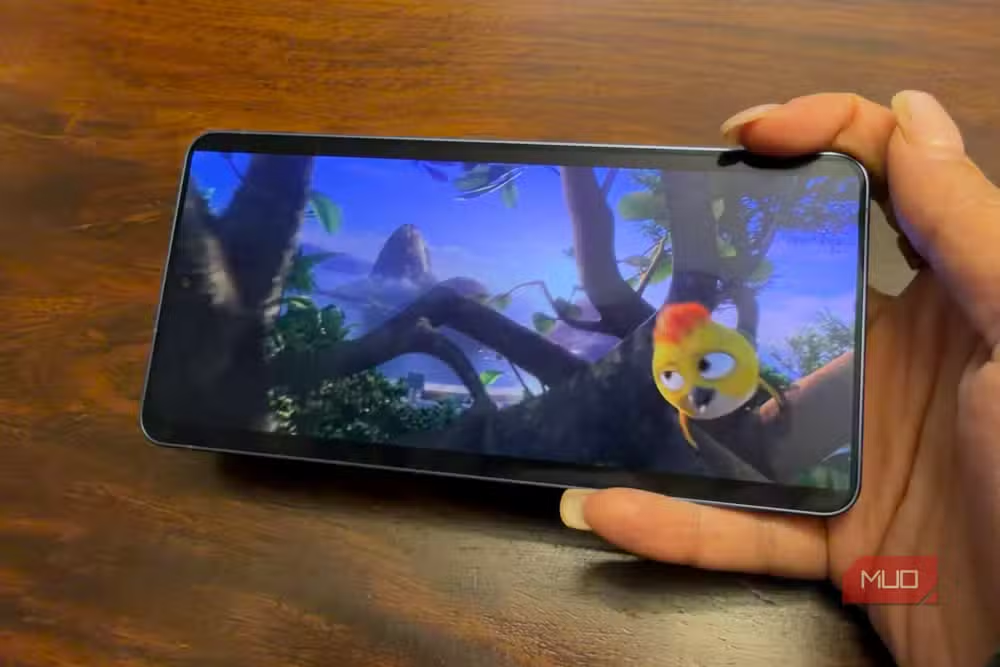
Before you recycle that phone, consider what it can still do. Here are six jobs where your old device beats buying something new.
Turn it into a bedside clock and voice assistant
Your old phone already has a clock app. Download a dedicated clock display app over Wi-Fi, set it on a dock, and plug it in permanently. You now have an alarm clock with a larger screen than most budget alternatives.
But it does more. Connect to Wi-Fi and you have access to Google Assistant or Siri. Set alarms with voice commands. Ask for weather and traffic reports while you get ready. Sync your calendar and have appointments read aloud. A basic alarm clock costs $15. This phone you already own does everything a smart display does.
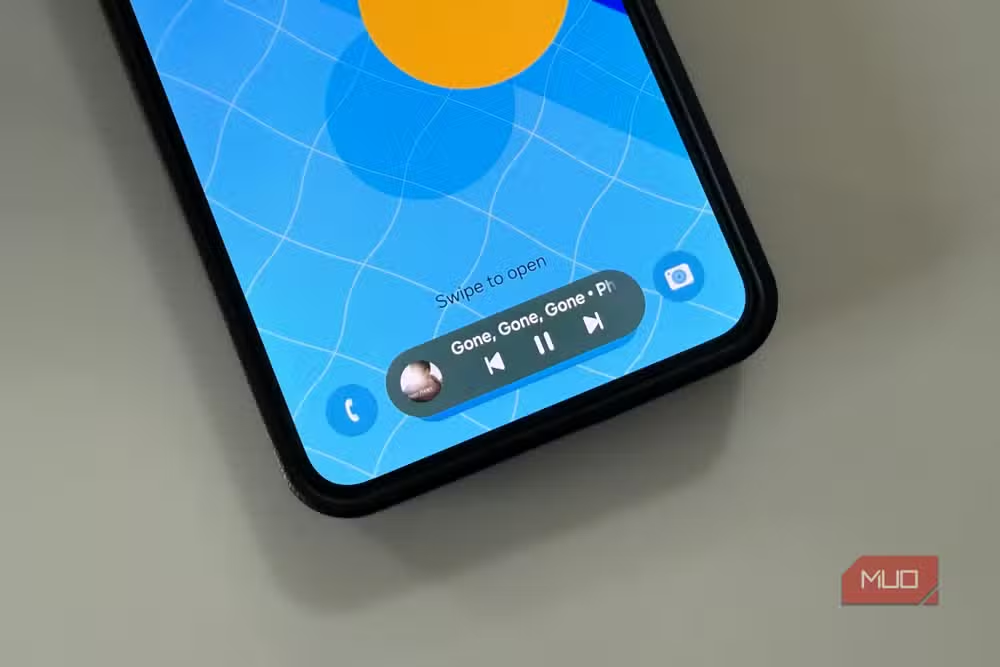
Use it as external storage for photos and files
External hard drives cost money. Flash drives degrade over time and lose data. Your old phone has 64GB, 128GB, or more of solid-state storage built in.
Transfer old photos and videos off your primary device. If both phones run the same OS, the process is straightforward. Even cross-platform transfers work through a computer. Store archived files until you have time to sort through them, then move what you want to keep to the cloud or your main device.
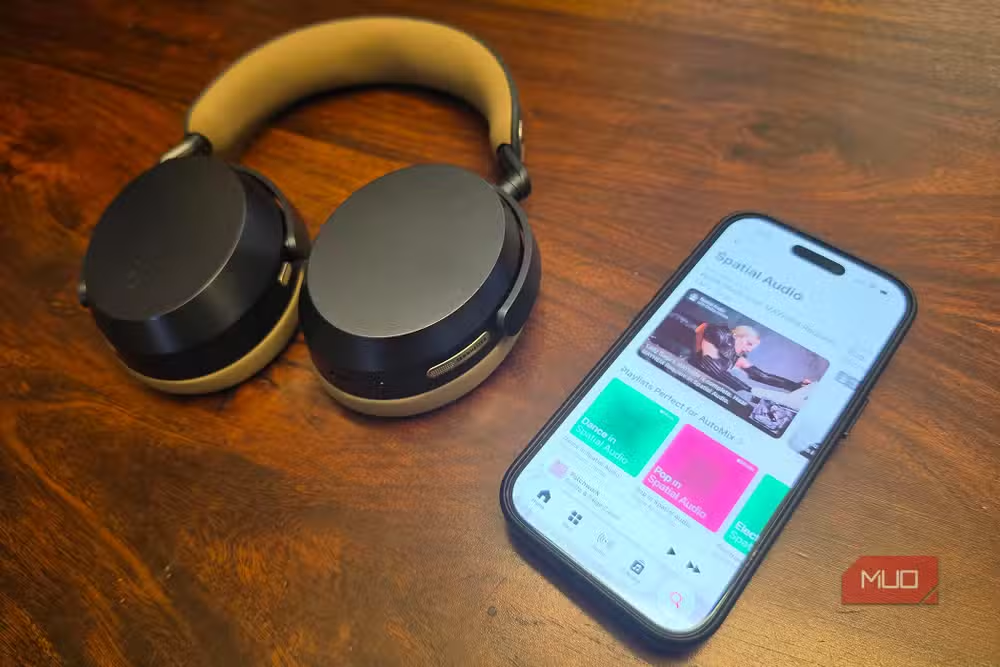
This approach works especially well for photographers and video creators drowning in footage. The phone becomes a holding tank, keeping your primary device fast and uncluttered.
Hand it to your kid as a starter phone
Every parent of a pre-teen faces the same question: is my child ready for a phone? The old device in your drawer answers it without financial risk.
Set up the phone on Wi-Fi only. No cellular plan, no data charges. Your child can call and text at home, in the car via hotspot, or on any trusted Wi-Fi network. They get the basics: messaging, web browsing, light streaming, games. You get a trial period to gauge responsibility before committing to a monthly plan.
If the phone is strictly for emergencies, add a prepaid SIM with a minimal plan. Total investment: a few dollars a month instead of a new phone and contract.
Mount it as a dedicated GPS for bikes or motorcycles
Motorcycle and bicycle GPS units cost $200 or more. Your old phone, mounted on handlebars, does the same job. Download offline maps before you ride. Google Maps and other navigation apps support offline mode for exactly this purpose.
One writer used his old Android phone as a dedicated motorcycle navigation device and found it worked better than expected. No cellular connection required. The phone stays on the bike, so if it gets damaged or stolen, you haven't lost your primary device.
Convert it into a security camera
Apps like Alfred Camera turn any old smartphone into a security camera with motion detection, two-way audio, and cloud storage. Point it at your front door, your baby's crib, or your home office. The camera quality on a phone from 2020 outperforms many budget security cameras sold today.
Setup takes minutes. Plug in the phone, connect to Wi-Fi, install the app, and view the feed from your current phone anywhere. A comparable standalone camera costs $50 to $150. Your old phone costs nothing.
Make it a dedicated music or podcast player
Streaming services work on old phones. Sign into Spotify, Apple Music, or your podcast app. Connect to a Bluetooth speaker in your kitchen, garage, or workshop. The phone becomes a dedicated audio controller, freeing your primary device for calls and messages.
This works especially well in environments where you don't want to risk your main phone. Sawdust in the woodshop, grease in the garage, flour in the kitchen. If the old phone dies, nothing of value is lost.
What about security on old devices?
If your phone no longer receives security updates, you may hesitate to connect it online. This is a valid concern for banking apps or sensitive accounts. But for the uses above, the risk profile is different.
An alarm clock or music player connected to your home Wi-Fi doesn't handle sensitive data. A security camera app transmits video, but the footage is encrypted in transit. A kid's Wi-Fi-only phone can be restricted to specific apps. Assess the use case. Many second-life jobs don't require the same security posture as your primary device.
Logicity's Take
The real barrier to repurposing old phones isn't technical. It's mental. We categorize devices as current or obsolete, useful or junk. But a smartphone from 2019 is still a pocket computer with a decent camera, GPS, and multiple sensors. The 700 million phones sitting in American drawers represent billions of dollars in functional hardware doing nothing. Before your next gadget purchase, ask a simple question: can the phone I already own do this?
Frequently Asked Questions
Can I use an old phone without a SIM card?
Yes. An old phone works on Wi-Fi for nearly all functions including calling through apps like WhatsApp or FaceTime, streaming, smart home control, and voice assistant features.
How do I transfer files from my old phone to my new one?
Use built-in transfer tools like Quick Start for iPhone or Nearby Share for Android. Alternatively, connect both phones to a computer and move files manually, or use cloud storage as an intermediary.
Is it safe to use an old phone that doesn't get security updates?
It depends on the use case. For offline tasks like alarms, music playback, or file storage, the risk is minimal. Avoid logging into sensitive accounts like banking or email on devices without current security patches.
What apps turn old phones into security cameras?
Alfred Camera is the most popular free option. Other choices include Manything, AtHome Camera, and IP Webcam for Android. Most offer motion detection, alerts, and cloud recording.
Should I factory reset my old phone before repurposing it?
Yes. Remove all personal data, sign out of accounts, and perform a factory reset. Then set up only the apps needed for the phone's new purpose.
More ways to use existing tech for smart home automation without buying new gadgets
Need Help Implementing This?
Logicity covers practical tech solutions for professionals who value substance over hype. Subscribe to our newsletter for weekly guides on getting more from the devices and tools you already own.
Source: MakeUseOf
Manaal Khan
Tech & Innovation Writer
Produced with AI assistance and reviewed by the Logicity editorial team. Learn more in our Editorial Policy.






