Key Takeaways

- NFC tags cost $0.15-0.50 each and require no batteries, making them the cheapest reliable trigger for intentional automations
- Motion sensors fail when pets trigger false alarms or when you need to confirm an action was completed, not just detected
- Use cases include plant watering reminders, inventory tracking, bedtime routines, and medication logging
NFC tags solve a problem that motion sensors and schedules cannot: confirming that a human deliberately did something. At $0.15 to $0.50 per tag, with zero batteries to replace, they fill gaps in smart home automation that expensive sensors miss entirely.
Adam Davidson at How-To Geek documented seven specific scenarios where he found NFC tags outperform the usual triggers. The common thread: situations where you need intent, not just presence. Motion sensors detect that someone walked past. Schedules fire whether you're ready or not. NFC tags wait until you tap them.
Why schedules fail for irregular tasks
Davidson runs a Home Assistant server and initially tried scheduling plant watering reminders. The problem: plants don't care about your calendar. Some need water sooner depending on heat and humidity. Others stay moist longer than expected. His scheduled reminders quickly drifted out of sync with reality.

His fix: an NFC tag on the bottom of each plant pot. Scanning it logs that he watered the plant and starts a new timer from that moment. If the notification comes but the soil is still damp, an actionable notification lets him snooze for a day or two. The system tracks what he actually does, not what a calendar assumes he should do.
Motion sensors cannot track inventory
Davidson stores batteries in labeled drawers. He wanted to track how many he used so he'd know when to reorder. A motion sensor could detect that a drawer opened. It could not tell which drawer, or how many batteries he grabbed.
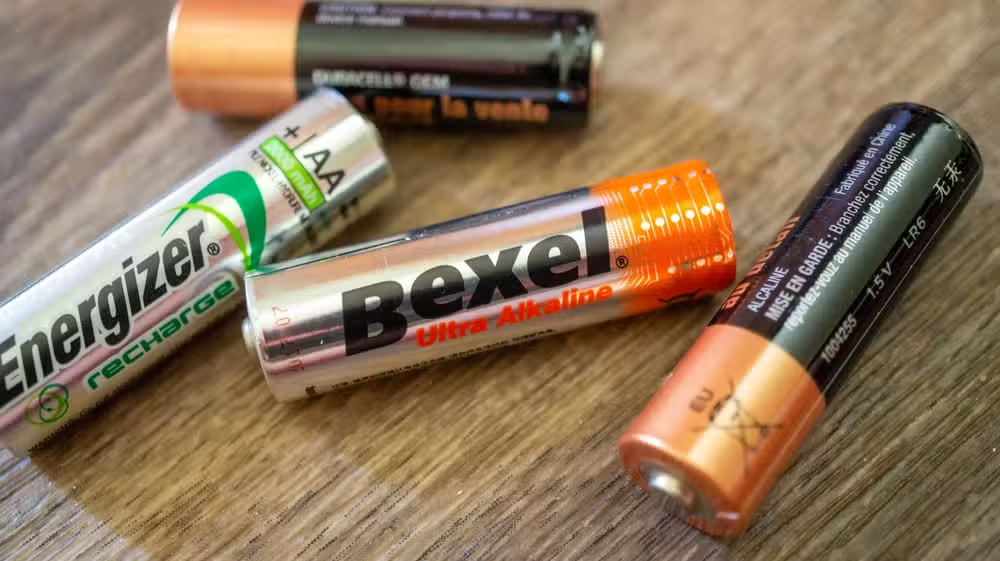
With an NFC tag in each drawer, he scans the tag, taps a notification to record the quantity, and his inventory stays accurate. The tag acts as a confirmation mechanism, not a detection mechanism. That distinction matters for anything where you need data about an action, not just awareness that something moved.
Pets break motion-based automations
Motion sensors cannot distinguish between a person and a cat. If your lights turn on when someone enters a room, they will also turn on at 3 a.m. when your dog decides to investigate a noise. This generates false triggers that defeat the purpose of automation.

Pets have not yet learned to use smartphones. An NFC tag fires only when a human deliberately scans it. For pet owners, this simple constraint eliminates entire categories of automation failures.
Bedtime routines need intentional triggers
Schedules fail because you don't go to bed at exactly the same minute every night. Motion sensors fail because you're mostly stationary while lying in bed reading. Neither knows when you actually want the lights to dim.

A tap on an NFC tag mounted to your nightstand gives you explicit control. The automation runs when you decide, not when a sensor guesses.
Confirming completed tasks
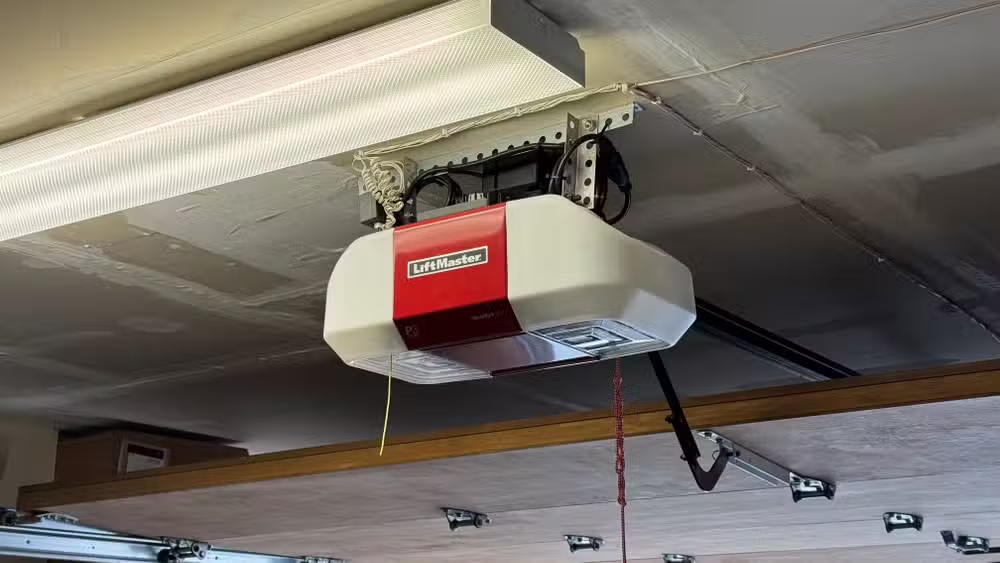
Davidson's smart home nags him about chores like putting out the trash. A video doorbell can detect that he walked outside. It cannot confirm that he actually took the bins to the curb rather than just stepping out for a moment.
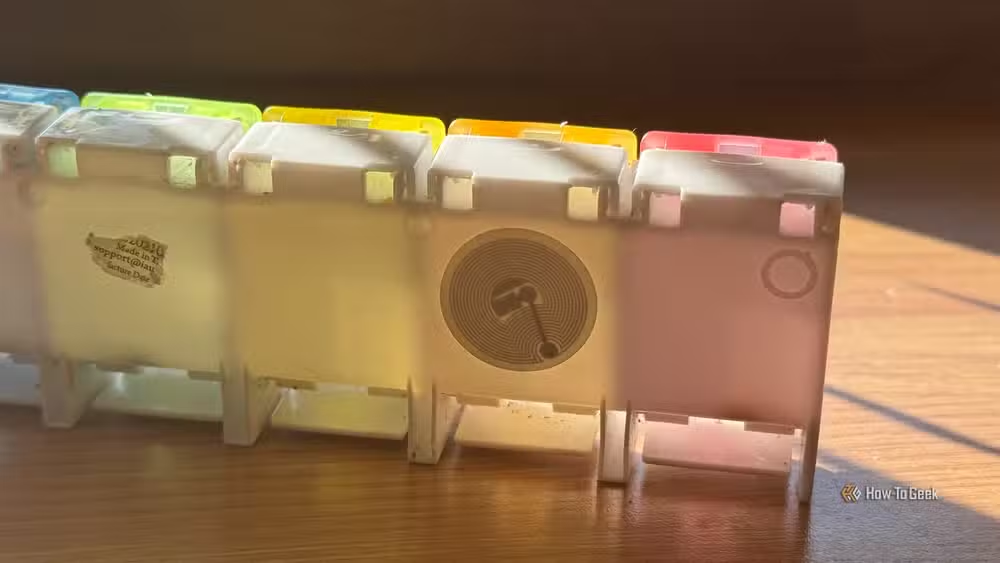
The same logic applies to medication tracking. An NFC tag on a pill organizer logs when you actually opened it and took your dose. Presence detection only confirms you were near the medicine cabinet, which is useless for compliance tracking.
What you need to get started
The hardware requirements are minimal. NTAG215 or NTAG216 stickers work with both iOS (via Shortcuts, since iOS 13) and Android (via Tasker, Home Assistant Companion, or native NFC triggers). A pack of 30 tags costs under $15.
For more complex automations, Home Assistant provides a central hub to link NFC scans to multi-step routines. The Home Assistant Green, a prebuilt plug-and-play device from the Home Assistant team, runs $219 and eliminates the need to install software yourself.
The core principle Davidson emphasizes: "The ideal smart home should work with minimal interaction from the user, with automations running as if by magic rather than requiring you to push buttons on a control panel." NFC tags add one deliberate tap in exchange for eliminating false triggers and confirmation problems that plague sensor-based systems.
Logicity's Take
NFC tags occupy an underappreciated middle ground between fully automatic sensors and manual smart switches. The killer feature is not convenience but accuracy. For tracking, logging, and any automation where you need to prove an action happened, a 30-cent sticker outperforms a $40 motion sensor. The tradeoff is obvious: you have to remember to tap. For people who want smart homes that respond to intent rather than proximity, that tradeoff is worth it.
Frequently Asked Questions
Do NFC tags need batteries or power?
No. NFC tags are passive and draw power from the smartphone that scans them. They have no battery to replace and can last indefinitely.
Can I use NFC tags with Apple HomeKit?
Yes. iOS Shortcuts supports NFC triggers natively since iOS 13. You can program a tag to run any Shortcut, including HomeKit scenes.
How far away can I scan an NFC tag?
NFC requires close proximity, typically within 4 centimeters. This is intentional. It ensures the scan was deliberate, not accidental.
What is the difference between NTAG213, 215, and 216?
The numbers refer to storage capacity: 144 bytes, 504 bytes, and 888 bytes respectively. For smart home triggers, NTAG215 is the common choice because it offers enough storage without extra cost.
Need Help Implementing This?
Logicity can help you design NFC-triggered automation workflows for your home or office. Contact us for a consultation on Home Assistant integration, iOS Shortcuts configuration, or custom tracking systems.
Source: How-To Geek
Huma Shazia
Senior AI & Tech Writer
Produced with AI assistance and reviewed by the Logicity editorial team. Learn more in our Editorial Policy.






