Key Takeaways
- Old Motorola phones can become free PC performance monitors using apps like RTSS
- Pair an old phone with a snap-on controller for dedicated mobile gaming or PC streaming
- Even low-powered phones work for cloud gaming via GeForce Now or Steam Link
Got an old Motorola Android phone collecting dust? Before it becomes e-waste, or worse, a "spicy pillow" from battery degradation, consider putting it back to work. That aging Moto G or Razr still has plenty of life left as a dedicated device.
Here are six practical ways to repurpose your old Motorola phone, each costing exactly zero dollars beyond what you already own.
1. Build a PC Performance Dashboard
If you're a PC gamer who likes tracking CPU temperature, GPU load, and fan speeds, you've probably used performance overlays like RivaTuner Statistics Server (RTSS). The problem? That overlay sits in your screen corner constantly, pulling your attention away from the game.
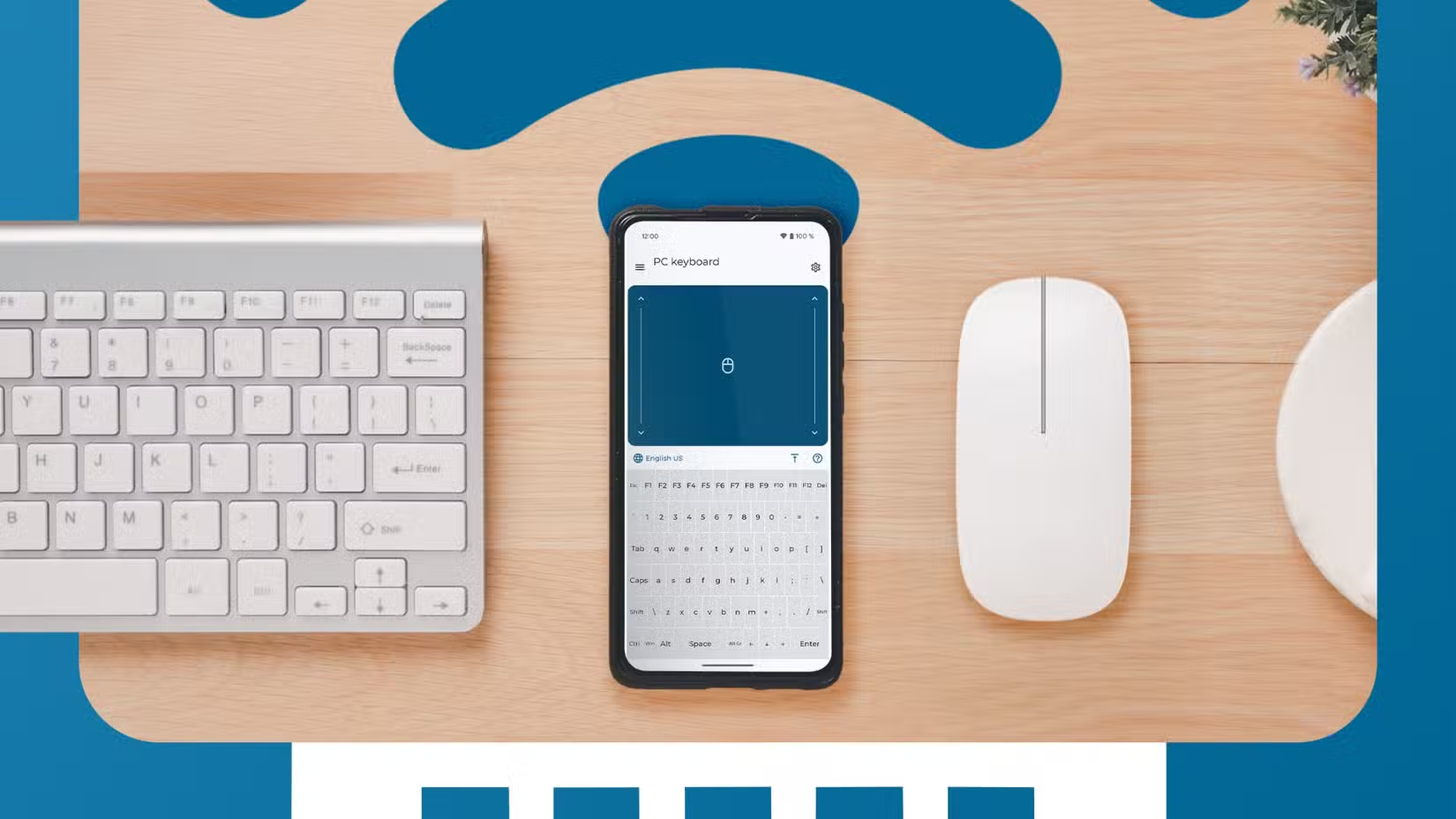
Your old Moto can replace those expensive dedicated performance displays entirely. Mount the phone beside your monitor, connect it to your PC over WiFi, and run a monitoring app. You get all the stats at a glance without cluttering your game screen.
Several apps support this setup. The phone receives data from your PC's monitoring software and displays it on a custom dashboard. You can create your own layout or use pre-built templates.
2. Create a Gaming Handheld
Snap-on mobile controllers like the Backbone Pro transform any phone into a dedicated gaming device. Your old Moto might not handle the latest AAA mobile games, but that doesn't matter if you're streaming.
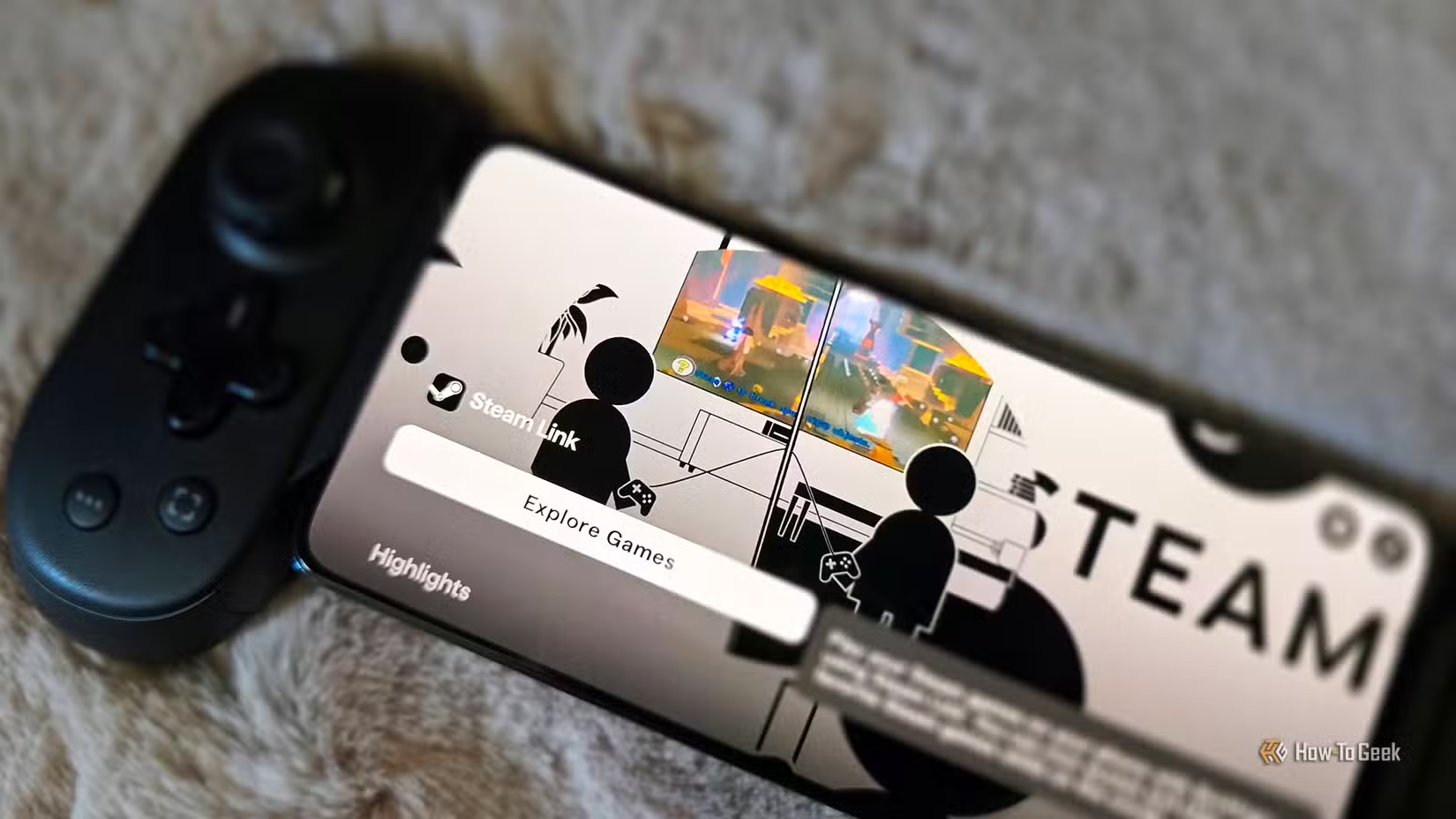
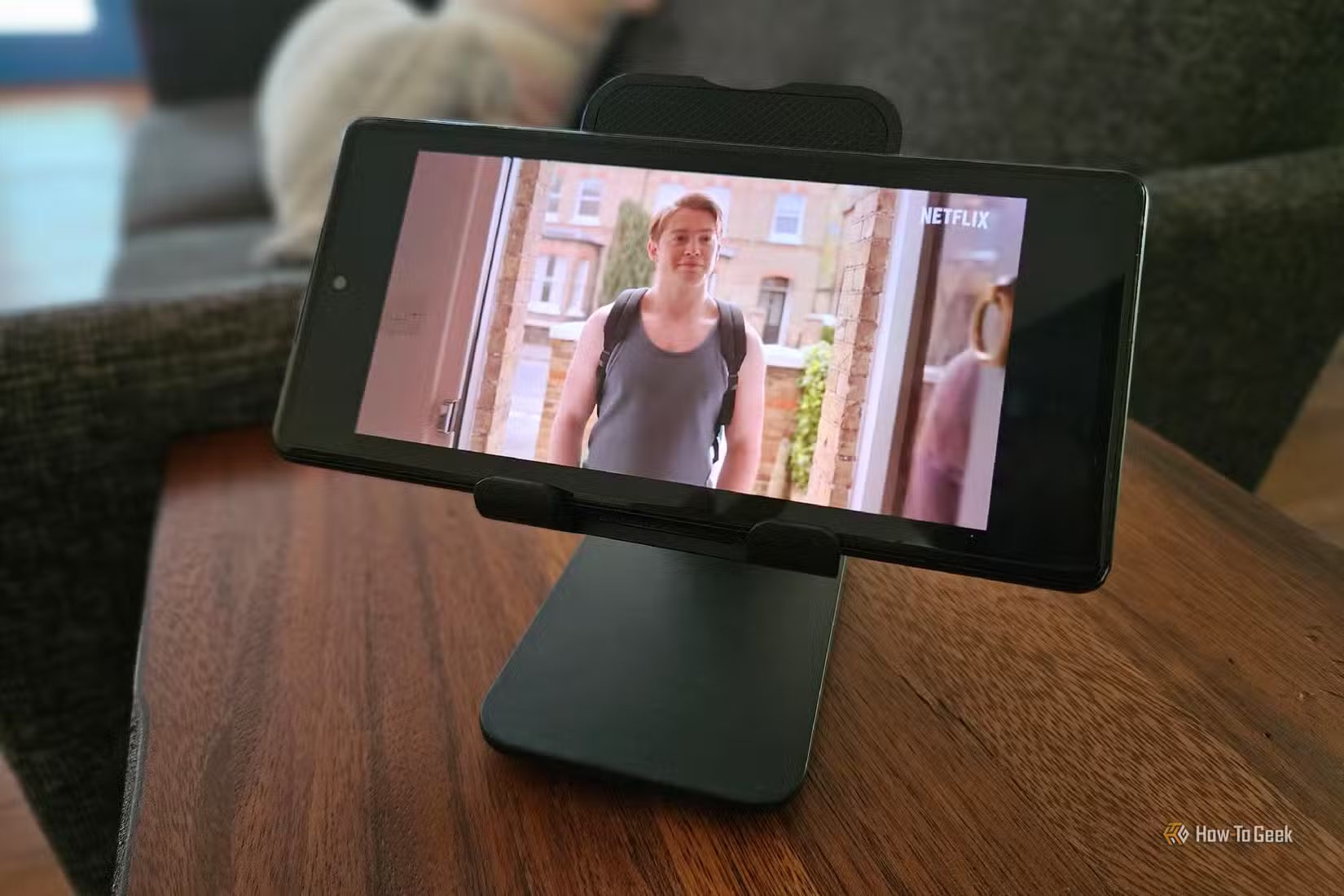
Two options work well here. First, stream games from your gaming PC using Steam Link or Moonlight. Your PC does the heavy lifting while the phone just displays the video. Second, use cloud gaming services like GeForce Now. Even a feeble old Motorola handles cloud streaming fine since the games run on remote servers.
If your old Moto is powerful enough for native Android gaming, even better. Install emulators for retro consoles, grab some free-to-play titles, or catch up on your mobile game backlog.
3. Turn It Into a Smart Display
An old phone makes a surprisingly capable smart home hub. Prop it on a stand, keep it plugged in, and use it as a dedicated control panel for your smart devices.
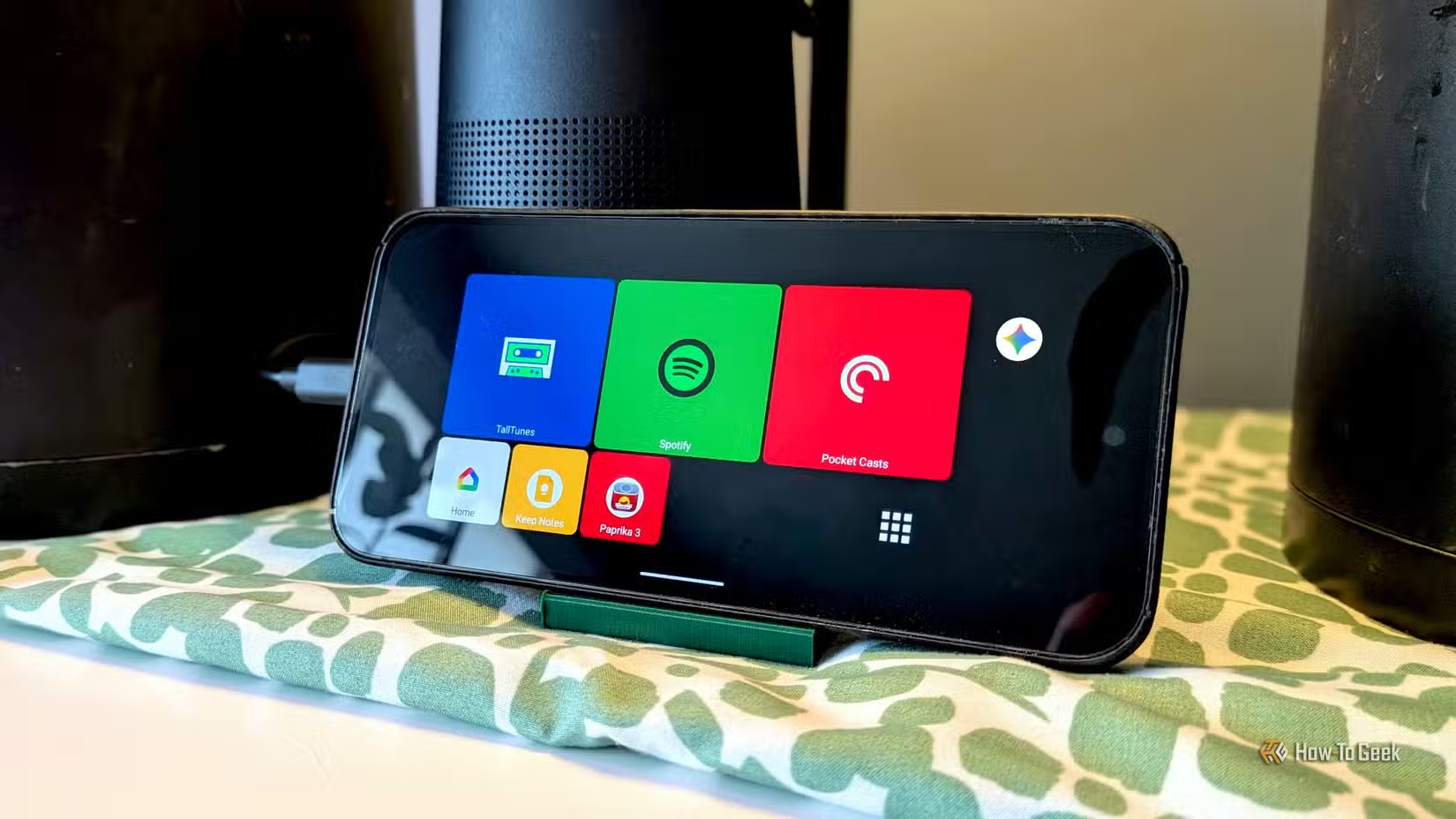
Google Home, Amazon Alexa, and most smart home apps run fine on older hardware. You can display weather, calendars, security camera feeds, or music controls. Some apps offer a dedicated kiosk mode that keeps the screen always on with the interface locked to one app.
4. Dedicated Security Camera or Baby Monitor
Apps like Alfred Camera turn any old phone into a wireless security camera. Mount it facing your front door, driveway, or any spot you want monitored. The phone streams video to your current phone, saving clips when motion is detected.
The same setup works as a baby monitor. Point the old phone at the crib and watch the feed from anywhere in the house. No subscription fees, no extra hardware, just software.
5. Dedicated Music or Podcast Player
Keep your main phone's battery and storage free by offloading media playback to the old Moto. Download Spotify playlists, podcast episodes, or your music library to the old device. Connect it to a Bluetooth speaker or your car's aux input.
This setup works especially well in the garage, kitchen, or workshop where you might not want to risk your expensive primary phone.
6. GPS and Navigation Backup
Download offline maps to your old phone and keep it in your car as a backup GPS. Google Maps and HERE WeGo both support offline navigation. If your main phone dies mid-trip, you've got a fallback.
Some people dedicate the old phone entirely to car use. Mount it on the dash, keep it plugged into a USB port, and use it only for navigation and music. Your primary phone stays in your pocket with full battery.
Before You Start
- Factory reset the phone first to clear old data and free up storage
- Remove your Google account if you're using it as a shared device
- Keep the phone updated if security patches are still available
- Check battery health. A swelling battery is a fire hazard, not a project
These ideas apply to any old Android phone, not just Motorola. The key is finding a dedicated use case where the phone stays plugged in or used intermittently. Old hardware is fine when it only does one job.
Logicity's Take
More DIY tech projects to try this weekend
Frequently Asked Questions
Can I use any old Android phone for these projects?
Yes. These ideas work on any old Android phone, not just Motorola. The key requirements are a working screen, functional WiFi or Bluetooth, and a battery that isn't swelling.
Do I need to root my old phone to repurpose it?
No. All these use cases work with standard apps from the Google Play Store. Rooting might unlock extra options but isn't required for basic repurposing.
Is it safe to keep an old phone plugged in constantly?
Modern lithium batteries handle constant charging reasonably well. However, check the battery periodically for swelling. If the back cover starts bulging, stop using the device immediately.
What apps turn a phone into a PC performance monitor?
Remote System Monitor, PC Monitor, and similar apps work with server software on your PC. They display CPU temp, GPU usage, fan speeds, and other metrics over WiFi.
Can an old slow phone really stream PC games?
Yes. Cloud gaming and local streaming put the processing load on remote servers or your PC. The phone just displays the video feed, which older hardware handles fine.
Need Help Implementing This?
Source: How-To Geek
Manaal Khan
Tech & Innovation Writer
Produced with AI assistance and reviewed by the Logicity editorial team. Learn more in our Editorial Policy.






