Key Takeaways
- Gaming routers rarely fix lag—your ISP connection and server distance matter more than QoS sliders
- WiFi 7 mesh kits offer no benefit if your devices are still WiFi 5 or 6, which most are
- Managed switches and PoE equipment belong in homelabs, not typical living rooms
That $600 gaming router won't fix your lag. Neither will the WiFi 7 mesh system, the managed switch with a dashboard you'll check once, or the PoE setup your friend recommended. Most home networking upgrades cost more because they solve problems you don't have.
Monica J. White at How-To Geek breaks down six categories of networking gear where the premium rarely justifies itself for typical households. The pattern: manufacturers package enterprise features or marketing buzzwords into consumer products, then charge accordingly. The question for buyers: do you actually need what you're paying for?
Gaming routers: the $500 ping placebo
Gaming routers are the most obvious offender. The pitch is seductive: aggressive antennas, priority sliders, dashboards promising lower ping. The reality is simpler. Your latency depends on three things: your ISP's connection quality, the distance to game servers, and whether your WiFi signal is stable. A gaming router addresses none of these directly.
Quality of Service (QoS) features can help in one scenario: when multiple devices compete for bandwidth simultaneously. If someone's downloading a large file while you're in a ranked match, QoS can prioritize your game packets. But it won't reduce your base ping to a server 3,000 miles away. It won't fix packet loss from your ISP. It won't compensate for a weak WiFi signal from two rooms away.
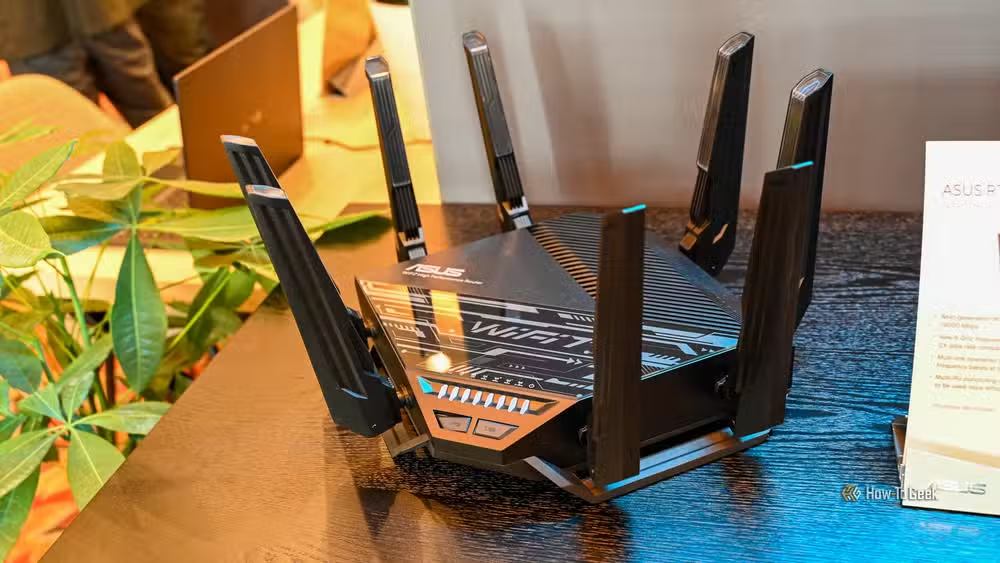
A TP-Link BE6500 WiFi 7 router costs around $180. It handles the same traffic prioritization as routers priced three times higher. The difference? Fewer RGB lights and less aggressive marketing.
WiFi 7 mesh kits: paying for devices you don't own yet
WiFi 7 mesh systems promise faster theoretical speeds, 6GHz performance, Multi-Link Operation, and seamless whole-home coverage. They deliver on these promises. The catch: your devices need WiFi 7 support to benefit.
Look at your home right now. How many WiFi 7 clients do you own? For most people, the answer is zero or one. Your phone is probably WiFi 6. Your laptop might be WiFi 6E if you bought it recently. Your smart TV, security cameras, and smart home devices? WiFi 5, maybe WiFi 6. These devices won't magically upgrade because your router supports a newer standard.
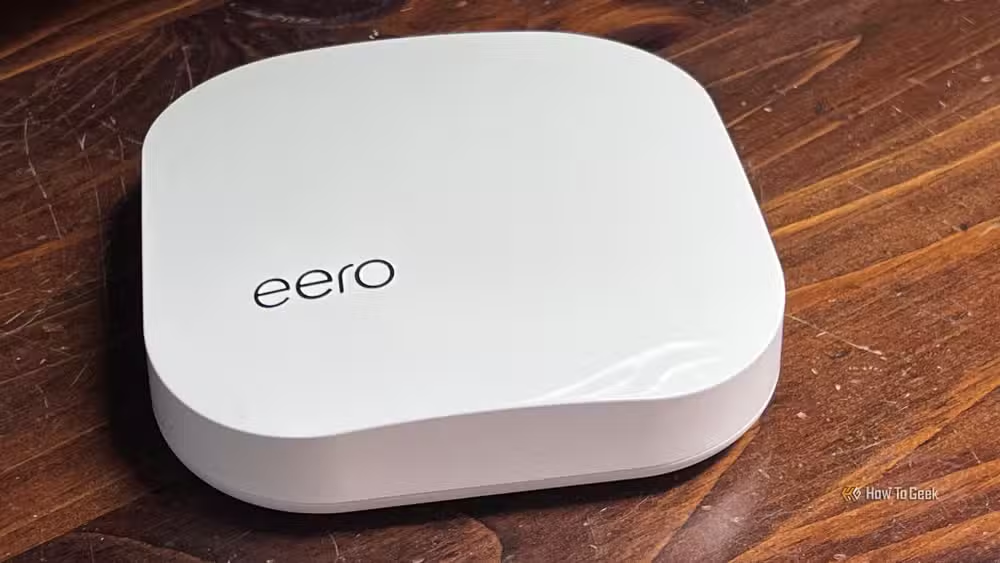
If your actual problem is coverage (dead spots, weak signal in certain rooms), a cheaper WiFi 6 or 6E mesh kit solves it. A good router with a wired access point works too. You're buying for your current devices, not hypothetical future ones.
Managed switches: enterprise dashboards for five cables
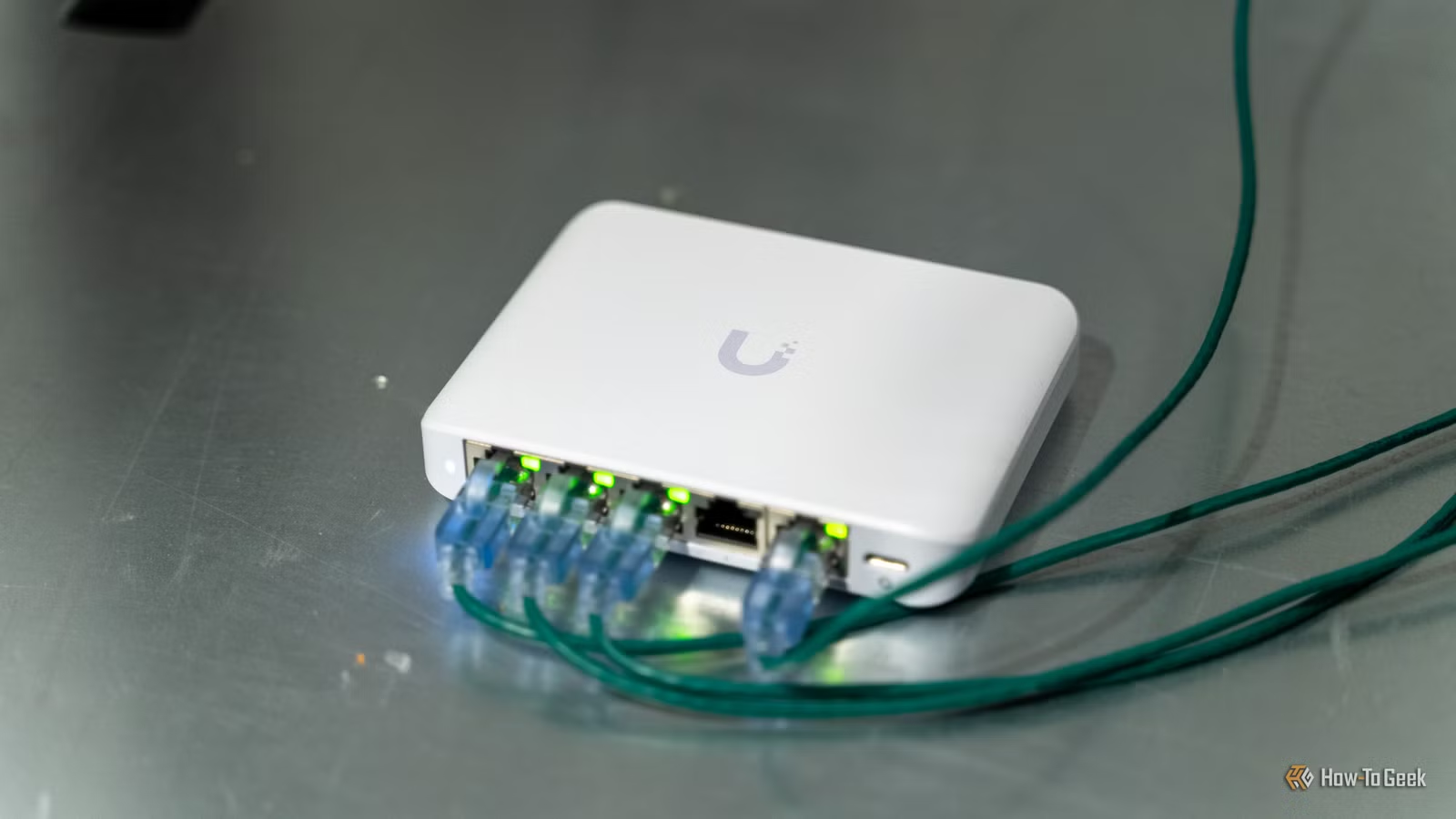
Managed switches offer VLANs, link aggregation, traffic monitoring, access control, port-level configuration, and remote management. These features make sense in a business network or a serious homelab. They're also why managed switches cost significantly more than unmanaged alternatives.
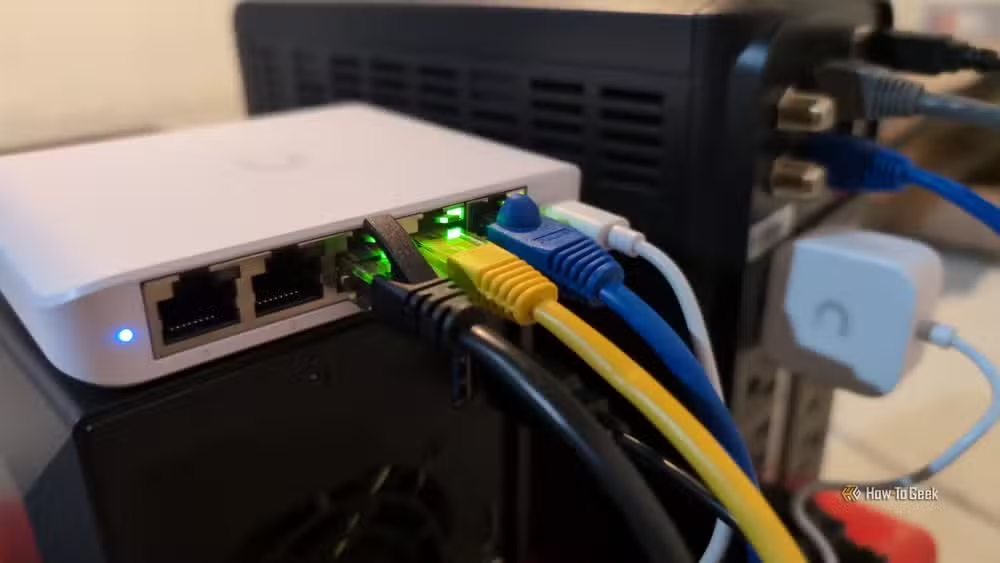
The test is simple: can you name the specific feature you'll configure? If you just need more Ethernet ports in your office, an unmanaged switch does exactly that for a fraction of the price. You're paying for a dashboard you'll never open.
PoE switches: power budgets add up fast
Power over Ethernet is genuinely useful. It lets you run cameras, access points, and other devices without separate power cables. The problem is the premium. PoE switches cost more because they include power delivery circuitry and must meet specific wattage budgets.
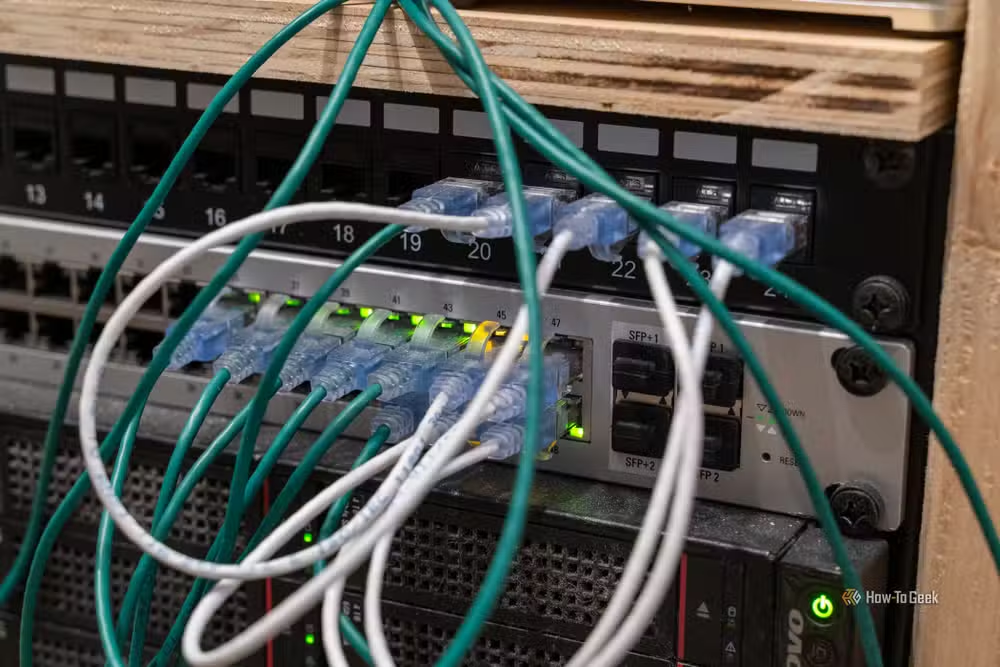
If you have two PoE cameras and one access point, you might not need a 24-port PoE switch with a 500W power budget. A smaller PoE injector or a basic PoE switch handles the job. Match the equipment to the actual deployment, not the deployment you might theoretically expand to someday.
10-Gigabit Ethernet: overkill for 99% of homes
10GbE networking requires compatible switches, NICs, and cabling. The equipment costs significantly more than Gigabit alternatives. The question: what actually needs that bandwidth?
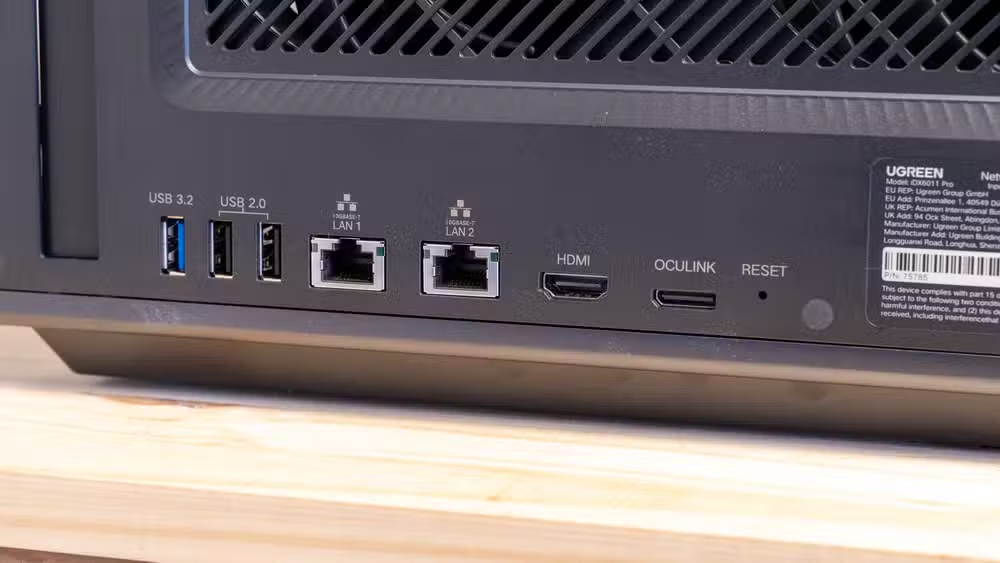
Most US homes have internet connections under 1 Gbps. 4K streaming needs 25-50 Mbps. Even if you're moving large files between a NAS and a workstation, Gigabit handles that fine for most use cases. The exception: video editors working with 4K RAW footage, or anyone regularly moving terabytes between machines. That's a small subset of home users.
Enterprise-grade access points: bulletproof but expensive
UniFi, Aruba, and similar enterprise access points offer superior build quality, better management software, and features designed for high-density deployments. They're built for offices with hundreds of concurrent clients.
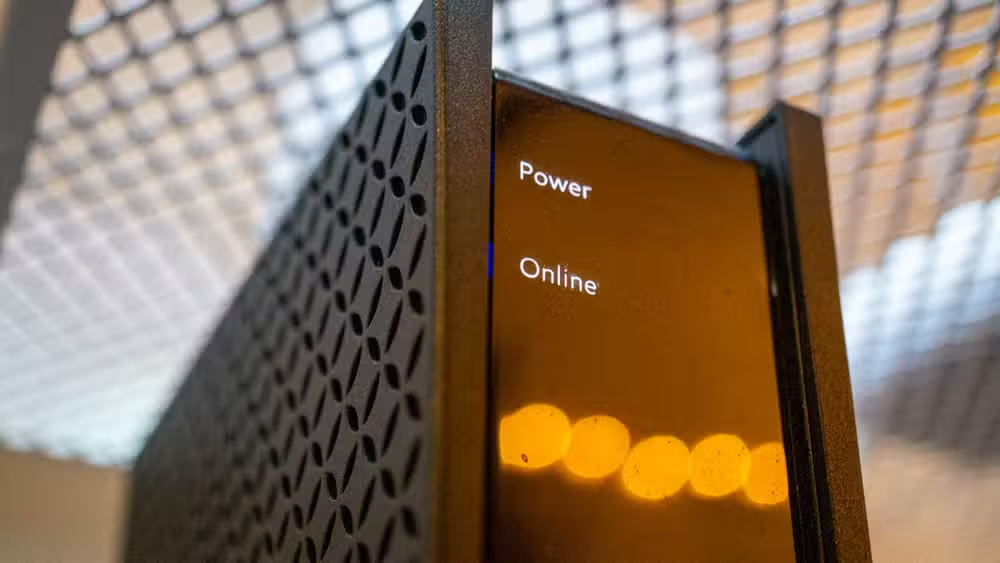
A home with 15 devices doesn't need gear designed for 200. A good consumer access point or mesh node handles typical home density without the enterprise price tag.
When premium networking actually makes sense
None of this means expensive networking gear is always wrong. The key is matching equipment to actual requirements. Running a homelab with multiple VLANs? A managed switch earns its cost. Deploying six PoE cameras? That power budget matters. Video editing workflow between a NAS and workstation? 10GbE might genuinely help.
The mistake is buying for hypothetical future needs or marketing copy rather than current reality. Most homes need a reliable router, enough Ethernet ports, and WiFi coverage. The cheapest gear that solves those problems is usually the right choice.
Logicity's Take
The home networking industry mirrors the PC building space: manufacturers discovered that "gaming" and "pro" labels justify 2-3x markups on functionally similar hardware. Unlike CPUs or GPUs, networking gear rarely becomes the bottleneck for home users. Your ISP connection is almost always the limiting factor. Before upgrading, run a speed test to your router via Ethernet. If that number matches your plan, your networking gear isn't the problem.
Another way to build home tech without overspending on premium hardware
Frequently Asked Questions
Do gaming routers actually reduce ping?
Only in specific scenarios where multiple devices compete for bandwidth. QoS can prioritize game traffic, but it won't reduce latency to distant servers or fix ISP issues. Your base ping depends on connection quality and server distance, not router brand.
Is WiFi 7 worth it for home use in 2026?
Not yet for most homes. Few consumer devices support WiFi 7, so you're paying for capabilities your phone, laptop, and smart devices can't use. WiFi 6 or 6E handles typical home needs at lower cost.
When should I buy a managed switch instead of unmanaged?
When you have a specific feature in mind: VLANs for network segmentation, link aggregation for a NAS, or traffic monitoring for a homelab. If you just need more Ethernet ports, an unmanaged switch does the job for less.
Do I need 10-Gigabit Ethernet at home?
Probably not. Most internet plans are under 1 Gbps, and typical home activities (streaming, gaming, video calls) don't saturate Gigabit. 10GbE matters mainly for video editors or users moving terabytes between local machines regularly.
What networking upgrade actually helps most homes?
Better WiFi coverage, achieved through mesh systems or access points positioned to eliminate dead spots. Most home network problems stem from weak signals, not router speed specifications.
Need Help Implementing This?
Evaluating your home network setup or planning an office infrastructure upgrade? Logicity can connect you with IT consultants who audit your actual requirements before recommending equipment. Contact us for vendor-neutral networking guidance.
Source: How-To Geek
Huma Shazia
Senior AI & Tech Writer
Produced with AI assistance and reviewed by the Logicity editorial team. Learn more in our Editorial Policy.






