Key Takeaways
- Camera overlay translates signs and menus in real time without typing anything
- Conversation Mode auto-detects both languages for seamless two-way dialogue
- Offline language packs work without data, but you must download them before your trip
Google Translate supports nearly 250 languages and over a billion monthly users, yet most tourists stick to basic text translation. The app's most useful travel features, including real-time camera overlay and conversation mode, often go undiscovered until the trip home. Here are six tricks worth learning before your next departure.
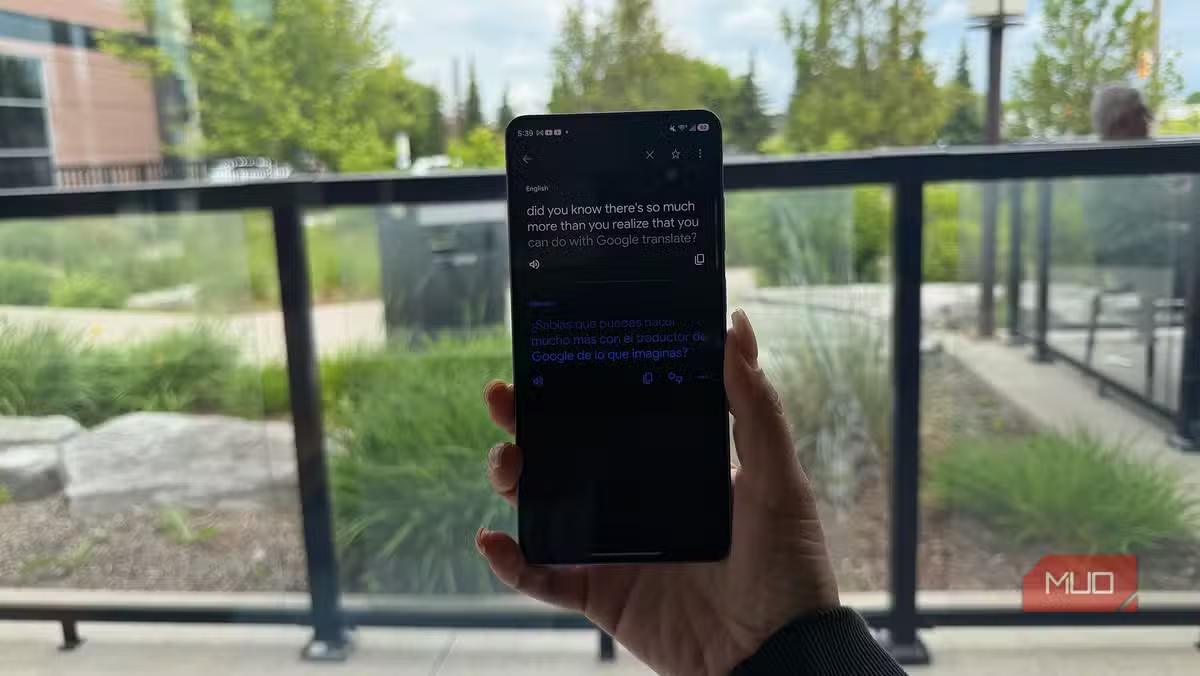
Camera overlay: read signs and menus instantly
Introduced in 2022, the overlay feature uses Google Lens to scan text through your phone's camera and display translations directly on the image. Point your phone at a road sign, restaurant menu, or grocery label and the foreign text transforms into your language in real time.
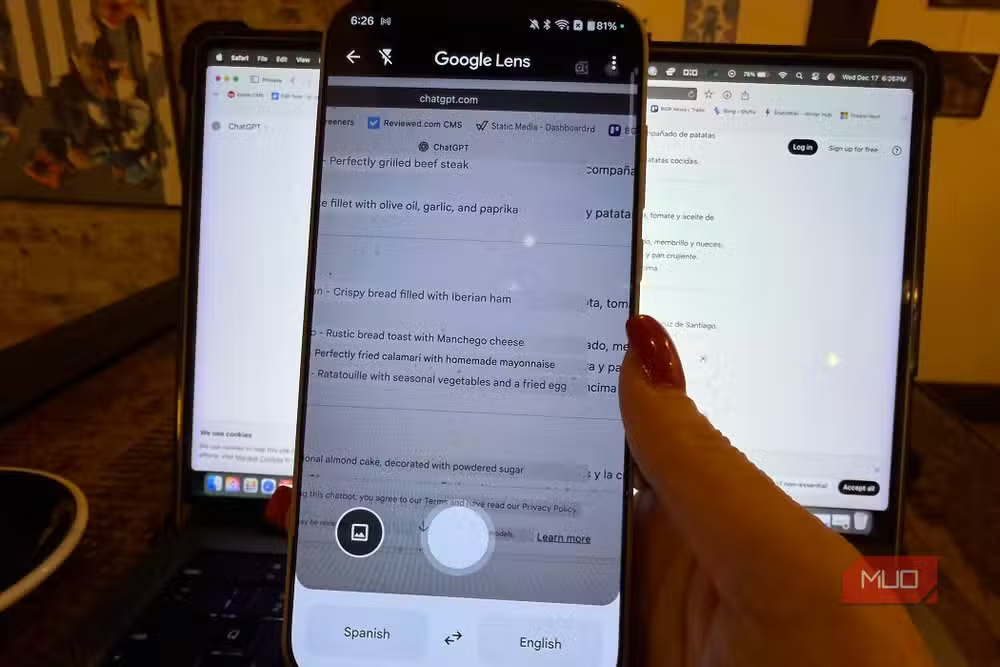
This is the single most useful feature for navigating non-tourist areas. Bus shelter ads, ingredient lists for those with allergies, parking regulations. A passenger can translate a confusing road sign before the driver has to guess. No typing required.
Conversation Mode for real-time dialogue
Most people translate one phrase at a time, show the screen to the other person, wait for a response, then repeat. Conversation Mode eliminates this awkwardness. The app listens for both selected languages simultaneously and translates speech as each person talks.
For face-to-face situations, tap the two-chat-bubbles icon to split the screen in half. Position the phone between you and your conversation partner. Each person sees their translated text on their side. On foldable phones like the Pixel 10 Pro Fold, Dual Screen mode displays translations on the outer screen so both parties can read without repositioning the device.
Handwriting recognition for complex scripts
Typing in Russian, Chinese, or Arabic requires downloading a new keyboard layout. Most travelers skip this. Instead, tap the pencil icon after selecting your source and target languages, then draw characters directly on the screen. The app recognizes the shapes and translates them.
It takes practice. Complex characters require careful strokes. But when you need to communicate a specific word from a sign you photographed earlier, this beats scrolling through an unfamiliar keyboard.
Offline language packs for dead zones
Google Translate currently supports 59 languages for offline use. Download the language pack for your destination before you leave home. Once installed, translations work without mobile data or Wi-Fi.
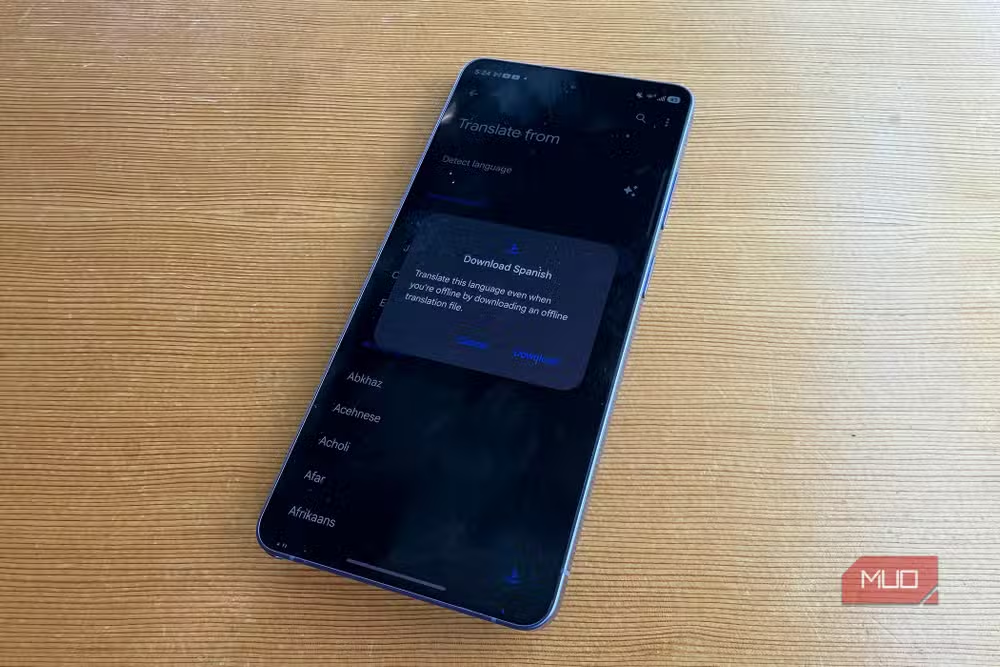
This matters more than most travelers expect. Remote villages, underground metro stations, spotty international roaming. The moment you lose connectivity is usually the moment you most need to translate something.
Saved translations and history
Frequently used phrases can be starred for quick access. Your translation history persists across sessions, so that phrase you looked up three days ago is still retrievable. Build a personal phrasebook before the trip and access it offline.
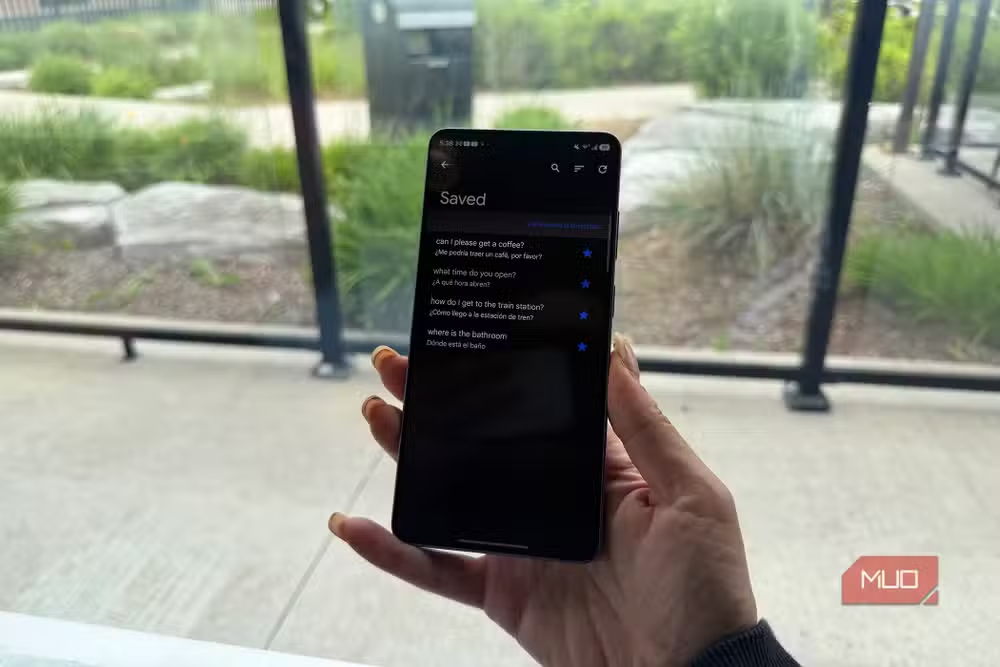
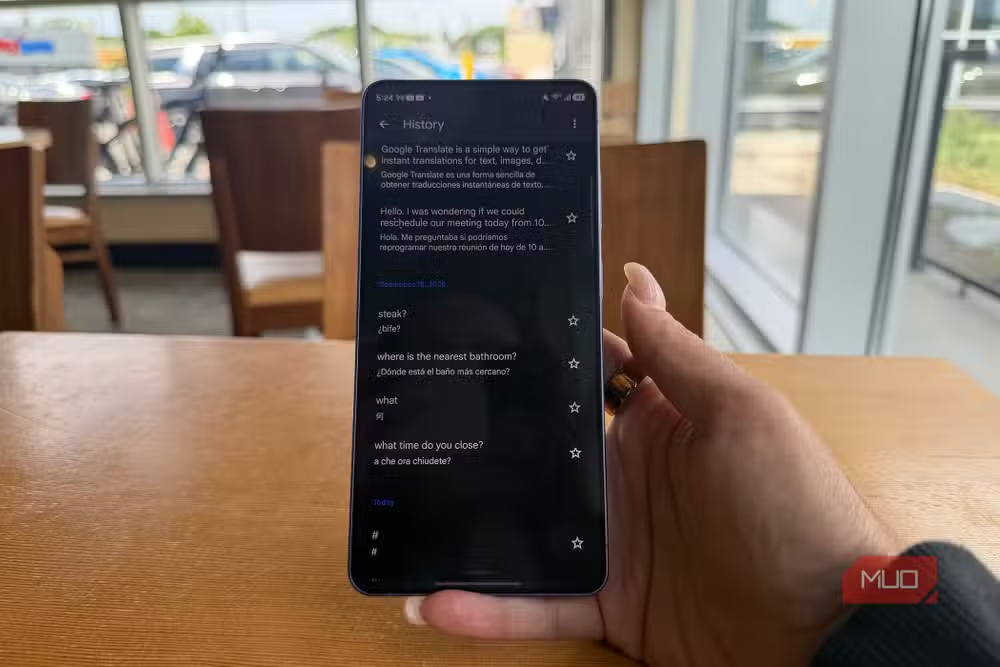
Useful phrases to save: dietary restrictions, your hotel address, common questions like 'Where is the train station?' and 'How much does this cost?' Having these pre-loaded eliminates fumbling during high-pressure moments.
Beyond translation: slang and accents
Google Translate can explain regional phrases and slang that don't translate literally. Type an idiom and ask what it means. The app also helps with pronunciation. Listen to the audio playback repeatedly to improve your accent before attempting a phrase in public.
None of these features require a separate app or subscription. They've existed in Google Translate for years. The problem is discoverability. Google buries them behind icons that don't explain themselves.
Logicity's Take
Google Translate's feature sprawl reflects a broader UX problem: powerful tools hidden behind opaque icons that only power users explore. The camera overlay alone would justify a dedicated app, yet it sits two taps deep in an interface most people never investigate. Google could fix this with a 30-second onboarding video for first-time users. They haven't. So travelers keep discovering these features on the flight home.
Frequently Asked Questions
Does Google Translate camera work offline?
Yes, if you download the language pack first. Camera translation requires the offline language files to function without internet.
How many languages support Google Translate conversation mode?
Conversation mode works with most of the 250+ languages Google Translate supports, though accuracy varies by language pair.
Can Google Translate read handwritten text?
Yes. Use the handwriting input feature to draw characters on screen for translation. This works well for languages with non-Latin scripts like Chinese, Arabic, and Russian.
How do I save phrases in Google Translate for offline use?
Star any translation to save it to your phrasebook. Ensure you've downloaded the offline language pack to access saved phrases without internet.
Is Google Translate accurate enough for travel?
For common tourist needs like menus, signs, and basic conversations, accuracy is generally reliable. Complex or nuanced discussions may still require a human translator.
Another look at hidden features in everyday tools
Need Help Implementing This?
Planning international travel for your team or setting up translation workflows? Logicity covers enterprise productivity tools weekly. Subscribe to our newsletter for practical guides on getting more from the software you already pay for.
Source: MakeUseOf
Manaal Khan
Tech & Innovation Writer
Produced with AI assistance and reviewed by the Logicity editorial team. Learn more in our Editorial Policy.






