Key Takeaways
- Install Watchtower first to automatically update all subsequent containers, but disable it for databases to prevent corruption
- Caddy eliminates manual SSL certificate management with automatic HTTPS provisioning
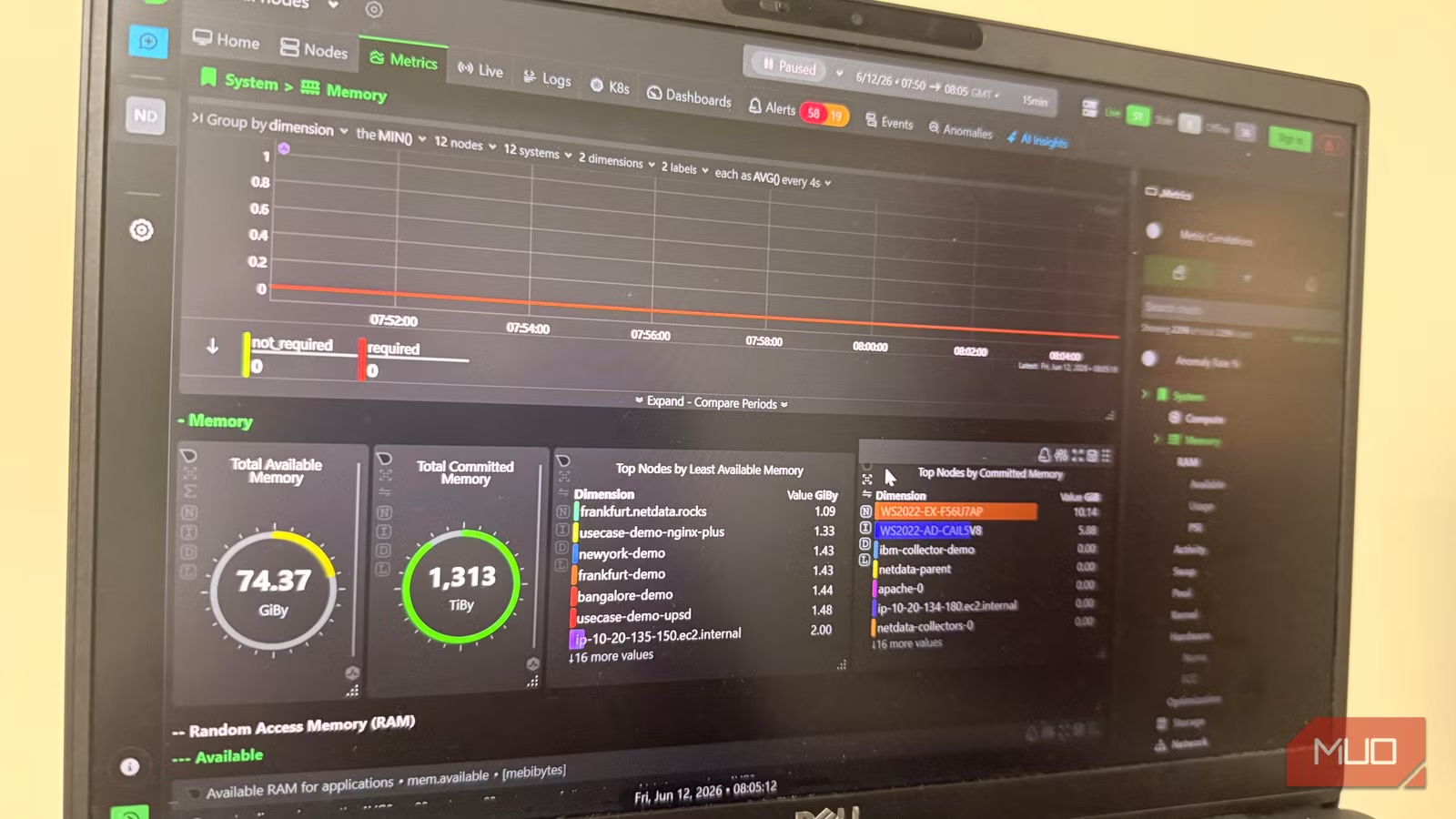
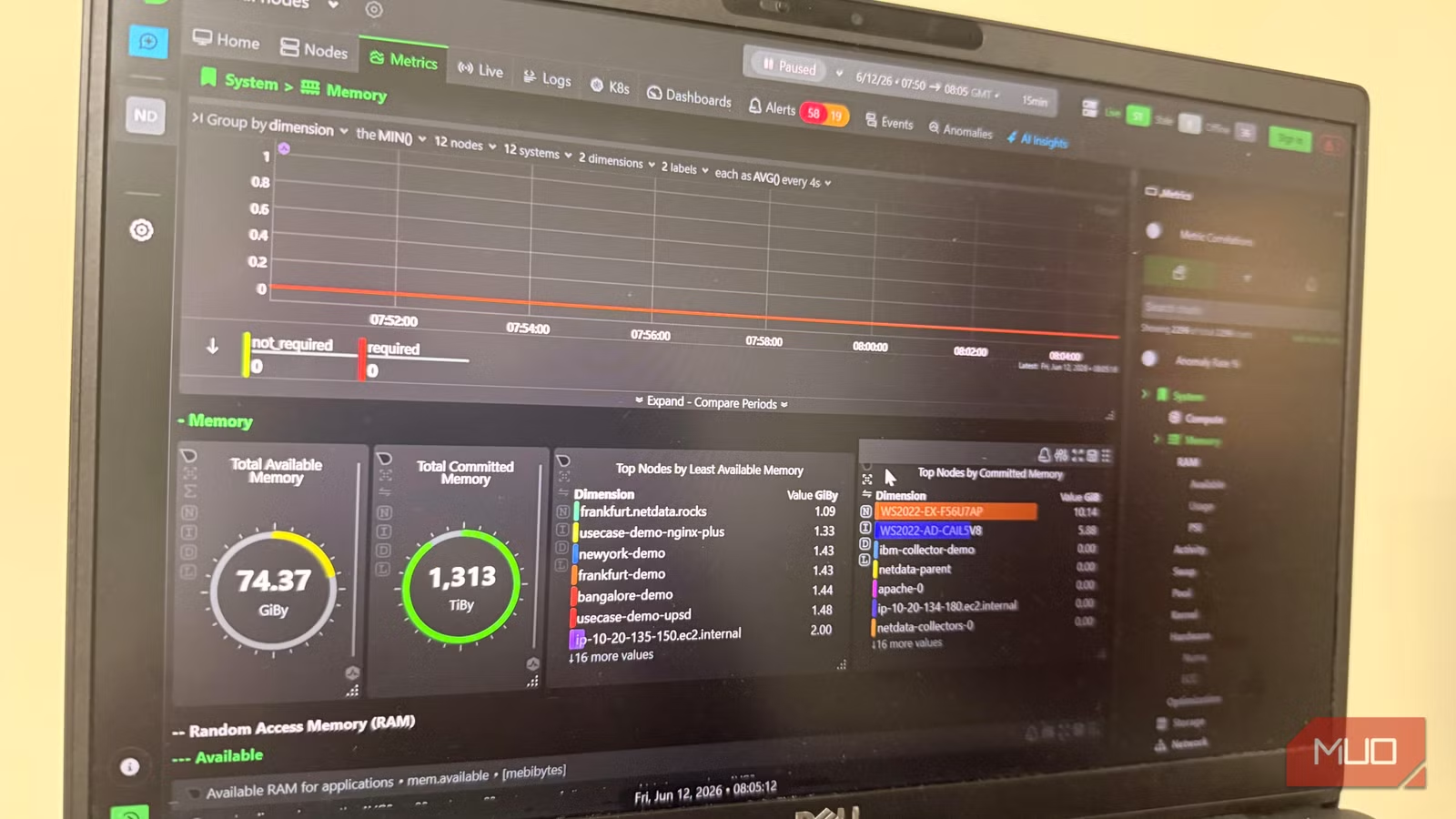
- Netdata and Dozzle provide real-time monitoring and log aggregation without complex configuration
The first time I set up Docker, I installed Portainer first. Its polished web interface made me assume I had a production-ready server. Then came the frantic Googling to fix broken containers. I had built the roof without a foundation.
That's the opening confession from Afam Onyimadu, a tech writer who has spent years provisioning servers. His solution: six containers that go on every fresh installation before anything else. They handle auto-updates, reverse proxy, monitoring, logging, password management, and GUI management. The order matters. Installing them in sequence helps you avoid SSL certificate failures, corrupted databases, and blind log files.
“The container has fundamentally changed how we ship software, moving from 'it works on my machine' to 'it works everywhere' as a standard.”
— Solomon Hykes, Founder of Docker
With Docker now used by 92% of IT professionals and Docker Hub serving 20 billion image pulls monthly, a solid foundation stack matters more than ever. Here's what that stack looks like.
1. Watchtower: Automated Container Updates
Watchtower is the first container to install, and for good reason. As your container count grows, tracking security patches becomes nearly impossible. Miss one, and you've got a vulnerability sitting in production.
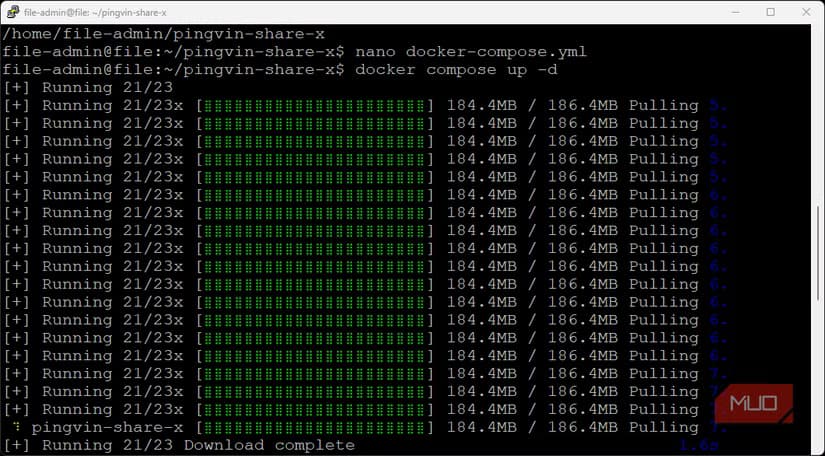
Watchtower monitors running containers, checks for updated images, and restarts them using the exact original configuration when a newer version becomes available. Installing it first means every container you deploy afterward is automatically covered.
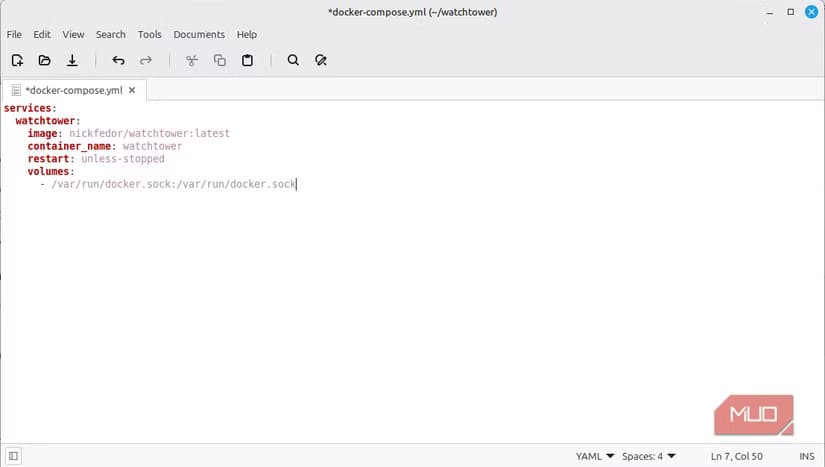
One critical exception: databases. A database restart mid-write can corrupt data permanently. The fix is a single label in your compose file:
labels:
  - "com.centurylinklabs.watchtower.enable=false"
This label tells Watchtower to skip that container entirely. Your Postgres or MySQL instance stays untouched while everything else updates automatically.
A Word of Caution
2. Caddy: Automatic HTTPS Without the Headache
SSL certificates are mandatory if you access services outside your home network. But manual certificate management is tedious. You need renewal timers, DNS configuration, and server setup to point domains correctly. Most people get it wrong at least once.
Caddy solves this entirely. It's a reverse proxy that automatically provisions and renews certificates from Let's Encrypt. Point a domain at your server, add a few lines to your Caddyfile, and HTTPS just works. No cron jobs. No manual renewals. No expired certificate emergencies at 2 AM.
Installing Caddy early means you can immediately expose any subsequent container to the internet with proper encryption. Skip this step and you'll be retrofitting SSL onto a running system later.
3. Netdata: Real-Time Server Monitoring
You can't fix problems you can't see. Netdata provides real-time monitoring for CPU, memory, disk, network, and container-level metrics. The dashboard updates every second, so you spot issues as they happen rather than after users complain.
Unlike heavier monitoring solutions like Prometheus and Grafana, Netdata runs as a single container with zero configuration. Install it, open the web interface, and you're immediately seeing data. For most homelab and small-business setups, that's exactly enough.
4. Dozzle: Container Log Aggregation
When something breaks, logs tell you why. But running docker logs on each container separately is slow and frustrating. Dozzle aggregates all container logs into a single web interface with real-time streaming and search.
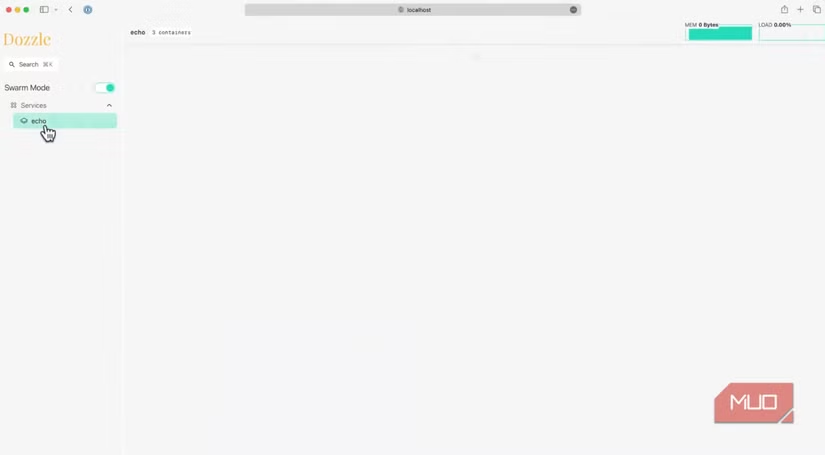
The interface is intentionally minimal. No database, no complex configuration, no authentication headaches. It reads logs directly from Docker and displays them. That simplicity is the point. When your server is on fire, you need answers fast, not a tutorial on log management.
5. Vaultwarden: Self-Hosted Password Management
Running multiple services means managing multiple credentials. Vaultwarden is a lightweight, self-hosted implementation of the Bitwarden password manager. It's compatible with all official Bitwarden apps and browser extensions, but runs entirely on your infrastructure.
For teams managing shared credentials for services, databases, and APIs, having a central, self-controlled password vault eliminates the security risks of spreadsheets and sticky notes. The official Bitwarden server requires significant resources. Vaultwarden runs on a Raspberry Pi.
6. Portainer: Container Management GUI
Portainer is the polished web interface that made Onyimadu think his server was production-ready. Installed last, after the foundation is in place, it actually delivers on that promise.
The GUI lets you manage containers, images, networks, and volumes without touching the command line. You can deploy new stacks from templates, inspect running containers, and manage multiple Docker hosts from a single interface. For teams where not everyone is comfortable with terminal commands, Portainer removes friction.
Another infrastructure security essential for self-hosters
Why Order Matters
This isn't just a list. The sequence is deliberate. Watchtower first ensures every subsequent container gets automatic updates. Caddy second means SSL is ready before you expose anything. Monitoring and logging come next so you can diagnose problems with the services you deploy afterward. Password management handles credentials. Portainer, the GUI, comes last because it's the interface to everything you've built.
Skipping steps or reordering creates problems. Deploy services before Caddy and you'll need to reconfigure them for HTTPS. Skip Watchtower and you inherit a maintenance burden that grows with every container. Install Portainer first, as Onyimadu originally did, and you'll have a pretty dashboard with no real infrastructure underneath.
Logicity's Take
What This Looks Like in Practice
The homelab and self-hosting communities have largely converged on this approach. Reddit's r/selfhosted and r/homelab forums show near-consensus on Portainer for management and Caddy for SSL. The debates are mostly about edge cases: which monitoring tool, which password manager, whether Watchtower is too aggressive for production.
For anyone spinning up a new server, whether it's a homelab box, a VPS for a side project, or a development environment for a team, this six-container foundation saves hours of future troubleshooting. The total resource footprint is minimal. The maintenance burden is near zero. And when something breaks, you'll actually know why.
Another self-hosting solution for media server management
Frequently Asked Questions
Can I use this Docker stack on a Raspberry Pi?
Yes. All six containers are lightweight enough for a Raspberry Pi 4. Vaultwarden was specifically designed for low-resource environments. Netdata and Dozzle have minimal overhead. The main constraint is storage for container images and logs.
Is Watchtower safe for production databases?
No. Watchtower should be disabled for databases using the label shown above. An automated restart during a write operation can corrupt data. Update databases manually during scheduled maintenance windows.
Do I need a domain name for Caddy to work?
For automatic HTTPS with Let's Encrypt, yes. The domain needs to point to your server's public IP. For local-only setups, Caddy can still act as a reverse proxy without SSL, or you can use self-signed certificates.
How much RAM does this full stack require?
Roughly 1-2 GB total, depending on activity. Netdata is the heaviest consumer due to real-time metrics collection. A server with 4 GB RAM can run this stack plus several application containers comfortably.
What's the difference between Vaultwarden and Bitwarden?
Vaultwarden is an unofficial, lightweight implementation of the Bitwarden server API. It's compatible with official Bitwarden clients but uses far fewer resources. The official Bitwarden server requires multiple containers and more RAM.
Need Help Implementing This?
Source: MakeUseOf
Manaal Khan
Tech & Innovation Writer
Produced with AI assistance and reviewed by the Logicity editorial team. Learn more in our Editorial Policy.






