Key Takeaways
- New device alerts notify you instantly when anything joins your Wi-Fi
- Most routers from TP-Link, Netgear, Google, and Asus have this feature in their companion apps
- 75% of IoT cyberattacks target home and small business routers
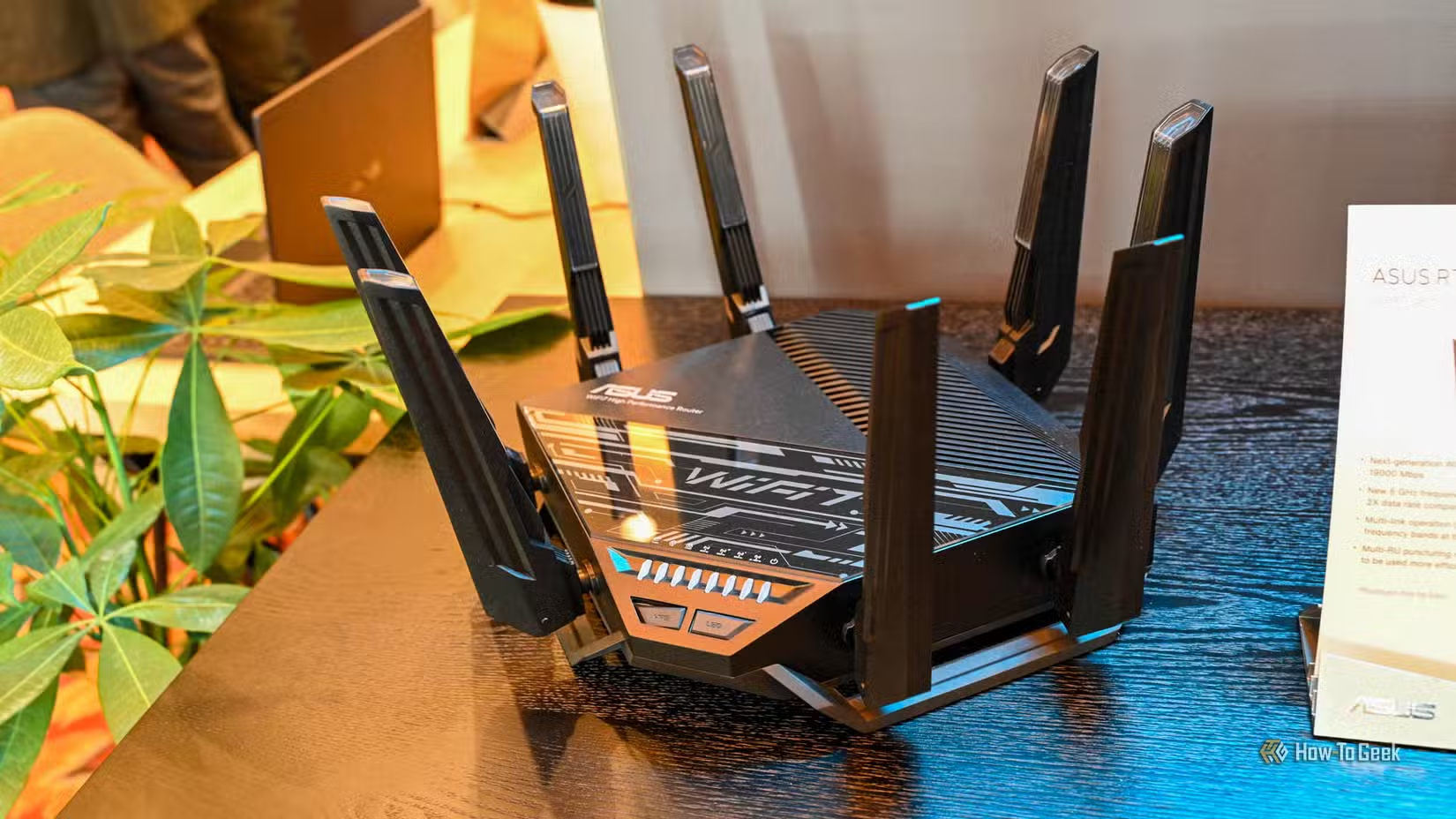
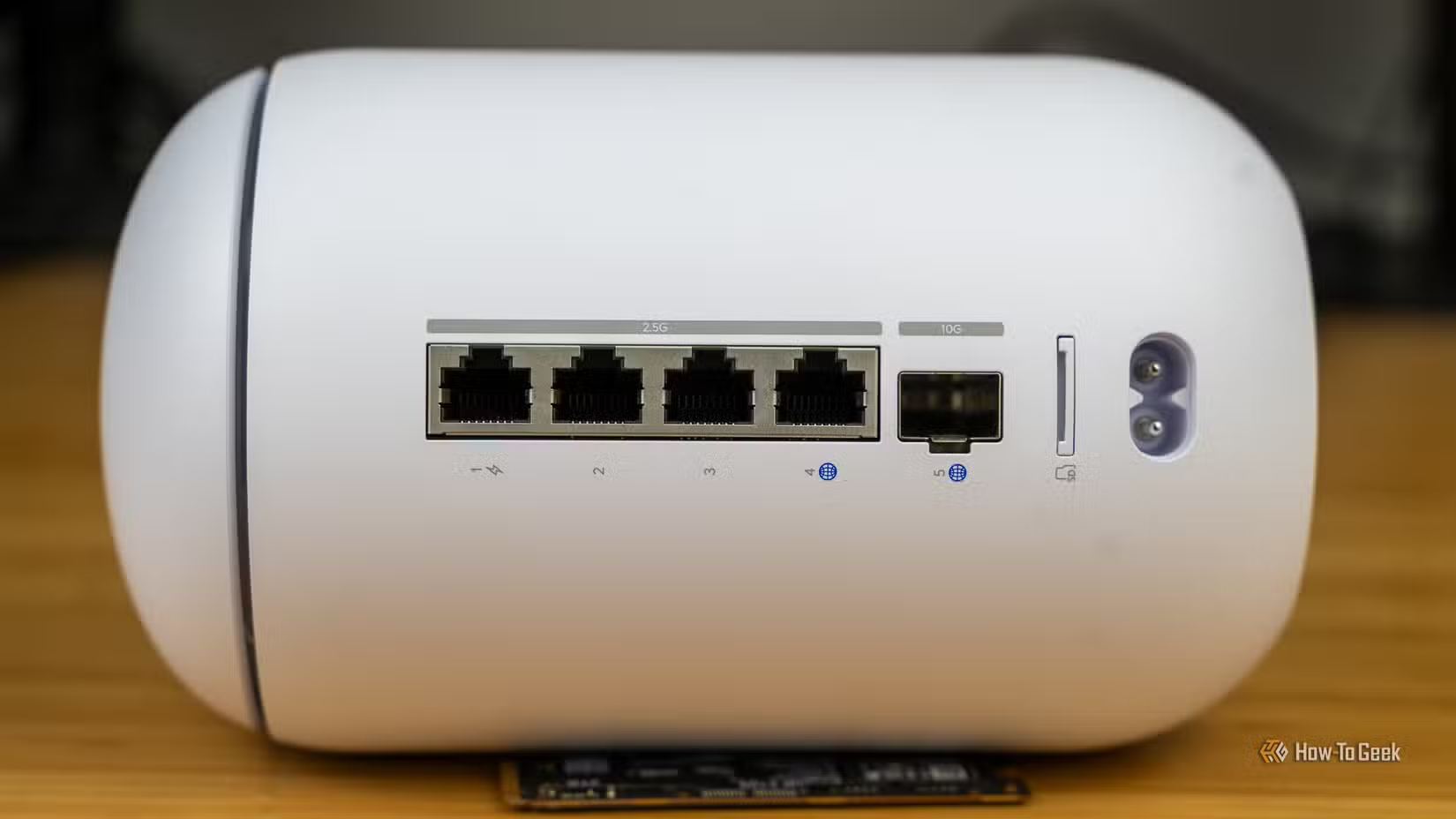
Your router is the front door of your home network. Every smart TV, laptop, phone, and IoT gadget passes through it. Yet most people never check who's actually connecting to their Wi-Fi.
The fix is simple: turn on new device alerts. Most modern routers can send you a notification the moment an unknown device joins your network. It takes five minutes to set up and costs nothing.
Why Your Router Is the Weakest Link
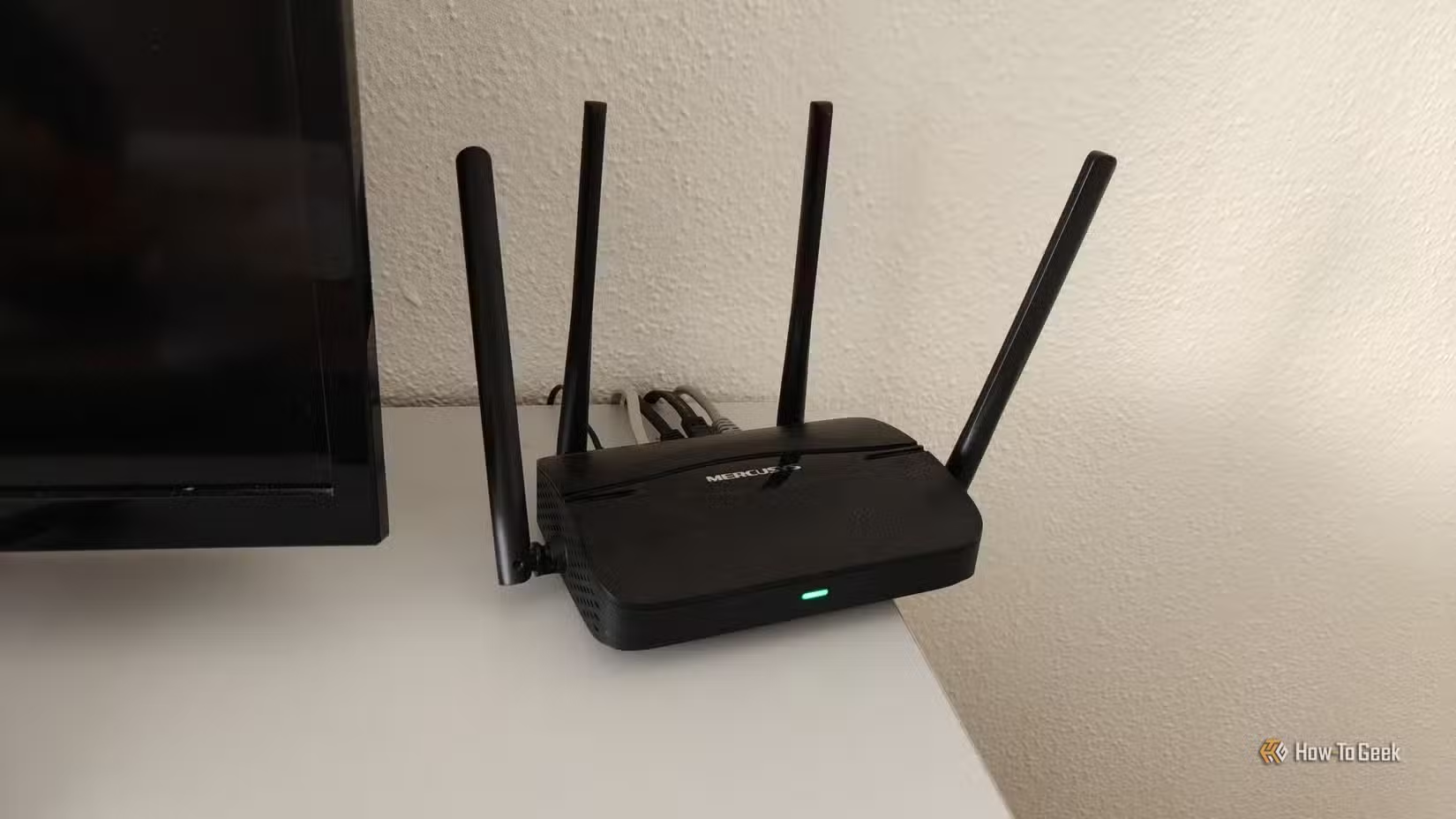
Routers sit at the edge of your network. They're rarely updated. They run 24/7. That makes them prime targets.
According to 2025 data, 75% of all observed IoT cyberattacks specifically target home and small business routers. Malicious IoT hacking attempts increased 46% year-over-year. The threat isn't theoretical.
Most homes now have dozens of connected devices. Smart speakers, thermostats, security cameras, gaming consoles, printers. It's easy to miss one more device joining the network. That's exactly what attackers count on.
“The router is the front door of your digital home. If you don't know who is knocking—or worse, who has walked inside—you have already lost the battle for your privacy.”
— Monica J. White, Technology Journalist
What New Device Alerts Actually Do
New device alerts transform your router from a passive piece of hardware into an active security monitor. The moment any device interacts with your network, you get a notification.
If you recognize the device, great. You just added a new phone or your kid got a tablet. If you don't recognize it, you have an immediate warning that something is wrong.
This won't stop a sophisticated attacker. But it's highly effective at catching the common problems: a neighbor using your Wi-Fi password they got years ago, an intrusive smart device phoning home, or a compromised IoT gadget joining a botnet.
How to Enable Alerts on Your Router
The exact steps depend on your router brand. Alert settings aren't universal. Some routers give you a simple app toggle. Others bury the option in a web interface. Some tie better alerts to a paid security subscription. Older ISP-provided routers may only offer a basic device list and system log.
Start with your router's companion app. That's where most consumer brands put these options now.
Major Router Brands
- TP-Link: Open the Tether app. Go to Clients, then look for connection notifications in settings.
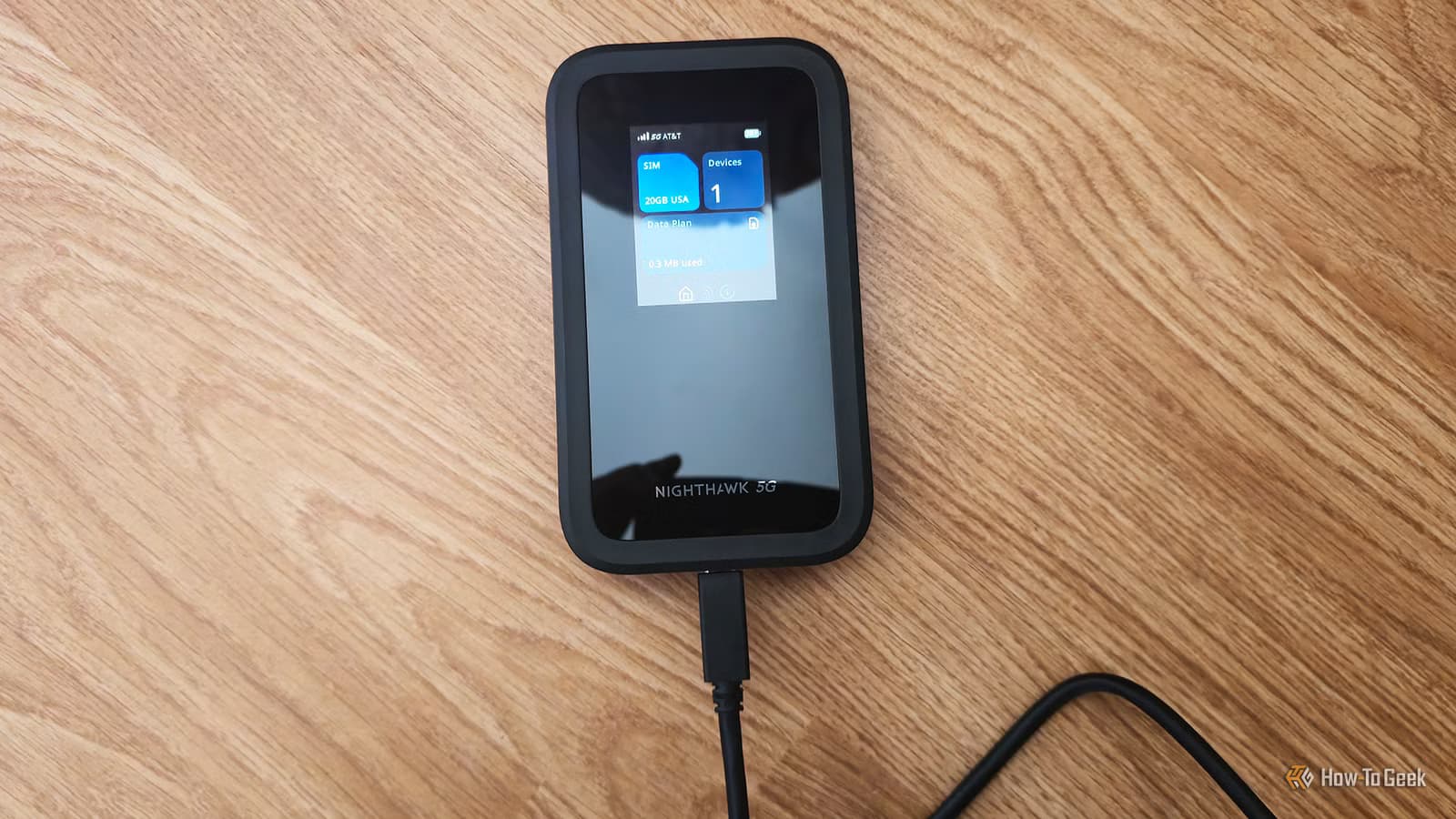
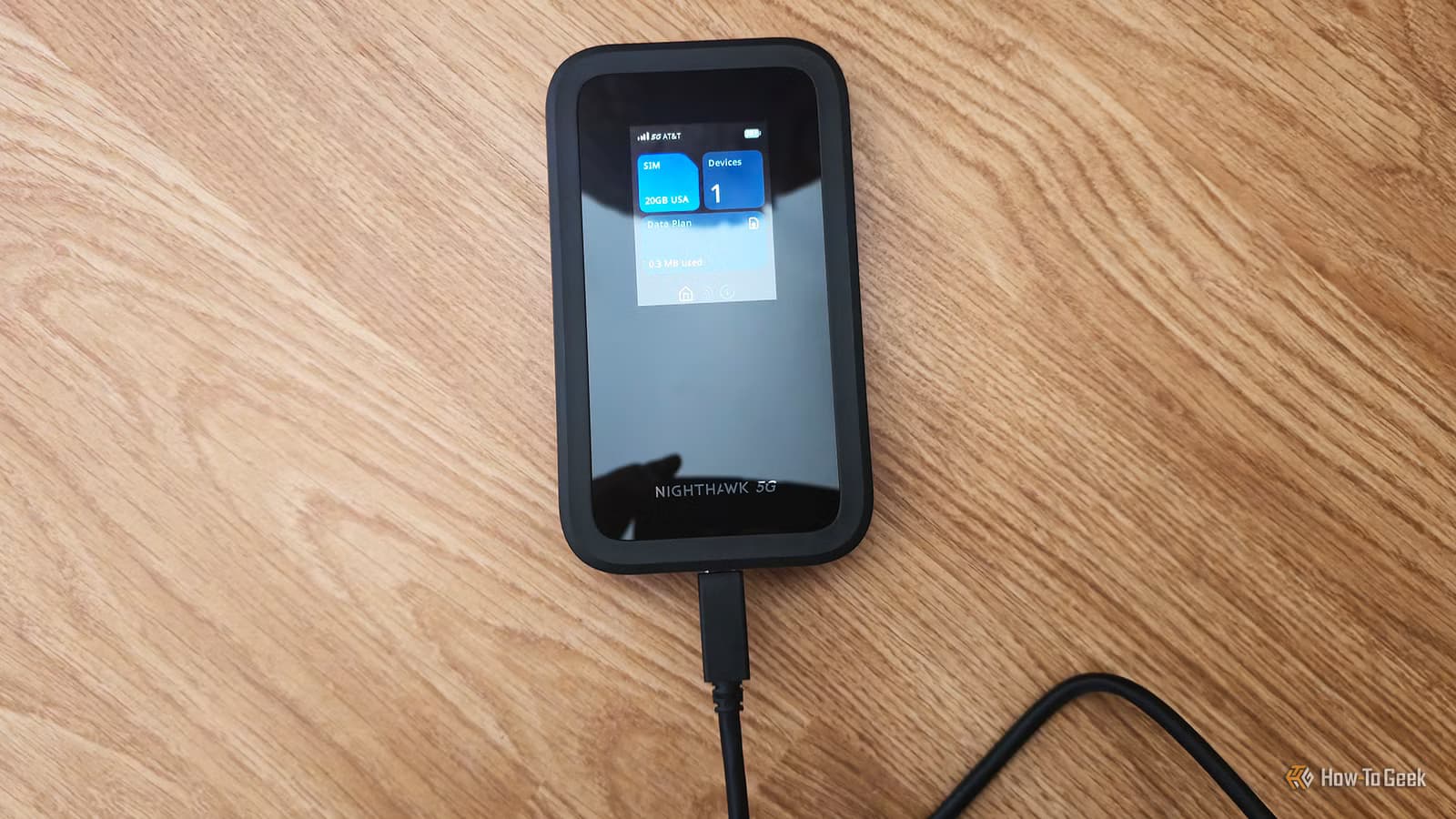
- Netgear: Use the Nighthawk or Orbi app. Check Security or Device Manager for new device alerts.
- Google/Nest Wi-Fi: Open the Google Home app. Tap Wi-Fi, then Settings, and look for notifications.
- Asus: The Asus Router app has a Notification section. Enable alerts for new device connections.
The exact menu path varies by firmware version. Look for terms like "Connection alerts," "New device alerts," or "Network notifications." If you can't find it in the app, try the web interface at your router's IP address (usually 192.168.0.1 or 192.168.1.1).
ISP-Provided Routers
If your ISP gave you a router, check their companion app first. Many ISPs now offer basic security features. If you can't find alerts, you may need to log into the web interface or call support. Some ISP routers genuinely don't support this feature.
If your ISP router lacks alerts, consider buying your own router. A basic Wi-Fi 6 router with proper alert features costs less than $100 and will likely perform better anyway.
What to Do When You Get an Alert
- Check the device name and MAC address in your router's device list
- If you recognize it, you're done. Add it to a known devices list if your router supports that.
- If you don't recognize it, block it immediately through your router app or web interface
- Change your Wi-Fi password if you suspect someone has unauthorized access
- Check for other unknown devices while you're in the settings
False positives happen. A new smart bulb might show up as "Unknown Device" or a string of numbers. But it's better to investigate a false alarm than miss a real intrusion.
Other Router Alerts Worth Enabling
New device alerts are the most important, but check if your router offers these as well:
- Firmware update notifications: Know when security patches are available
- Login attempt alerts: Get notified if someone tries to access your router's admin panel
- Bandwidth usage alerts: Spot unusual traffic that might indicate a compromised device
- Connection status alerts: Know immediately if your internet goes down
Not every router supports all of these. Some require a paid security subscription. But if they're available for free, turn them on.
Logicity's Take
Another privacy-focused tool that keeps your data local
Frequently Asked Questions
Will I get too many notifications from router alerts?
Most people get one or two alerts per week after initial setup. The first few days will be noisy as you identify all your existing devices. After that, alerts are rare and meaningful.
Do router alerts work with mesh systems?
Yes. Most mesh systems from Google, Netgear Orbi, Eero, and others include new device alerts in their companion apps. The feature works across all access points in your mesh network.
Can hackers disable router alerts?
If someone has admin access to your router, they could disable alerts. But getting admin access requires your router password. Use a strong, unique password for your router admin panel, not just your Wi-Fi password.
What if my router doesn't support new device alerts?
Check for firmware updates first. If alerts still aren't available, consider replacing your router. A basic Wi-Fi 6 router with proper security features costs under $100 and is a worthwhile upgrade.
Do I need a paid security subscription for router alerts?
Basic new device alerts are usually free. Some routers offer advanced features like threat detection or parental controls through paid subscriptions, but the core alert functionality is typically included.
Need Help Implementing This?
Source: How-To Geek
Huma Shazia
Senior AI & Tech Writer
Produced with AI assistance and reviewed by the Logicity editorial team. Learn more in our Editorial Policy.






