Key Takeaways
- Jellyfin reads embedded metadata, not file names, so untagged files create a fragmented library
- MusicBrainz Picard uses acoustic fingerprinting to identify songs without any existing tags
- The tool batch processes entire folders and embeds album art automatically
Why Jellyfin Shows "Unknown Artist" for Your Music
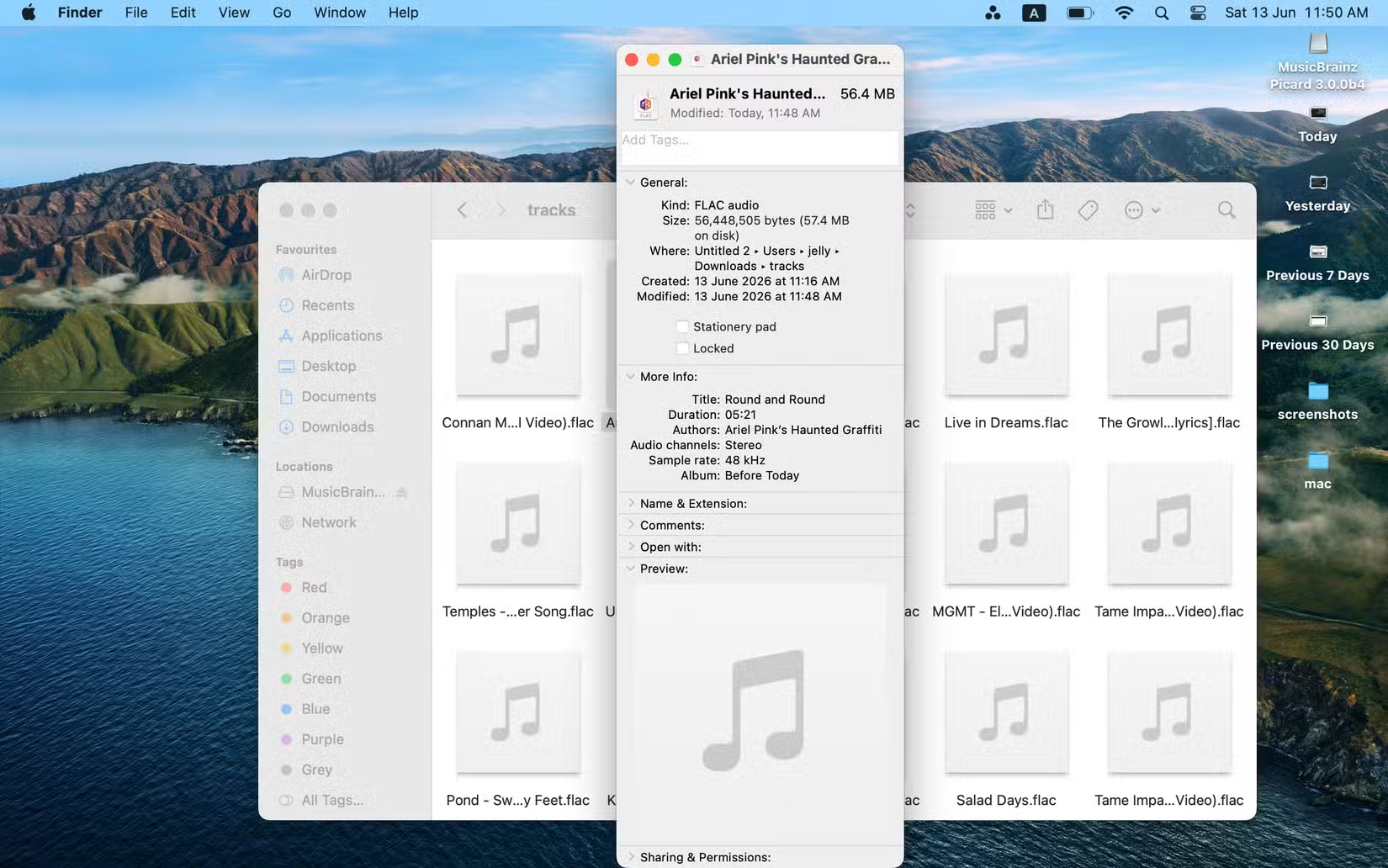
Jellyfin ignores file names entirely. It reads embedded metadata tags inside audio files. Track title, album name, artist, track number, cover art. All of it lives inside the file itself, not in the folder structure or filename.
When those tags are missing or wrong, Jellyfin has nothing to work with. Your carefully organized folders mean nothing. The server sees hundreds of "Unknown Track" entries scattered across your library. Finding a specific song becomes an exercise in frustration.
Manual tagging is technically possible. You could open each file in a metadata editor, type in the track name, album, artist, and year. Then hunt down album art and embed it. For a library of a few hundred songs, that's hours of work. For thousands, it's not realistic.
MusicBrainz Picard: The Free Fix
MusicBrainz Picard is a free, open-source desktop application that automates music tagging. It works on Windows, macOS, and Linux. The tool connects to MusicBrainz, a community-maintained database tracking over 250,000 artists and their releases.
The magic is acoustic fingerprinting. Picard can listen to an audio file and generate a unique signature based on what it hears. It then matches that signature against the MusicBrainz database. Even files ripped from CDs with zero metadata get identified correctly. The reported success rate for acoustic fingerprinting is 98%.
Once Picard identifies a track, it pulls the full metadata set from MusicBrainz. Track number, disc number, release year, genre, album art. All embedded directly into the file. When Jellyfin scans the folder, it reads clean, complete tags.
How to Tag Your Library Step by Step
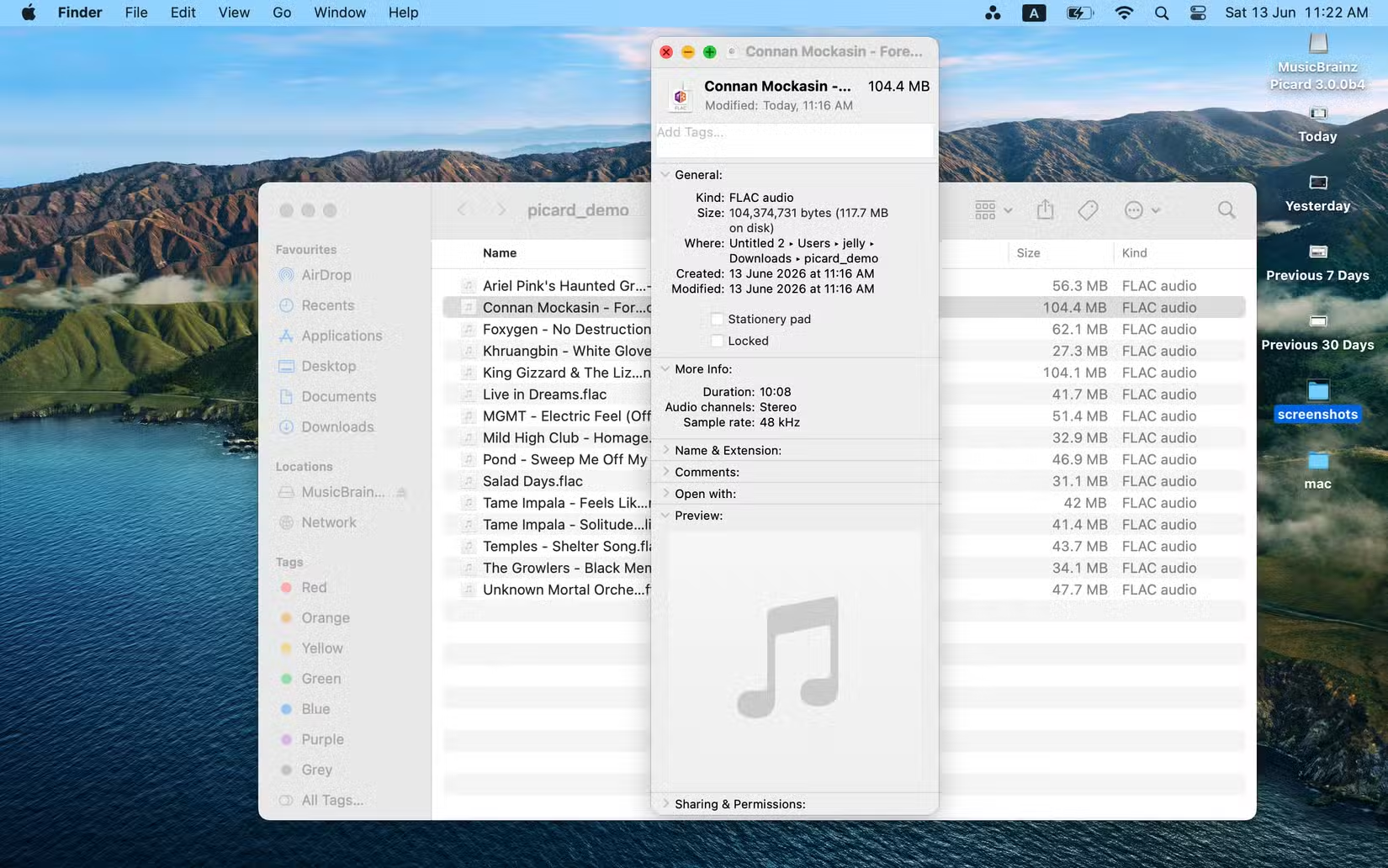
- Put all your audio files in a single folder. Picard supports FLAC, OGG, WMA, MP3, and most other formats.
- Download MusicBrainz Picard from the official site. Available for Windows, macOS, and Linux.
- Install and launch the app. During onboarding, check the box that allows Picard to directly overwrite and edit your music files.
- Click the folder icon in Picard and open your music folder. The app will load all files.
- Click "Scan" to use acoustic fingerprinting, or "Cluster" then "Lookup" if files have partial metadata.
- Review the matches. Picard shows you what metadata it plans to write.
- Click "Save" to embed the tags and album art into your files.
Batch processing is the real time saver. Point Picard at a folder with 500 untagged files, let it scan, and save. The entire operation takes minutes instead of days.
Results in Jellyfin
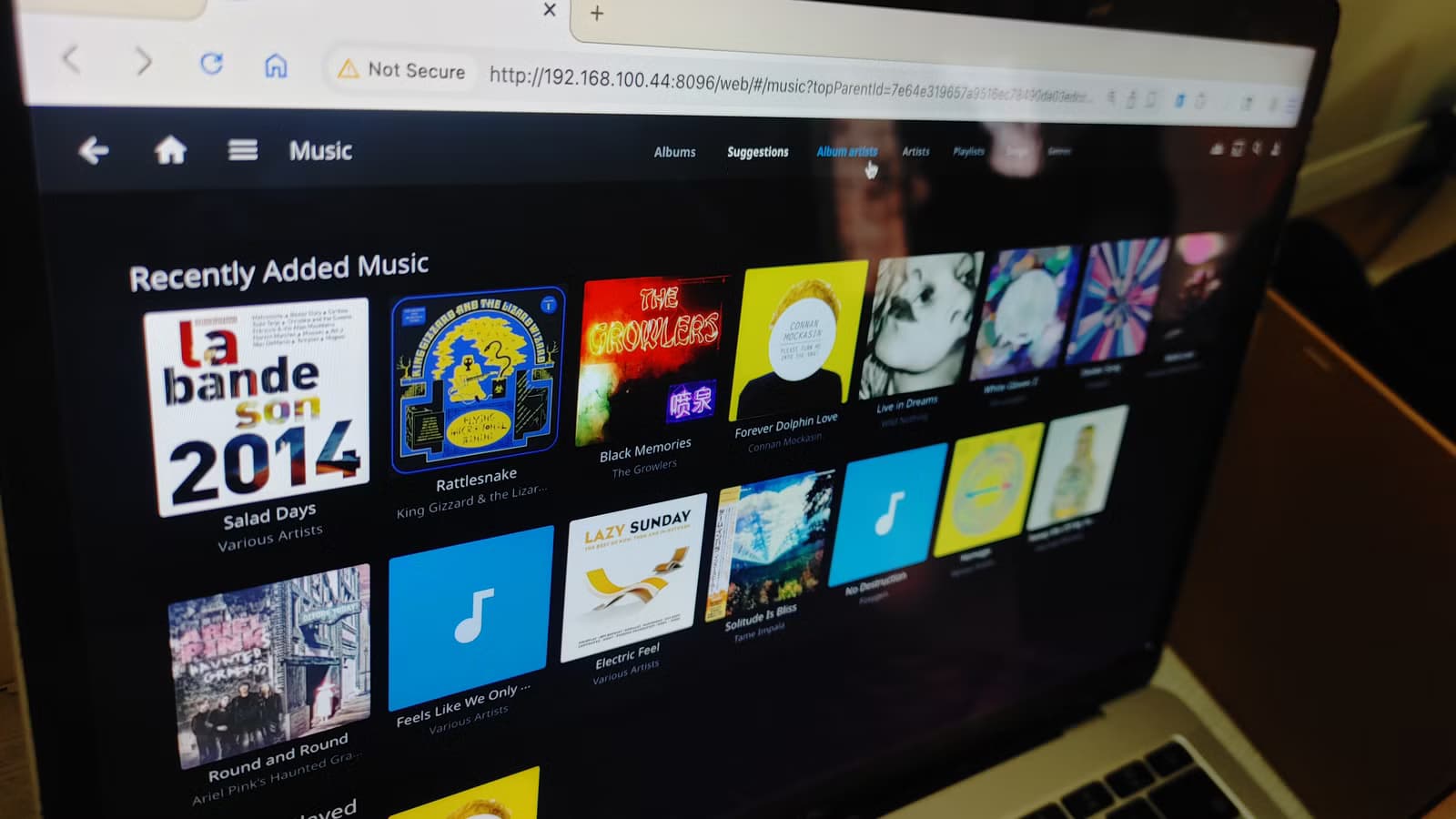
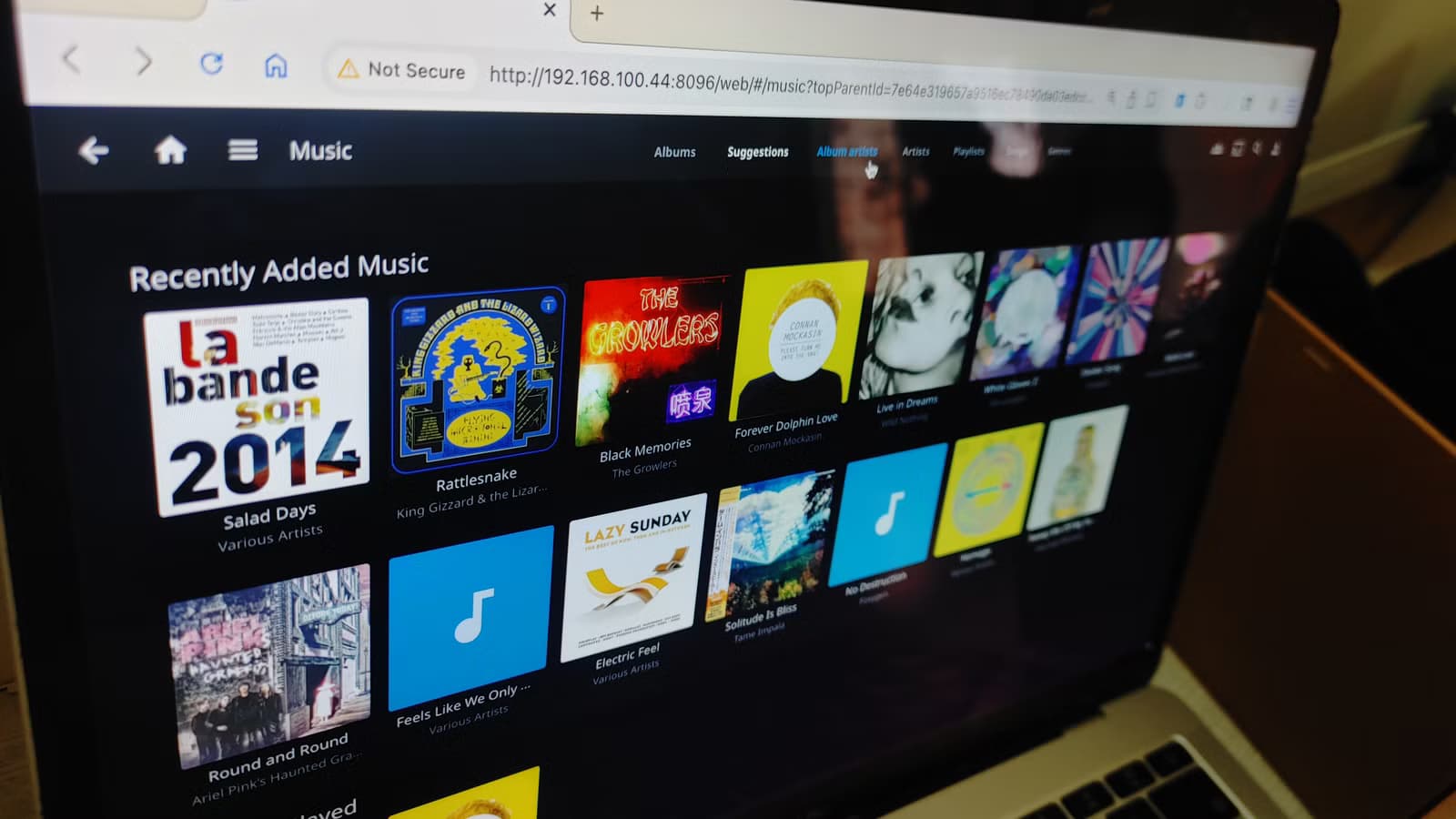
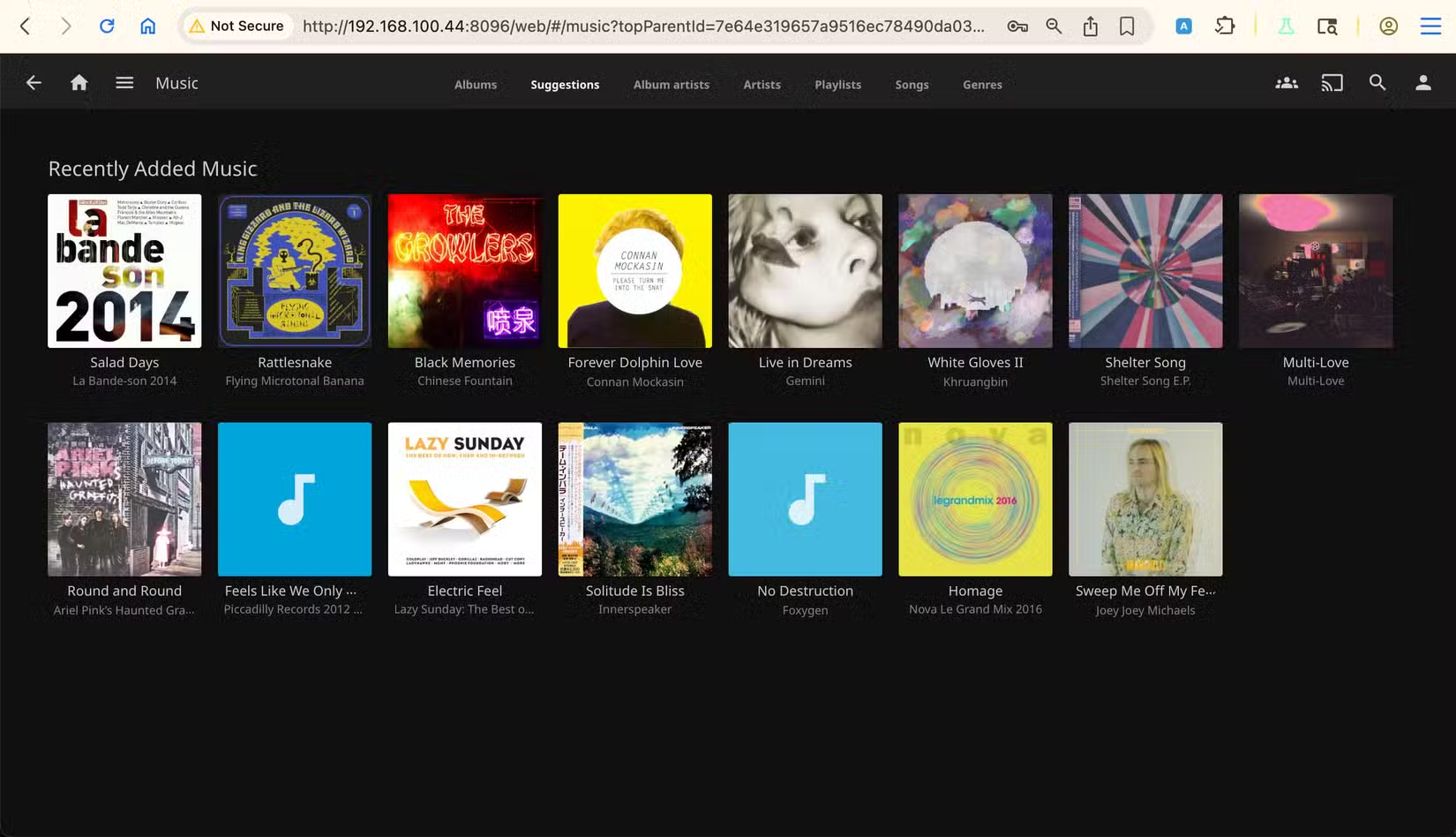
After running Picard, trigger a library rescan in Jellyfin. The server now reads the embedded tags and organizes your collection properly. Albums group together. Artist pages populate with discographies. Cover art displays on every album.
Your Jellyfin library starts looking like Spotify or Apple Music. Proper titles, consistent artist names, album covers everywhere. The difference is you own the files and the server.
Advanced Option: Beets for Full Automation
Power users in the r/selfhosted community sometimes prefer Beets, a command-line tool that can auto-tag, rename, and organize files in one pass. It uses the same MusicBrainz database but adds scripting capabilities for folder structure and naming conventions.
For most users, Picard's graphical interface and manual review step works better. You see exactly what changes before they're written. Beets shines when you want fully automated pipelines without human review.
Another open-source tool that prioritizes privacy and local processing
Why MusicBrainz IDs Matter
Picard embeds MusicBrainz IDs (MBIDs) into your files. These are unique identifiers for each release, artist, and recording in the database. Jellyfin and other media servers can use MBIDs for more accurate matching than text-based metadata alone.
Community discussions on r/jellyfin consistently cite MBIDs as the single most important factor in a clean music library. Different releases of the same album, live versions versus studio versions, regional variations. MBIDs distinguish them all.
Logicity's Take
FAQ
Frequently Asked Questions
Does MusicBrainz Picard work with all audio formats?
Yes. Picard supports MP3, FLAC, OGG, WMA, AAC, and most other common audio formats. It can read and write metadata tags for all of them.
Will Picard damage or alter my audio quality?
No. Picard only modifies the metadata tags embedded in files, not the audio data itself. Your music quality stays exactly the same.
What if MusicBrainz doesn't have my album in its database?
You can manually add metadata or submit your album to the MusicBrainz database. Community members actively add new releases, so popular music is almost always covered.
Is MusicBrainz Picard free?
Completely free and open-source. No subscriptions, no premium tiers, no ads. Available for Windows, macOS, and Linux.
How does acoustic fingerprinting identify songs?
Picard analyzes the audio waveform to create a unique signature, then matches it against MusicBrainz's database of known recordings. This works even when files have no existing metadata or incorrect file names.
Need Help Implementing This?
Source: How-To Geek
Manaal Khan
Tech & Innovation Writer
Produced with AI assistance and reviewed by the Logicity editorial team. Learn more in our Editorial Policy.






