Key Takeaways
- Jailbroken Kindles can display Home Assistant dashboards with hourly refresh and minimal battery drain
- KOReader app handles PDFs far better than native Kindle software, including multi-column documents
- E-ink displays make excellent always-on information panels due to low power consumption
Your Kindle Is a Linux Tablet in Disguise
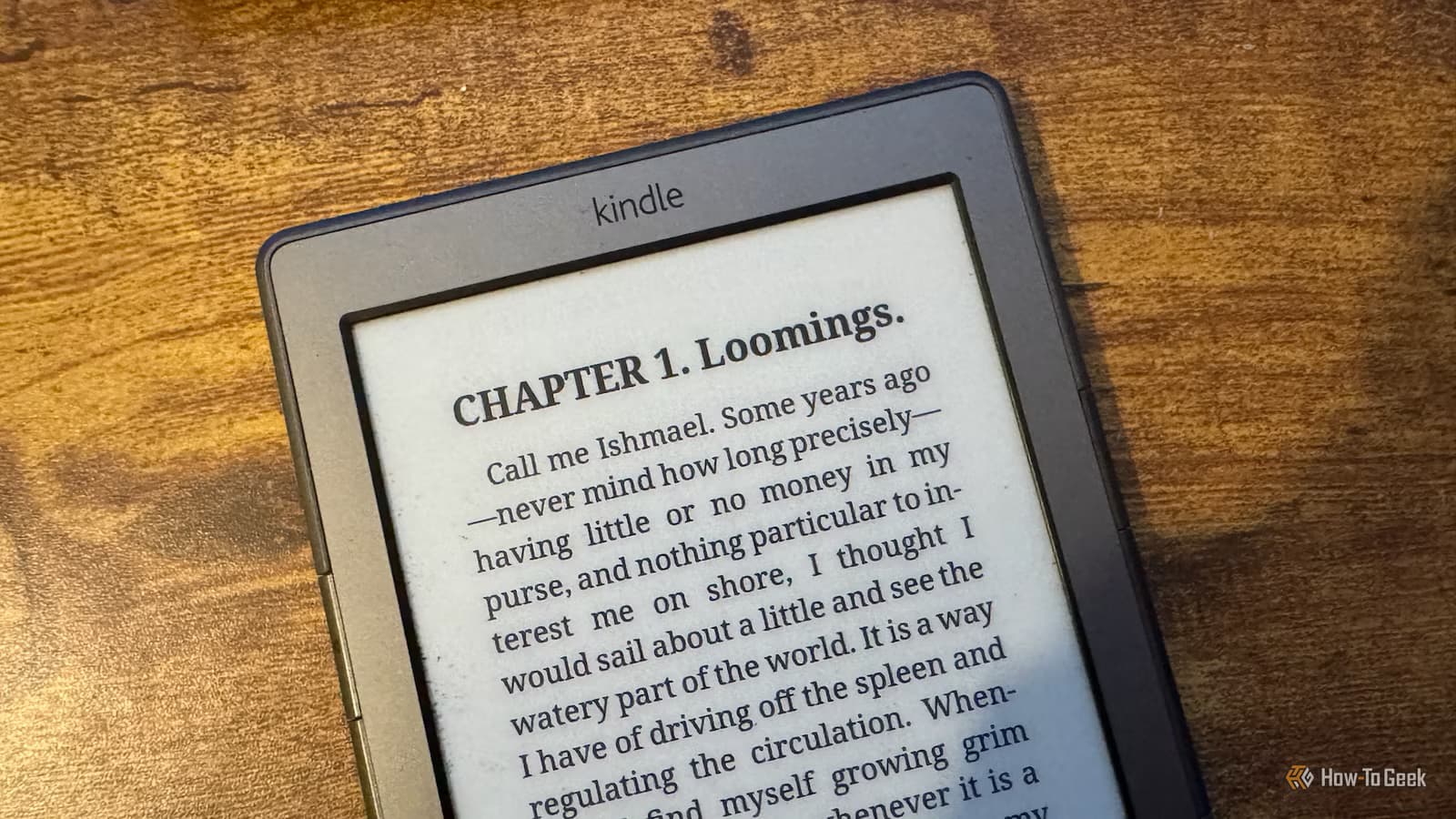
Amazon sells the Kindle as a reading device. Fair enough. But underneath the bookstore integration sits a Linux-based system with more capability than most owners realize. Jailbreaking removes Amazon's restrictions and opens the hardware to custom apps, alternative readers, and uses that have nothing to do with books.
Adam Davidson, an engineer and smart home enthusiast writing for How-To Geek, shared five ways he puts jailbroken Kindles to work. Some are practical productivity boosts. Others are just fun. All of them demonstrate what e-ink hardware can do when you take it off Amazon's leash.
1. Smart Home Dashboard That Runs for Days
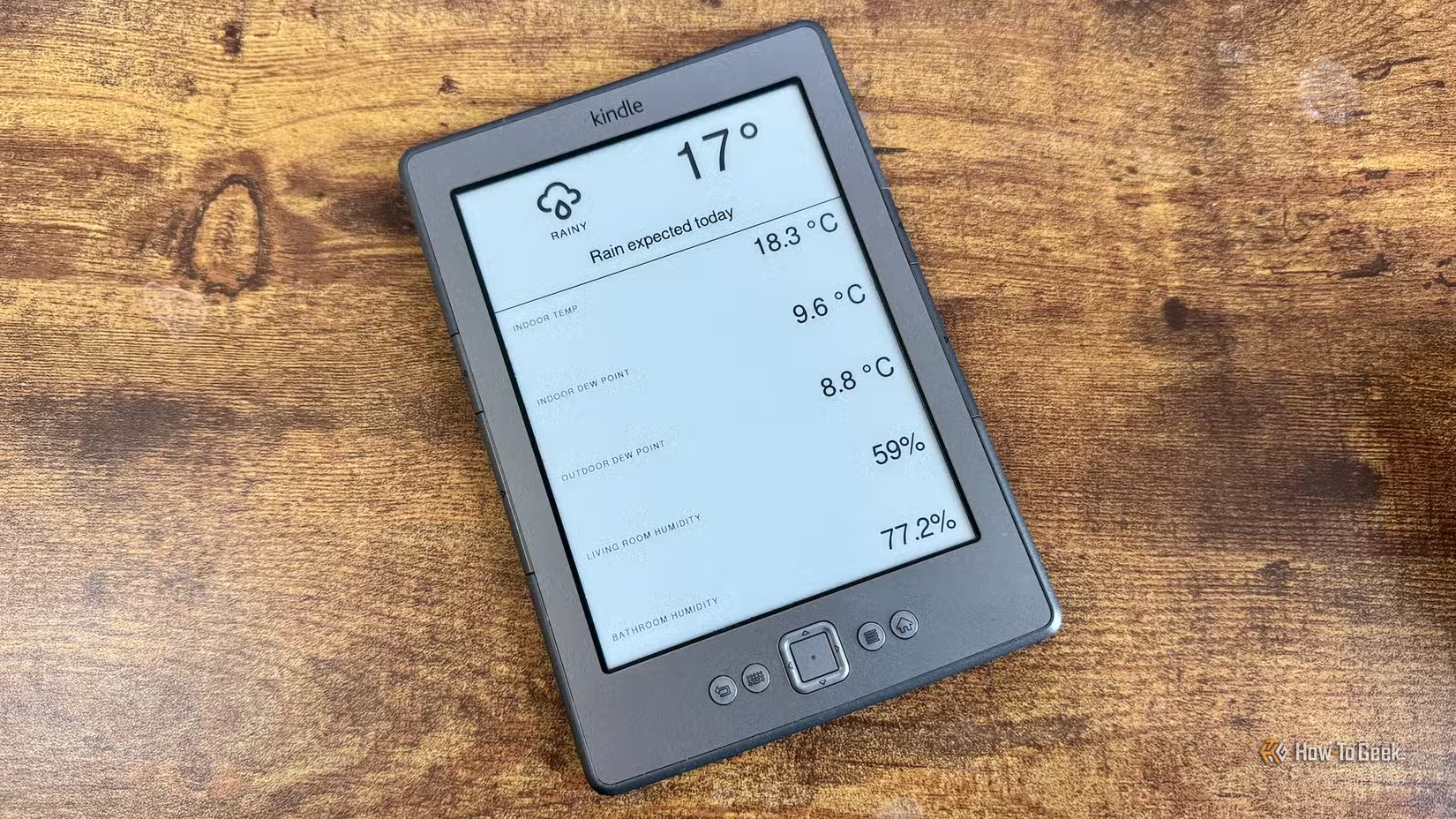
Davidson is skeptical of wall-mounted tablet dashboards. His logic: walking across the room to tap a screen defeats the purpose of home automation. But he sees value in glanceable information displays. Temperature readings, sensor data, device status. A Kindle handles this well.
His setup uses the hass-lovelace-kindle-screensaver add-on for Home Assistant. The add-on captures a screenshot of a dedicated dashboard. The Kindle fetches and displays that screenshot. Refresh happens once per hour. Battery lasts far longer than any tablet would manage.
“The ideal smart home should work with minimal interaction from the user, with automations running as if by magic.”
— Adam Davidson, Author/Engineer at How-To Geek
E-ink's zero-power image retention makes this work. The display holds its image without drawing current. Only refresh cycles consume battery. An old Kindle 4 becomes a useful wall panel instead of e-waste.
2. KOReader for PDFs That Actually Work
Amazon's native PDF handling is bad. Pages either crop awkwardly or shrink text to unreadable sizes. The 6-inch screen makes this worse. Most Kindle owners give up on PDFs entirely.
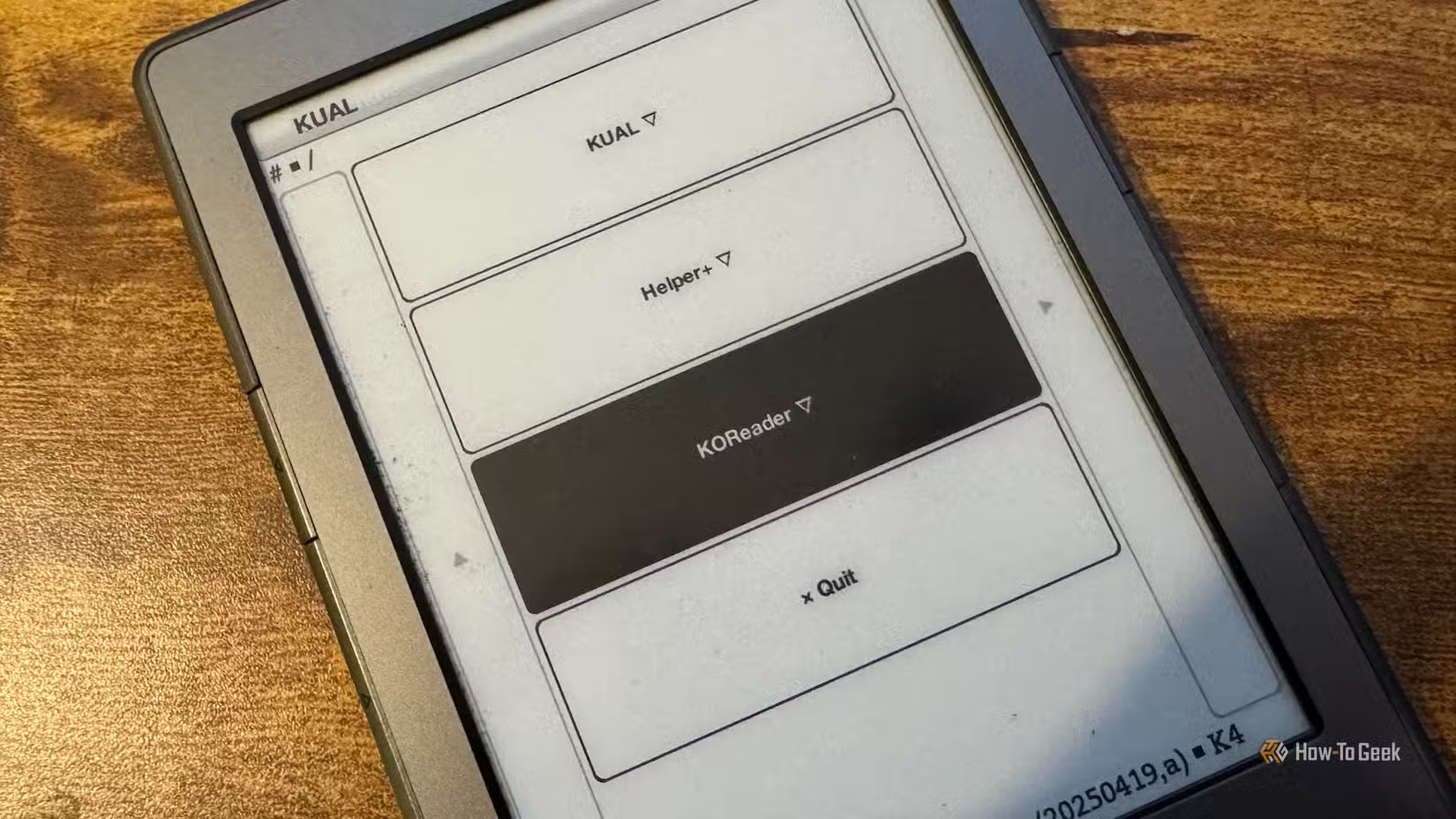
KOReader solves this. It's an open-source document viewer that runs on jailbroken Kindles. The app handles reflowing, zooming, and multi-column documents intelligently. Configure a reading path through columns, and the Kindle displays each section in proper sequence.
Academic papers, technical documentation, magazine scans. KOReader makes all of them usable on hardware that Amazon never optimized for the task.
3. Custom Screensavers with Your Own Photos
Stock Kindles display Amazon's curated screensaver images or book covers. Jailbreaking lets you replace these with personal photos. E-ink renders high-contrast images beautifully. A beach photo or family picture looks striking on the matte display.
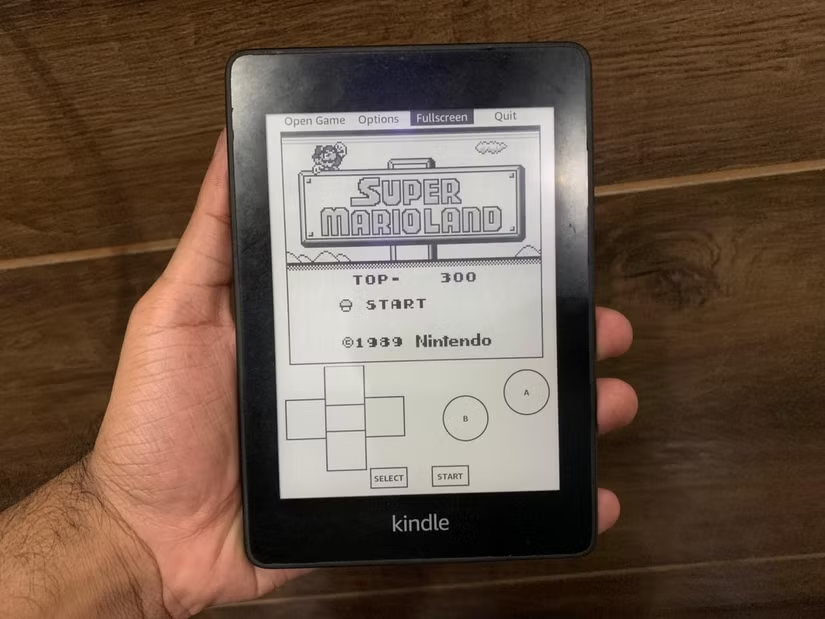
The process involves adding images to a specific folder on the device. No ongoing maintenance required. The Kindle cycles through your collection whenever it sleeps.
4. Retro Gaming on E-Ink
Yes, people play Super Mario on jailbroken Kindles. No, the experience isn't smooth. E-ink refresh rates measure in fractions per second, not frames. Fast action games ghost badly.
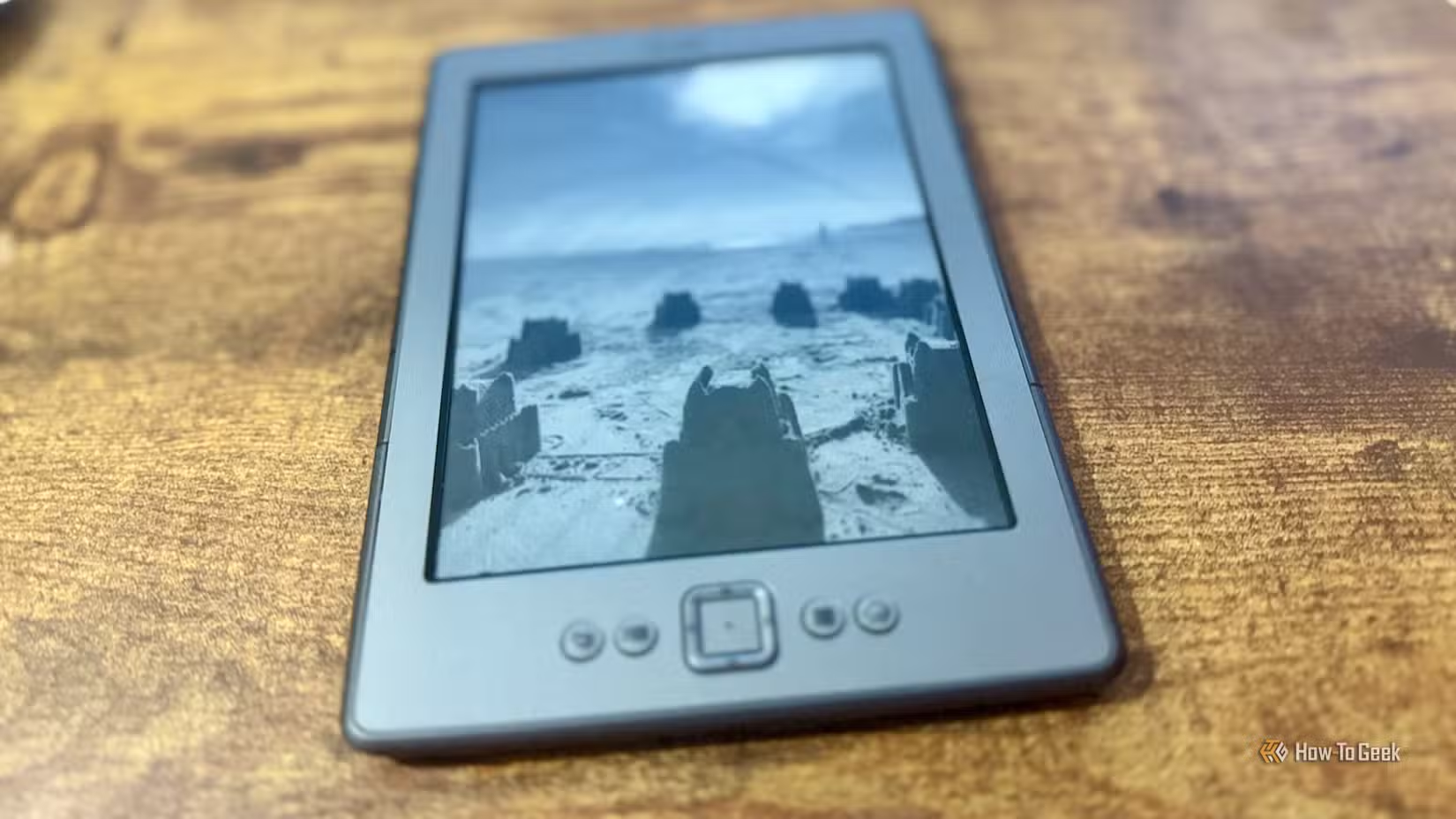
But slower games work. Turn-based RPGs, puzzle games, text adventures. Emulators exist for Game Boy, NES, and other retro platforms. It's more proof-of-concept than practical gaming setup, but it shows how flexible the hardware becomes after jailbreaking.
5. Better Library Management
Calibre, the desktop ebook management tool, integrates well with jailbroken Kindles. Users can sync large libraries, convert formats, and organize collections without Amazon's ecosystem involvement. Combined with KOReader's format support, this creates a DRM-free reading experience.
The jailbreaking community on Reddit's r/kindle discusses setups involving Bluetooth page turners for hands-free reading and clear cases with sticker sandwiches for personalization. The hardware supports more creativity than Amazon's walled garden allows.
Should You Jailbreak?
Jailbreaking voids your warranty and carries some risk of bricking the device. Amazon can also push firmware updates that remove jailbreak access. Users need to disable automatic updates and stay current with community developments.
For older Kindles collecting dust, the tradeoff makes sense. You're repurposing hardware that otherwise has no value. For new devices still under warranty, the calculation changes.
Amazon holds roughly 72% of the global e-reader market. That dominance means most e-ink hardware in circulation is Kindle hardware. Jailbreaking extends the useful life of devices that Amazon considers obsolete.
Logicity's Take
More smart home optimization tips
Put your Kindle to traditional use too
Frequently Asked Questions
Can I jailbreak any Kindle model?
Most older Kindles (Kindle 4, Paperwhite generations 1-3) have reliable jailbreak methods. Newer models are harder to crack, and Amazon actively patches vulnerabilities. Check the r/kindle subreddit for current compatibility.
Will jailbreaking delete my books?
No. Your purchased books remain in your Amazon account and on the device. Jailbreaking adds capabilities without removing existing functionality.
Does Amazon ban jailbroken Kindles?
Amazon has not banned accounts for jailbreaking. However, firmware updates can remove jailbreak access. Most users disable automatic updates to prevent this.
What is KOReader?
KOReader is an open-source document viewer that runs on jailbroken e-readers. It handles PDFs, ePubs, and other formats better than Amazon's native software, with features like column navigation and custom fonts.
How long does a Kindle last as a smart home dashboard?
With hourly refresh cycles, a Kindle can display dashboard information for days or weeks on a single charge. E-ink only draws power during screen updates.
Need Help Implementing This?
Source: How-To Geek
Huma Shazia
Senior AI & Tech Writer
Produced with AI assistance and reviewed by the Logicity editorial team. Learn more in our Editorial Policy.






