Key Takeaways
- USB Power Delivery (USB-PD) enables USB-C chargers to power devices far beyond phones and laptops
- Portable soldering irons like the iFixit FixHub run at 100W over USB-C and heat up in under five seconds
- USB-C rechargeable AA and AAA batteries eliminate the need for bulky charging units on the go
That USB-C power brick on your desk does more than charge your phone and laptop. USB Power Delivery (USB-PD) pushes enough wattage to run devices you probably never considered plugging in. Soldering irons. Travel routers. Even AA batteries. The universal connector earns its name.
Most people treat their USB-C charger as a single-purpose tool. That 65W or 100W brick came with a laptop, so it charges laptops. But USB-PD's variable voltage output, ranging from 5V to 20V depending on what the device negotiates, opens up a surprisingly wide range of gadgets. Here are five worth knowing about.
Soldering irons that actually get hot
This one caught me off guard. USB-C powered soldering irons have surged in popularity among makers and electronics hobbyists because they work anywhere. No wall outlet required. A sufficiently beefy power bank handles the job.
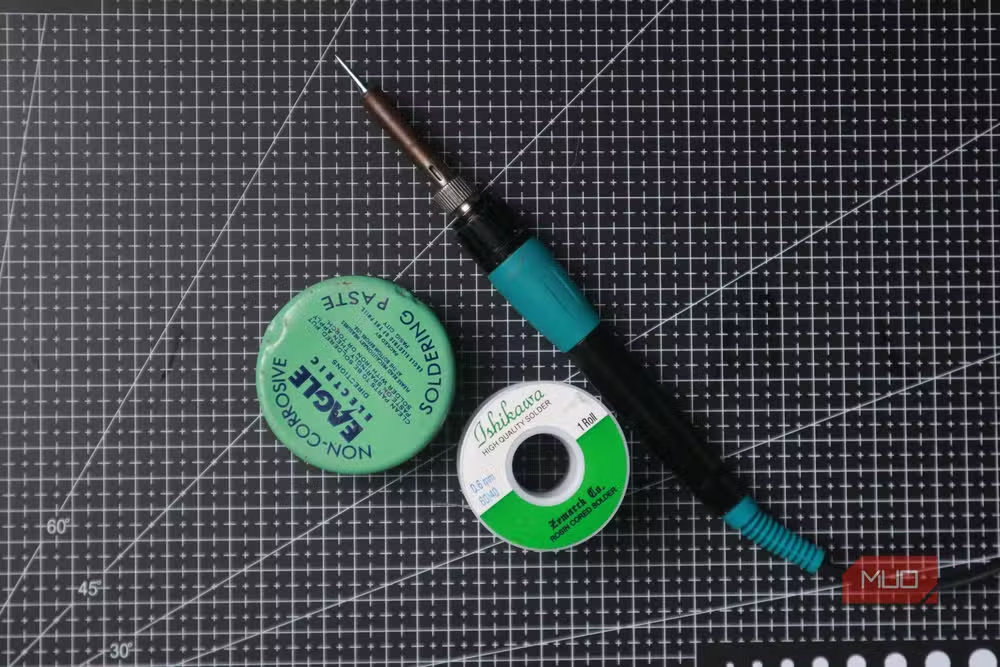
The iFixit FixHub Smart Soldering Iron is the standout option. It pulls 100W over USB-C, reaches temperatures between 200°C and 420°C, and heats up in under five seconds. For perspective, that temperature range covers everything from basic wire connections to desoldering surface-mount components. It ships with a magnetic safety cap and quick-swap tips.
A more portable alternative is the Miniware TS101, which runs on 45W and works with any PD3.0 charger rated between 9V and 20V. Both options mean you can do board-level repairs in the field, on a client site, or anywhere you can carry a power bank.
Rechargeable AA and AAA batteries
Remember hauling a chunky battery charger on road trips to keep your Game Boy alive? USB-C rechargeable batteries eliminate that hassle entirely. You plug them directly into any USB-C port, no dedicated charger required.
There's some clever engineering inside. The batteries deliver 1.5V like standard AAs, but internally they contain a 3.7V Li-ion cell with a small voltage controller. The brands making these aren't household names yet. Duracell and Energizer, despite dominating traditional battery sales, have been slow to enter the USB-C rechargeable market.
For anyone still using devices that run on AAs, whether wireless keyboards, TV remotes, or flashlights, these batteries cut recurring costs and environmental waste. One USB-C port replaces a drawer full of charging equipment.
Travel routers for better hotel Wi-Fi
Hotel Wi-Fi is famously terrible. So is airport Wi-Fi. A USB-C powered travel router solves both problems while fitting in your laptop bag.
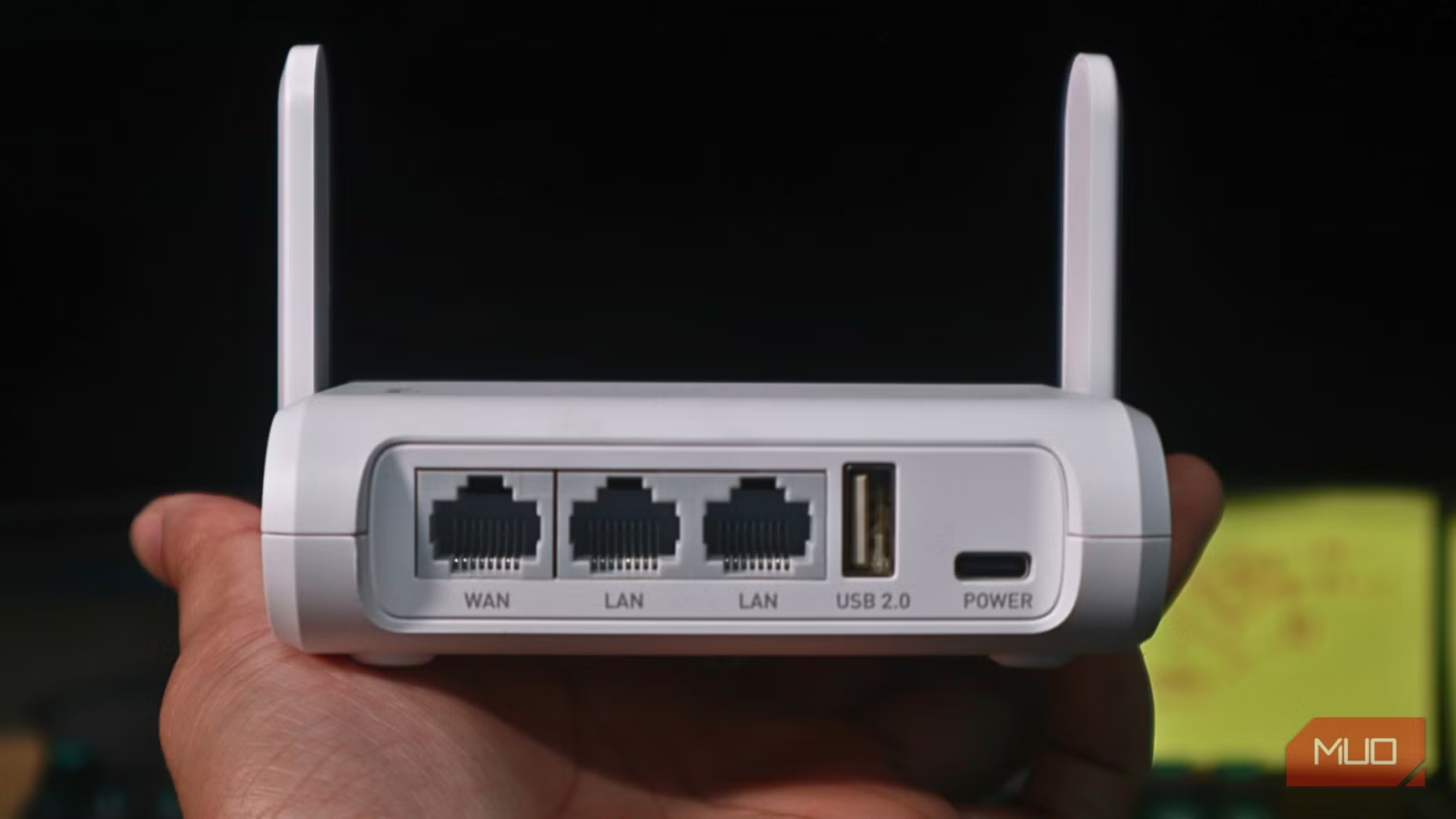
The GL.iNet Opal is one of the best options. It's a dual-band router with a Gigabit WAN port and two Gigabit LAN ports, all running off USB-C power. Plug it into the hotel's wired ethernet, and you get a private Wi-Fi network for all your devices. Better security, better speeds, and no fighting with captive portals on every gadget.
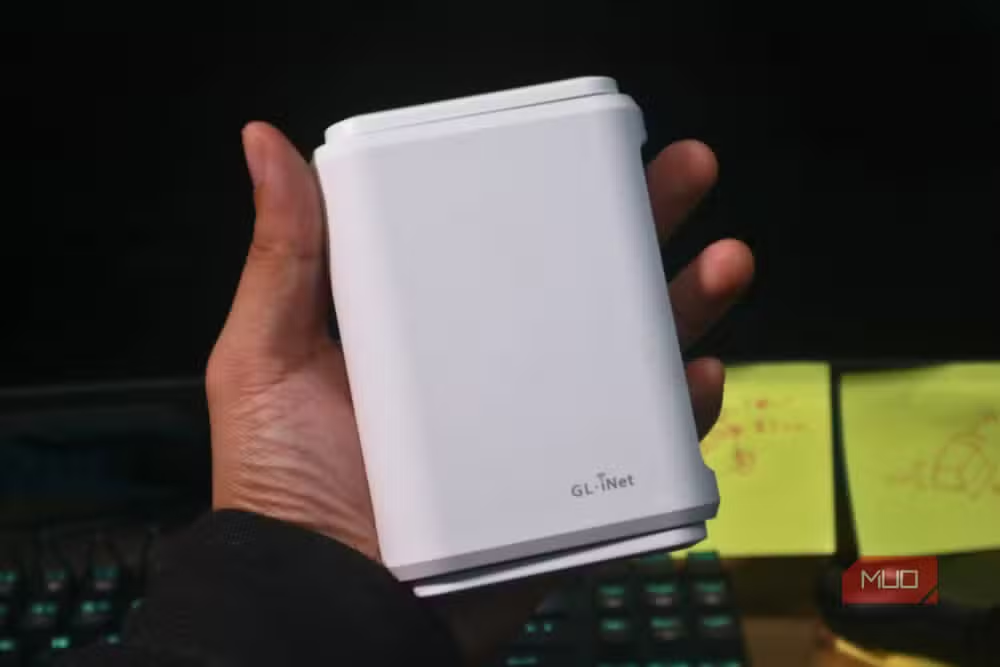
Travel routers also create a local network on the go. Need to transfer files between a laptop and tablet without internet? The router handles it. For frequent travelers, especially those carrying multiple devices, this is one of the most practical USB-C accessories available.
Rechargeable hand warmers
This one falls into the "why not" category. USB-C rechargeable hand warmers exist, and they work. Most double as small power banks, so you get warmth and emergency phone charging in one pocket-sized device.
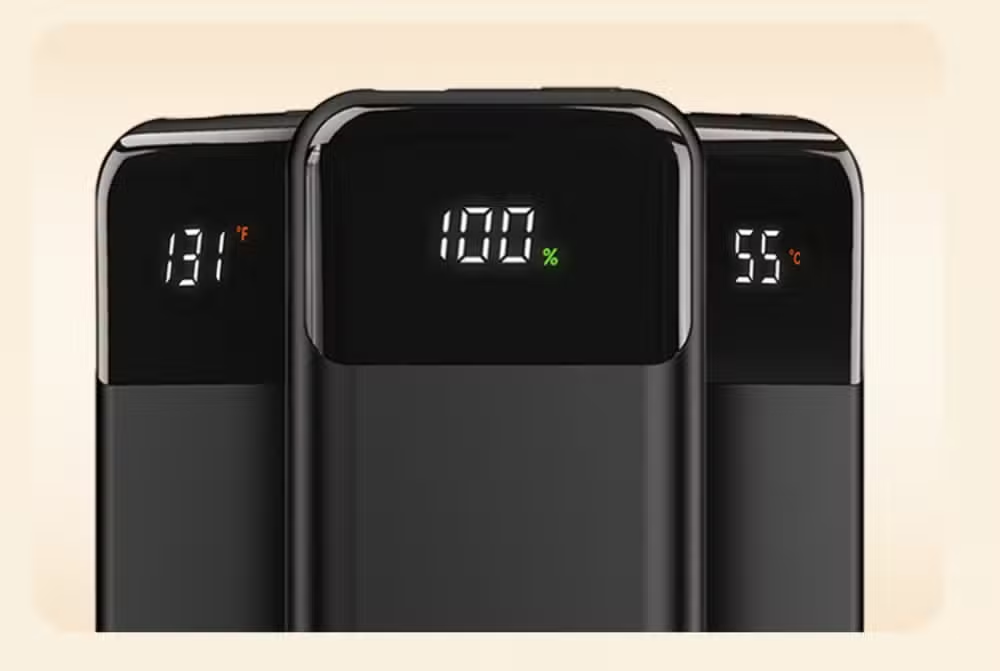
The appeal is obvious for anyone who works outdoors in cold weather. Construction sites, photography shoots, morning commutes. A single USB-C charger now handles your phone, your laptop, and keeping your hands functional.
Why USB-PD changes what's possible
The common thread is USB Power Delivery. Standard USB tops out at 7.5W to 15W. USB-PD pushes that to 100W, and the newer USB-PD 3.1 spec extends to 240W. That's enough power for gaming laptops, monitors, and yes, soldering irons hot enough for serious electronics work.
The practical takeaway: check what your charger actually outputs. A 30W phone charger won't run a 100W soldering iron. But that 65W or 100W laptop brick you already own? It's probably underutilized.
Another quick tech fix that solves everyday frustration
Frequently Asked Questions
Can any USB-C charger power a soldering iron?
No. You need a USB-PD charger with sufficient wattage. The iFixit FixHub requires 100W, while the Miniware TS101 needs at least 45W with PD3.0 support at 9V-20V.
Are USB-C rechargeable AA batteries safe for all devices?
Yes. They output the standard 1.5V expected by AA devices. The internal Li-ion cell and voltage controller are hidden from the device.
Do USB-C travel routers need internet to create a local network?
No. They can create a local network for file transfers between devices without any internet connection. Internet access requires plugging into ethernet or connecting to an existing Wi-Fi source.
What's the difference between USB-PD and regular USB charging?
Standard USB delivers 7.5W to 15W. USB Power Delivery negotiates higher voltages and currents, reaching 100W under the PD3.0 spec and 240W under PD3.1.
How do I check my USB-C charger's wattage?
Check the fine print on the charger itself or its original packaging. Look for output ratings like "20V/5A" (100W) or "20V/3.25A" (65W).
Logicity's Take
The real story here isn't novelty gadgets. It's consolidation. A single high-wattage USB-C charger replaces dedicated power supplies for a growing list of tools. For professionals who travel with equipment, that means fewer bricks in the bag and fewer outlets to hunt for. The limiting factor isn't the connector anymore. It's whether manufacturers build USB-PD into their devices. Expect that list to expand significantly over the next two years.
Need Help Implementing This?
Evaluating USB-C power solutions for your workspace or product line? Logicity helps technical teams make informed hardware decisions. Reach out to discuss your setup.
Source: MakeUseOf
Manaal Khan
Tech & Innovation Writer
Produced with AI assistance and reviewed by the Logicity editorial team. Learn more in our Editorial Policy.






